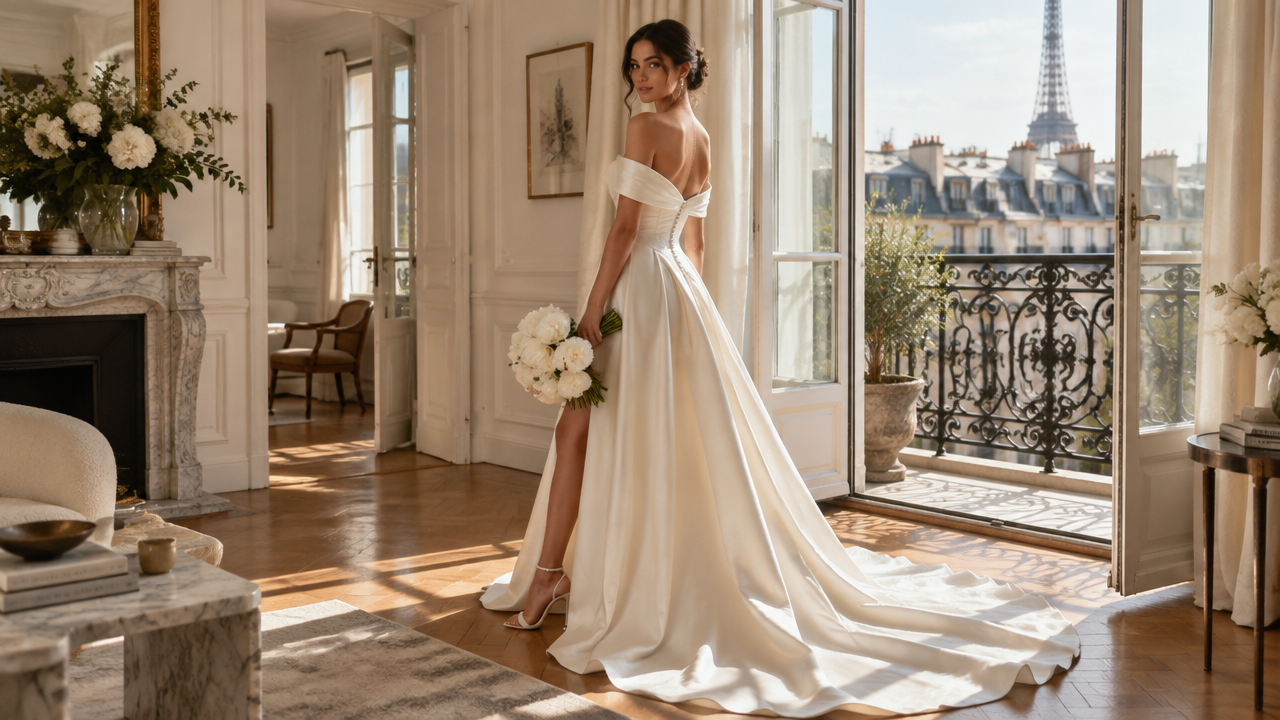
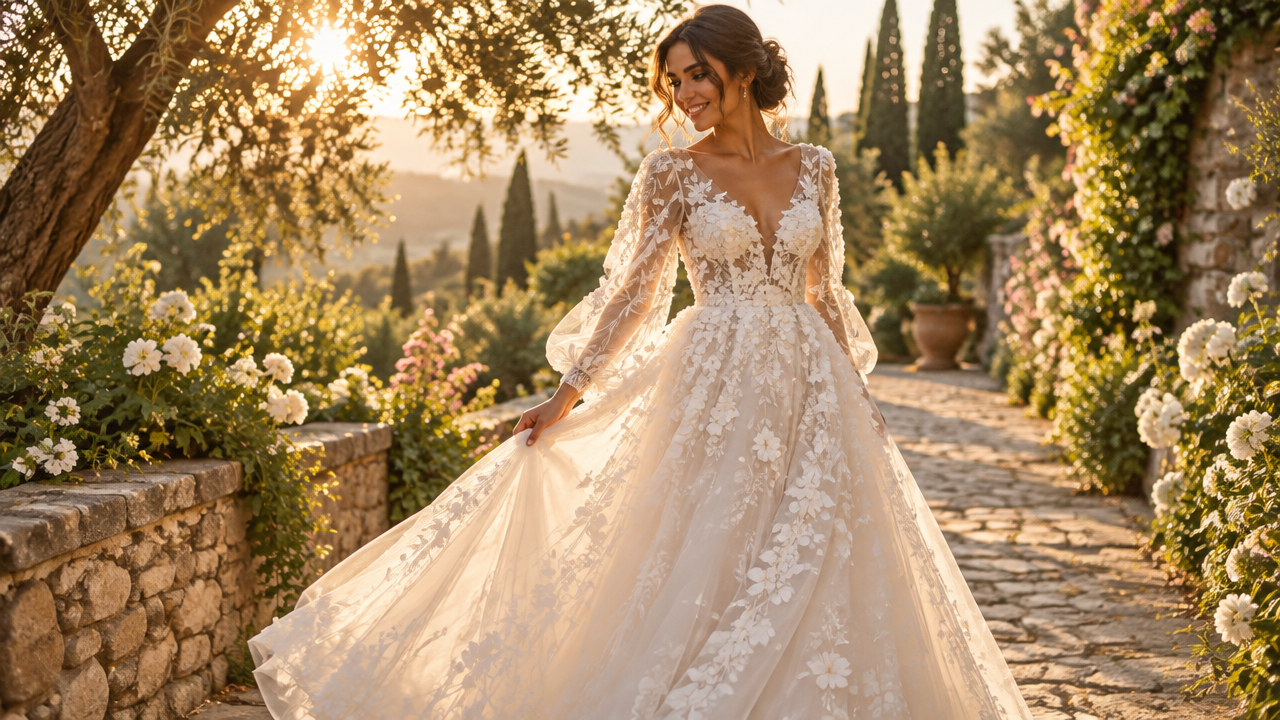
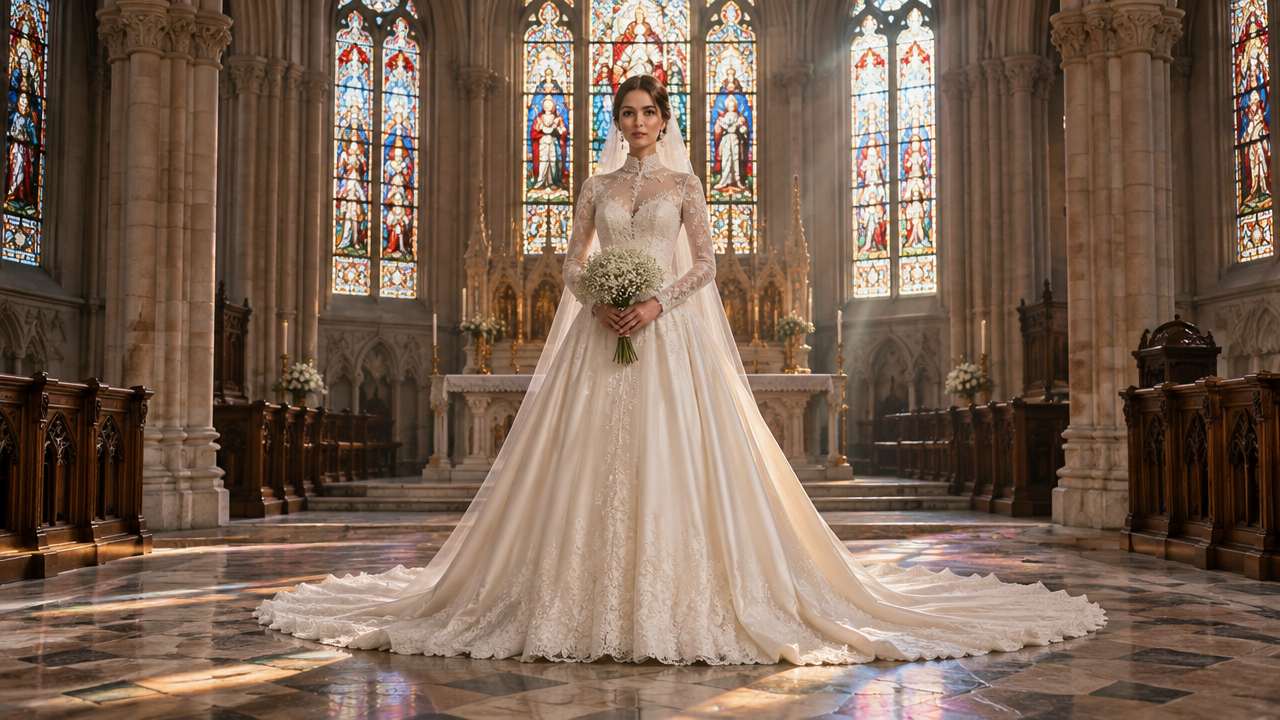
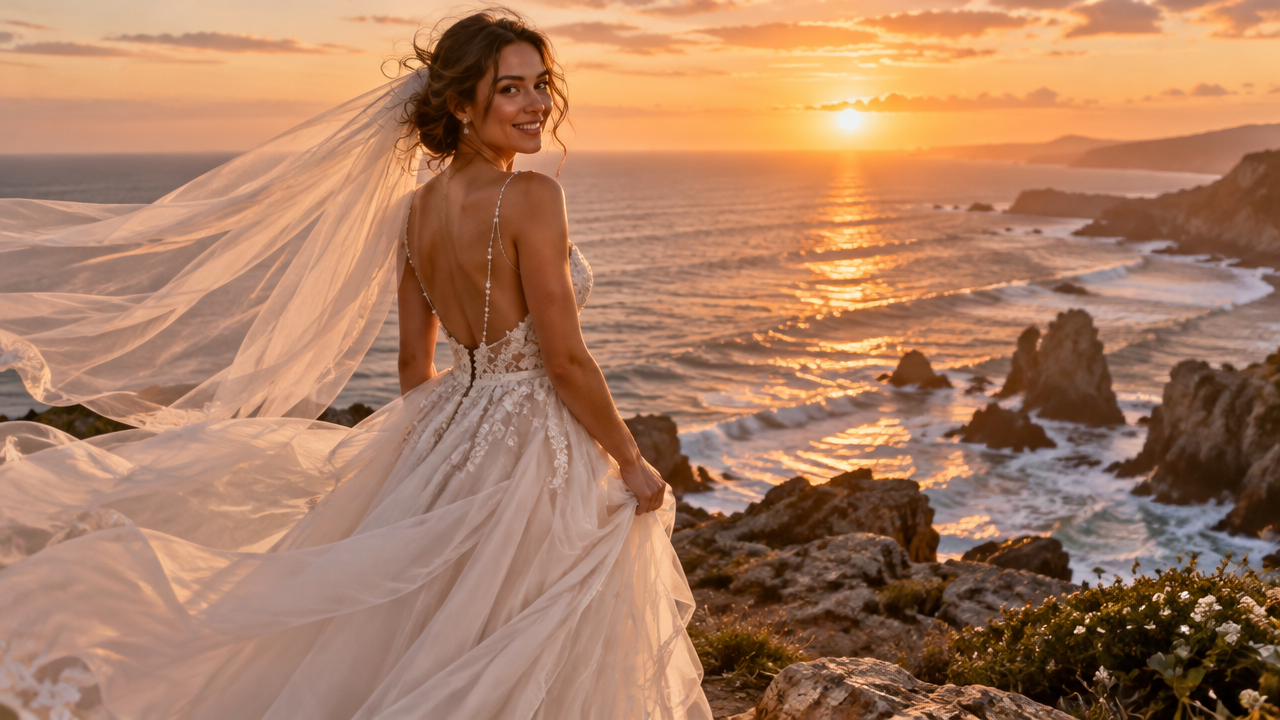
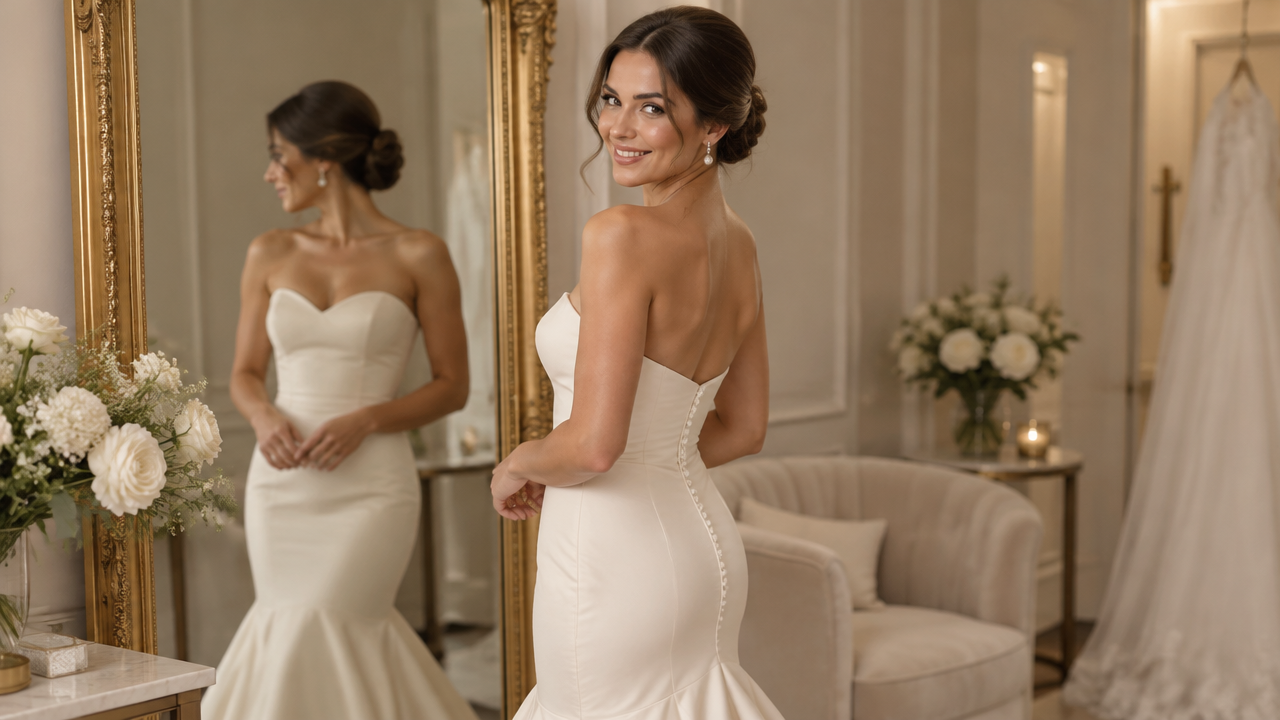
Instantly transform photos into stunning bridal portraits. Use our AI wedding dress generator to explore styles & create your dream look for free. No sign-up needed!

AI Wedding Dress Transformation: Generate Stunning Bridal Portraits

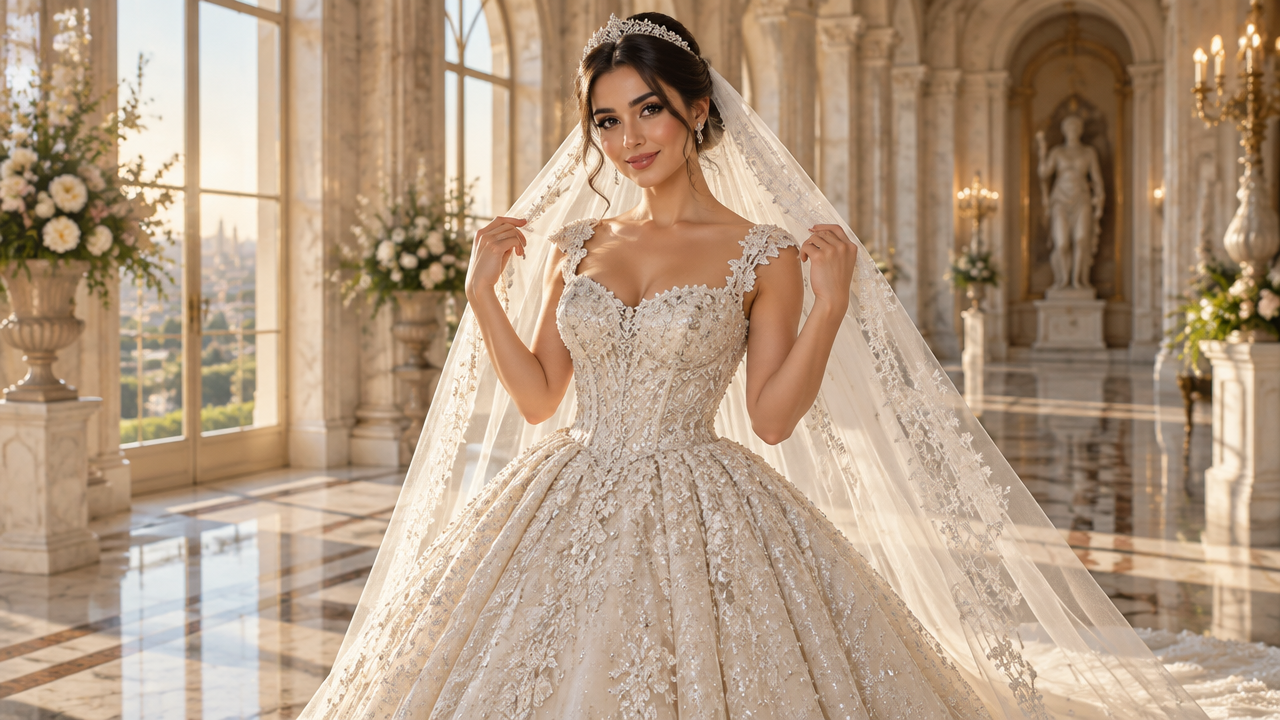
Upload any photo, and our AI will transform it into exquisite wedding dress imagery within seconds. Perfect for brides-to-be, stylists, or dreamers, offering endless inspiration without professional photo editing skills.

Transform Any Photo into Your Dream Wedding Dress Vision

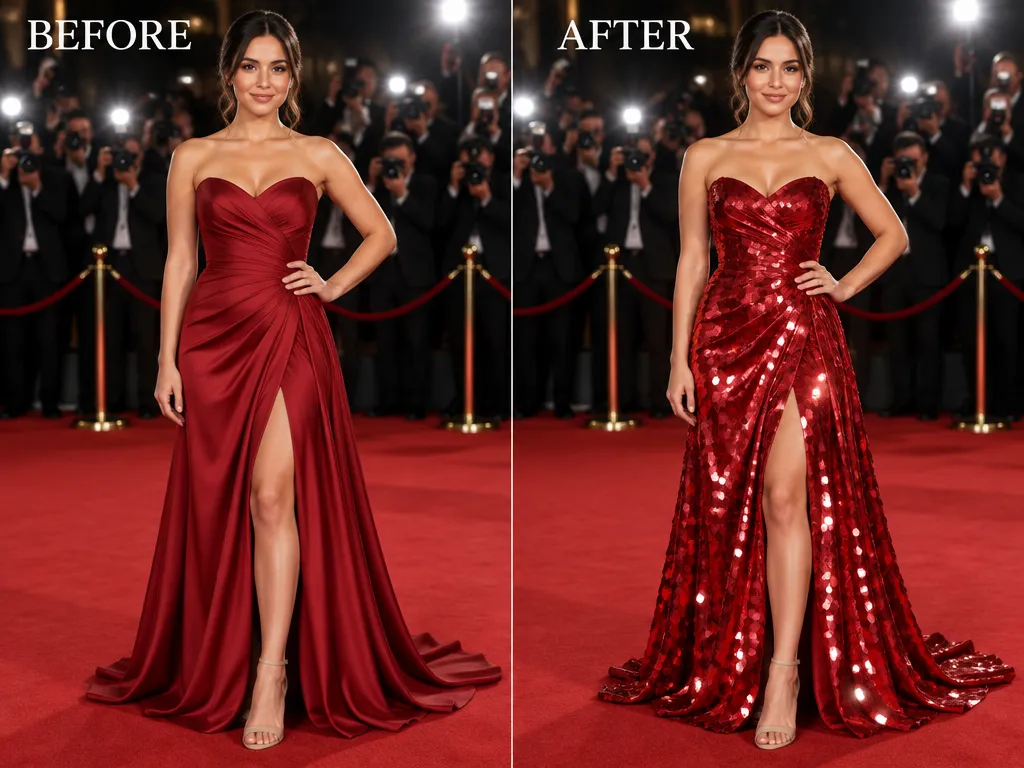
Forget the limitations of existing photos. Simply upload any picture of yourself or a model, and our AI wedding dress photo generator will seamlessly apply the gown style you imagine, turning ordinary shots into extraordinary bridal portraits.

Endless Bridal Styles: No More Limited Try-Ons

Tired of limited options at bridal boutiques or the hassle of trying on countless gowns? Our AI bridal look generator offers a virtual wardrobe of thousands of styles, allowing you to try on any wedding dress design instantly without leaving your home.

Professional Wedding Photo Editing Made Easy with AI

Don't settle for less than perfect. Our intuitive AI wedding dress editor lets you refine details, adjust lighting, and even change backgrounds with ease. Achieve magazine-worthy bridal portraits and wedding images, no complex software or expertise required.

Your AI Wedding Dress Dream, Made Simple and Secure

Experience the future of bridal imagery with complete peace of mind. Our platform is designed for effortless creation, respecting your privacy every step of the way.

Free to Use

Unlock full access to our AI wedding dress transformation features without any cost or hidden fees. Experience unlimited creativity today.

All Private

Your uploaded photos and generated images are completely private and secure. We ensure your personal moments remain yours alone.

Beginner-Friendly

No design skills? No problem. Our intuitive interface makes AI bridal look generation simple for everyone, from first-timers to pros.

Article

Why Use an AI Wedding Dress Transformation Tool?

An AI wedding dress transformation tool revolutionizes how individuals visualize their perfect bridal look. It empowers users to experiment with countless styles and designs, turning imaginative concepts into tangible visuals. Whether for personal inspiration, professional styling, or just for fun, it offers unparalleled flexibility and convenience in exploring wedding fashion.

  • Instant Visualizations: See wedding dress ideas come to life in seconds with our AI wedding dress generator.
  • Unlimited Style Exploration: Experiment with every wedding gown trend and bridal style imaginable.
  • Cost-Effective: Save time and money compared to traditional try-ons or professional photoshoots.
  • Personalized Results: Apply styles to your own photos, creating unique AI bridal portraits.
  • No Design Skills Needed: User-friendly interface for seamless AI wedding outfit generation.
  • Enhanced Creativity: Unleash your imagination and design truly unique bridal looks.

How to Create Your AI Wedding Dress Transformation

Transforming your photos into stunning wedding dress visuals is simple and intuitive. Follow these quick steps to generate your perfect bridal look in minutes.

  1. Paso 1 / 3

    Paso 1

    Upload Your Photo: Choose a clear image of yourself or a model where the face and body are visible.

  2. Paso 2 / 3

    Paso 2

    Describe Your Dream Dress: Use text prompts to specify your desired wedding dress style, scene, or artistic direction.

  3. Paso 3 / 3

    Paso 3

    Generate & Refine: Click 'Generate' to see your AI wedding dress transformation. Refine with new prompts until it's perfect!

Frequently Asked Questions About AI Wedding Dress Transformation

An AI wedding dress transformation tool uses artificial intelligence to convert an ordinary photo into an image featuring a wedding dress or bridal outfit. It's also known as an AI wedding dress generator or photo to wedding dress AI.

Cómo usar la sección de preguntas frecuentes

Usa Tab para desplazarte entre las preguntas. Pulsa Intro o Espacio para expandir o contraer una respuesta. Usa las flechas arriba y abajo para moverte entre preguntas.