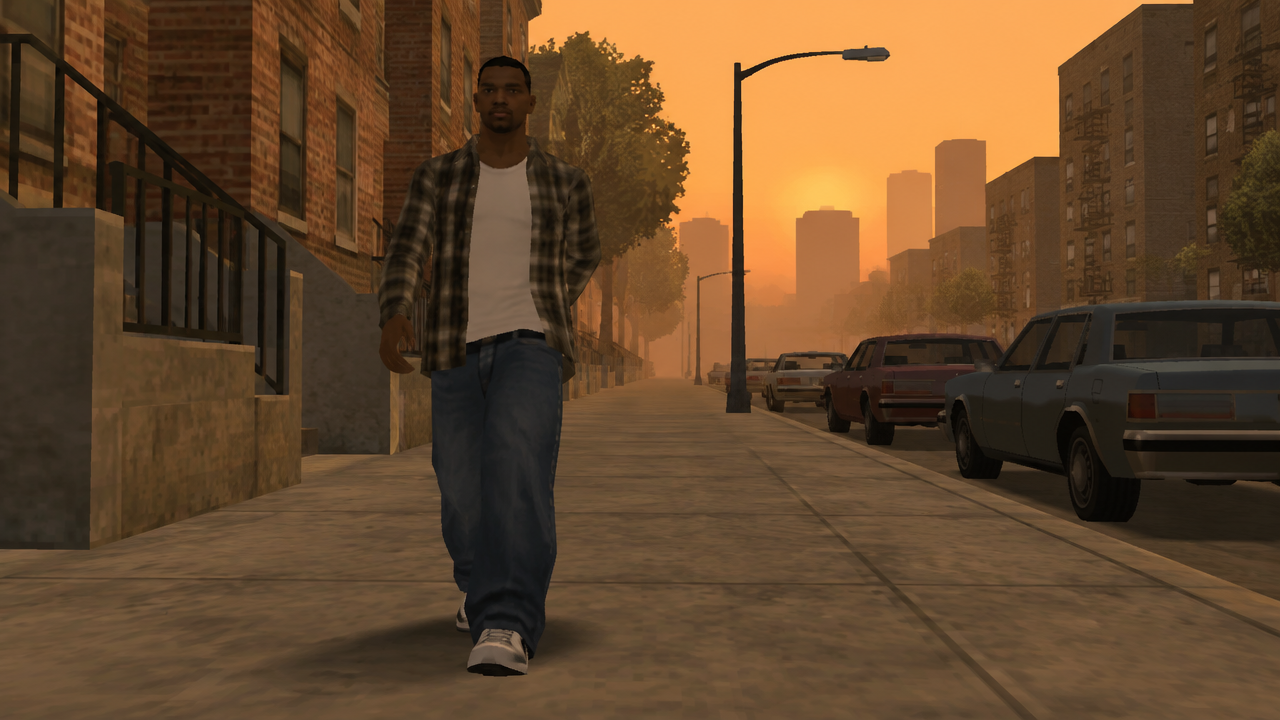
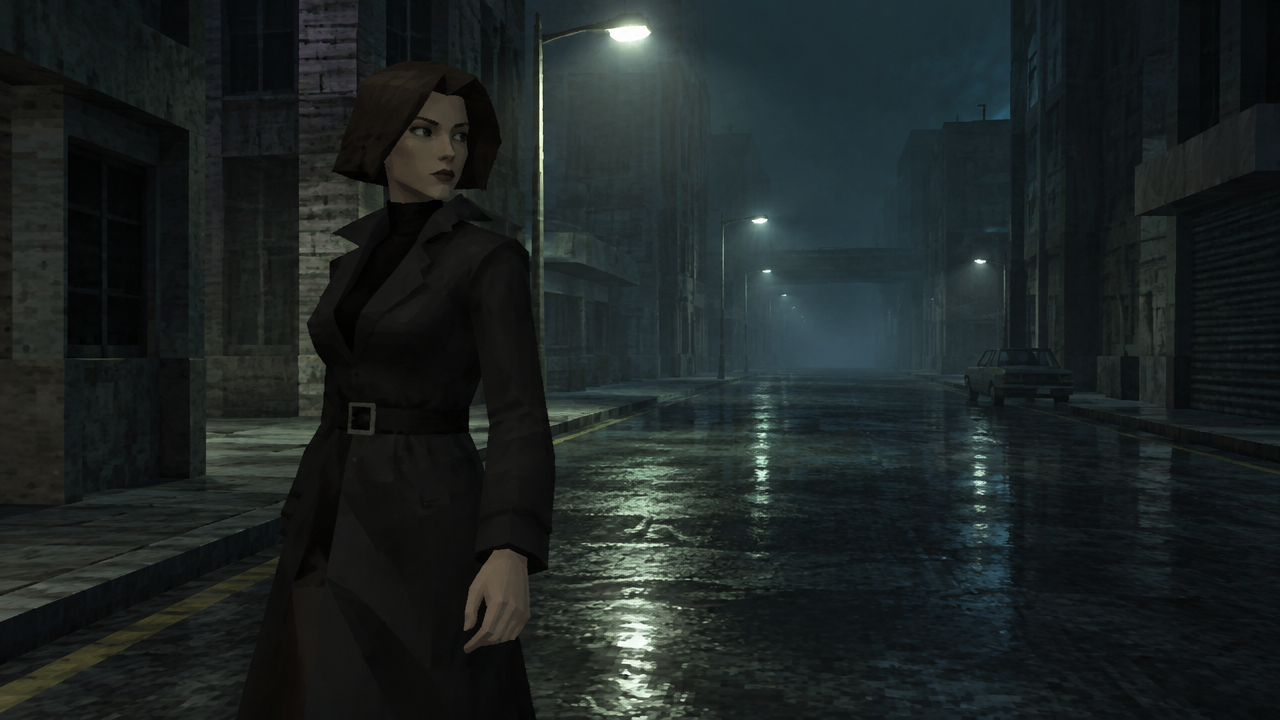
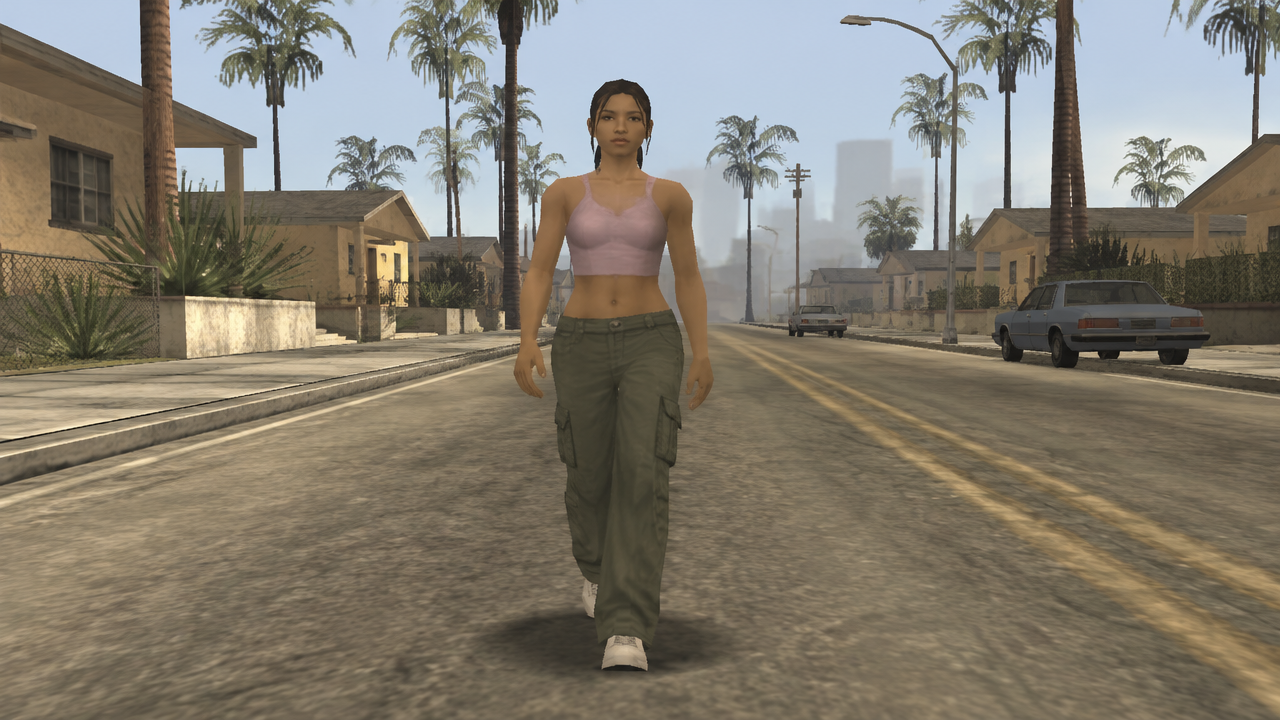
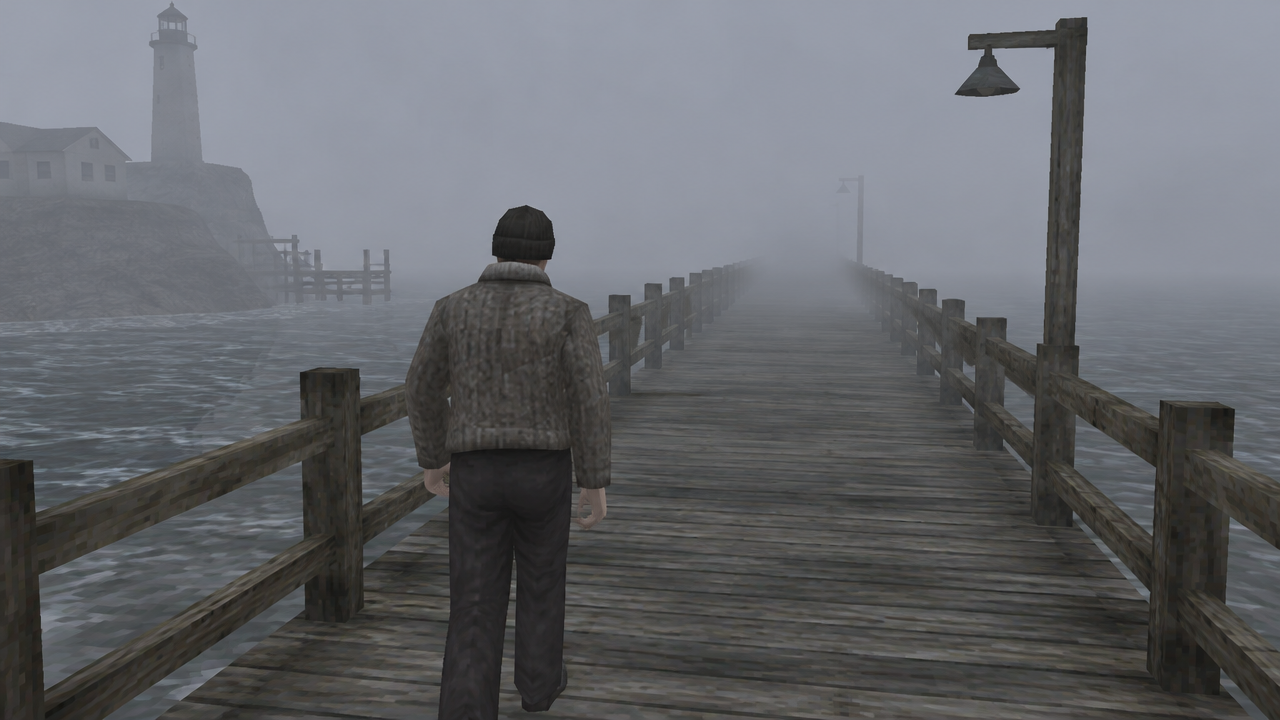
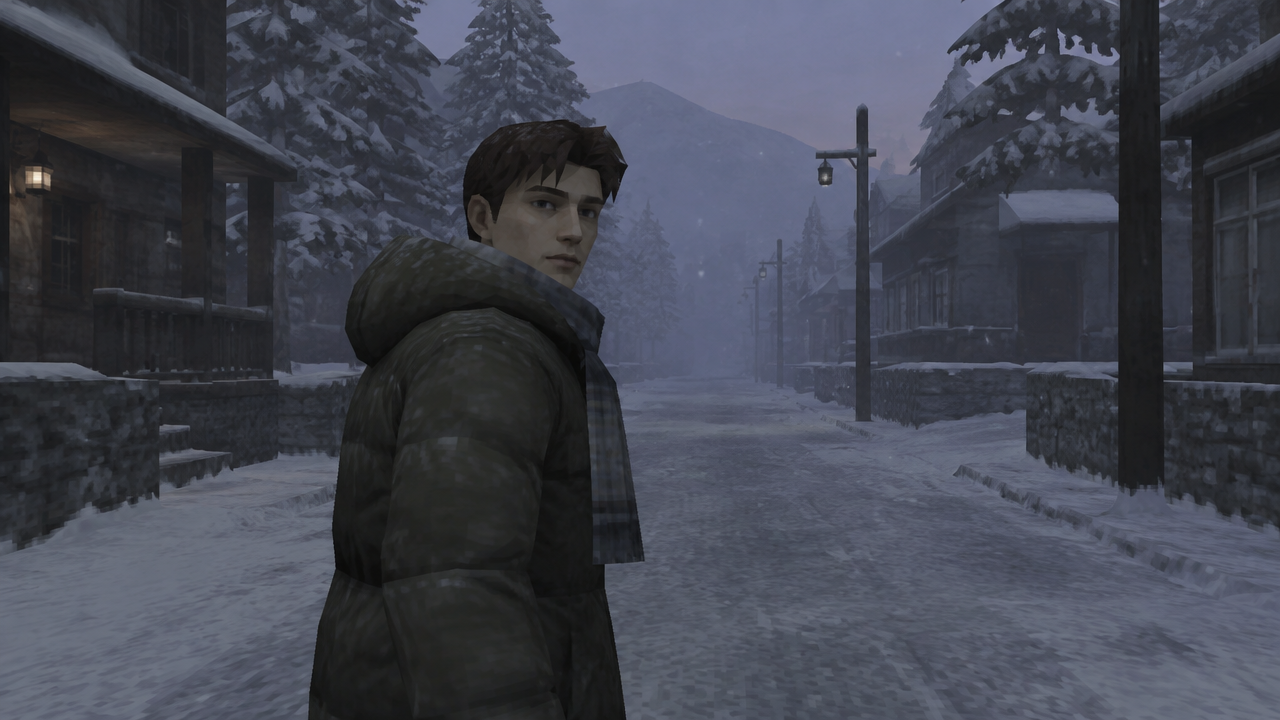
Want to turn your videos into a nostalgic PS2 game? Our AI PS2 filter instantly adds blurry textures & low-poly aesthetics. Try it free, no complex software needed!

Generate PS2 Graphics Videos with AI Instantly

Input your video ideas or upload footage, and our AI will instantly transform it into an authentic retro PS2 style. Perfect for content creators, nostalgic gamers, and trendsetters, this tool makes adding early 2000s game aesthetics effortless.

No More Complex Retro Video Editing

Tired of complicated software and endless tutorials to achieve the retro PS2 look? Our AI PS2 filter eliminates the need for manual adjustments and technical skills. Simply upload your video, select the desired style, and let our AI transform your footage into stunning PlayStation 2 graphics instantly.

Achieve Authentic Early 2000s Game Aesthetics

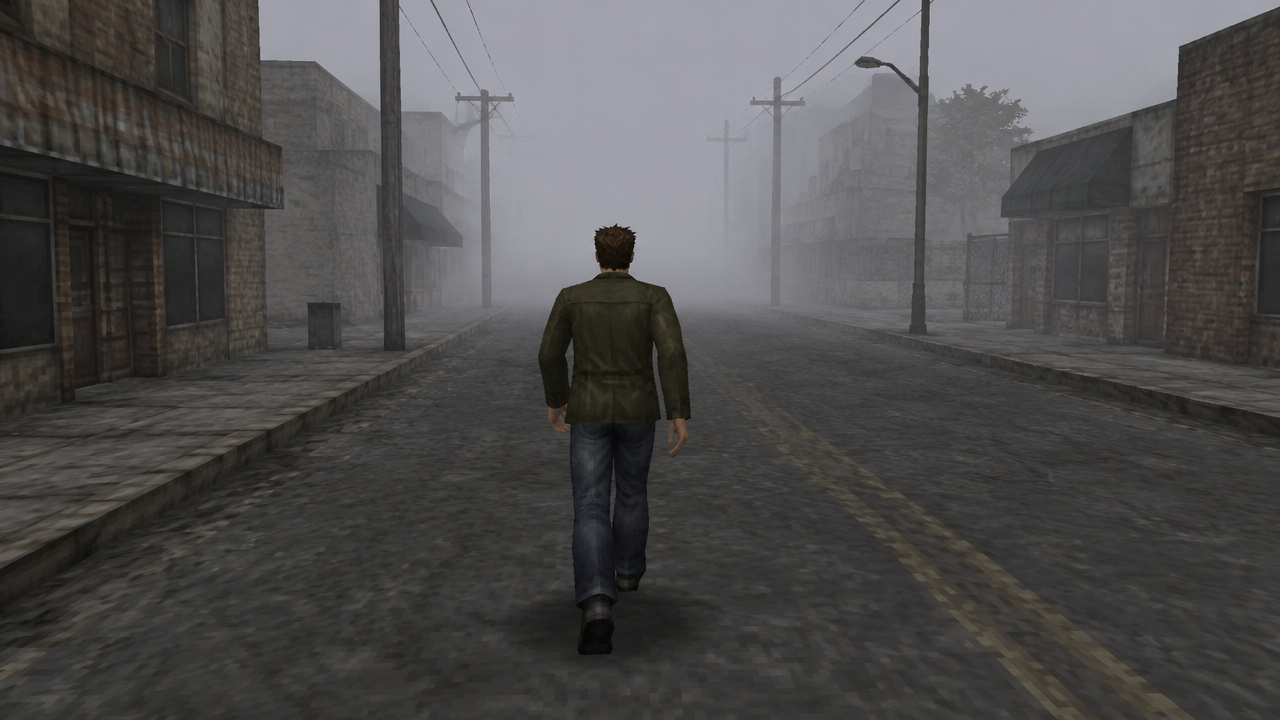
Many tools promise a retro look, but only ours truly captures the unique early 2000s video game style, complete with signature blurry textures, flat lighting, and low-poly people. Our advanced AI is trained on genuine PlayStation 2 graphics to ensure an authentic and nostalgic PS2 style aesthetic video trend for your content.

Join the PS2 Graphics Trend: Create Viral Videos Easily

The PS2 graphics video effect is sweeping social media. Don't miss out on this retro trend! Our AI PS2 filter video generator allows you to quickly transform your footage and create captivating videos that stand out. Elevate your content with a unique old school video game visual style and engage your audience.

Experience Seamless Video Transformation

Our AI PS2 filter tool is designed with your needs in mind, offering a reliable, private, and user-friendly experience for all your retro video creation.

Free to Use

Instantly apply the PS2 filter to your videos without any subscription fees or hidden costs. Get started creating nostalgic game graphics for free today!

All Private

Your uploads and generated videos are kept completely private and secure. Create with confidence, knowing your content is yours alone.

Beginner-Friendly

No prior editing experience or technical skills required. Our intuitive interface makes adding PS2 graphics to your videos simple for everyone.

Article

Why Use an AI PS2 Filter?

The allure of the early 2000s video game style is undeniable, and our AI PS2 filter brings that classic nostalgic game motion and visual style to your modern videos. Whether you're aiming for a trending aesthetic or simply want to relive the golden era of PlayStation 2 graphics, our tool is your gateway to unique retro content creation.

  • Instant Transformation: Convert your videos to PS2 style within seconds, no waiting.
  • Authentic Aesthetic: Precisely replicates iconic PS2 blurry textures, low-poly people, and flat lighting.
  • User-Friendly: Designed for everyone, from beginners to seasoned creators, ensuring a smooth experience.
  • Trend Participation: Effortlessly join the PS2 filter AI trend and create viral-ready content.
  • Creative Freedom: Transform any video into a unique piece of retro PS2 art.
  • Cost-Effective: Enjoy a powerful AI tool for free, saving on expensive software.
How to Use Our Free PS2 Filter AI

Get started with our intuitive AI tool and transform your videos into the iconic PlayStation 2 graphics style in just a few simple steps. No technical skills required, just pure retro fun!

  1. Paso 1 / 3

    Paso 1

    Upload Your Video. Select a video from your device or paste a URL to begin your PS2 graphics transformation.

  2. Paso 2 / 3

    Paso 2

    Choose Your PS2 Style. Pick from various early 2000s video game style options, including low-poly looks and blurry textures.

  3. Paso 3 / 3

    Paso 3

    Generate & Download. Our AI will instantly process your video. Preview the PS2 filter effect and download your retro masterpiece!

Frequently Asked Questions About PS2 Filters

An AI PS2 filter is an advanced tool that uses artificial intelligence to transform modern videos into the distinctive visual style of early 2000s PlayStation 2 games, featuring elements like low-poly graphics, blurry textures, and flat lighting.

Cómo usar la sección de preguntas frecuentes

Usa Tab para desplazarte entre las preguntas. Pulsa Intro o Espacio para expandir o contraer una respuesta. Usa las flechas arriba y abajo para moverte entre preguntas.