Free to use
Enjoy all premium features to add curved text to your photos without any hidden costs or subscriptions. It's truly free!
Easily add curved text to your photos online for free with AIAI.com. Learn how to add curved text to a photo in a few simple steps. Start now!
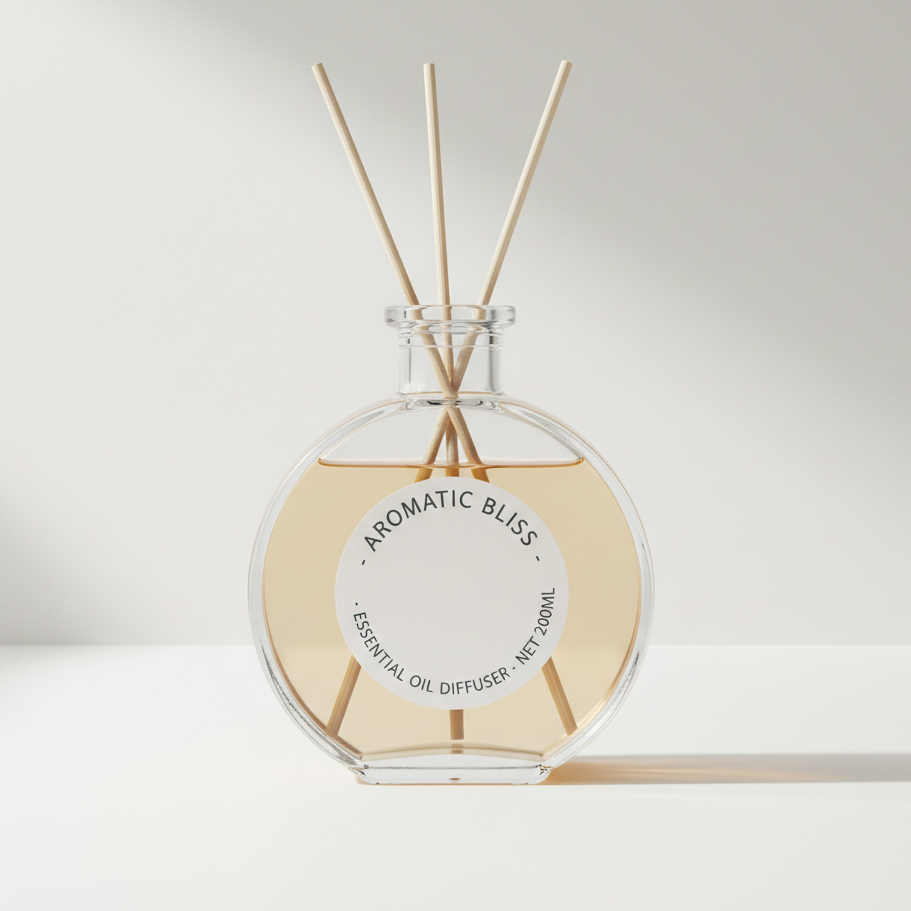
Transform your images by effortlessly adding stylish curved text. Our intuitive online tool allows you to add curved text to photo projects, designs, and social media posts, making your visuals stand out. No design skills needed!






Showing item 1 of 5
Discover how simple it is to add curved text to a photo online. Our tool offers various curving options, allowing you to quickly create dynamic text effects that perfectly complement your images, all without any software installation.


Elevate your photo messages by choosing from different curve styles and text alignments. Whether it's a social media graphic or a personalized greeting, easily add curved text to photo designs for that professional and unique touch.


Experience the ultimate ease and confidence when you add curved text to photos with our platform. We prioritize your creative freedom, privacy, and a seamless user experience, making text curving accessible to everyone.
Enjoy all premium features to add curved text to your photos without any hidden costs or subscriptions. It's truly free!
Your uploaded photos and designs are fully encrypted and kept private. We never store or share your personal data.
Designed for everyone. With a simple interface, anyone can effortlessly add curved text to a photo in minutes.
Follow these quick and easy steps to add curved text to a photo and create stunning visual effects without hassle.
Upload Your Photo: Click 'Upload Image' and select the photo you want to personalize with curved text from your device.
Add & Curve Your Text: Type your desired text, then use the intuitive controls to adjust its curve, size, font, and color to fit your vision.
Download Your Masterpiece: Once satisfied, click 'Download' to save your photo with perfectly curved text in high resolution.