Free to use
Enjoy unlimited access to our Easter bunny photo editor without any cost or subscriptions. It's truly free!
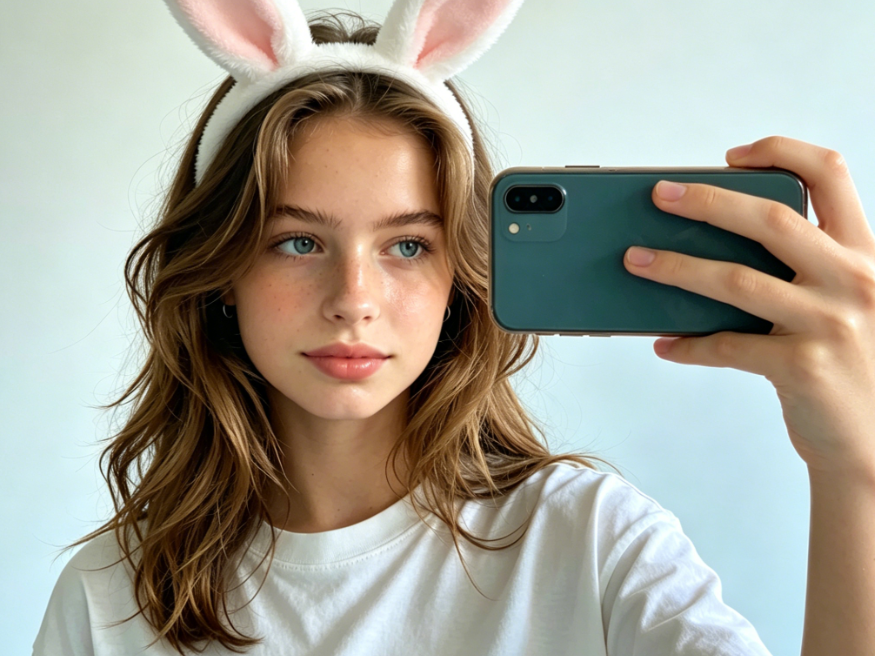
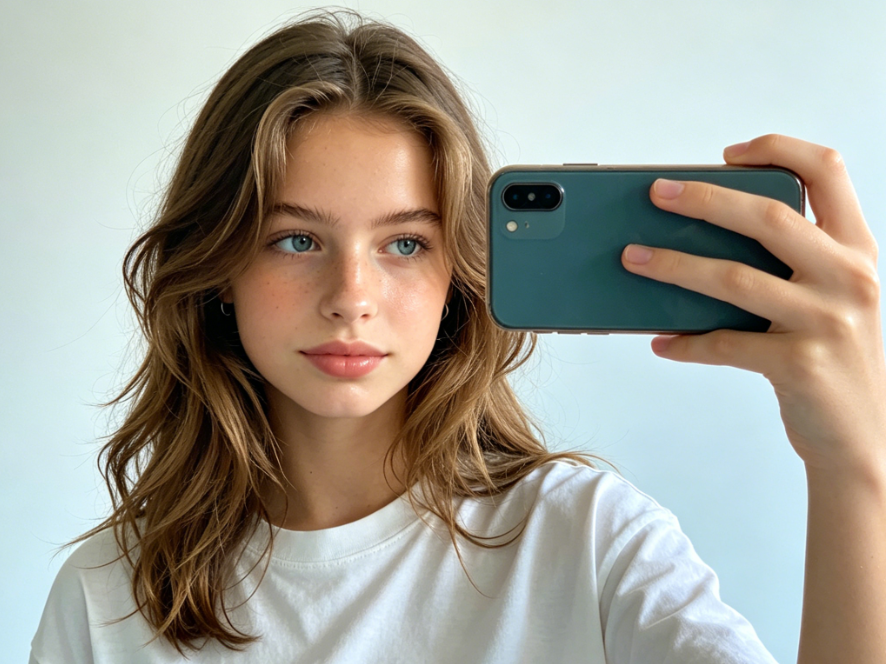
Easily add Easter bunny to any photo for free online. Create festive, fun Easter pictures instantly with our AI tool.
Transform your pictures with adorable Easter bunnies in seconds. Our free online AI tool makes it incredibly easy to add a festive touch to any photo, no editing skills required.
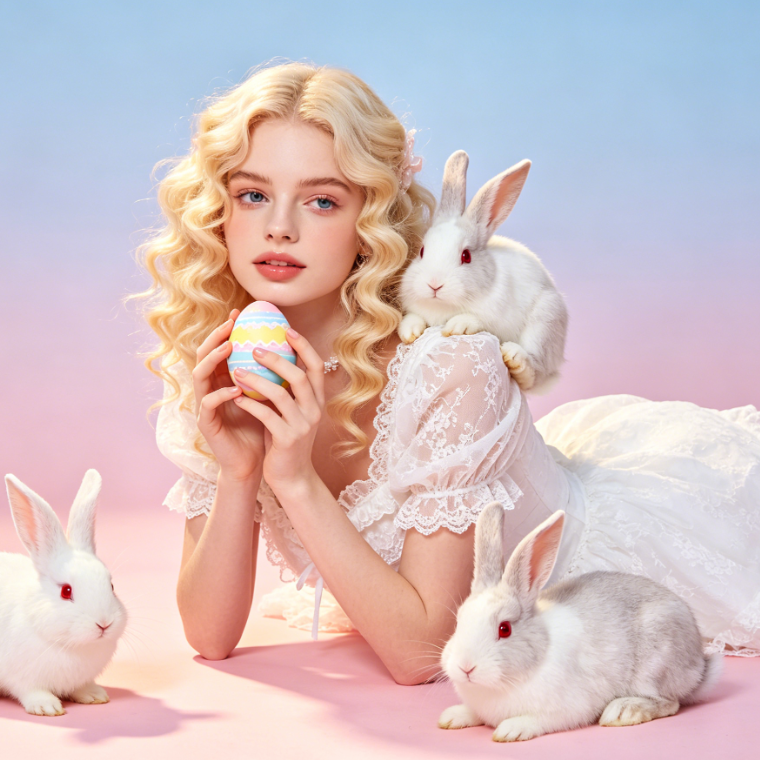
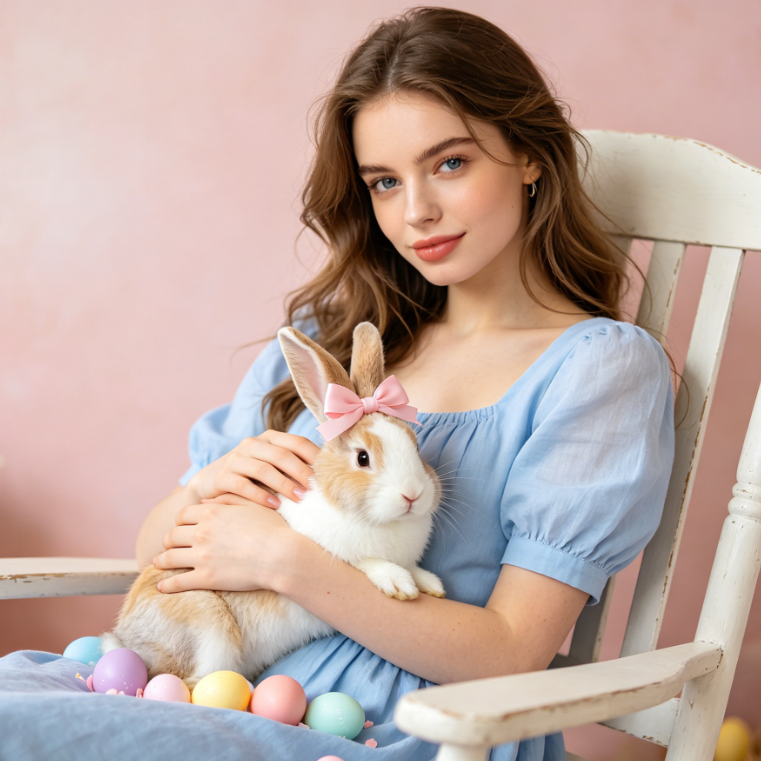
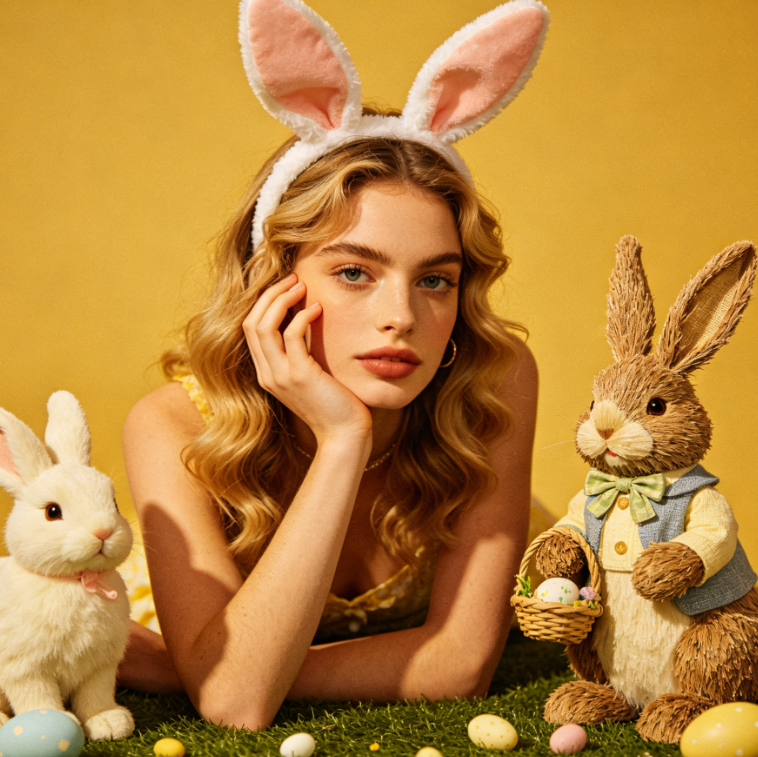
Showing item 1 of 5
Discover how simple it is to integrate charming Easter bunnies into your images. See immediate, high-quality results with our intuitive free online tool.
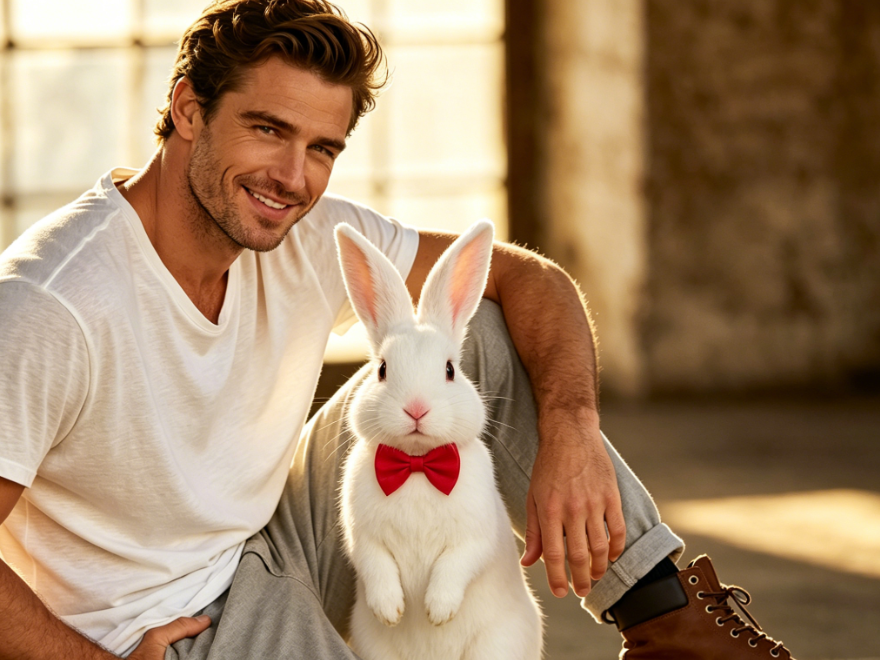

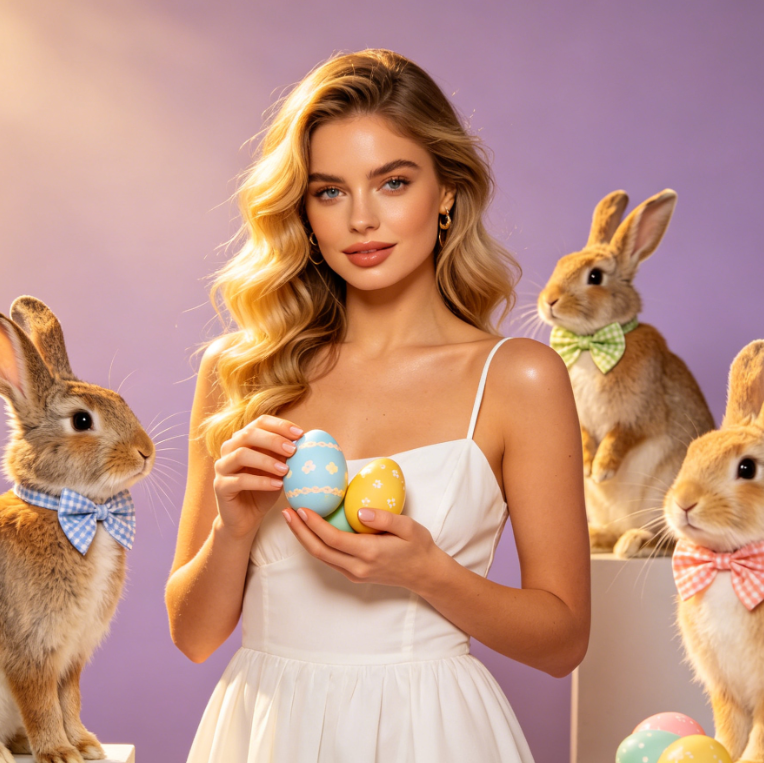
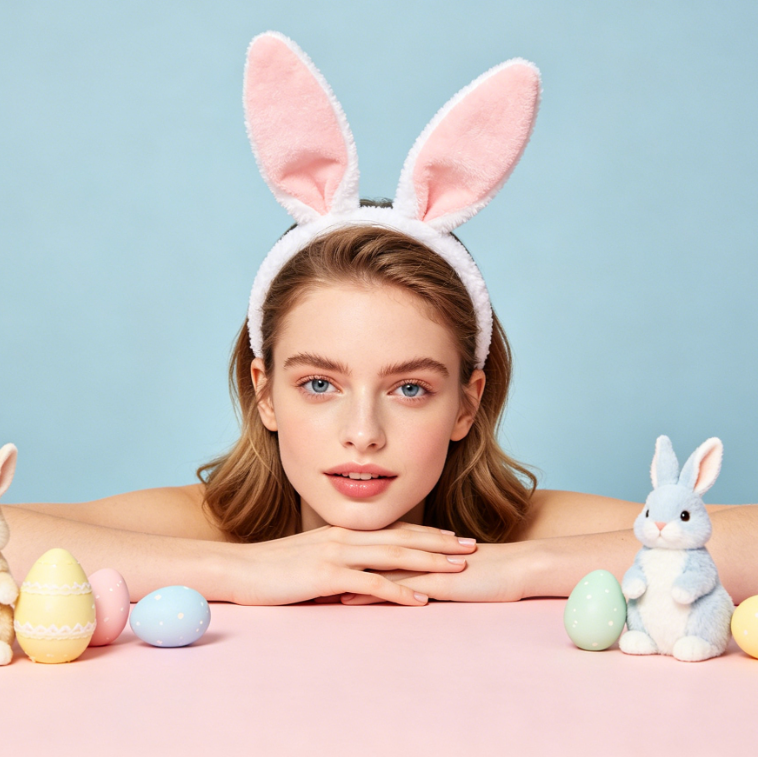
Unleash your creativity and design unique Easter scenes. Our free online platform empowers anyone to add a delightful Easter bunny to their photos with ease.
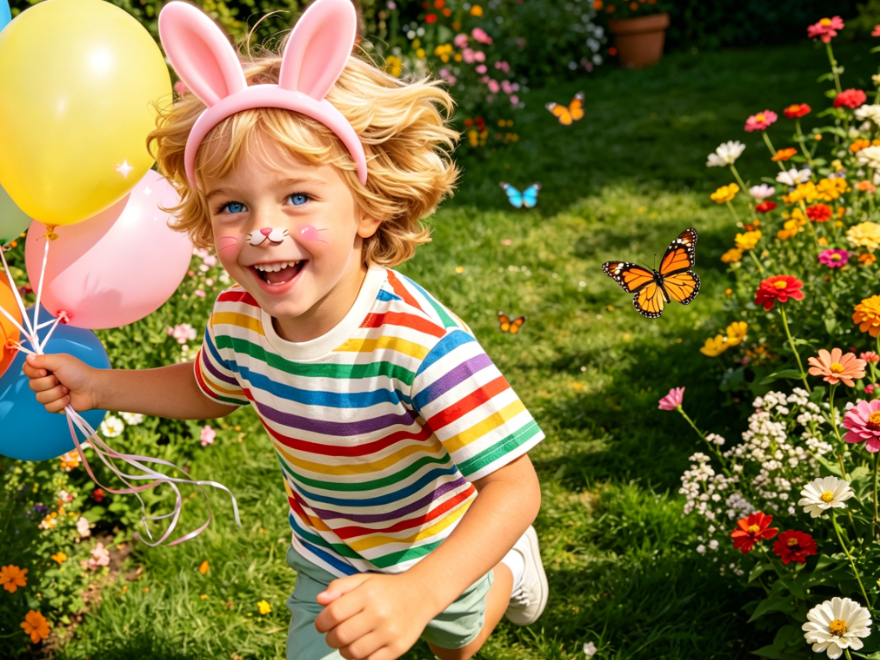
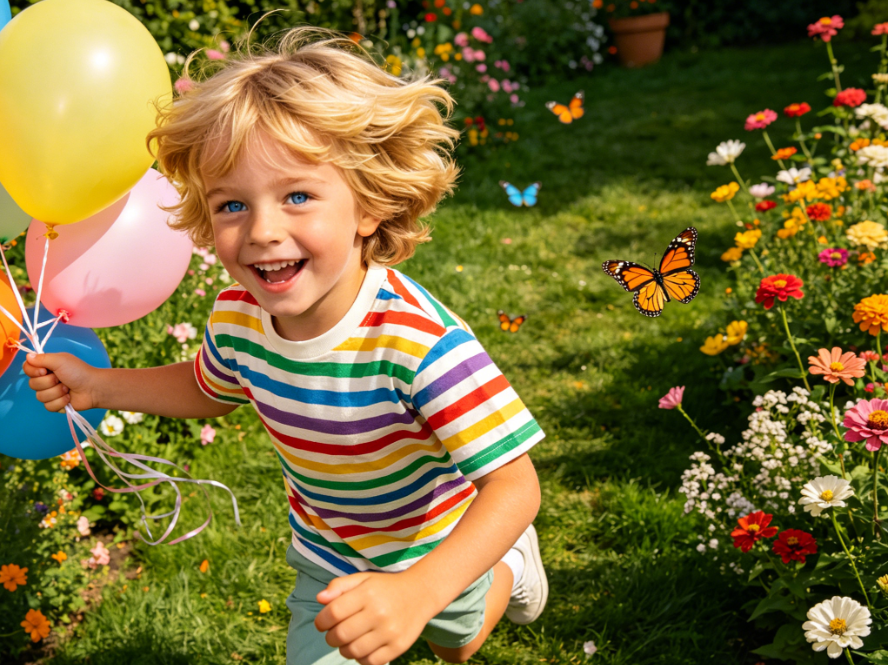
Experience the joy of photo editing with confidence. Our platform is designed for everyone, offering a free, private, and user-friendly way to enhance your Easter memories.
Enjoy unlimited access to our Easter bunny photo editor without any cost or subscriptions. It's truly free!
Your photo privacy is paramount. Images are processed securely and deleted after editing, ensuring your data is safe.
No prior editing experience needed. Our intuitive interface guides you through adding Easter bunnies with ease.
Follow these quick and easy steps to magically place an Easter bunny into your picture using our online tool.
Upload Your Photo
Position & Customize the Bunny
Download Your New Easter Photo