Add Film Grain to Photo Online: Easy & Free | AIAI.com

Instantly add film grain to your photos online for a classic, cinematic look. Learn how to add film grain to photos effortlessly with our free AI tool. Transform images today.

Add Film Grain to Photo for a Timeless Look

Transform your digital images with a beautiful, authentic film grain effect. Our AI-powered tool makes it effortless to add film grain to photo online, giving your pictures that coveted classic and artistic texture in just a few clicks.


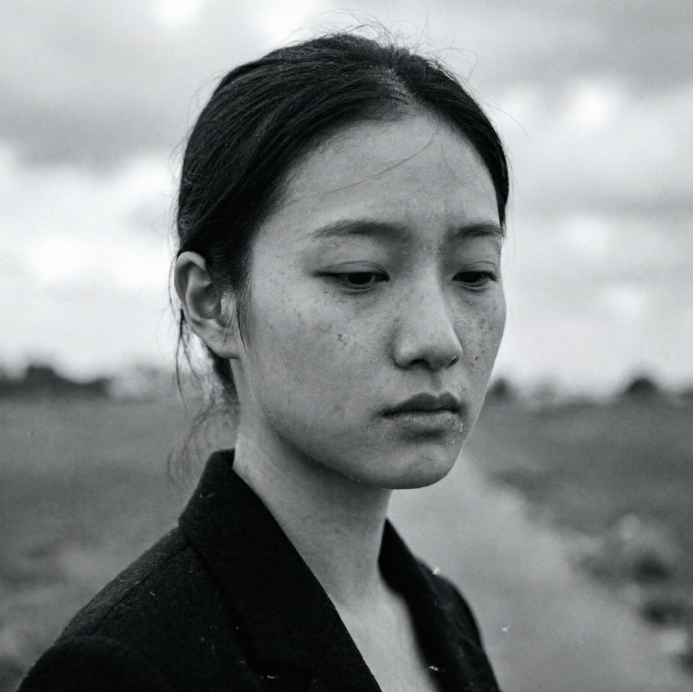
A half-length portrait of a young woman with wavy brown hair cascading naturally, wearing a white sleeveless top and a small gold earring. The image is overlaid with delicate film grain texture, featuring a slightly warm yellow tone and subtle vignetting at the edges, creating a vintage film photography feel and nostalgic atmosphere.
A half-length portrait of a young woman with wavy brown hair cascading naturally, wearing a white sleeveless top and a small gold earring. The image is sharp and clear with true-to-life color reproduction, soft and even lighting, and a plain light grey background, presenting a clean and modern high-definition portrait style.
BeforeAfter

Elevate Your Photography with Authentic Film Grain

From subtle textures to dramatic vintage feels, explore how film grain enhances different photo types. Discover how to add film grain to photos to perfectly match your artistic vision and make every image stand out.
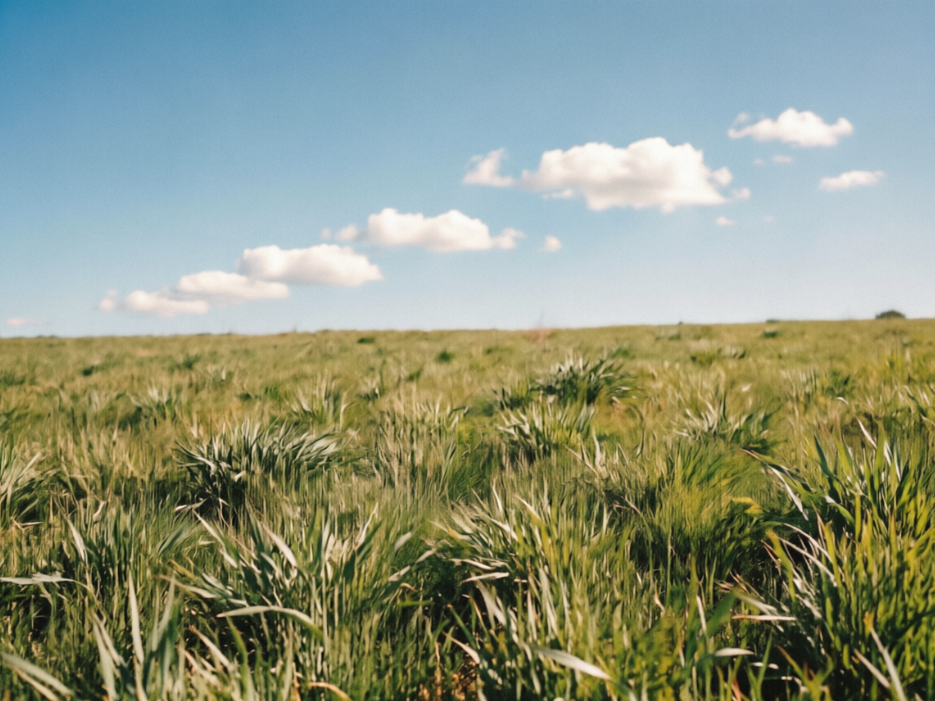
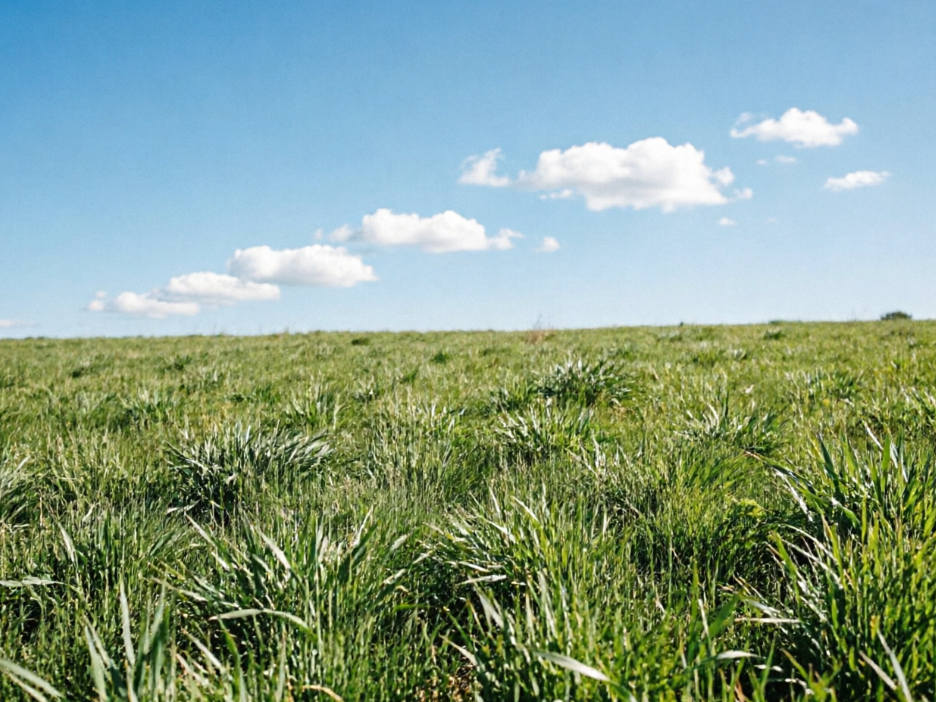
A vast green wheat field sways gently in the breeze under a clear sky, with fluffy white clouds dotting the distance. The image is overlaid with delicate film grain, presenting a vintage film texture, full of natural vitality and nostalgic atmosphere, captured in 4:3 photography ratio.
A vast green wheat field sways gently in the breeze under a clear sky, with fluffy white clouds dotting the distance. The image is clear and transparent, with vibrant colors, full of natural vitality and tranquility, captured in 4:3 photography ratio.
BeforeAfter

Achieve Cinematic Style: Before & After Film Grain

See the dramatic difference! Our tool expertly applies film grain, adding depth and character without sacrificing detail. Easily add film grain to photo and bring a professional, cinematic quality to your everyday snapshots.


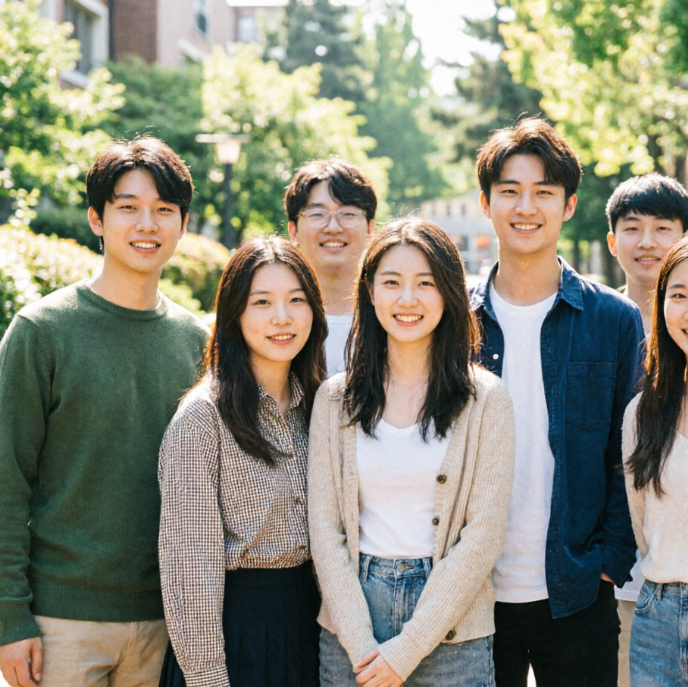
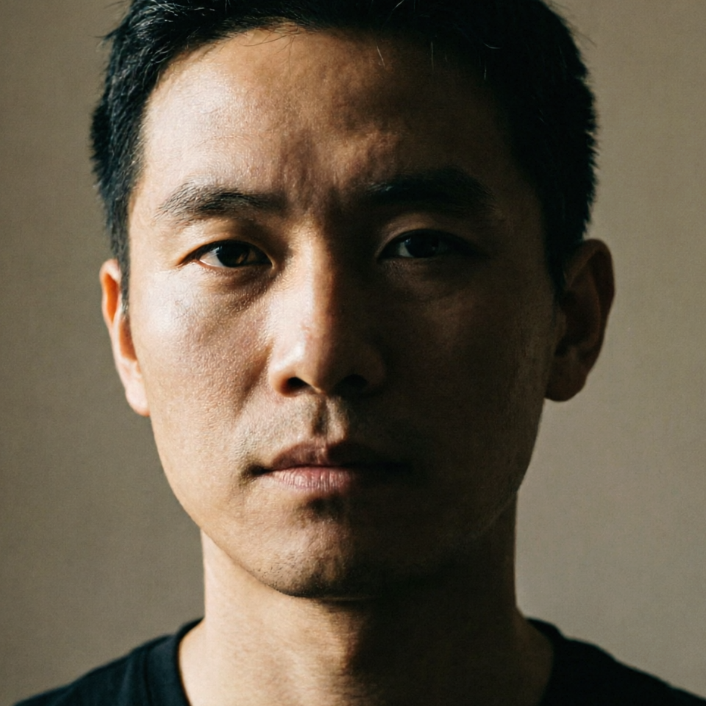
A front-facing half-length portrait of a young woman with dark hair tied back, wearing a beige crew-neck sweater. The image is overlaid with distinct vintage film grain and vignetting, featuring slight scratches and light leak textures. The warm yellowish tone creates a strong nostalgic and artistic atmosphere.
A front-facing half-length portrait of a young woman with dark hair tied back, wearing a beige crew-neck sweater against a plain light grey wall. The image is sharp and clear with soft, even lighting and natural colors, presenting a minimalist and modern high-definition portrait style.
BeforeAfter

Why Choose AIAI.com for Film Grain Effects?

Experience the simplest and most secure way to add film grain to photo online. Our platform is built with you in mind, offering unparalleled convenience and peace of mind.

Free to use

Apply stunning film grain effects to all your photos without any cost or hidden fees. Enjoy full access to our powerful features for free.

All private

Your photo privacy is our top priority. All images processed through our tool are kept entirely private and are never stored or shared.

Beginner-friendly

No design skills or complex software needed. Our intuitive interface allows anyone to add film grain to photos effortlessly in seconds.

How to Add Film Grain to Photos in 3 Easy Steps

Ready to give your photos a vintage touch? Follow these simple instructions to effortlessly add film grain to any image using our online tool.

  1. Step 1 of 3

    Step 1

    Upload Your Photo: Click "Upload Image" and select the picture you wish to add film grain to. Our tool supports various formats.

  2. Step 2 of 3

    Step 2

    Apply Film Grain: Use the intuitive slider to adjust the intensity of the film grain effect. Preview the changes in real-time.

  3. Step 3 of 3

    Step 3

    Download Your Masterpiece: Once satisfied, click "Download" to save your new photo with film grain. It's that simple!

Film Grain FAQs: Your Questions Answered

Yes, absolutely! Our online tool for adding film grain to photo is completely free, with no hidden costs or subscriptions required.

How to use FAQ section

Use Tab to navigate between questions. Press Enter or Space to expand or collapse an answer. Use Up and Down arrows to move between questions.