Free to use
Enjoy unlimited access to our laser eye photo editor without any hidden costs or subscriptions. It's completely free to add laser eyes to photo.
Instantly add laser eyes to photo online with our free AI tool. Transform images with vibrant red laser effects easily. No downloads needed!
Transform your images by effortlessly adding striking laser eyes with our cutting-edge AI tool. Get dramatic effects in seconds, perfect for memes, profile pictures, or just for fun. Experience the simplest way to add laser eyes to photo online.






Showing item 1 of 5
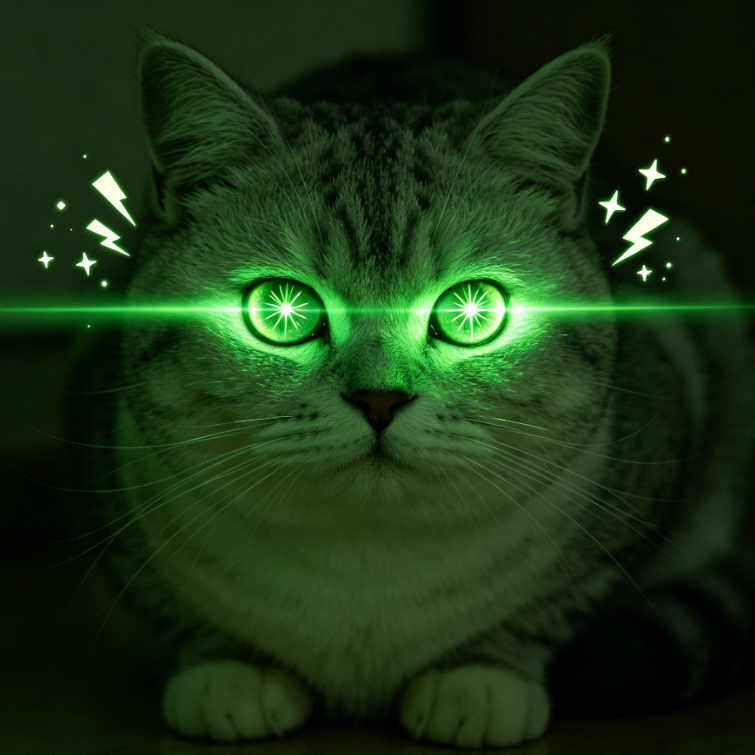
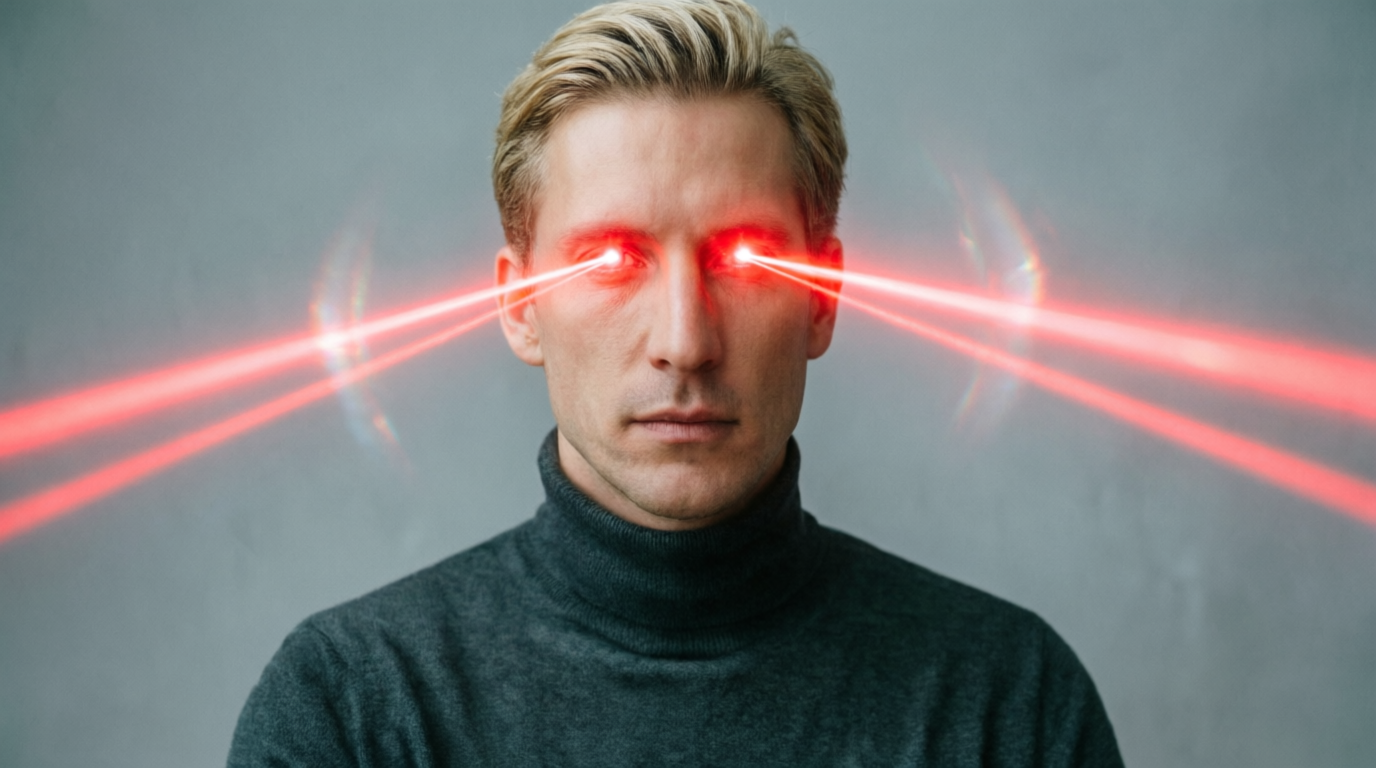
See the stunning difference! Our AI tool accurately places intense red laser eyes on your subjects, elevating ordinary pictures into captivating visuals. Instantly preview the before-and-after and make your photos pop.
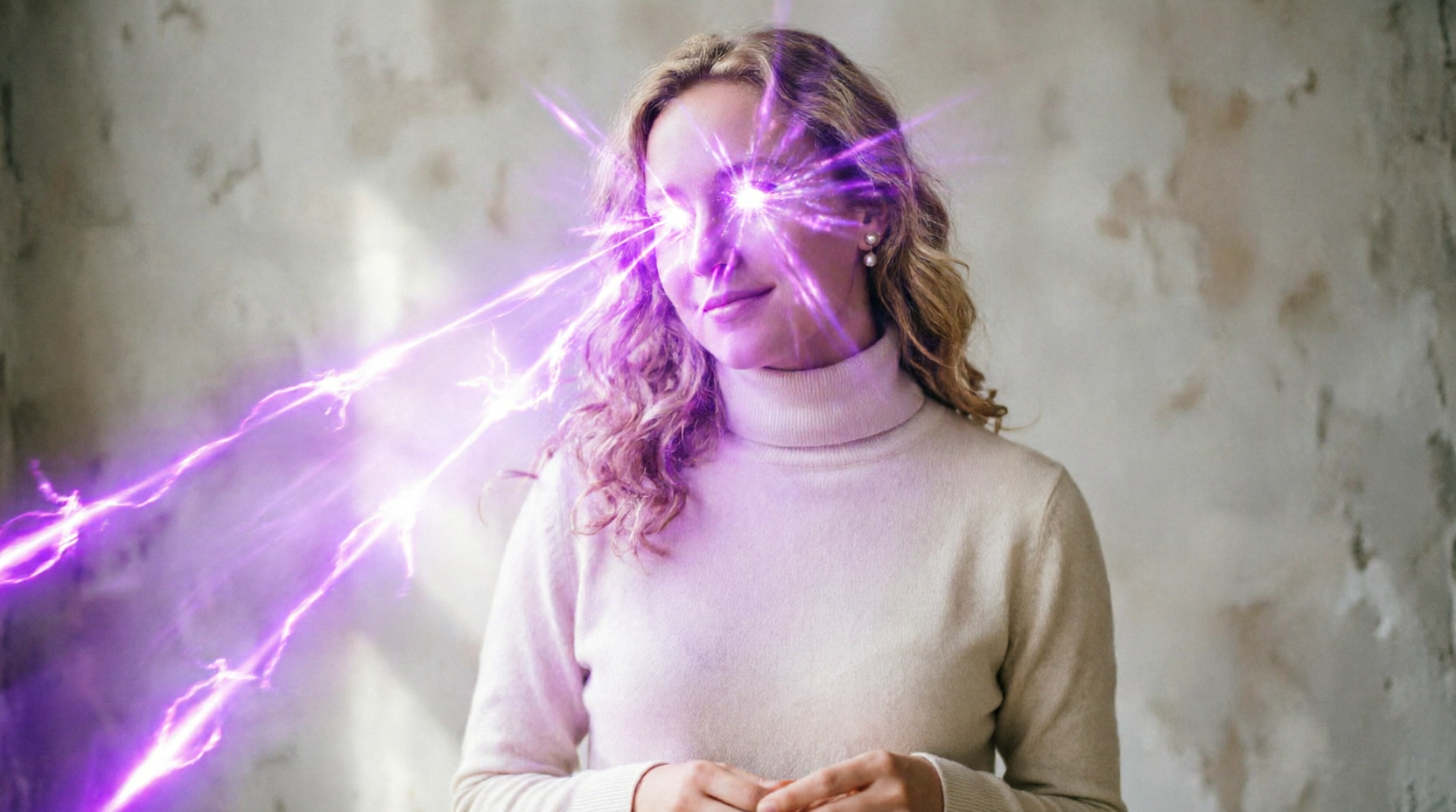

Wondering how to add laser eyes to a photo without complex software? Our intuitive platform makes it incredibly easy. Upload your image, apply the effect, and download your new laser eye photo in moments. No technical skills required.

Discover why thousands choose AIAI.com for their photo editing needs. We prioritize your creative freedom, privacy, and ease of use, ensuring a seamless experience every time you add laser eyes to photo.
Enjoy unlimited access to our laser eye photo editor without any hidden costs or subscriptions. It's completely free to add laser eyes to photo.
Your uploaded photos are processed securely and deleted promptly. We respect your privacy, ensuring your images remain yours.
No prior editing experience? No problem. Our intuitive interface makes it easy for anyone to add laser eyes to photo in just a few clicks.
Getting started is a breeze! Follow these quick steps to add laser eyes to your photos and unleash your creativity.
Upload Your Photo: Click the "Upload Image" button and select the picture you want to edit from your device.
Customize Laser Eyes: Our AI will automatically detect faces. Adjust the laser eye position, size, and color (e.g., red laser eyes) to your liking.
Download Your Creation: Once satisfied, click "Download" to save your new laser-eyed photo to your device instantly.