Free to use
Enjoy unlimited access to our AI lipstick editor without any cost. Add lipstick to photo free, anytime, anywhere.
Easily add lipstick to any photo online for free with AIAI.com. Transform your look, try new shades, and enhance portraits instantly with our AI lip color editor.
Instantly enhance your selfies and portraits by adding virtual lipstick. Our AI tool lets you experiment with countless lip colors and styles online, achieving a perfect look without any makeup. Get flawless results in just a few clicks.
Showing item 1 of 5
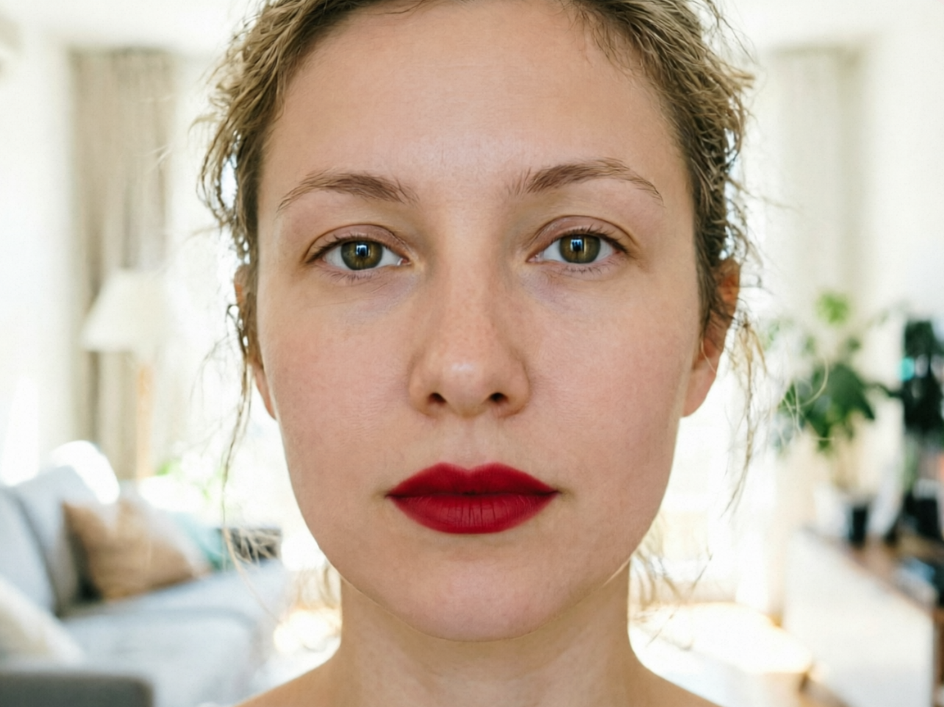
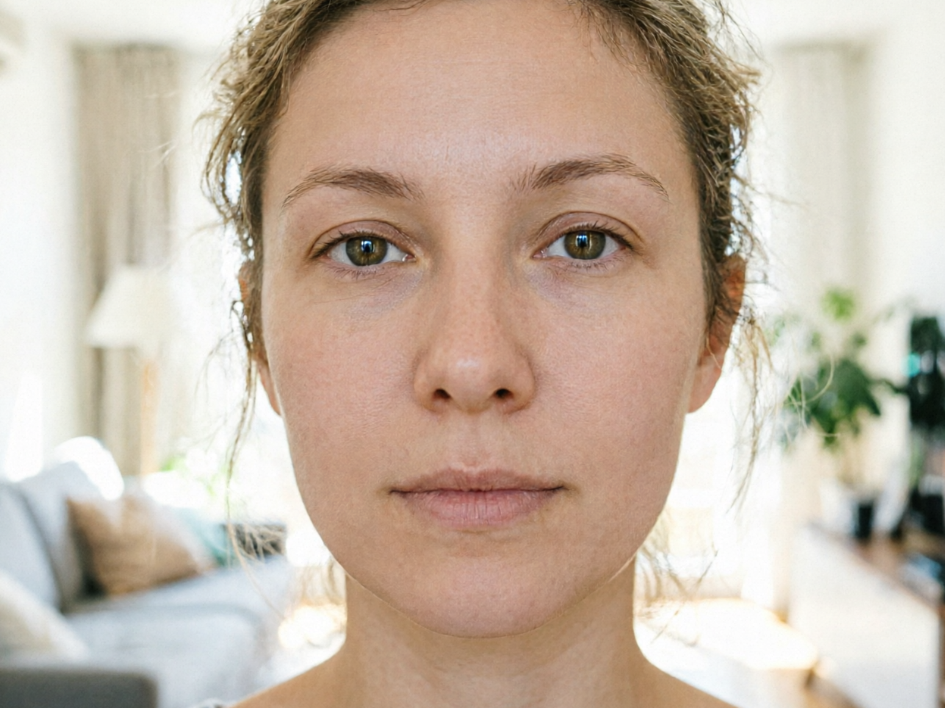
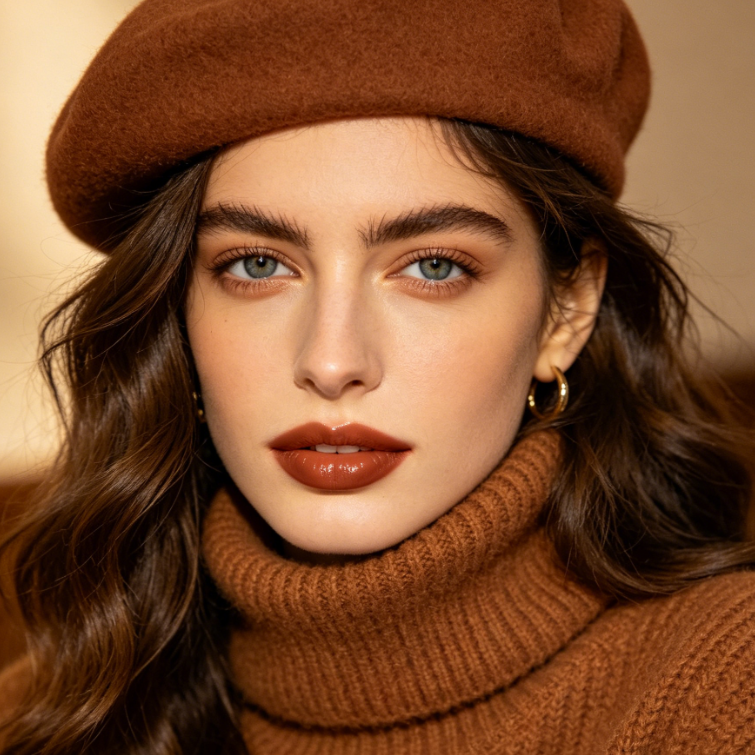
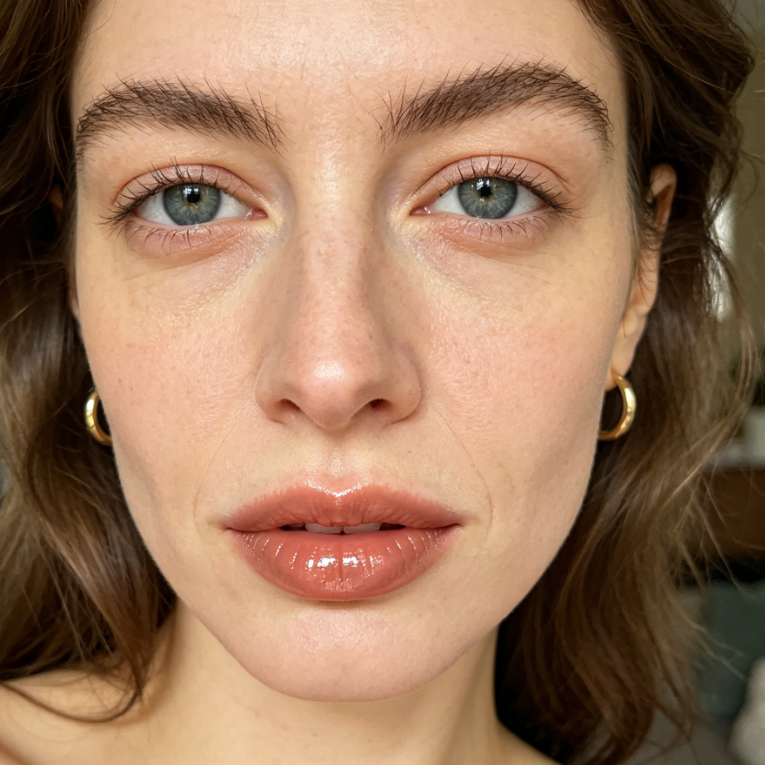
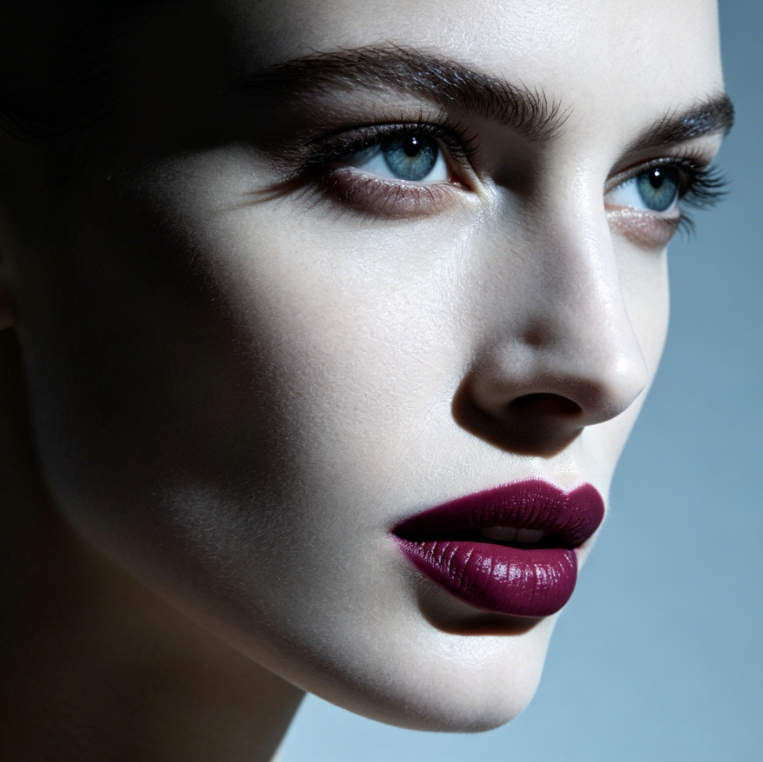
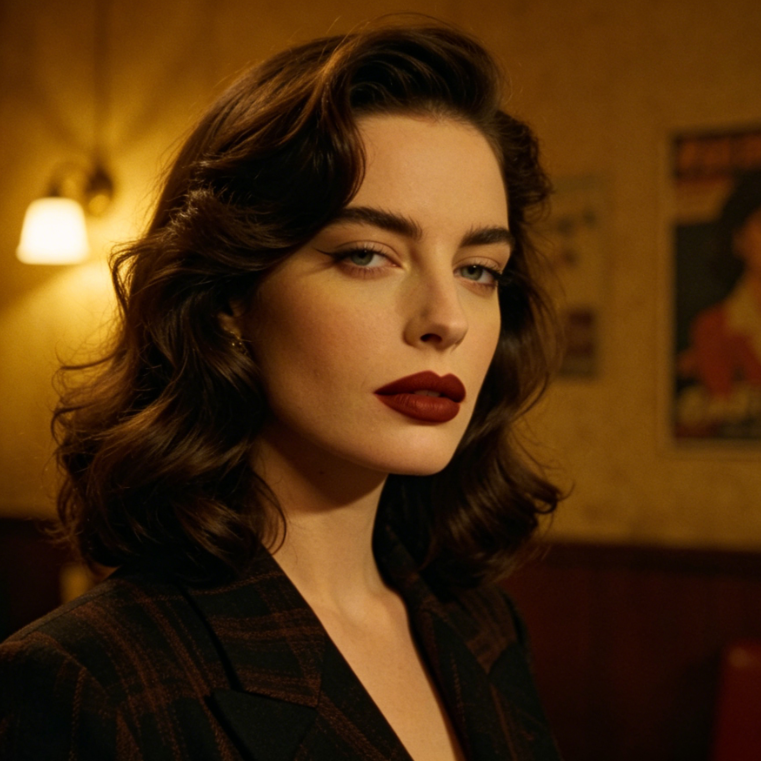
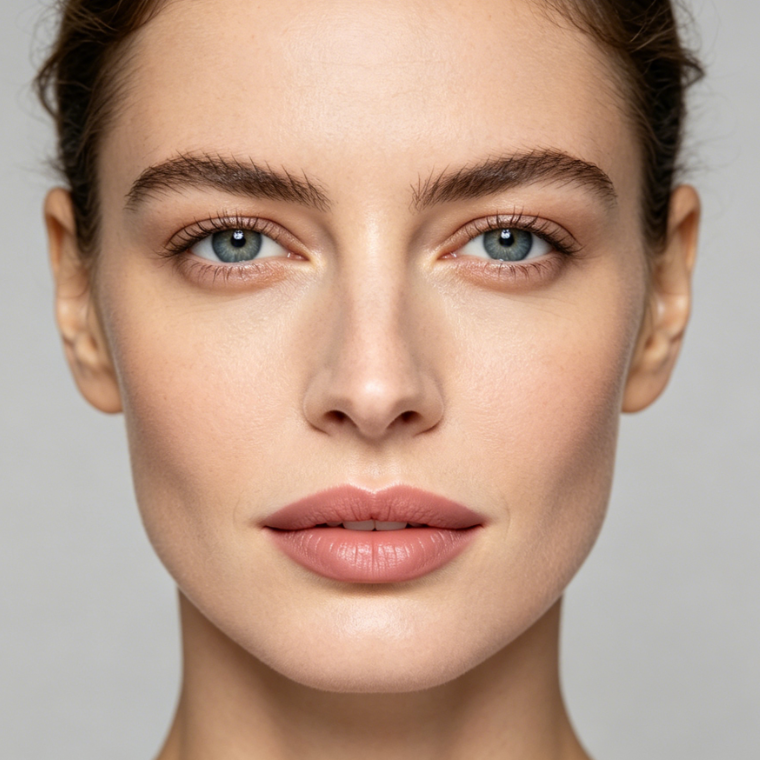
Discover how easy it is to add lipstick to a photo and completely change its vibe. From subtle nude shades to bold reds, our AI intelligently applies lip color, ensuring a natural and realistic finish every time. See the stunning before and after transformations.
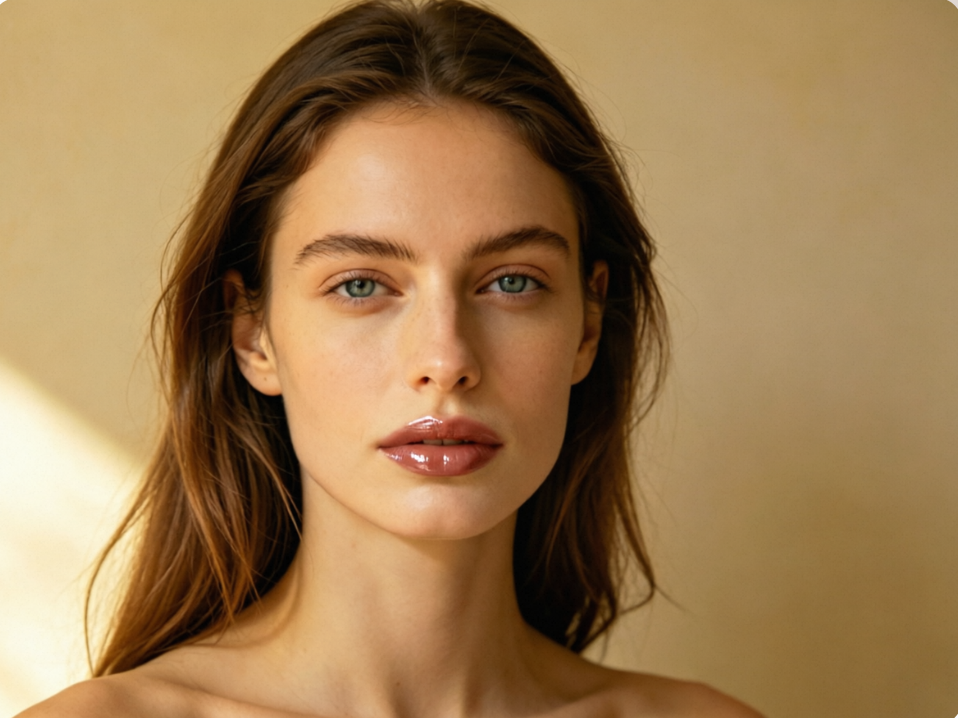
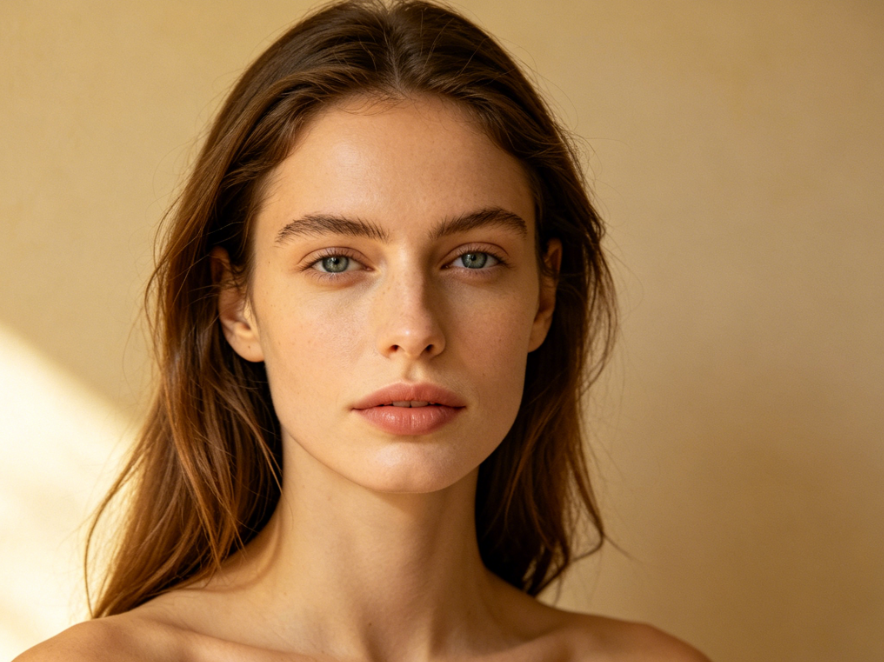
Why settle for one look when you can try them all? Our online tool makes it simple to add lipstick to your photo, letting you virtually test various colors and textures – matte, glossy, metallic – on your lips. Find your perfect shade without commitment.
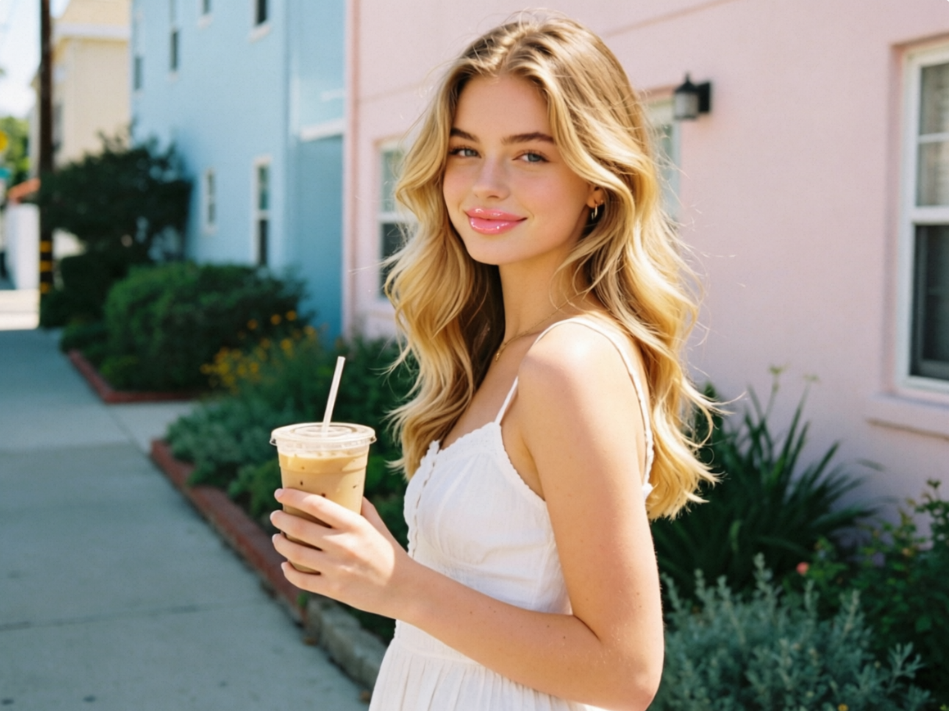
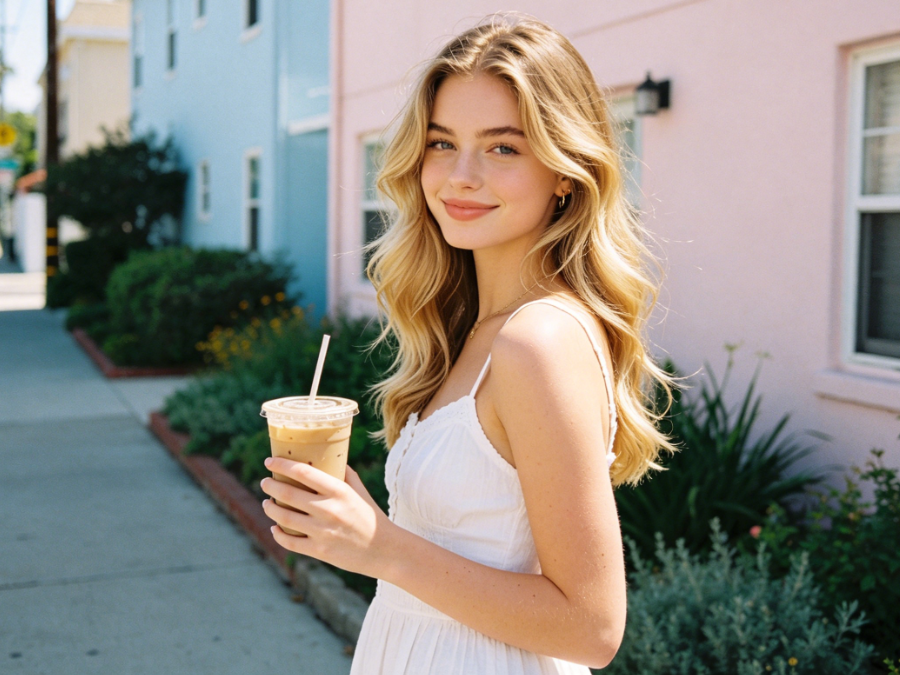
Discover why thousands choose AIAI.com to add lipstick to photo. We are dedicated to providing a superior and reliable experience for all your photo editing needs.
Enjoy unlimited access to our AI lipstick editor without any cost. Add lipstick to photo free, anytime, anywhere.
Your photos are always safe with us. We guarantee complete privacy and never store or share your uploaded images.
No prior editing skills? No problem! Our intuitive interface makes it incredibly easy to add lipstick to a photo in seconds.
Adding lipstick to a photo has never been easier! Follow these simple steps to transform your images with perfect lip color using our AI tool.
Upload your photo: Click the "Upload Image" button and select the picture you want to edit from your device.
Choose your lipstick shade: Browse through our wide range of colors and apply your desired lipstick with a single click.
Download your enhanced photo: Once satisfied, click "Download" to save your new photo with perfect lips.