Free to Use
Experience premium motion blur effects without any cost. Our tool is completely free, making professional photo editing accessible to everyone.
Add motion blur to photo online free with AIAI.com. Effortlessly create dynamic effects on any device, including iPhone. Fast & easy!
Transform your static images into dynamic masterpieces. Our AI-powered tool lets you add motion blur to photo effortlessly, creating a sense of movement and speed in just a few clicks. Perfect for sports, action shots, or artistic effects.




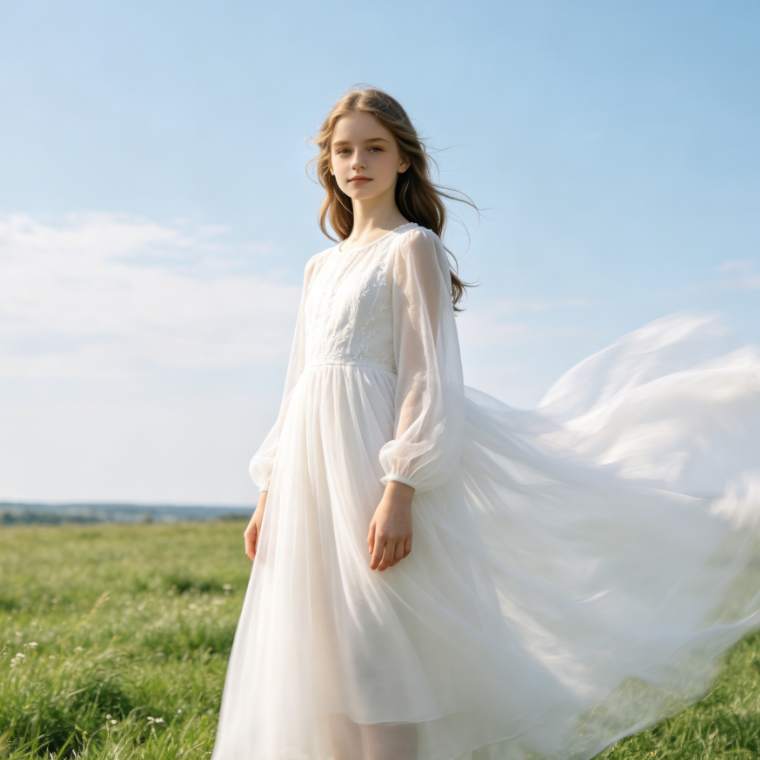


Showing item 1 of 5
Tired of complicated software like Photoshop or Lightroom? Our AI tool simplifies the process. Just upload your image and let our technology add motion blur to photo with stunning realism. See the magic happen with our before-and-after comparisons.


Don't let your device limit your creativity. Whether you want to add motion blur to photo iphone, Android, or desktop, our web-based tool works seamlessly. Achieve artistic effects and professional looks directly from your browser, no downloads required.


Discover the ultimate tool to add motion blur to photo with complete confidence. We combine advanced AI with user-centric design to deliver an unparalleled editing experience.
Experience premium motion blur effects without any cost. Our tool is completely free, making professional photo editing accessible to everyone.
Your privacy is our top priority. All uploaded photos are processed securely and are never stored or shared, ensuring your data remains confidential.
No prior editing skills? No problem. Our intuitive interface makes it incredibly easy to add motion blur to photo, even for first-time users.
Follow these quick and easy steps to transform your images with dynamic motion blur using our intuitive online tool.
Upload Your Photo: Click the "Upload Image" button and select the picture you wish to add motion blur to.
Adjust Blur Intensity: Use the slider to fine-tune the amount and direction of the motion blur effect to achieve your desired look.
Download Your Masterpiece: Once satisfied, click "Download" to save your new photo with motion blur.