Free to Use
Get unlimited access to our powerful AI add necklace to photo tool without any cost. Enhance your images and experiment with styles completely free.
Effortlessly add necklaces to any photo using our free AI tool. Visualize jewelry, create stunning mockups, and enhance images instantly.
Transform your images by virtually adding stunning necklaces with our advanced AI. Perfect for fashion enthusiasts, jewelry businesses, or anyone looking to visualize new looks. Experience seamless integration and realistic results in seconds.
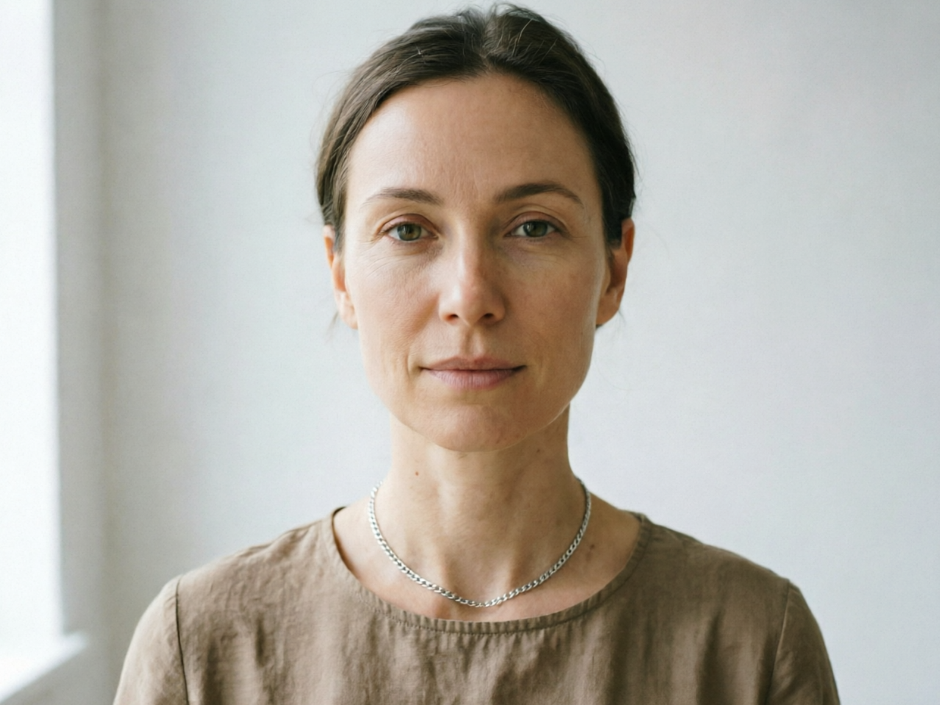
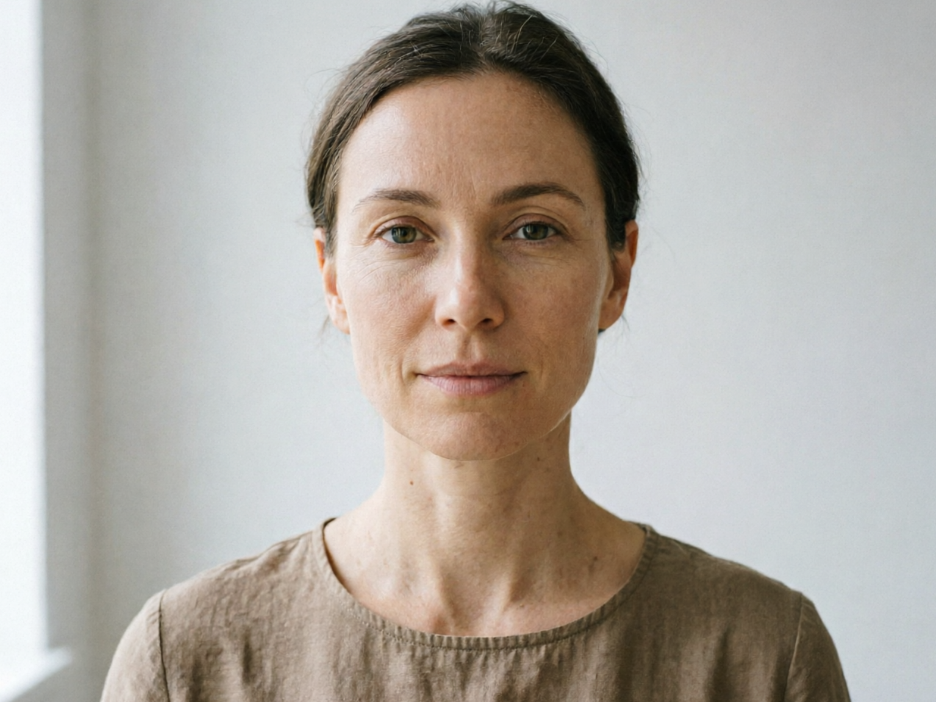
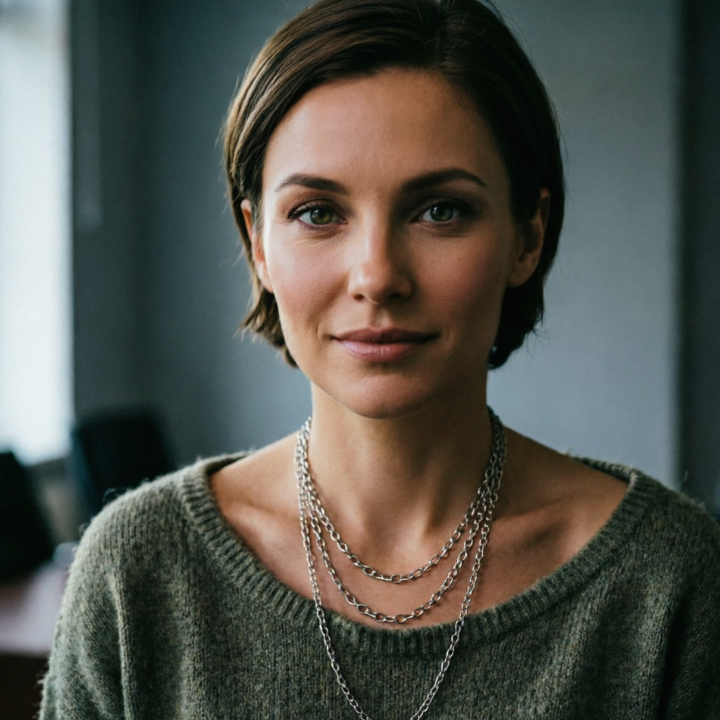
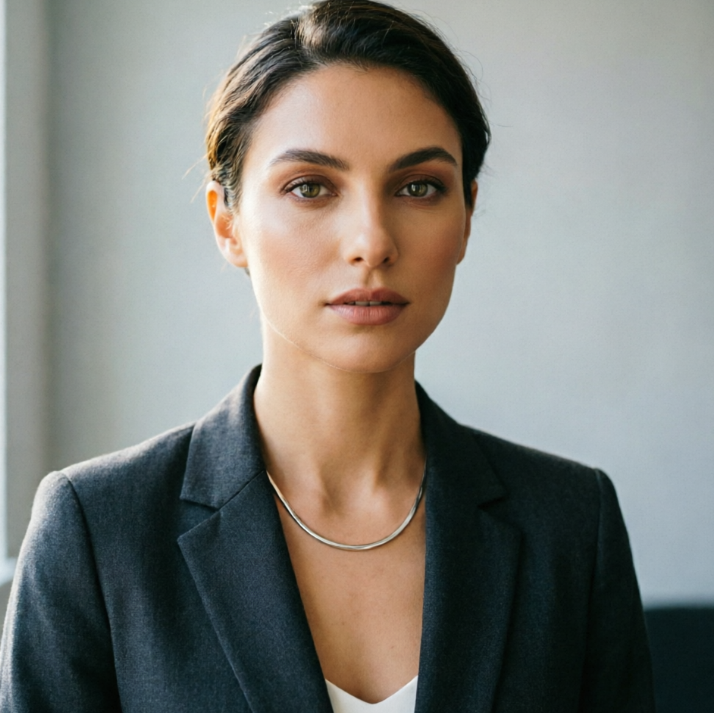
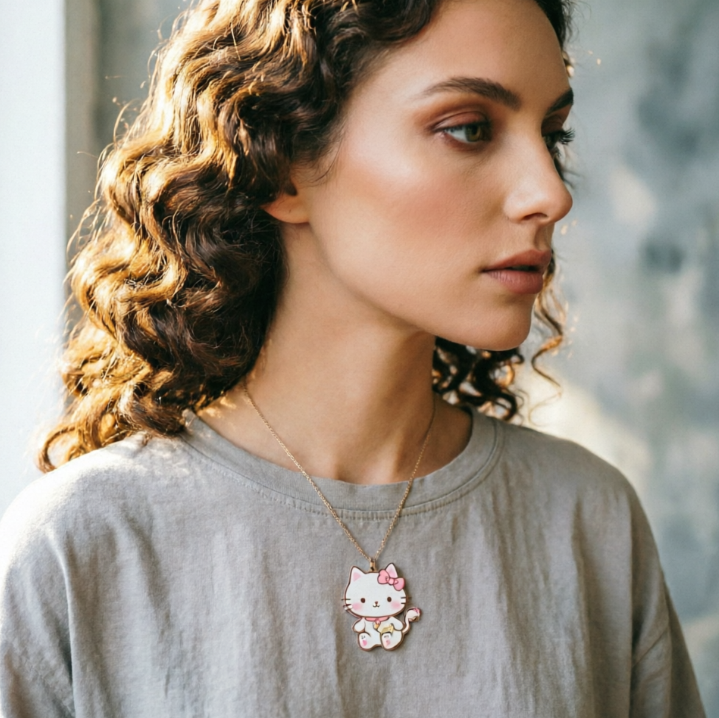
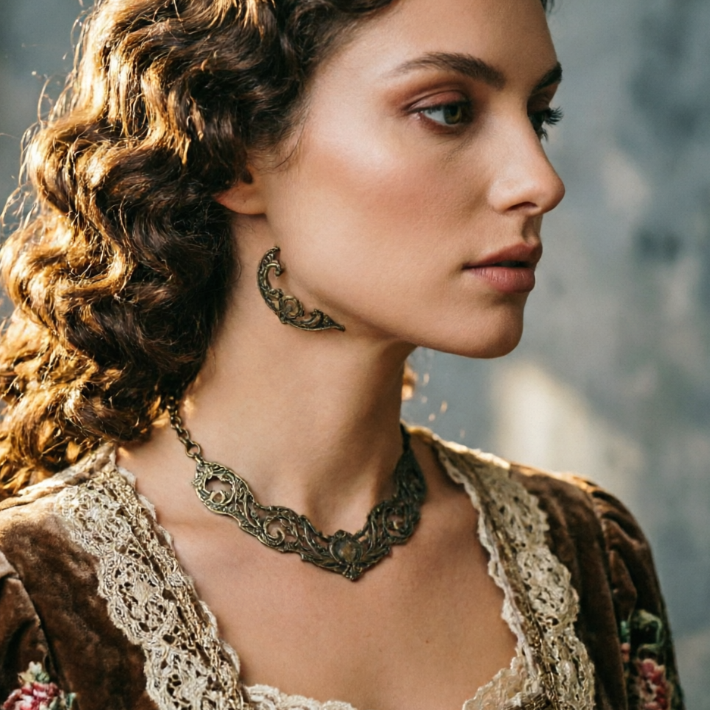
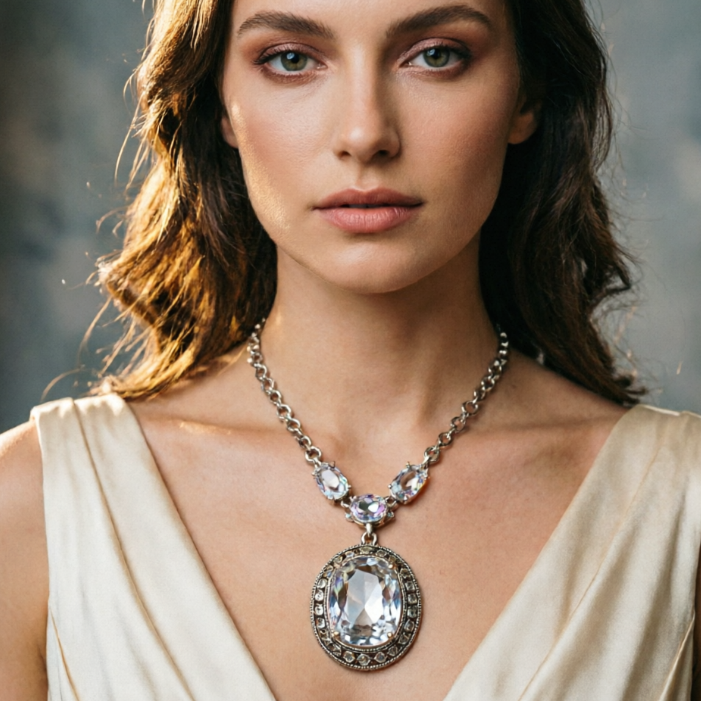
Showing item 1 of 5
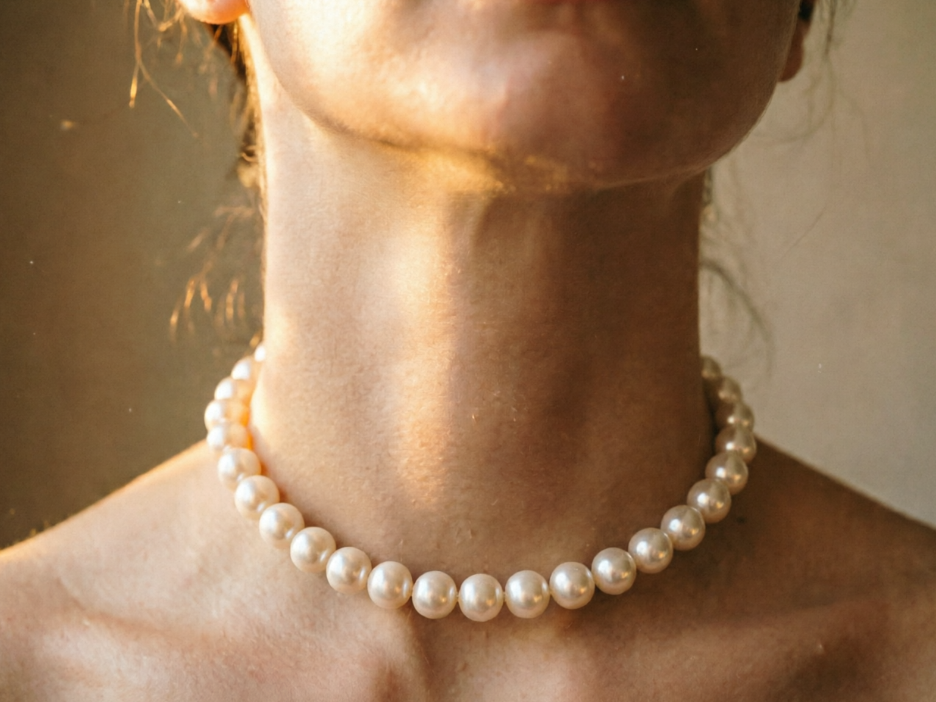
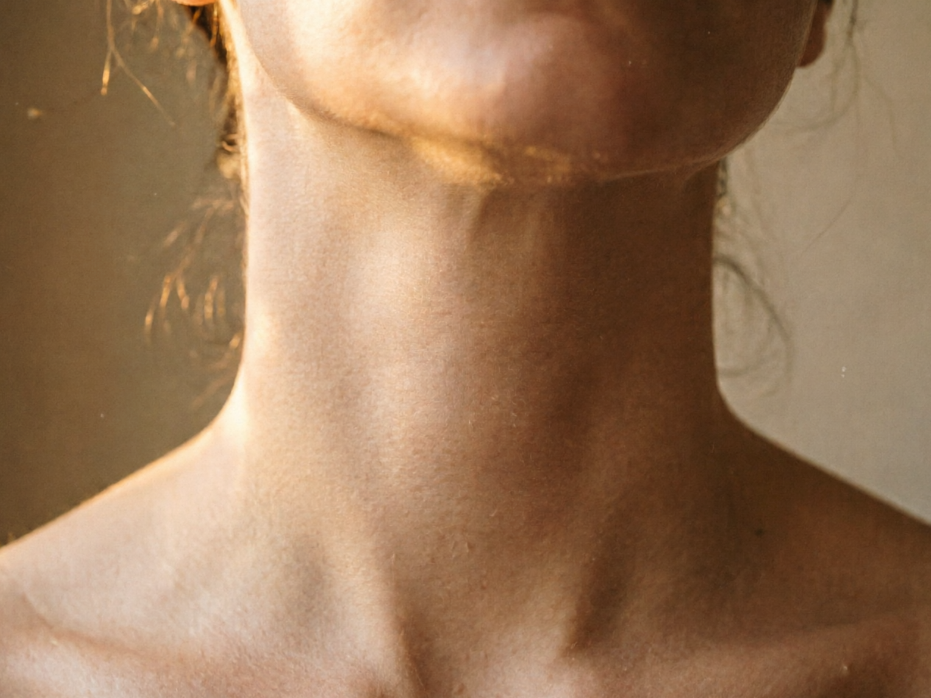
Witness how our AI seamlessly integrates various necklace styles onto your photos. Our before-and-after slider showcases the incredible transformation, ensuring every add necklace to photo result looks perfectly natural and stylish.
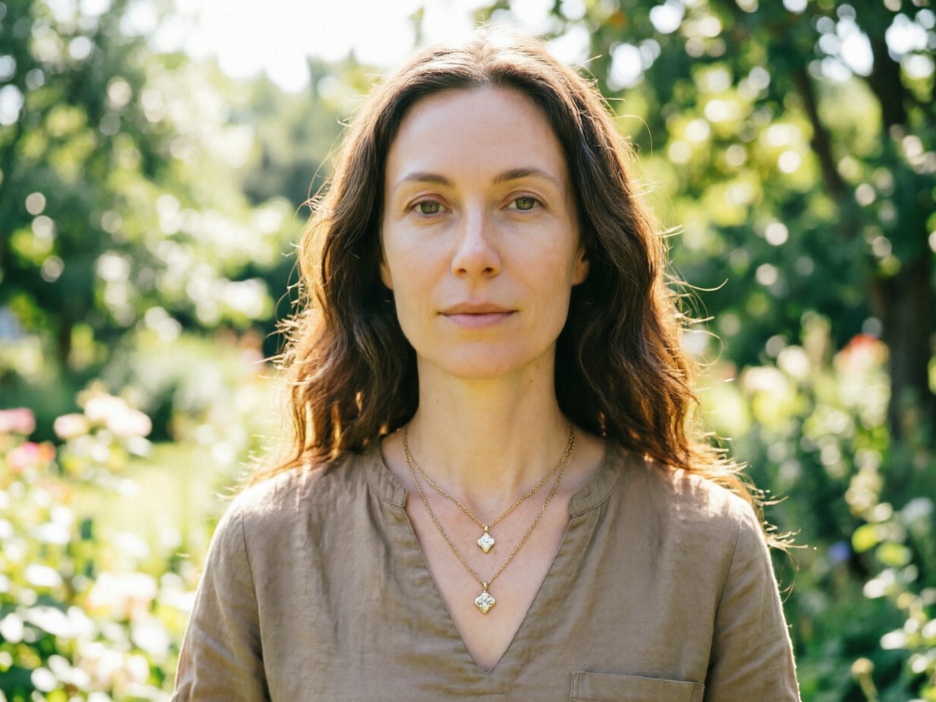
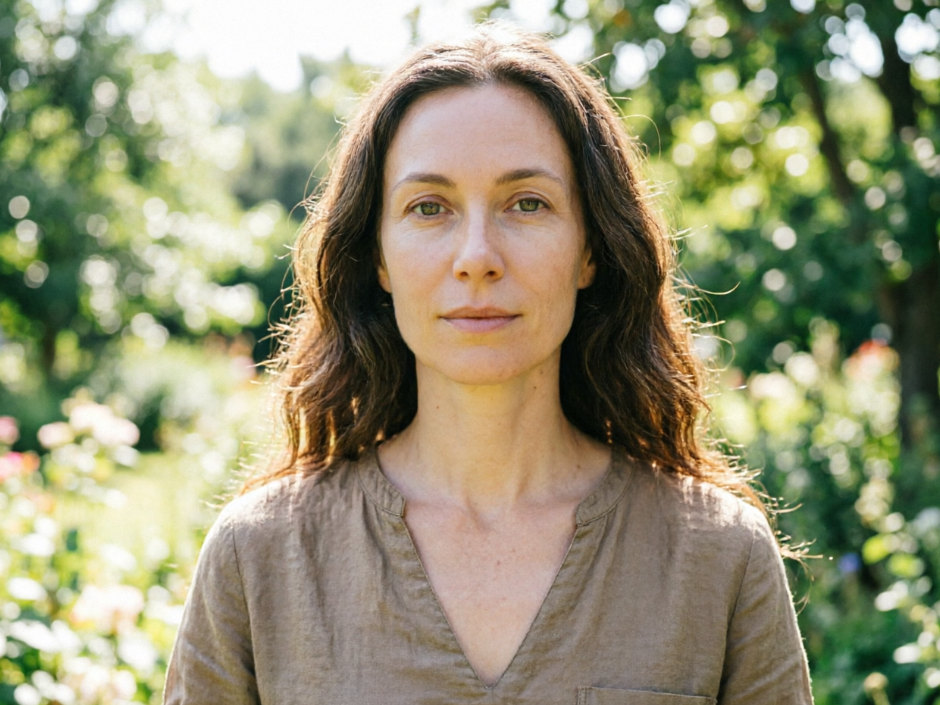
From classic pearls to bold statement pieces, our AI allows you to instantly add necklace to photo and preview various designs. This is perfect for designers, sellers, or anyone imagining their next look without physical prototypes.
Our platform is built with user experience, privacy, and accessibility at its core. Discover why thousands trust us to add necklace to photo with confidence.
Get unlimited access to our powerful AI add necklace to photo tool without any cost. Enhance your images and experiment with styles completely free.
Your uploaded photos and generated results are entirely private. We guarantee 100% data security and confidentiality when you add necklace to photo here.
No design skills? No problem! Our intuitive interface makes it incredibly easy for anyone to add necklace to photo with professional-looking results.
Our AI-powered tool makes it incredibly easy to enhance your photos. Follow these simple steps to add necklace to photo instantly and effortlessly.
Upload Your Image: Simply drag and drop or click to upload the photo you want to enhance. Our tool supports various image formats.
Choose Your Necklace Style: Browse our extensive collection of virtual necklaces and select the perfect one to complement your photo. Our AI will automatically position it.
Download Your Masterpiece: Once you’re happy with the result, download your newly edited photo in high resolution, ready to share or use.