Free to use
Access our powerful AI 1980s Filter completely free of charge. Enjoy unlimited transformations without any hidden costs or subscriptions.
Transform your photos with our AI 1980s Filter. Get authentic retro 80s vibes, vintage aesthetics, and cool effects instantly. Easy & Free!
Instantly transform your modern photos into captivating retro masterpieces with our advanced AI 1980s Filter. Discover true vintage aesthetics and recreate the iconic look of the 80s effortlessly, all powered by intelligent AI technology. Get started now and give your images a unique nostalgic flair.
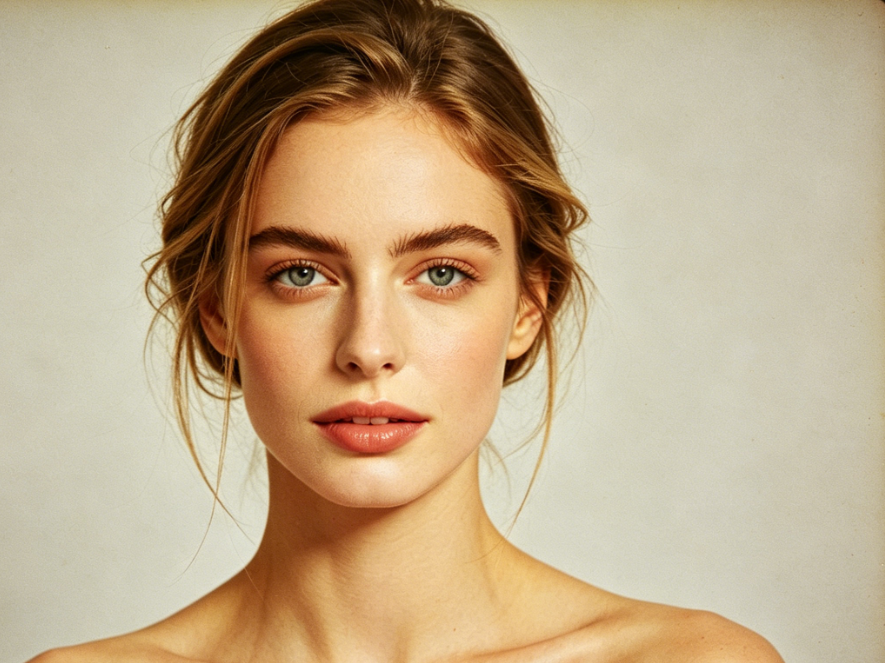
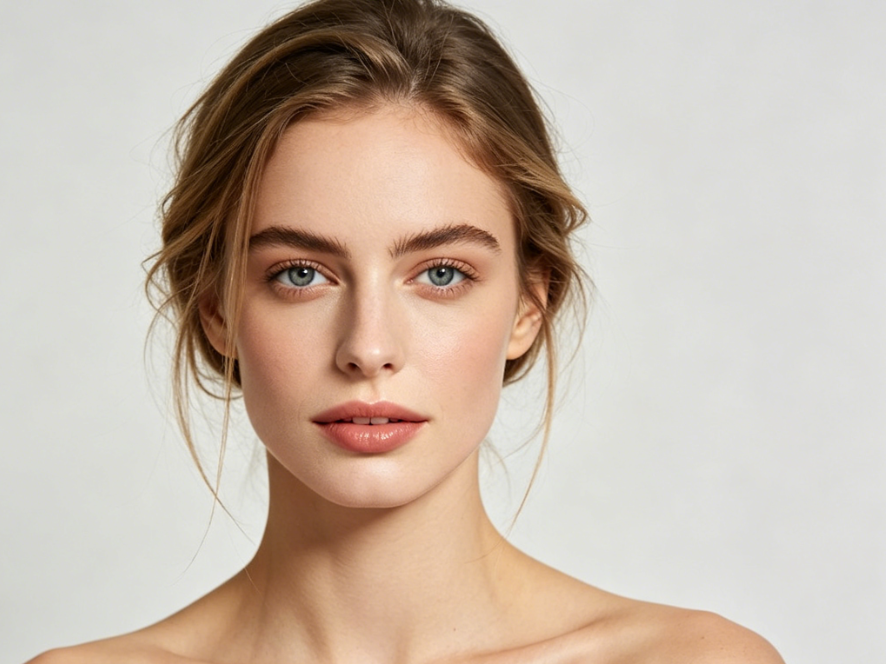
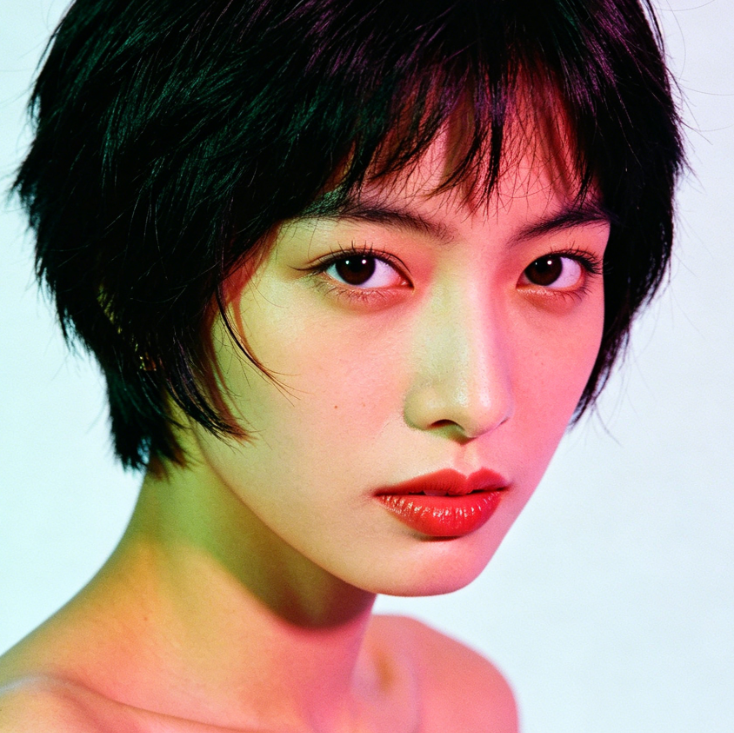
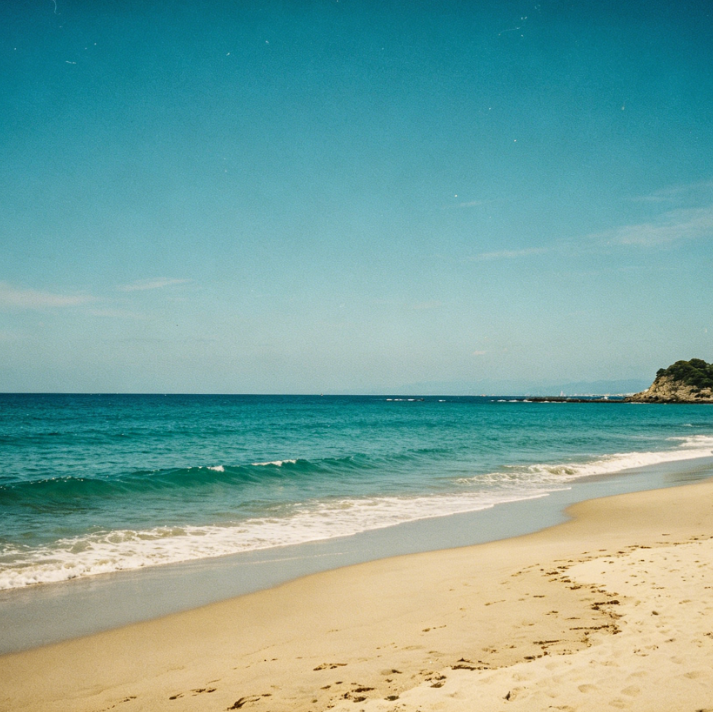
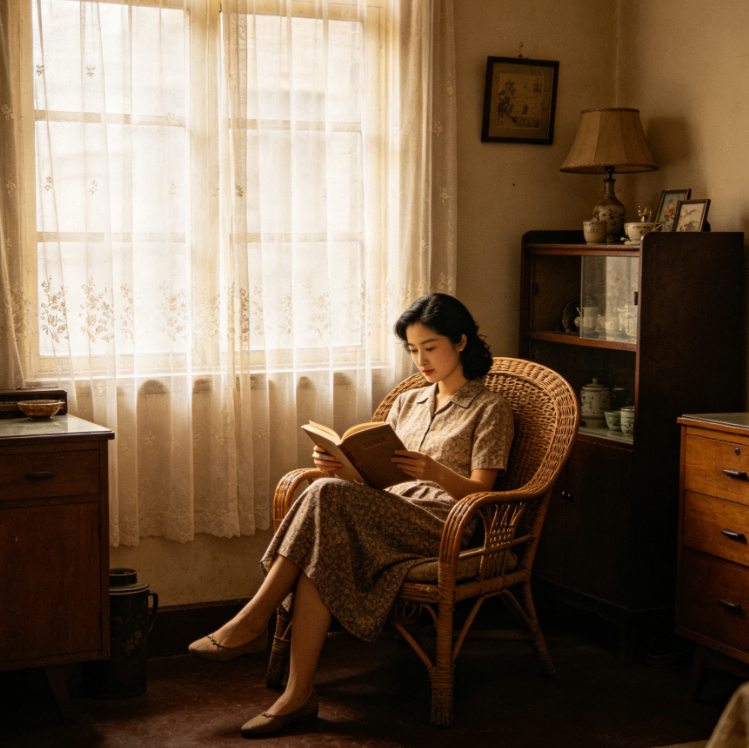
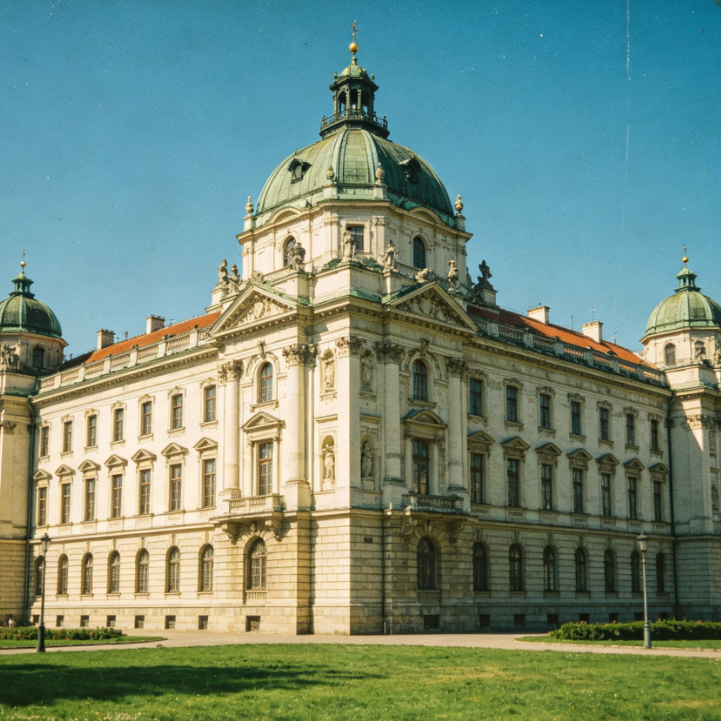
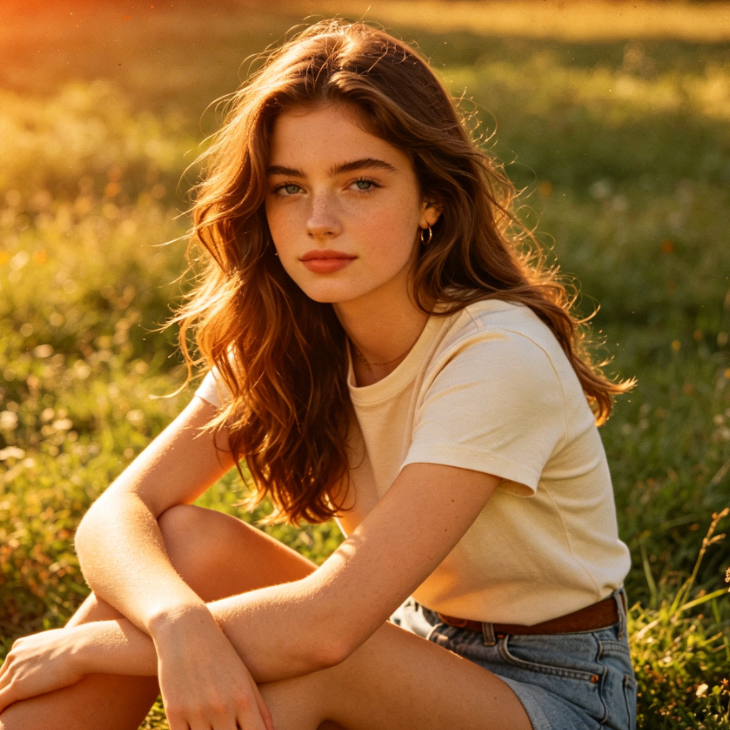
Showing item 1 of 5
Witness how your ordinary pictures become extraordinary vintage artwork. Our advanced AI seamlessly applies vibrant colors, classic grain, and iconic styles, bringing the essence of the 80s directly to your photographs. Experience the striking transformation!
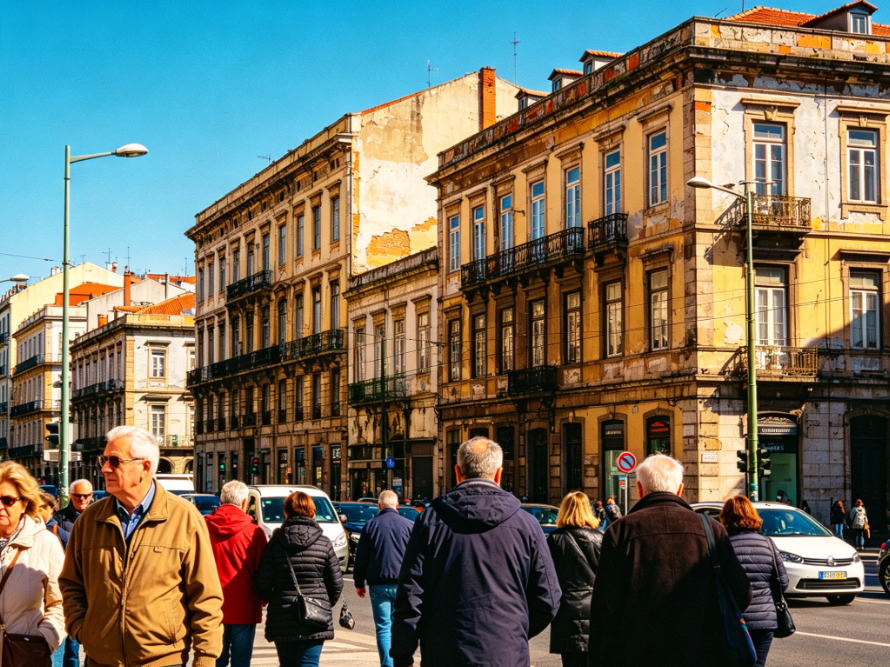
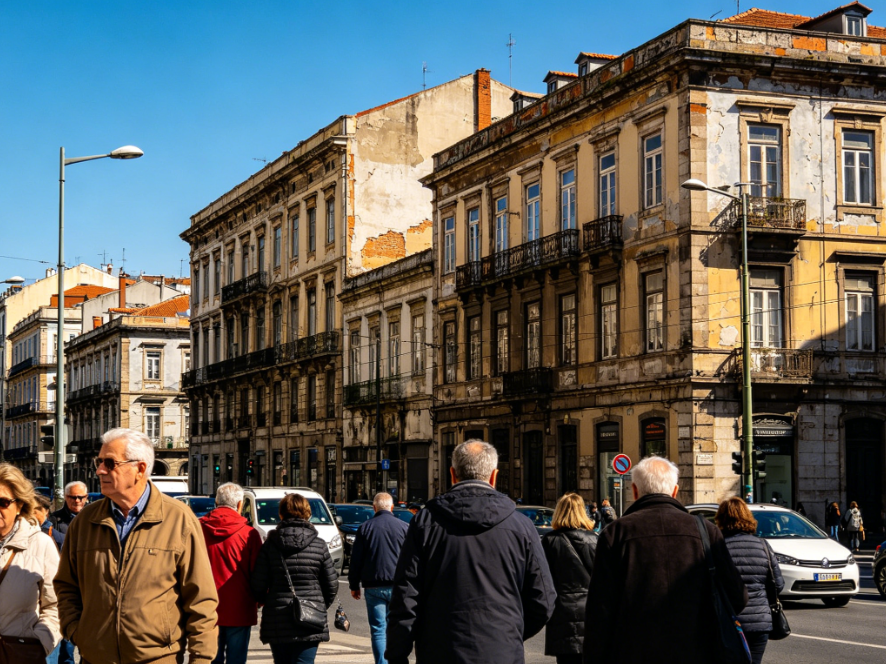
Beyond just a simple filter, our AI tool offers a range of aesthetic options to personalize your retro look. From neon glows to grainy textures, explore different facets of the 80s style and give each photo its unique character. Transform and customize with ease!
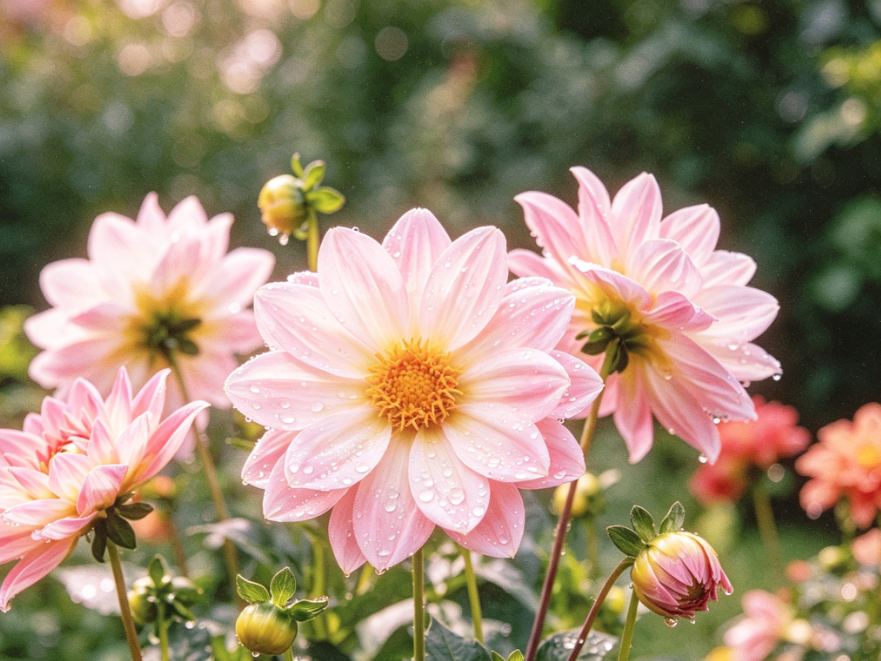
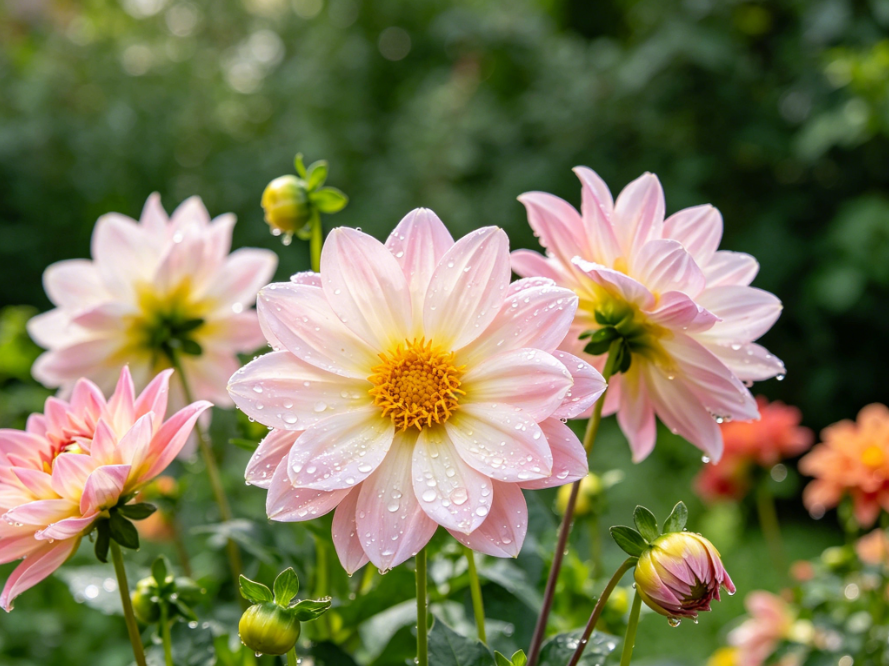
We've designed our AI 1980s Filter with you in mind, ensuring a seamless and secure experience. Discover the key benefits that make our tool the perfect choice for your retro photo editing needs.
Access our powerful AI 1980s Filter completely free of charge. Enjoy unlimited transformations without any hidden costs or subscriptions.
Your privacy is our priority. All uploaded images are processed securely and are never stored or shared, ensuring your data remains completely confidential.
No prior editing skills? No problem! Our intuitive interface makes applying the 1980s filter incredibly easy for everyone, from beginners to seasoned creators.
Get ready to transform your photos! Our AI 1980s Filter tool is designed for simplicity, making it incredibly straightforward to apply stunning retro effects.
【Upload Your Photo】Simply click the "Upload Image" button and select the picture you want to give an authentic 1980s filter effect.
【Apply the AI 1980s Filter】Our intelligent AI will automatically detect and apply the best retro 80s aesthetic to your uploaded image in seconds.
【Download Your Retro Masterpiece】Once the AI 1980s Filter is applied, you can instantly download your vintage-style photo to share or save.