AI Auburn Hair Filter: Transform Your Look Instantly | AIAI.com

Try our free AI Auburn Hair Filter to virtually try on stunning auburn shades. Get instant, realistic hair color results with ease and privacy.

Experience the Magic of AI Auburn Hair Filter

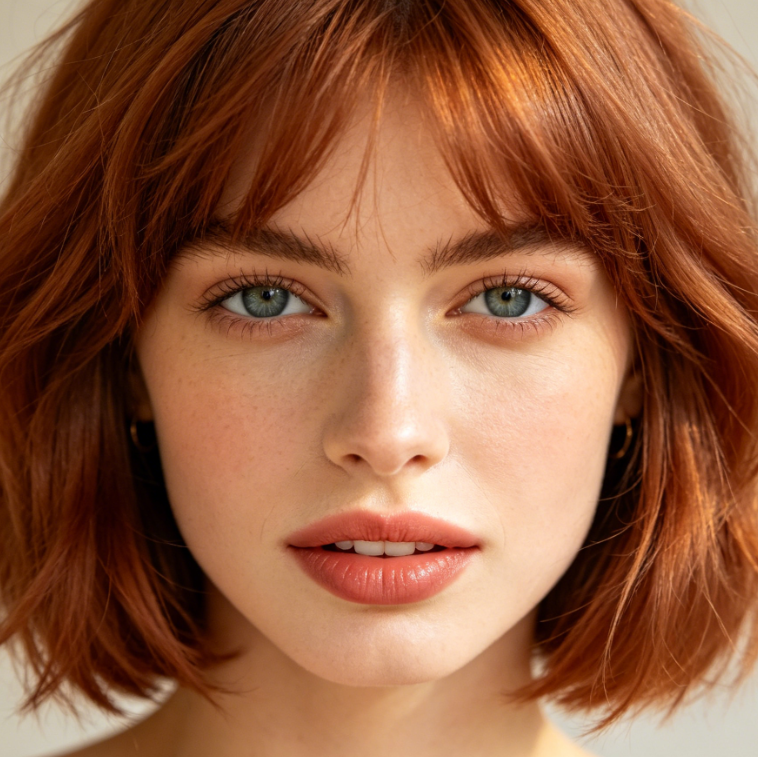
Discover how you'd look with rich, vibrant auburn hair instantly. Our cutting-edge AI Auburn Hair Filter allows you to virtually try on various beautiful auburn shades with just a few clicks. Get a realistic preview before making any commitments.
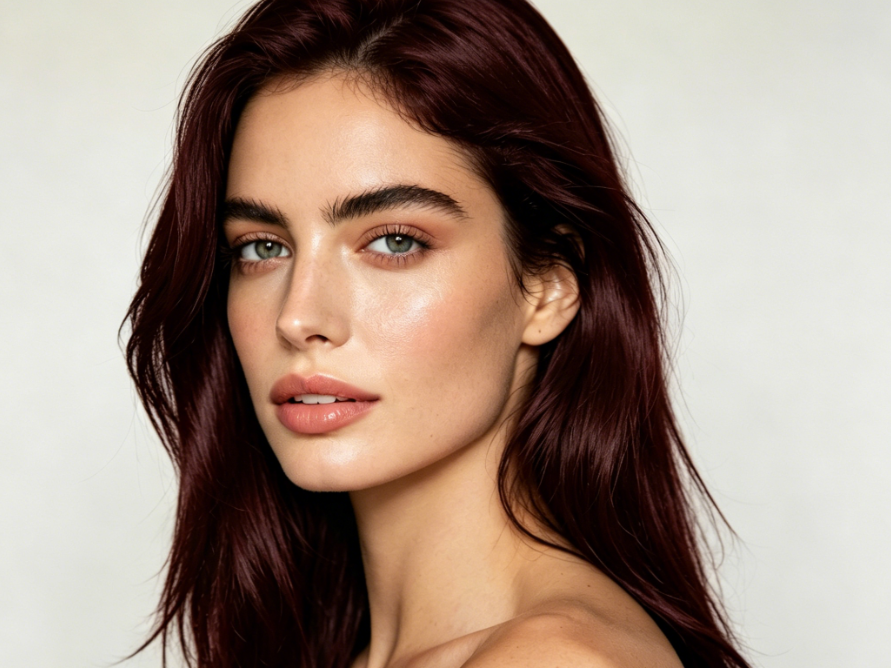
Close-up portrait of a young Caucasian woman with long rich auburn hair (copper-red highlights and wine-red shadows), light green eyes, and fair skin, wearing natural makeup, under soft studio lighting, 4:3 ratio, high-definition photo.
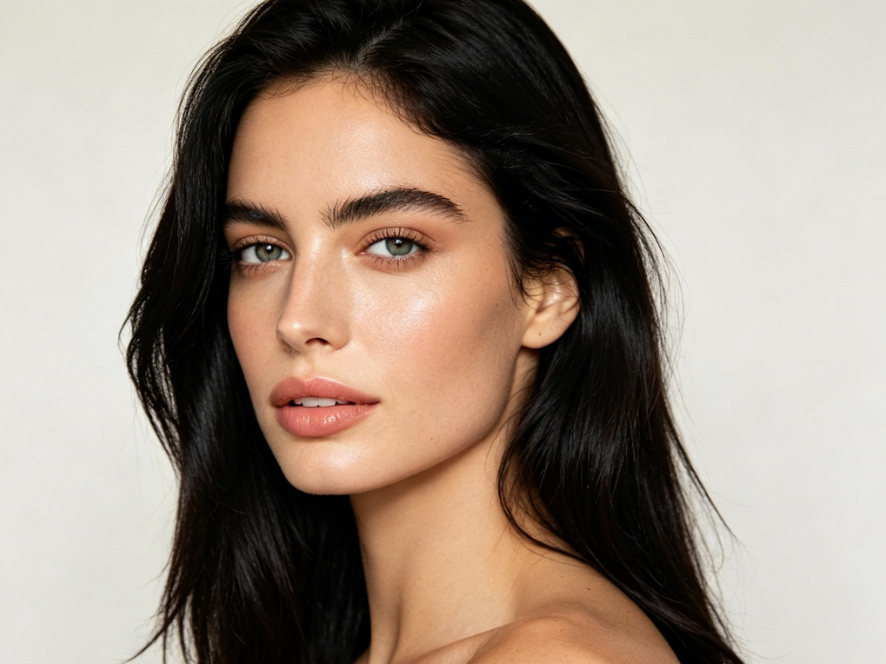
Close-up portrait of a young Caucasian woman with long natural black hair, light green eyes, and fair skin, wearing natural makeup, under soft studio lighting, 4:3 ratio, high-definition photo.
BeforeAfter

Instantly See Yourself with Stunning Auburn Hair

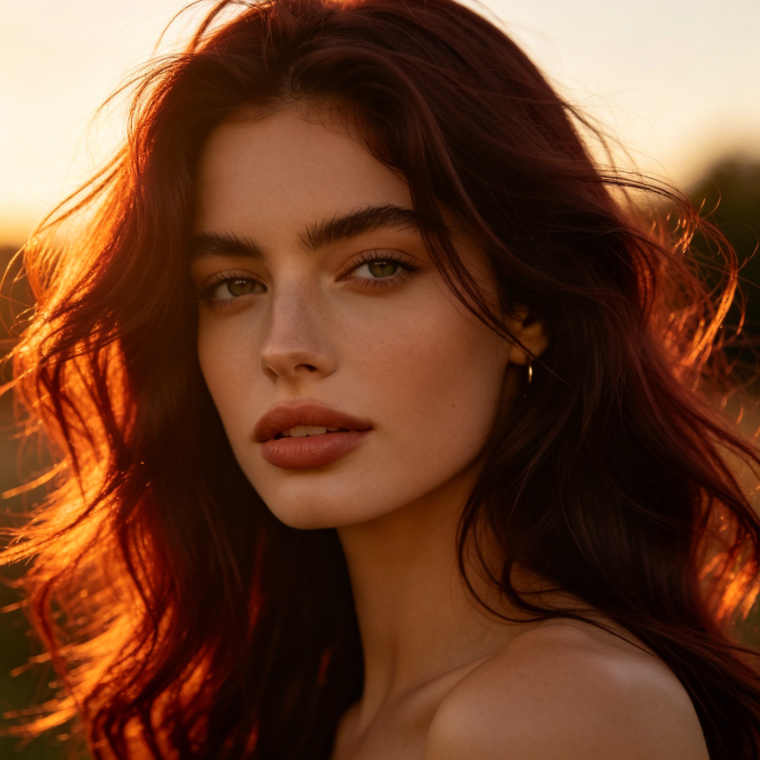
Upload your photo and let our powerful AI transform your hair color to a gorgeous auburn hue. Witness the striking difference with our intuitive before-and-after comparison. Explore a variety of radiant auburn options effortlessly.
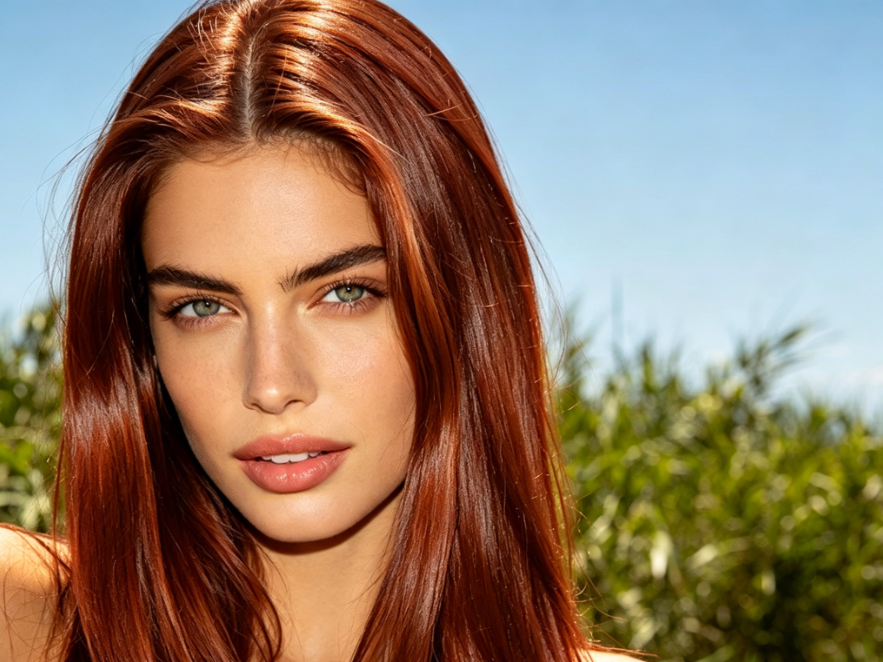
Close-up portrait of a young Caucasian woman with long vibrant auburn hair (copper highlights and deep red undertones), light green eyes, and sun-kissed skin, wearing natural makeup, under bright outdoor lighting, 4:3 ratio, high-definition photo.
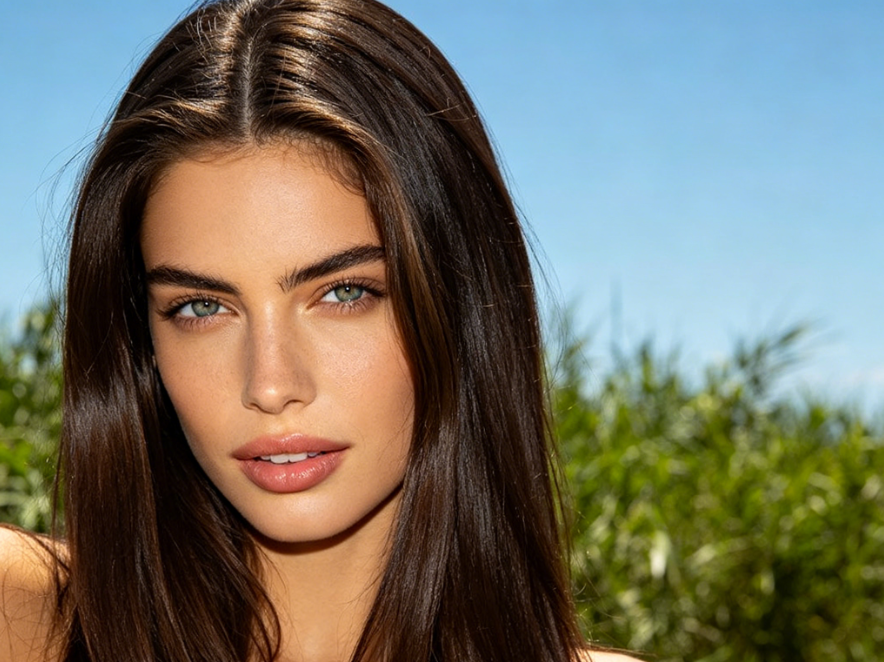
Close-up portrait of a young Caucasian woman with long natural dark brown hair, light green eyes, and sun-kissed skin, wearing natural makeup, under bright outdoor lighting, 4:3 ratio, high-definition photo
BeforeAfter

Unlock Your Perfect Auburn Shade

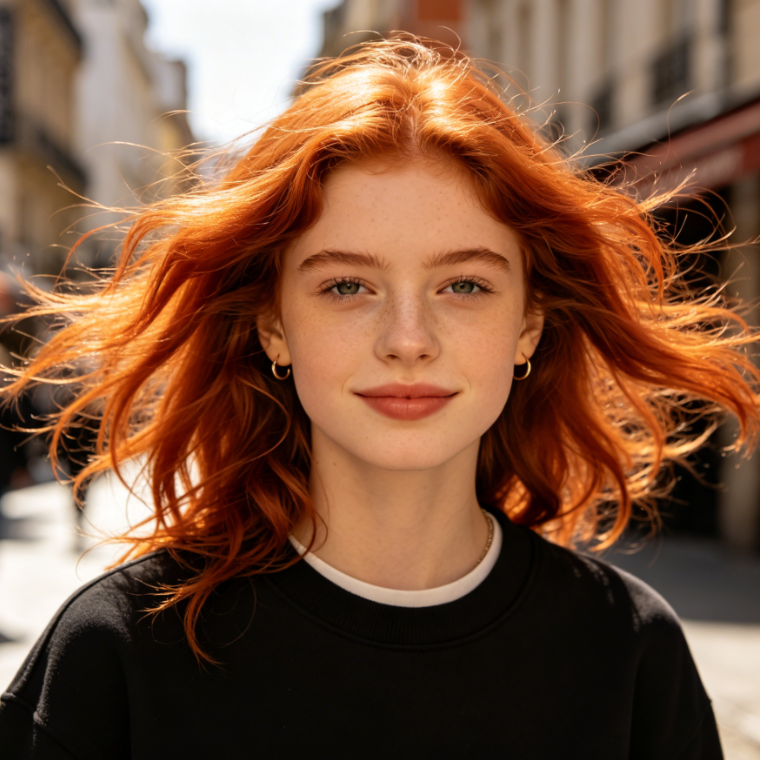
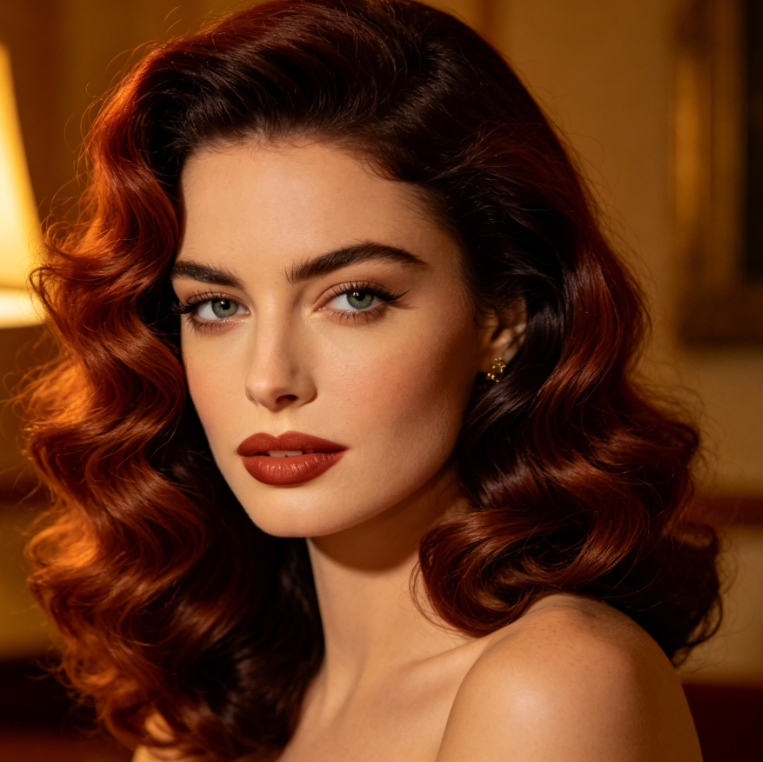
Not all auburns are created equal. Our advanced AI Auburn Hair Filter lets you experiment with different undertones and intensities, ensuring you find the exact auburn shade that perfectly complements your features. Dive into a world of possibilities.
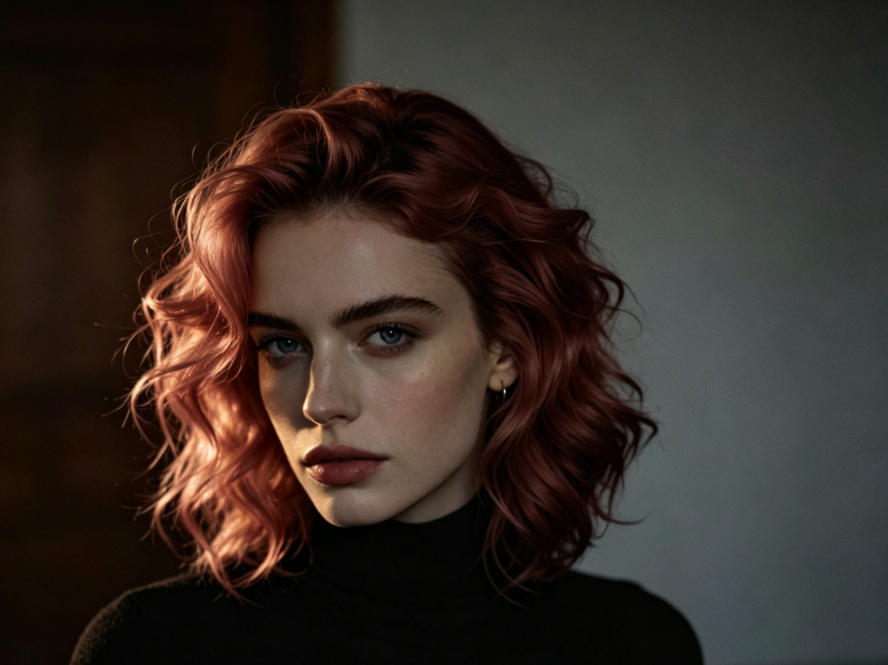
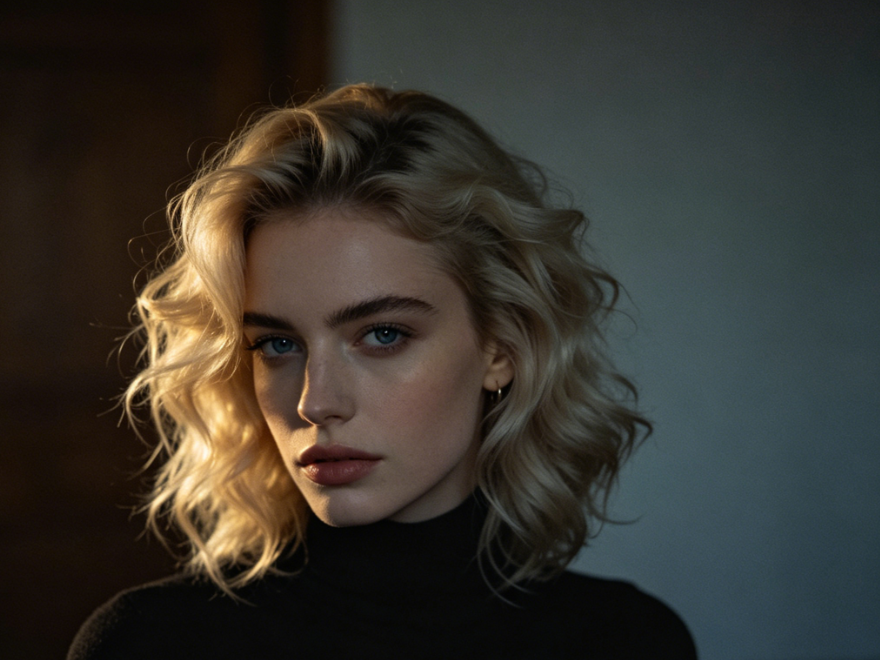
Close-up portrait of a young Caucasian woman with shoulder-length wavy auburn hair (copper-pink highlights), blue eyes, and fair skin, wearing a black turtleneck, under dramatic side lighting, 4:3 ratio, high-definition photo. (AI Auburn Hair Filter applied: natural-looking copper-red tones with dimensional depth)
Close-up portrait of a young Caucasian woman with shoulder-length wavy blonde hair (honey-blonde highlights), blue eyes, and fair skin, wearing a black turtleneck, under dramatic side lighting, 4:3 ratio, high-definition photo.
BeforeAfter

Why Choose Our AI Auburn Hair Filter?

Experience a seamless and trustworthy virtual hair transformation with features designed for your convenience and peace of mind.

Free to use

Our AI Auburn Hair Filter is completely free, allowing you to experiment with countless looks without any cost or subscription required.

All private

Your privacy is our top priority. All uploaded images are processed securely and never stored, ensuring your personal data remains confidential.

Beginner-friendly

Designed for everyone, our AI Auburn Hair Filter offers a simple, intuitive interface. No complex skills needed—just upload and see the magic!

How to Use Our AI Auburn Hair Filter

Getting your dream auburn hair is easier than you think. Follow these three simple steps to transform your look instantly with our advanced AI.

  1. Step 1 of 3

    Step 1

    Upload Your Photo: Choose a clear photo where your face and hair are visible. Our AI works best with good lighting.

  2. Step 2 of 3

    Step 2

    Select Auburn Filter: Browse our range of auburn shades and select the one that catches your eye.

  3. Step 3 of 3

    Step 3

    Download Your New Look: Preview the transformation and download your auburn hair filtered image to share or save.

Frequently Asked Questions About Our AI Auburn Hair Filter

Yes, our AI Auburn Hair Filter is completely free. You can enjoy unlimited virtual try-ons without any hidden costs or subscriptions.

How to use FAQ section

Use Tab to navigate between questions. Press Enter or Space to expand or collapse an answer. Use Up and Down arrows to move between questions.