Free to Use
Our braces filter is completely free. Instantly preview your smile without any hidden costs or subscriptions. Get access to a realistic braces simulation at no charge.
Instantly see how you'd look with braces using our AI Braces Filter. Get a realistic preview with our free online tool. Perfect your smile before you commit!
Instantly transform your look with our cutting-edge AI braces filter. See exactly how you'll appear with various braces styles, completely free and online. Get a realistic preview of your potential new smile today!
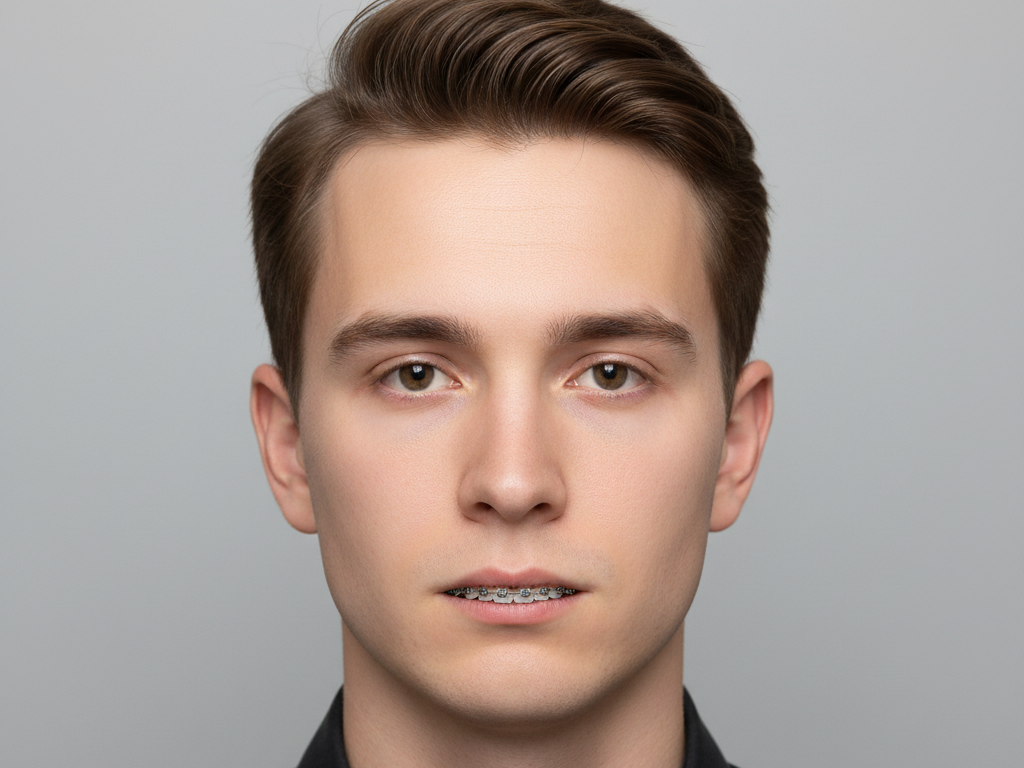
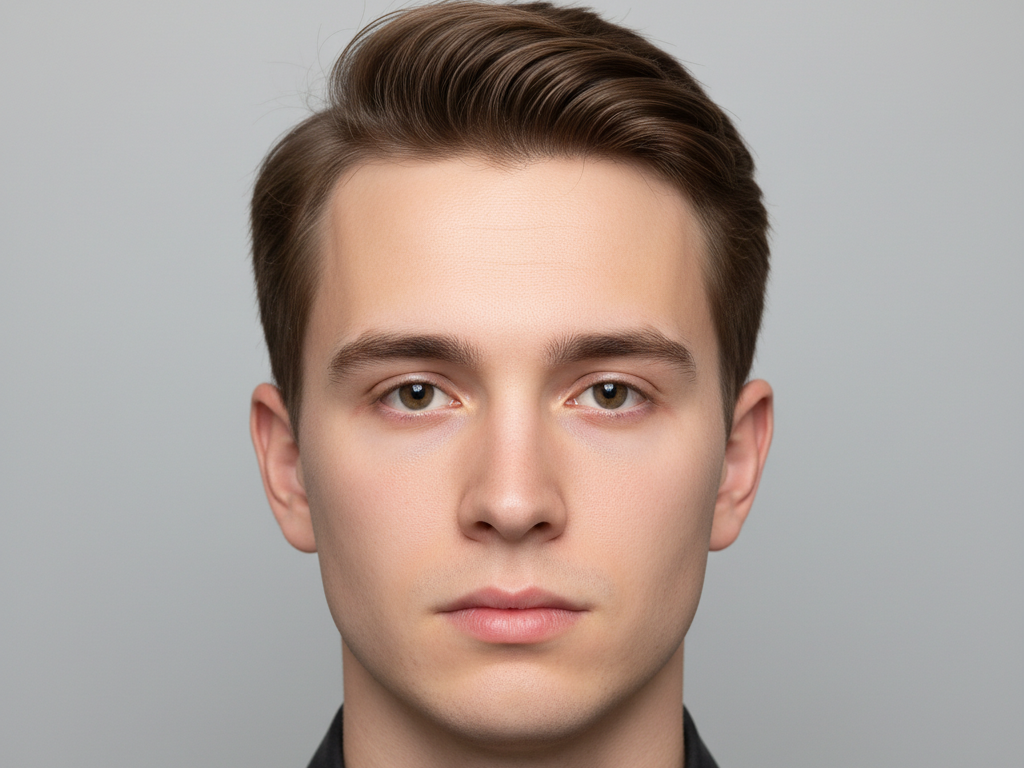

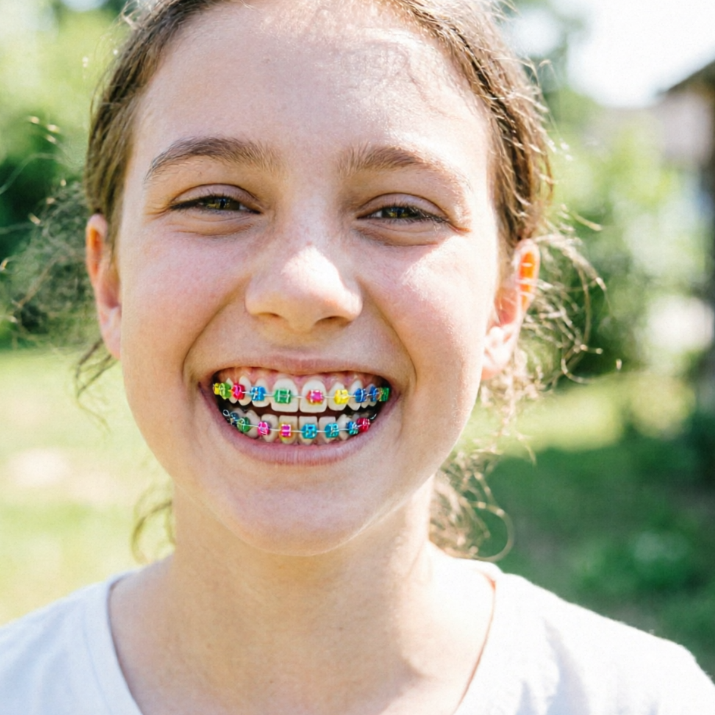

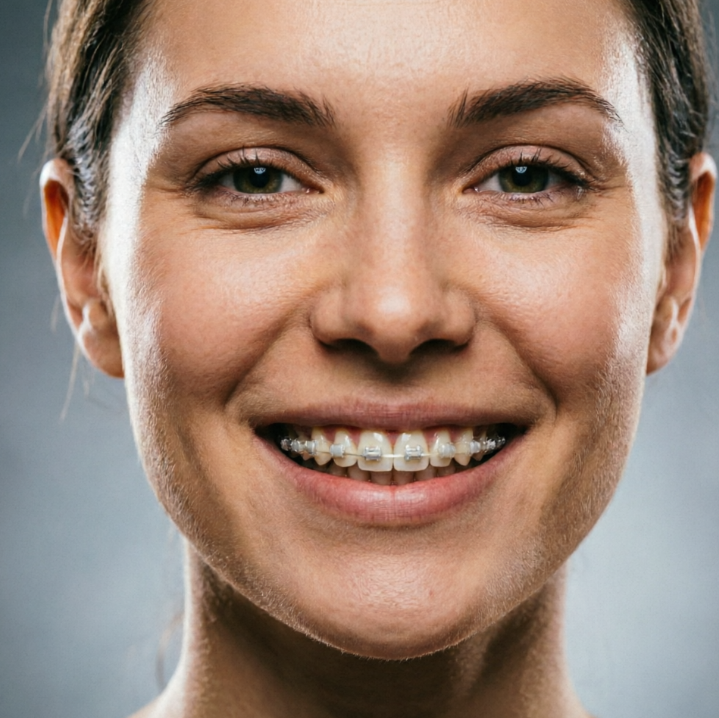
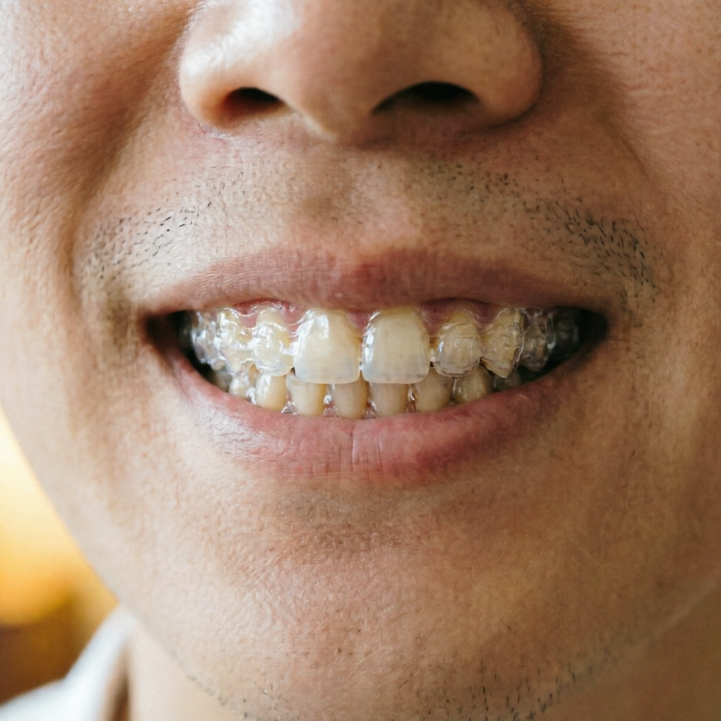
Showing item 1 of 5
Upload your photo and watch our advanced AI transform your smile. Our braces filter provides an incredibly realistic overlay, letting you visualize the impact of braces on your face from every angle. No commitments, just pure visualization.
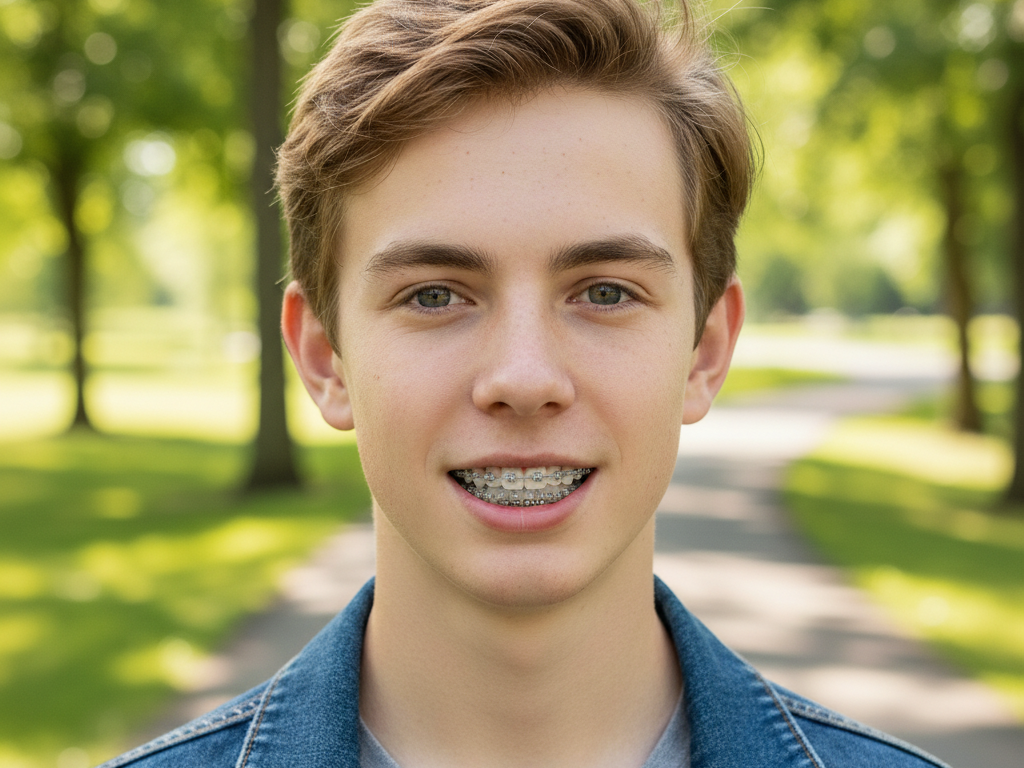

Ever wondered "What will I look like with braces?" Our AI-powered tool answers that question instantly. Explore different perspectives and get a clear vision of your future smile, all from the comfort of your device.


Discover the ultimate way to visualize your braces journey. Our tool is designed with your convenience, privacy, and ease of use in mind, making your virtual try-on experience seamless and worry-free.
Our braces filter is completely free. Instantly preview your smile without any hidden costs or subscriptions. Get access to a realistic braces simulation at no charge.
Your privacy is our priority. All uploaded photos are processed securely and are never stored or shared. Experience our AI braces filter with complete peace of mind.
Designed for everyone, our intuitive interface makes trying on braces simple and fun. No technical skills needed – just upload and see your new look instantly.
Getting a preview of your smile with braces is incredibly easy. Follow these simple steps to transform your photo and visualize your new look in seconds!
Upload Your Photo: Choose a clear photo of your face from your device. For best results, ensure your teeth are visible.
Apply the Braces Filter: Our AI will automatically detect your face and apply the realistic braces filter. Adjust if needed.
View & Download Your New Look: See your transformed smile! You can download the image instantly and share it.