Free to use
Experiment with an unlimited number of hairstyles and colors at no cost. Our AI Hairstyle Swap is completely free, making style exploration accessible to everyone.
Instantly transform your look with our AI Hairstyle Swap tool. Experiment with countless hairstyles, colors, and cuts for free. Find your perfect style today!
Unlock endless possibilities with our advanced AI Hairstyle Swap tool. Upload your photo and instantly visualize how different hairstyles, colors, and lengths will transform your appearance. It's the ultimate virtual salon experience to find your ideal style before commitment.



Showing item 1 of 5
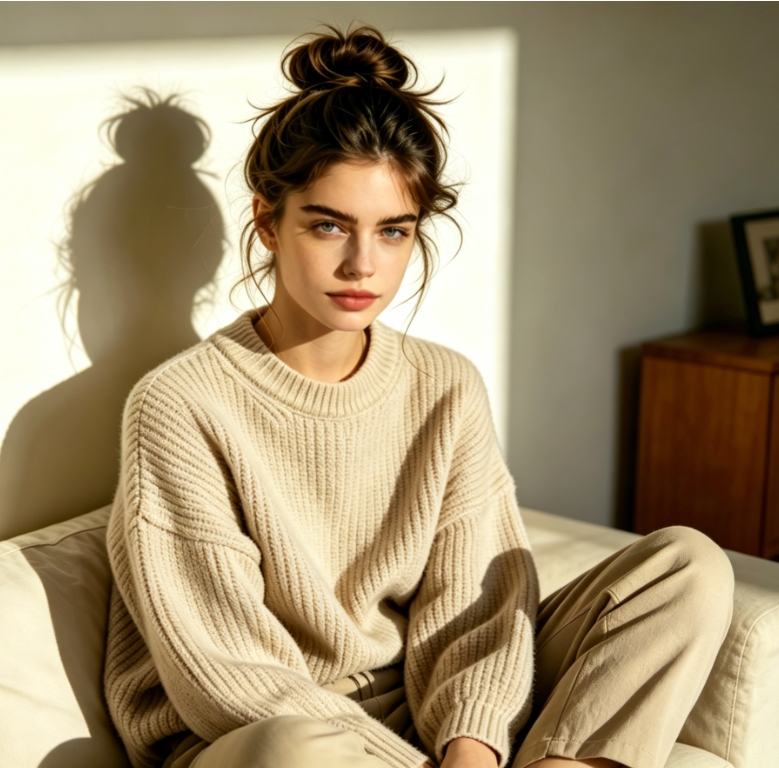
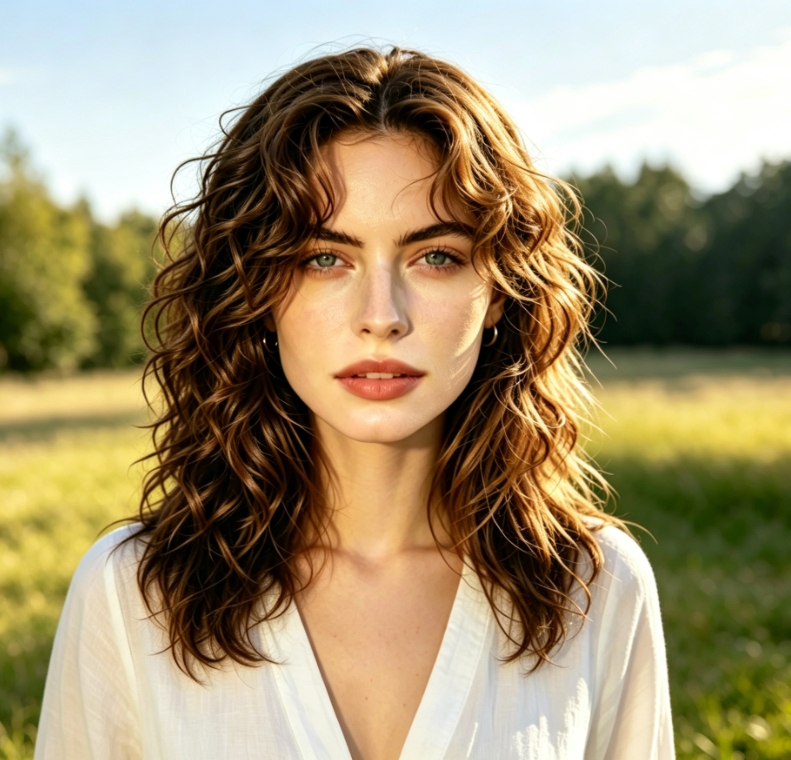
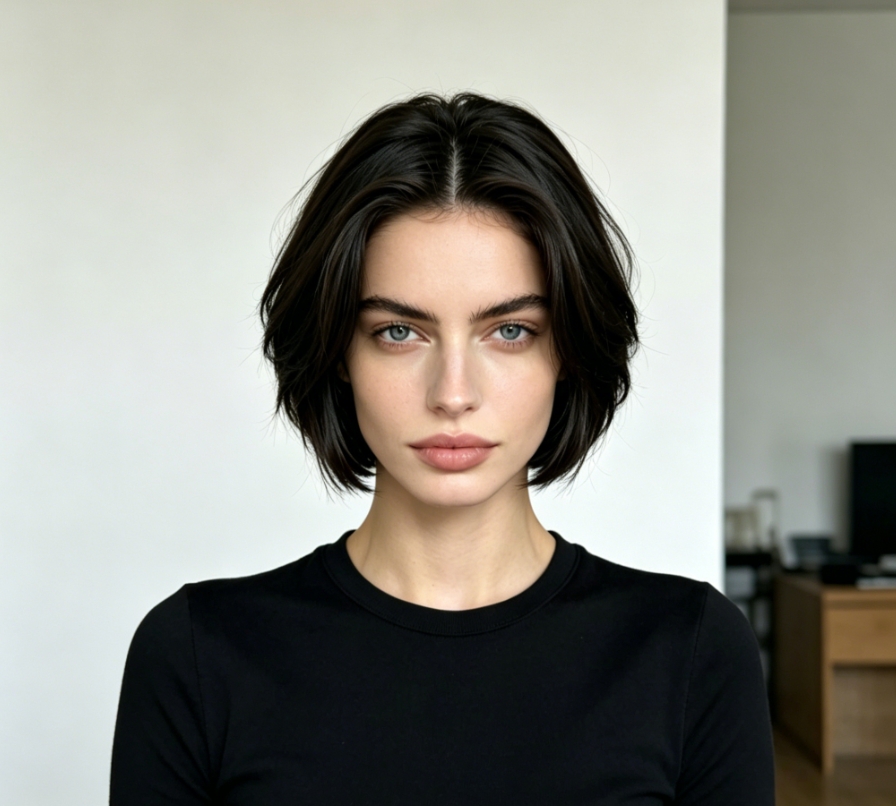
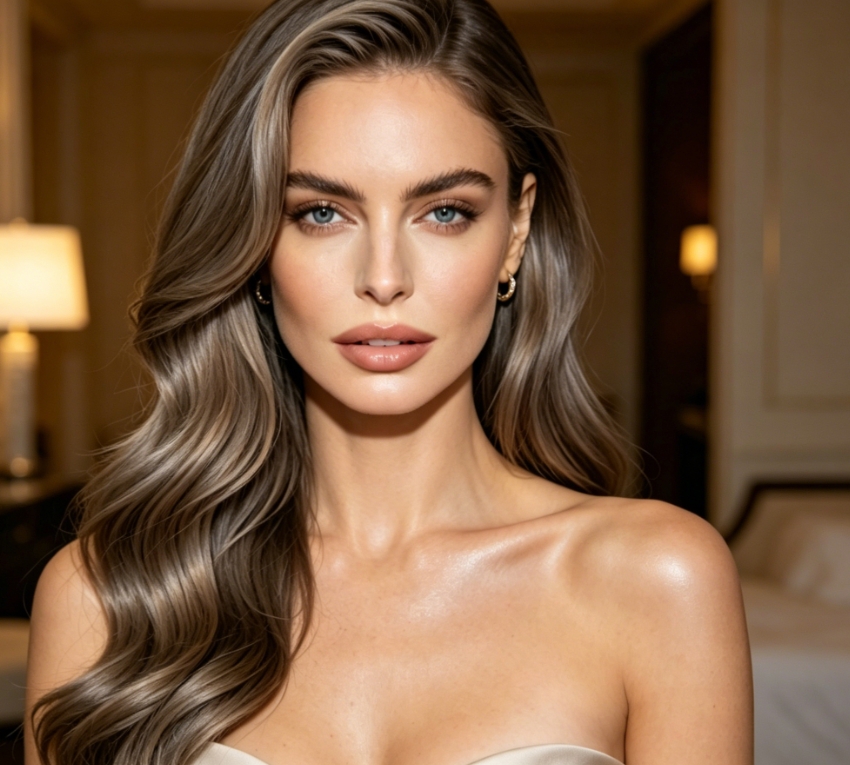
Experience the magic of AI hairstyle changer. Simply upload your selfie and watch as our tool applies trendy cuts, classic styles, or bold colors. Get a realistic preview of your next great look with just a few clicks.
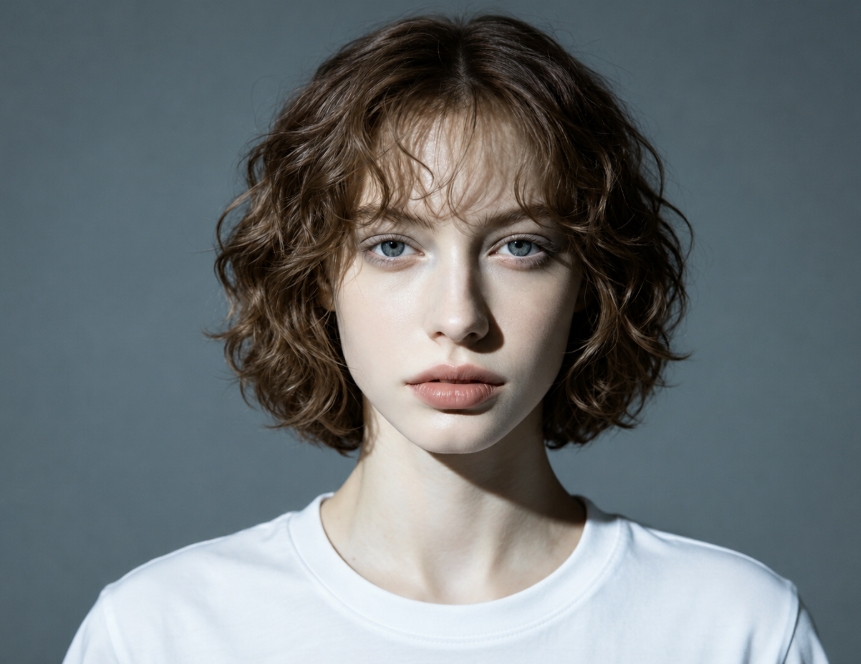
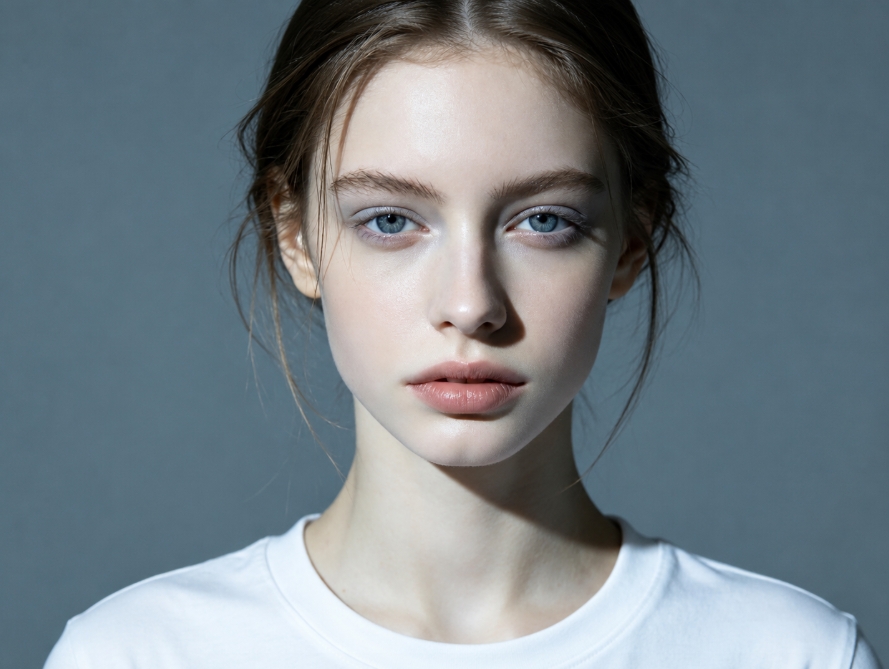
From sleek bobs to voluminous curls, our AI hairstyle swap tool lets you try on any look. Discover which style complements your face shape and personal aesthetic without ever touching a pair of scissors. Your ultimate hair transformation journey starts here.
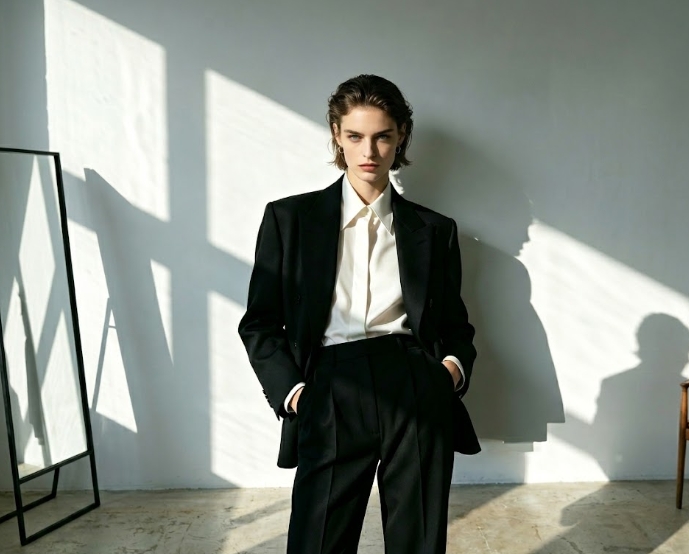
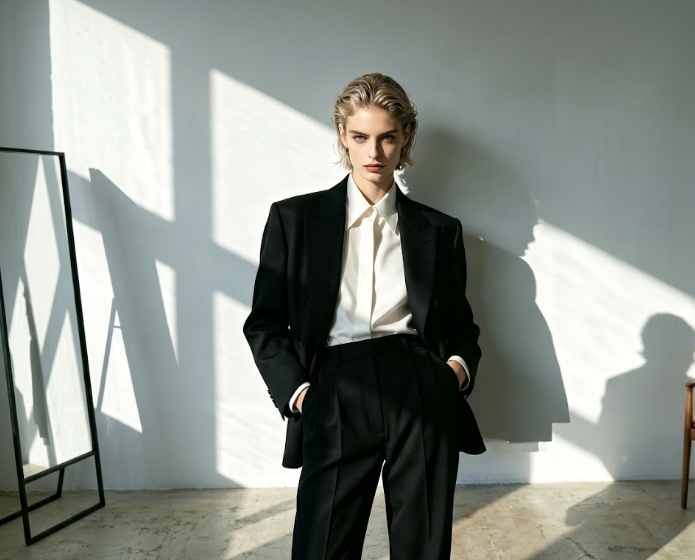
Experience a seamless and secure way to try on new hairstyles. Our AI Hairstyle Swap tool is designed with your convenience and privacy in mind, making style exploration enjoyable and worry-free.
Experiment with an unlimited number of hairstyles and colors at no cost. Our AI Hairstyle Swap is completely free, making style exploration accessible to everyone.
Your photos are processed securely and are never stored or shared. We guarantee 100% privacy for every AI hairstyle try-on session.
No technical skills required. Our intuitive interface makes it incredibly easy for anyone to use the AI Hairstyle Swap and get stunning results in seconds.
Get started with your virtual hair transformation in just three simple steps. Our AI Hairstyle Swap makes it effortless to try on new looks.
Upload Your Photo: Choose a clear, front-facing image of yourself.
Select a Hairstyle: Browse our extensive library of styles, colors, and cuts, or even upload your own reference image.
See Your New Look: Our AI instantly applies the chosen hairstyle to your photo. Download your favorite results!