Free to use
Turn your images into stunning oil paintings without any cost. Our AI Oil Painting Filter is completely free, offering premium artistic effects to everyone.
Instantly turn your photos into stunning oil paintings with our free AI Oil Painting Filter. Easy to use, private, and delivers incredible artistic effects.
Unleash your inner artist with our powerful AI Oil Painting Filter. Effortlessly convert any photo into a masterpiece, capturing the rich textures and vibrant colors of traditional oil art. Experience the magic of AI transformation in just a few clicks.
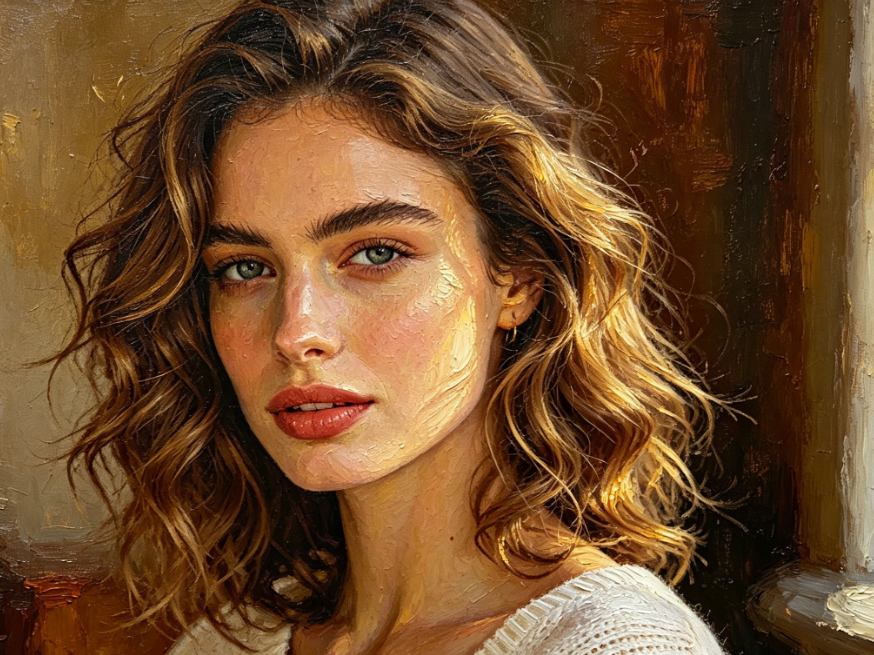
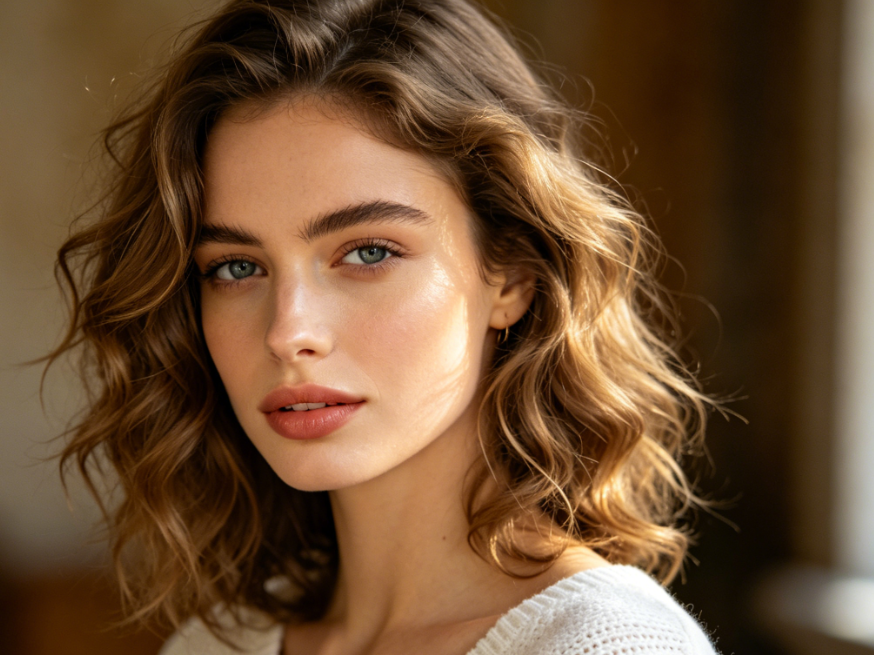


Showing item 1 of 5
Witness how our AI Oil Painting Filter brings your images to life. From ordinary snapshots to extraordinary oil painting masterpieces, our advanced algorithm ensures every detail is beautifully rendered, preserving the essence of your original photo.
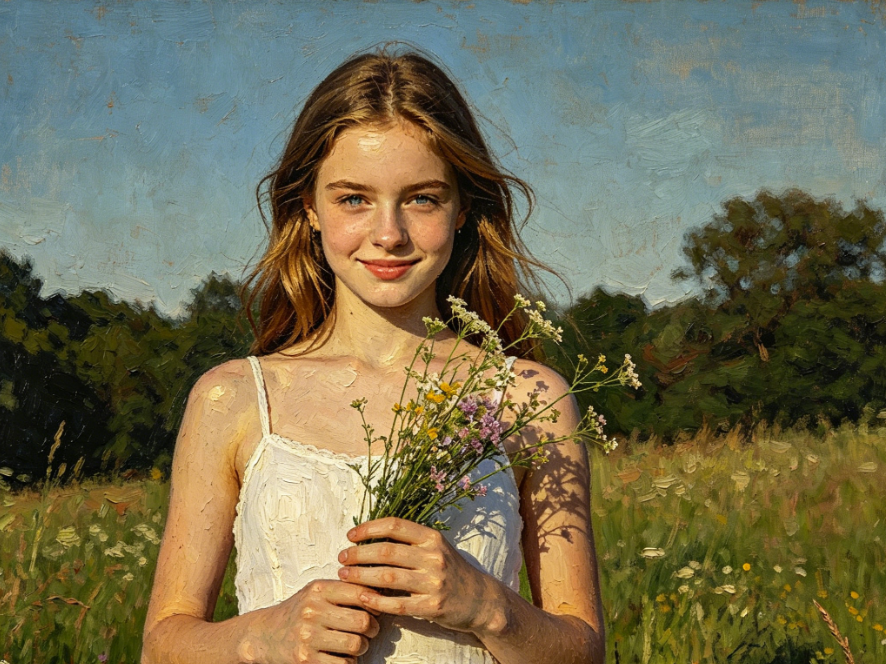
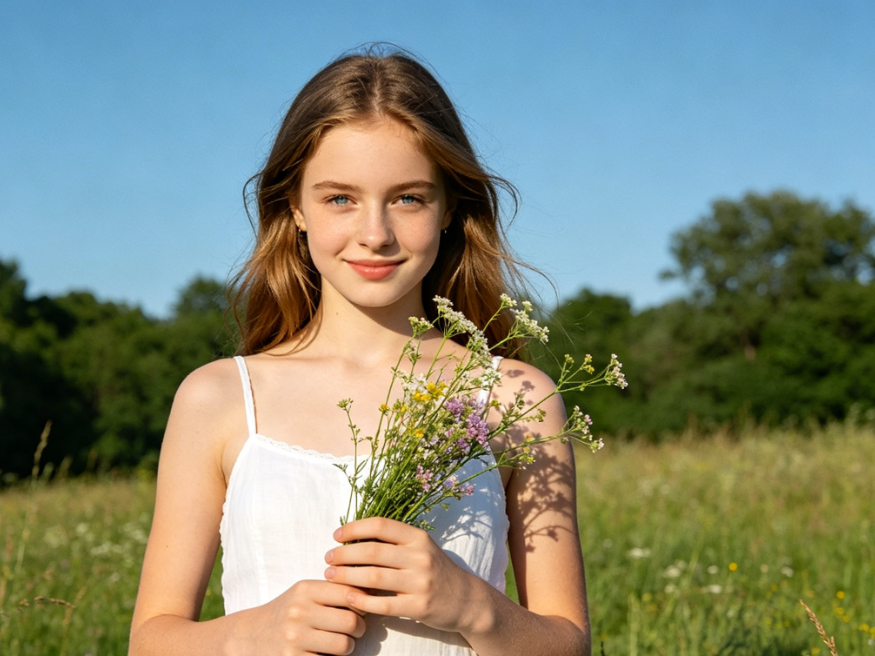
Explore a variety of rich oil painting styles with our versatile AI filter. Whether you prefer vibrant impasto, smooth brushstrokes, or classic portraiture, our tool adapts to create the perfect artistic vision for your photos.


Experience the best of digital art creation with a tool designed for everyone. Our AI Oil Painting Filter combines powerful technology with user-centric features to ensure a seamless and rewarding experience.
Turn your images into stunning oil paintings without any cost. Our AI Oil Painting Filter is completely free, offering premium artistic effects to everyone.
Your privacy is our priority. All uploaded photos for the AI Oil Painting Filter are processed securely and never stored, ensuring your personal data remains confidential.
No artistic skills needed. Our intuitive interface makes using the AI Oil Painting Filter incredibly simple, allowing anyone to create beautiful art in seconds.
Transforming your photos into beautiful oil paintings is incredibly simple. Follow these quick steps to create your first AI art masterpiece with ease.
Upload Your Photo: Select an image from your device that you wish to transform into an oil painting.
Apply the Filter: Our AI Oil Painting Filter will automatically analyze your image and apply the artistic effect.
Download Your Art: Once satisfied, save your new oil painting directly to your device.