Free to Use
Enjoy unlimited access to our powerful AI photo recolor tool without any hidden costs. Experience premium features and transform your photos for free, anytime.
Transform your images instantly with our AI Photo Recolor tool. Easily recolor any photo online using the best AI photo recoloring tools.
Unlock the full potential of your images with AIAI.com's powerful AI Photo Recolor tool. Effortlessly change colors, restore old photos, or experiment with new palettes in seconds. Our advanced AI ensures stunning, realistic results every time, making professional-grade recoloring accessible to everyone.


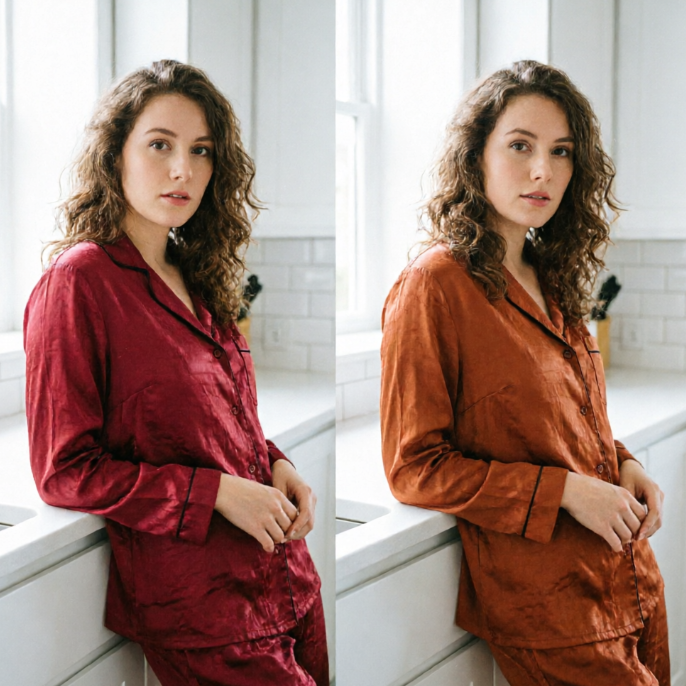
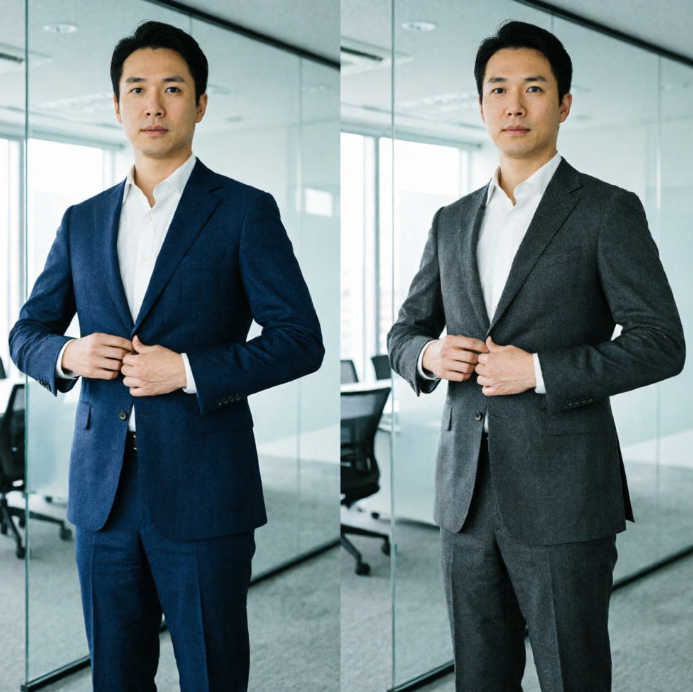
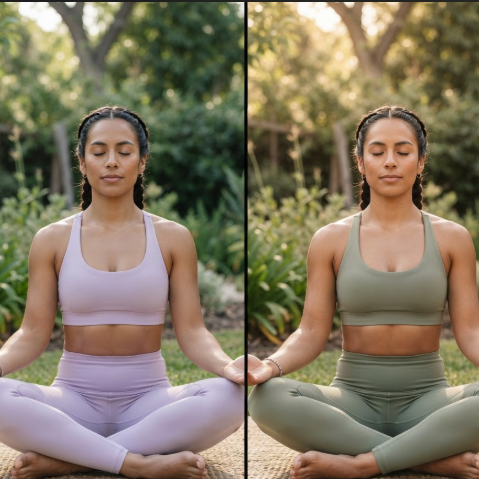
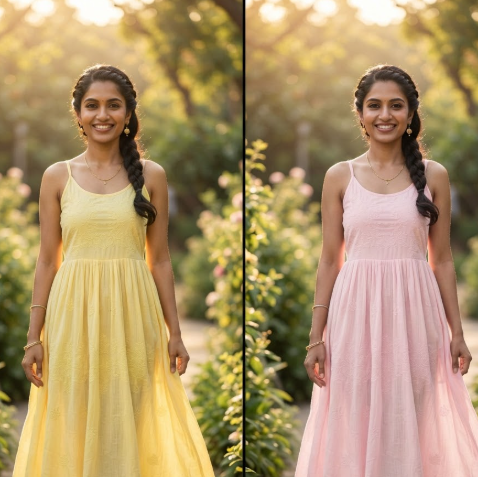
Showing item 1 of 5
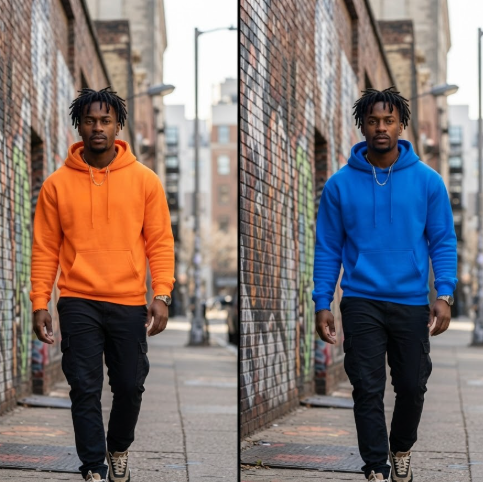
Visualize new product variations instantly without reshoots. Our AI Recolor Photo tool precisely changes colors of items, allowing you to showcase diverse options to your customers in just a few clicks. Achieve consistent, high-quality results perfect for e-commerce and marketing campaigns.
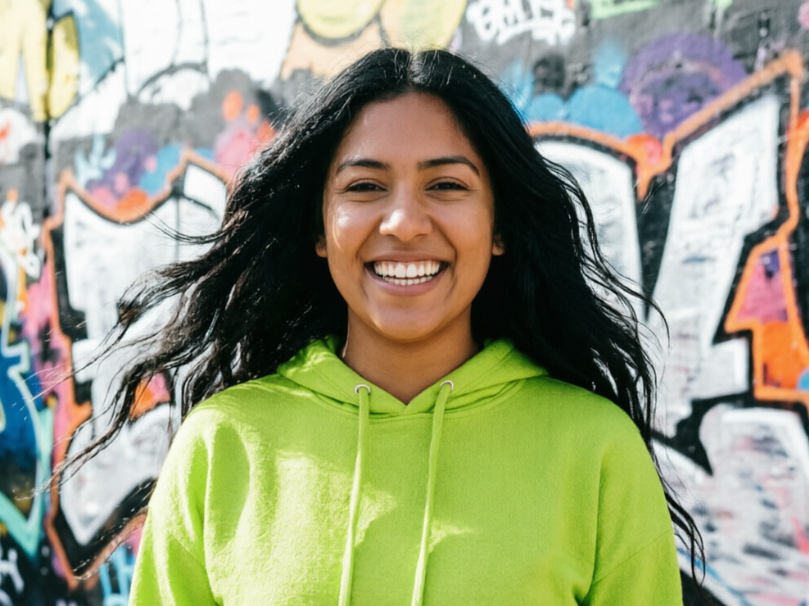
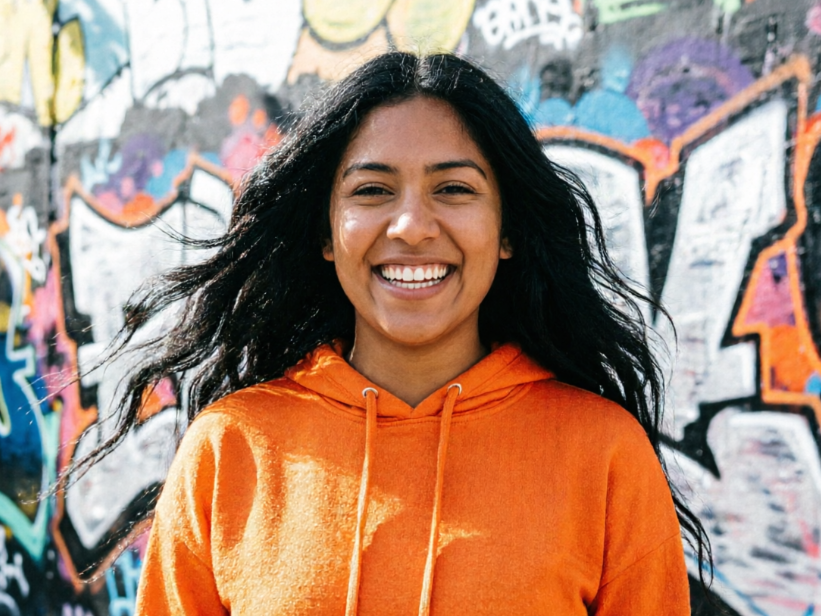
Breathe new life into cherished memories. Our Photo Recolor AI tool expertly adds vibrant, natural colors to black and white or faded historical photos. Rediscover the past in stunning detail and share beautifully restored images with family and friends, all powered by advanced AI.


Discover the ultimate solution for AI photo recoloring that combines ease of use with professional results. AIAI.com is designed with you in mind, ensuring a seamless, secure, and accessible experience for all your color transformation projects.
Enjoy unlimited access to our powerful AI photo recolor tool without any hidden costs. Experience premium features and transform your photos for free, anytime.
Your privacy is our priority. All uploaded images are processed securely and are never stored or shared, ensuring your personal photos remain confidential.
No design skills? No problem! Our intuitive interface makes AI recoloring incredibly simple. Achieve stunning results with just a few clicks, even if you're a complete novice.
Experience the magic of AI photo recoloring in three simple steps. Our intuitive platform guides you through the process, making color transformation effortless and enjoyable.
Upload Your Photo: Simply drag and drop or select the image you wish to recolor from your device.
Choose Your Colors: Our AI will automatically analyze your image, then you can select from various palettes or customize colors to your liking.
Download & Share: Once satisfied, instantly download your newly recolored photo in high resolution.