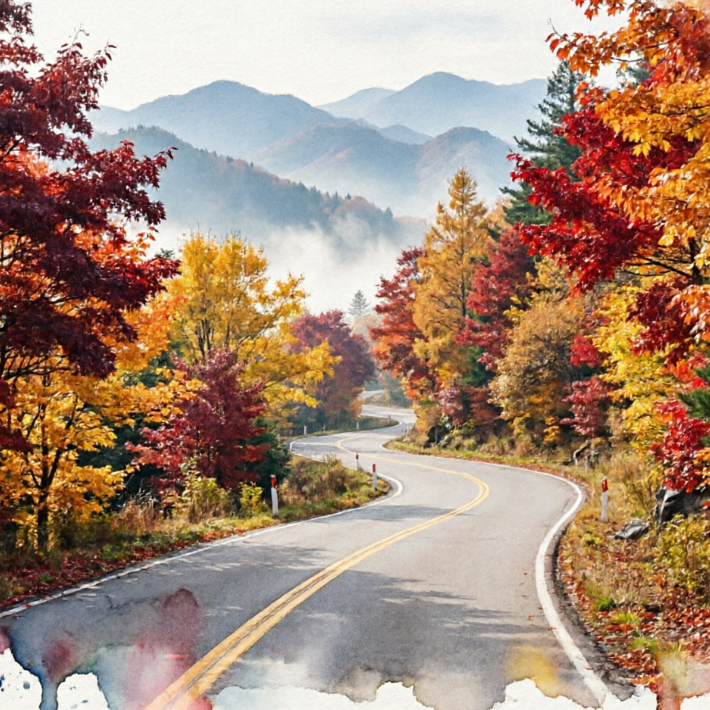
AI Watercolor Filter: Turn Photos into Watercolor Art | AIAI.com

Transform your photos into stunning watercolor paintings instantly with our free AI watercolor filter. Easy to use, private, and beginner-friendly.

AI Watercolor Filter: Transform Photos into Artistic Masterpieces

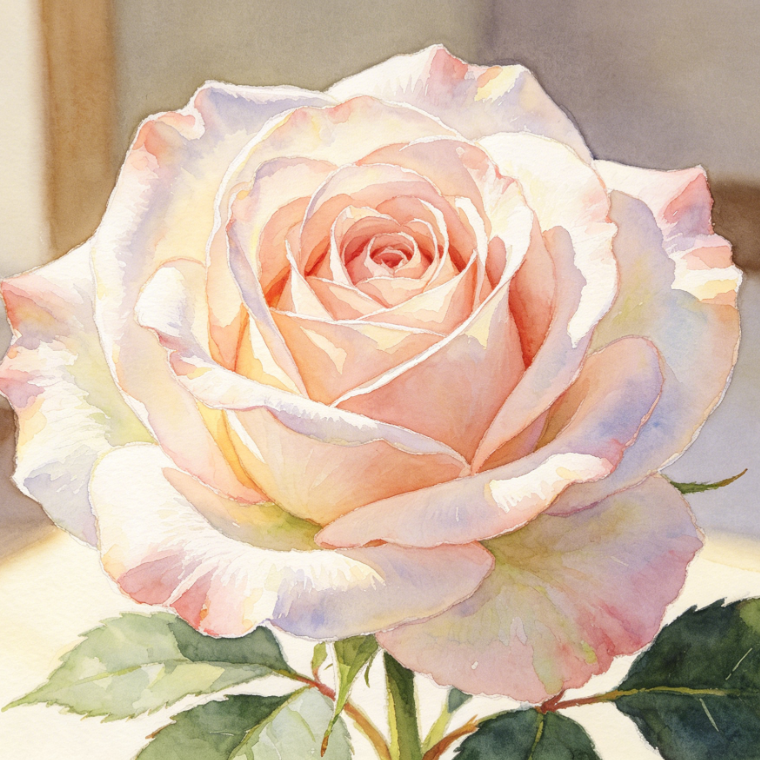
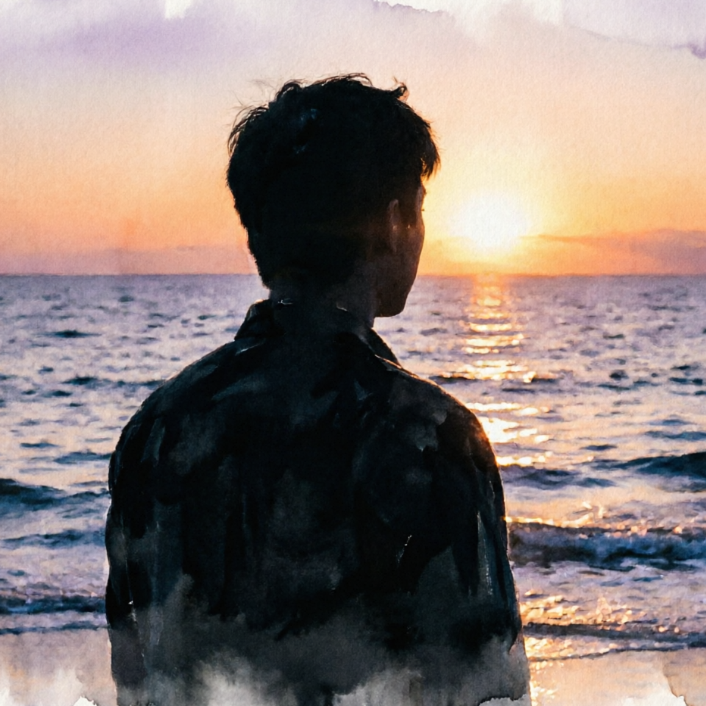
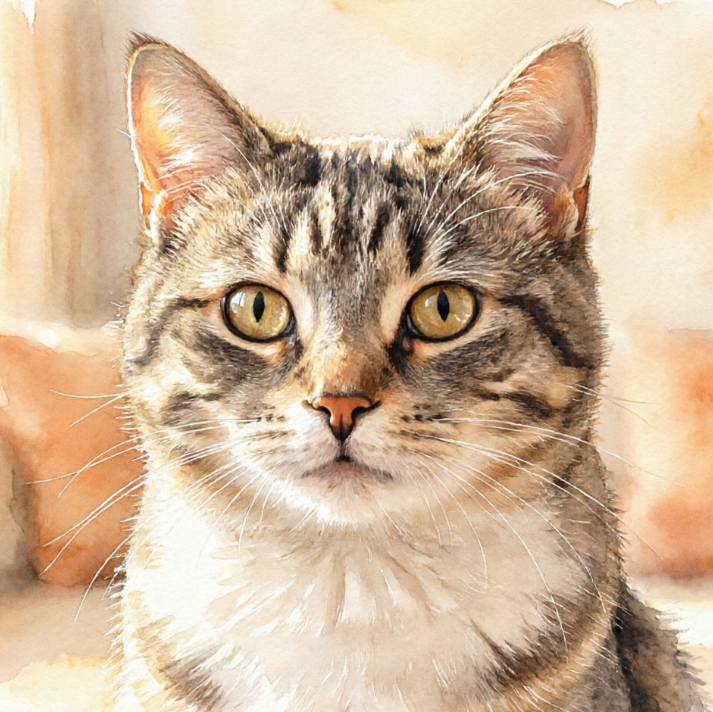
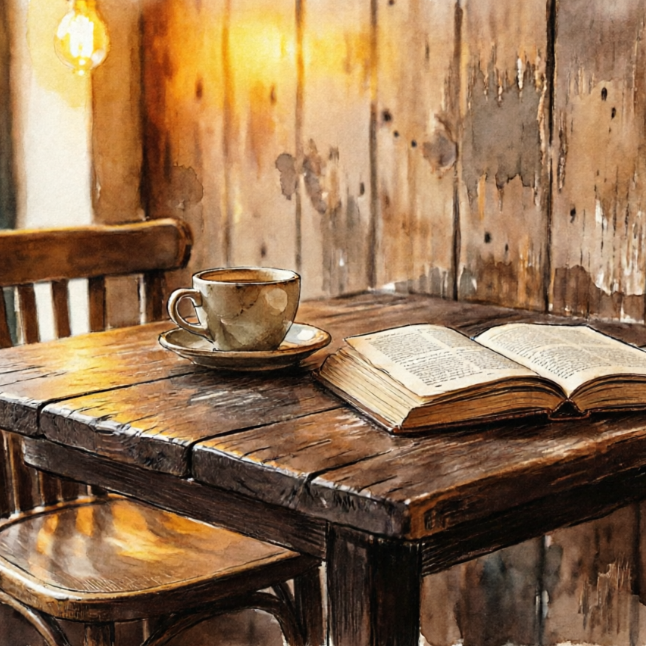
Unlock your creativity with our advanced AI watercolor filter. Instantly convert any photo into a beautiful, vibrant watercolor painting, bringing a unique artistic touch to your memories. Experience effortless photo transformation today!
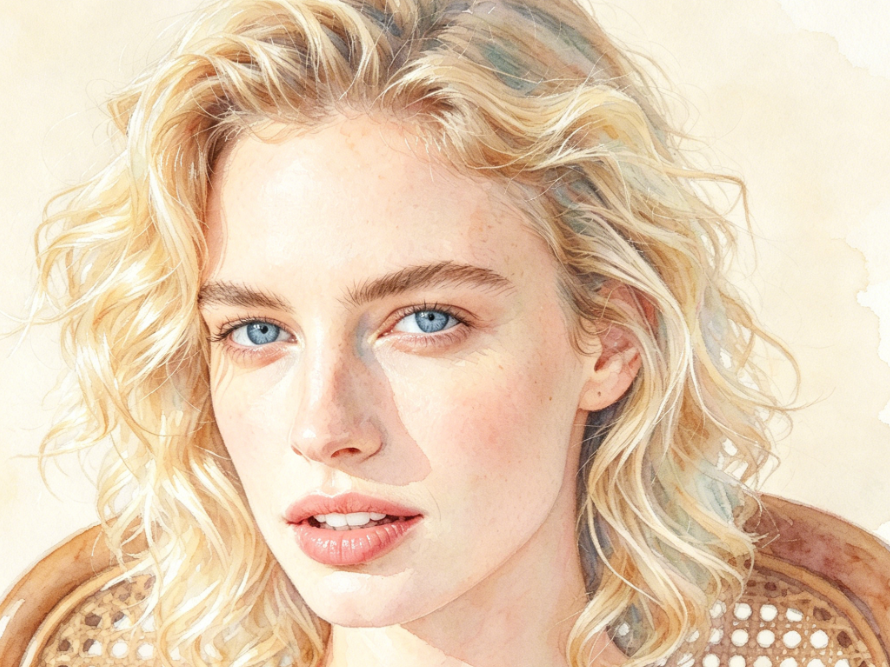
Light watercolor portrait of a European woman, preserving facial features, natural blending of hair and skin edges, fresh and transparent tones, watercolor paper texture enhancing the feel, soft and healing overall, 4:3 aspect ratio
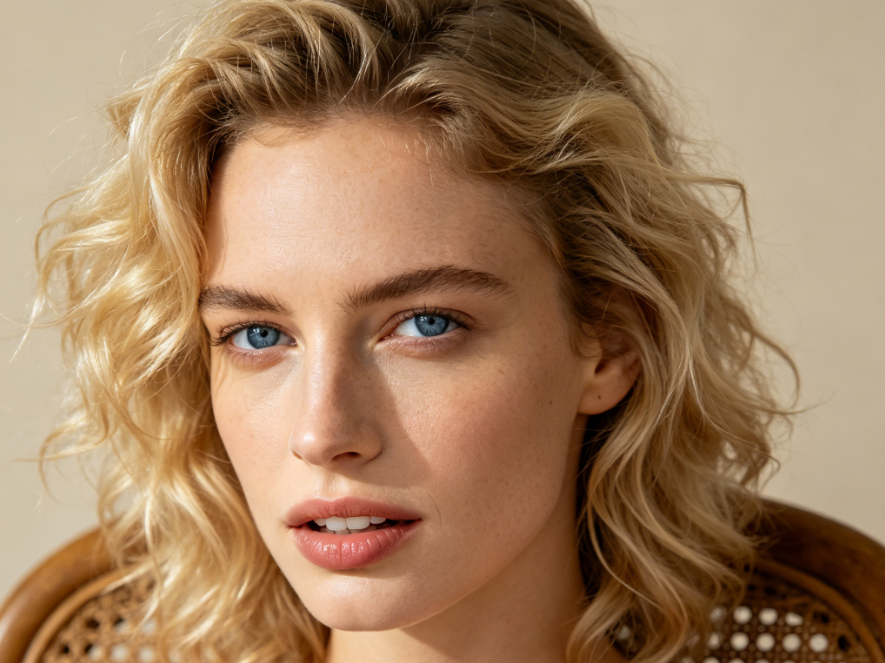
Photorealistic close-up portrait of a European woman, soft natural light, light beige background, blonde-haired blue-eyed woman, clear skin texture, rich light and shadow layers, high-definition realistic style, 4:3 aspect ratio
BeforeAfter

See Your Photos Reimagined with AI Watercolor Effects

Discover the stunning difference our AI watercolor filter makes. Witness how ordinary snapshots are effortlessly transformed into captivating watercolor art, showcasing rich textures and vivid hues. Swipe to compare and be amazed!
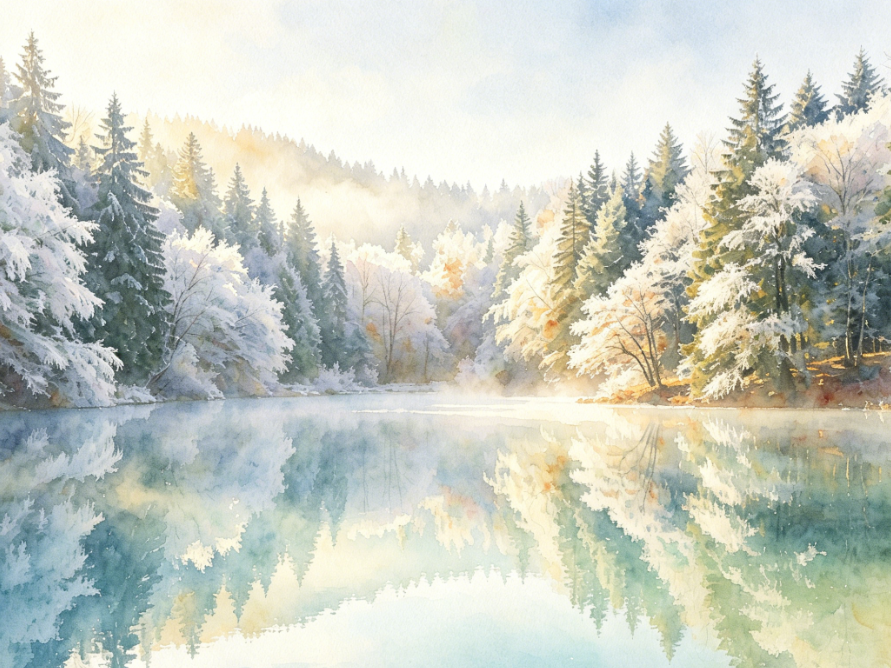
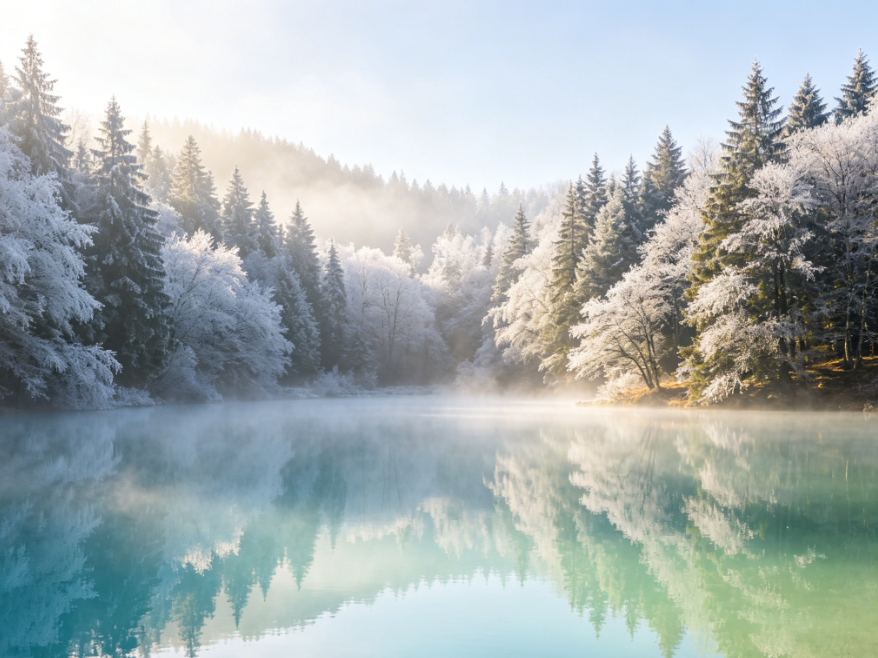
Watercolor painting of a winter forest lake, painted with transparent watercolor wet wash technique, soft transitions between the lake and snow, rich color layers, natural watercolor blending traces, hazy artistic texture, 4:3 aspect ratio
Photorealistic winter forest lake landscape, snowy mountains and lake under soft morning light, clear reflections on the water, snow-covered forests and distant mountains, misty atmosphere, fresh and healing colors, 4:3 aspect ratio
BeforeAfter

From Pixels to Paint: Diverse Watercolor Styles

Explore a range of exquisite watercolor painting effects generated by our AI. Whether you prefer a soft, dreamy wash or a bold, expressive stroke, our AI watercolor filter adapts to various artistic visions, bringing your photos to life.
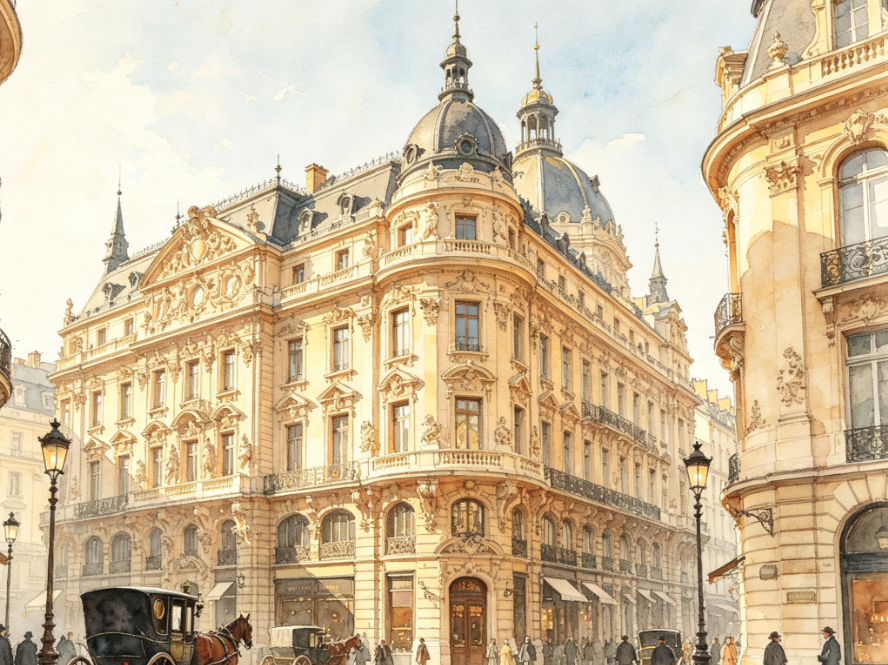
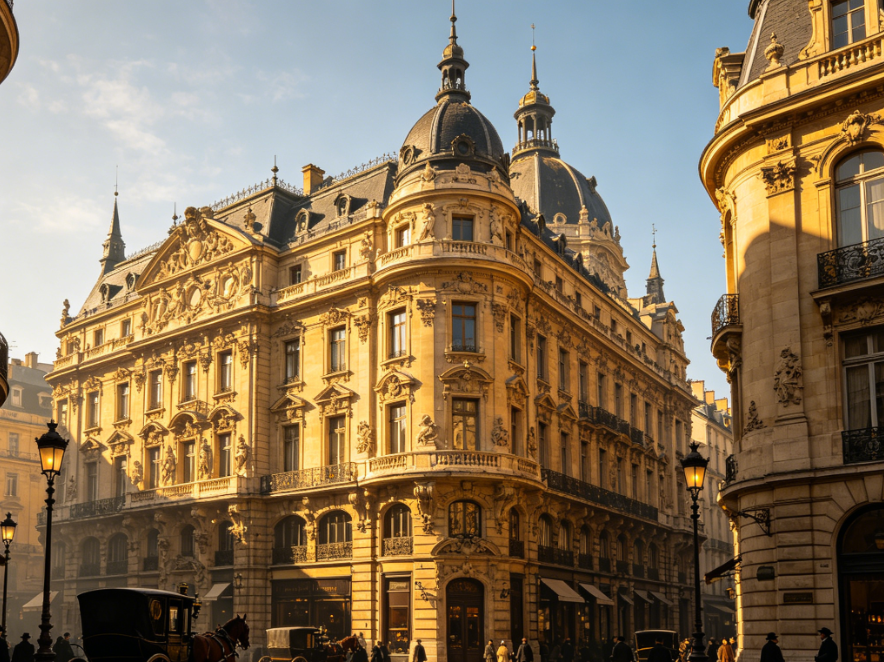
Watercolor illustration of a European retro street scene, Parisian-style Baroque architecture, light watercolor technique, natural warm-toned washes, soft rendering of architectural details, watercolor paper texture, retro artistic texture, 4:3 aspect ratio
Photorealistic European city street scene, Parisian-style Baroque architecture, warm sunny light, intricate architectural details, vintage carriages and pedestrians in the street, bright and clear overall image, 4:3 aspect ratio
BeforeAfter

Why Choose AIAI.com for Your AI Watercolor Needs?

Discover the advantages of using our AI Watercolor Filter. We prioritize ease of access, user privacy, and a seamless experience for everyone, from beginners to seasoned artists.

Free to use

Experience our powerful AI watercolor filter without any cost. Access premium artistic transformations for your photos, absolutely free.

All private

Your privacy is our priority. All uploaded photos are processed securely and never stored, ensuring your personal images remain confidential.

Beginner-friendly

No prior artistic skills needed! Our intuitive AI watercolor tool makes transforming photos into stunning art simple for everyone.

How to Use Our AI Watercolor Filter in 3 Simple Steps

Transforming your photos into beautiful watercolor paintings is incredibly easy with our intuitive AI tool. Follow these quick steps to get started!

  1. Step 1 of 3

    Step 1

    Upload Your Photo: Simply drag and drop or select the image you want to transform into a watercolor painting.

  2. Step 2 of 3

    Step 2

    Apply AI Watercolor Filter: Our advanced AI will automatically process your image, applying a stunning watercolor effect.

  3. Step 3 of 3

    Step 3

    Download Your Art: Preview your new watercolor masterpiece and download it in high resolution.

Frequently Asked Questions About Our AI Watercolor Filter

Yes, our AI watercolor filter is completely free to use for all users. You can transform your photos into beautiful watercolor art without any hidden costs.

How to use FAQ section

Use Tab to navigate between questions. Press Enter or Space to expand or collapse an answer. Use Up and Down arrows to move between questions.