AI Yearbook Filter: Free 90s Yearbook Photos | AIAI.com

Transform your photos with our AI Yearbook Filter! Get stunning 90s yearbook style images for free, fast, and private. Try it now.

AI Yearbook Filter: Recreate Your Perfect 90s Vibe

Step back in time with our advanced AI Yearbook Filter. Easily transform your everyday photos into nostalgic 90s yearbook portraits, capturing that iconic high school charm. Experience the magic of AI photo transformation today!
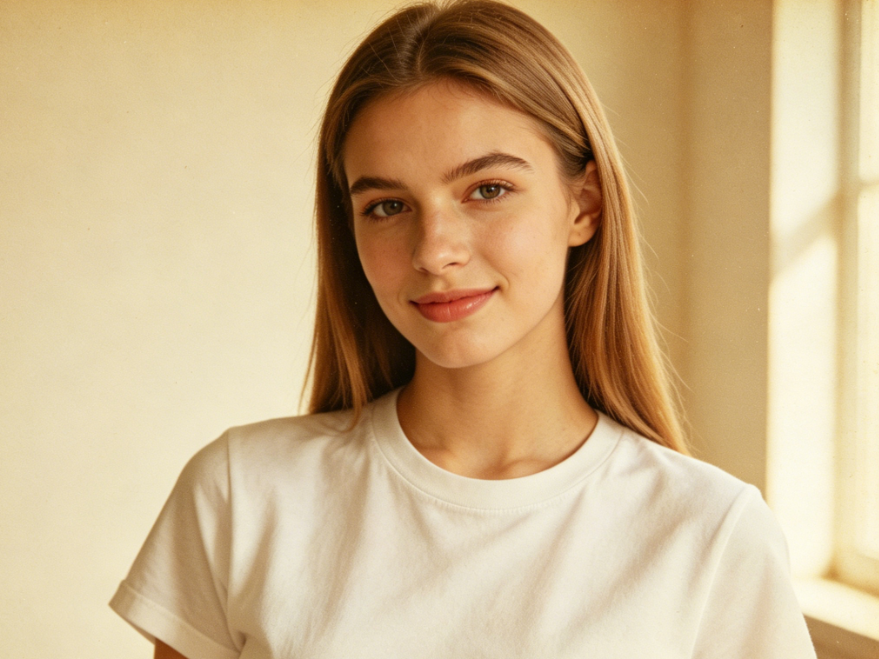
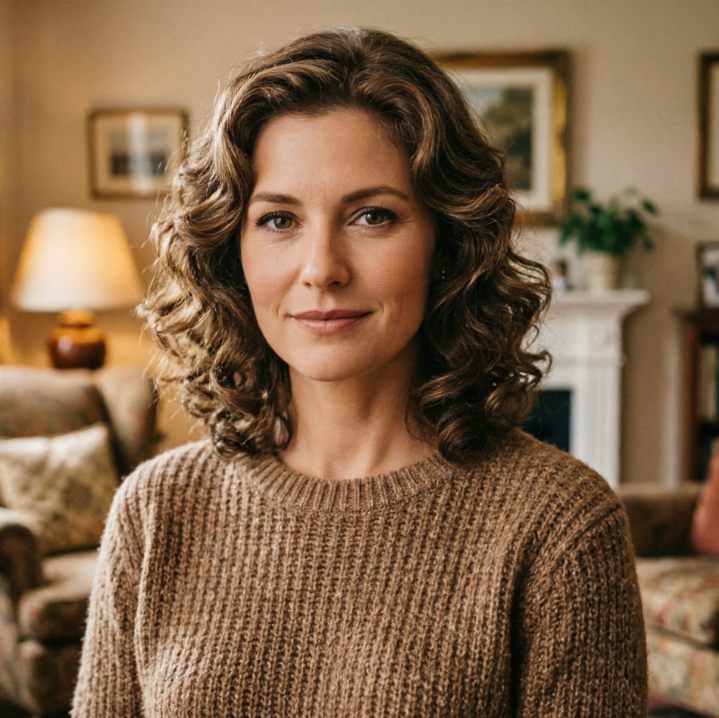
Portrait of a young European woman in indoor natural light, with AI Yearbook Filter applied, 90s American high school yearbook style, warm yellow vintage film tone, subtle grain texture, classic yearbook upright pose, simple campus outfit, full nostalgic atmosphere, 4:3 aspect ratio portrait photography
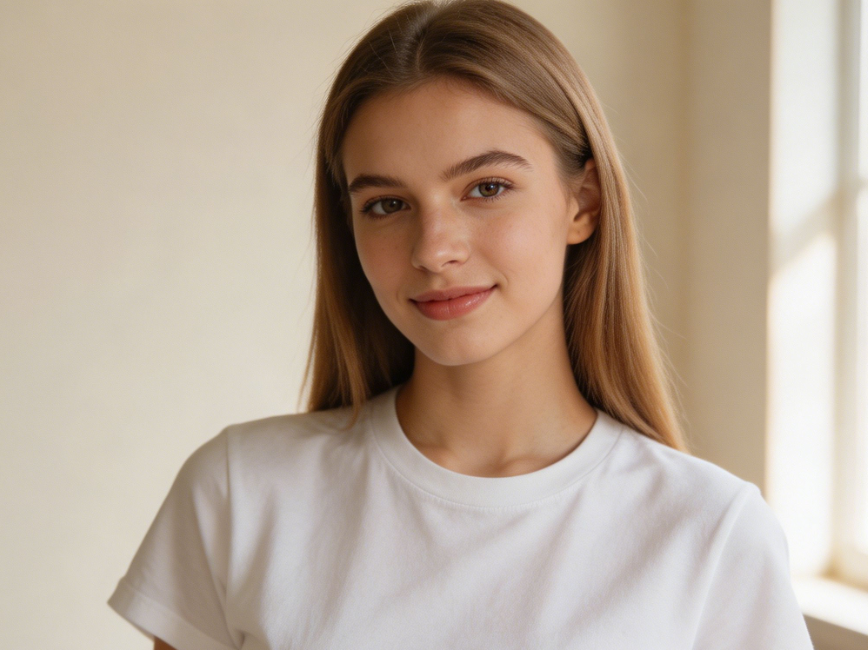
Half-body portrait of a young European woman in indoor natural light, casual straight hair, simple solid-color t-shirt, relaxed posture, clean background, daily life portrait, 4:3 aspect ratio portrait photography
BeforeAfter

See the Stunning Transformation: Before & After 90s Yearbook Photos

Witness how our AI brings your photos to life with authentic 90s yearbook styles. From subtle hair changes to classic outfits, compare the original with your new, personalized AI 90s yearbook photo.
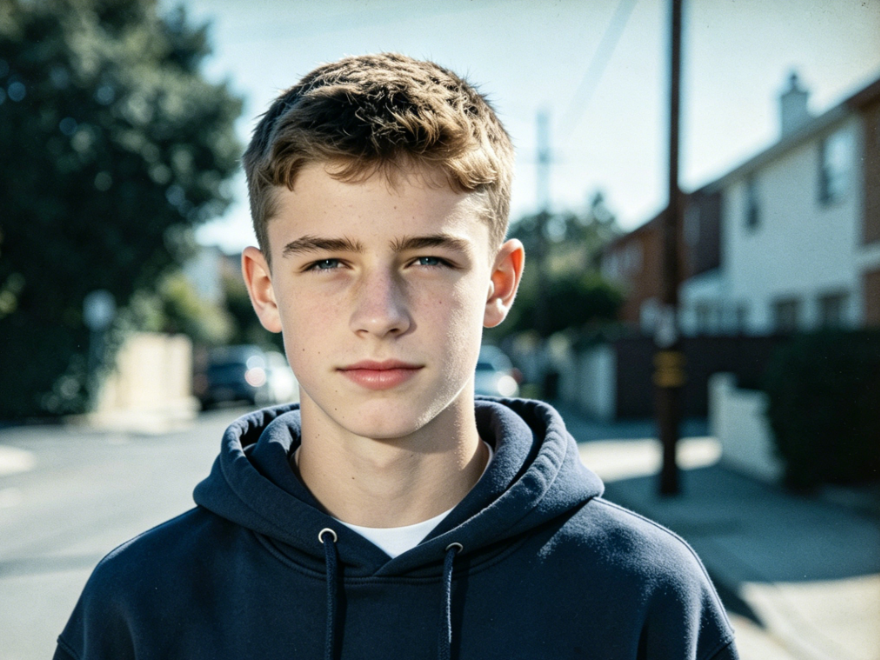
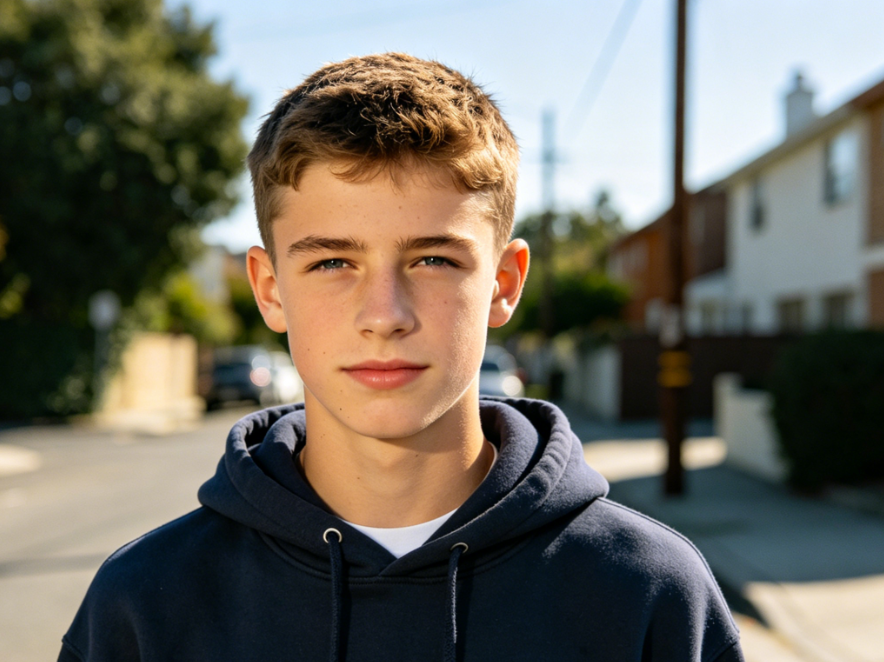
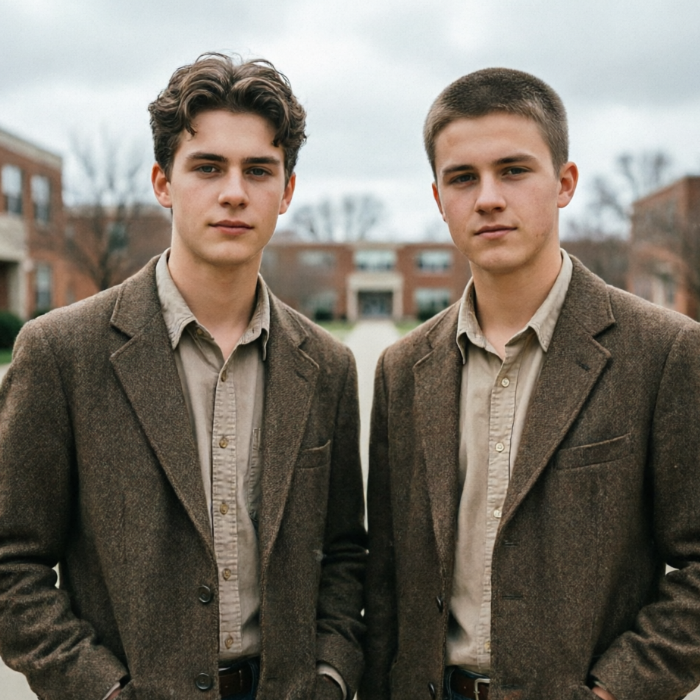
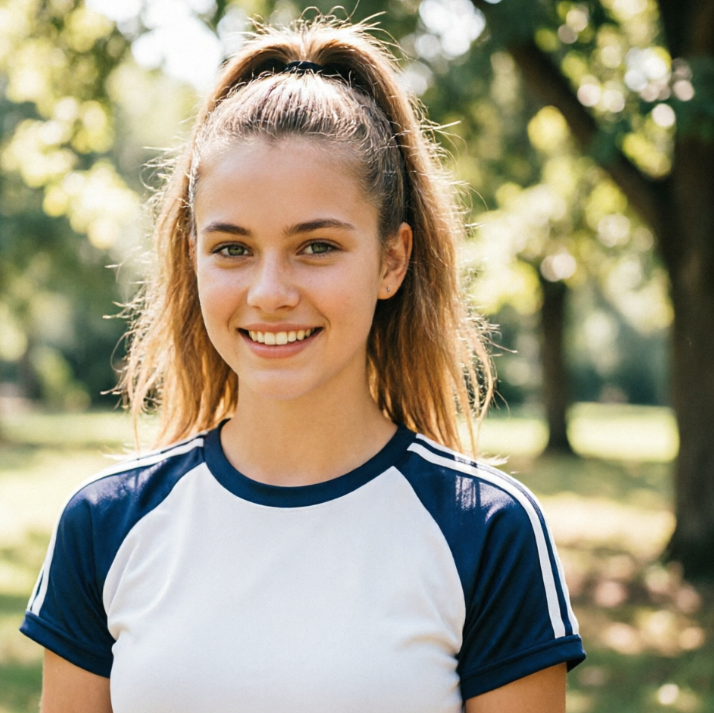
Portrait of a European teen in outdoor natural sunlight, with AI Yearbook Filter applied, Y2K-style school yearbook aesthetic, desaturated retro cool tones, film vignetting, formal yearbook-style expression, preppy styling, vintage photo texture, 4:3 aspect ratio portrait photography
Half-body portrait of a European teen in outdoor natural sunlight, neat short hair, casual hoodie, relaxed standing pose, simple street background, candid daily photo, 4:3 aspect ratio portrait photography
BeforeAfter

Create Unique Looks with Your AI Yearbook Filter

Explore diverse 90s aesthetics and transform your selfies into unique yearbook memories. Our AI understands different styles, giving you perfect results every time for your custom 90s yearbook filter look.
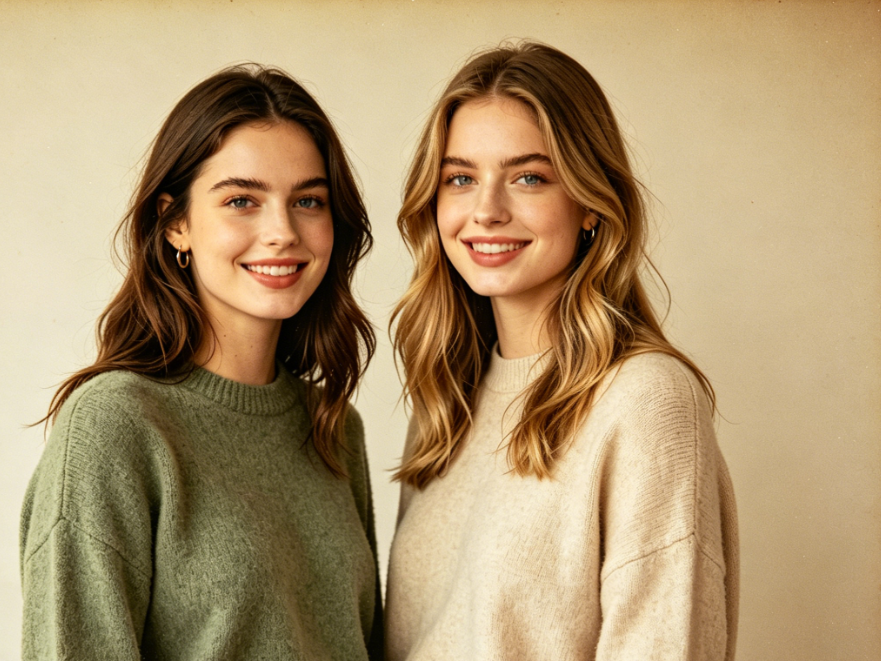
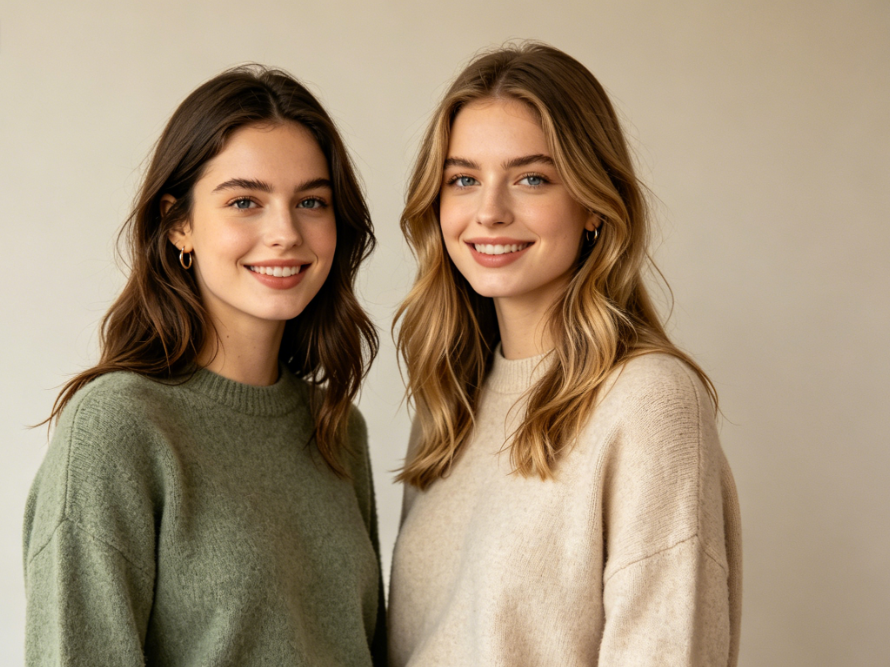
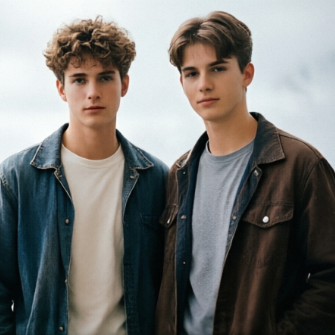
Half-body group photo of two young European women in soft indoor lighting, standing side by side, casual outfits, natural smiles, simple solid-color background, casual best friend photo, 4:3 aspect ratio portrait photography
Group photo of two European female best friends, with AI Yearbook Filter applied, American high school yearbook-style double portrait, unified warm retro tone, film grain texture, classic yearbook side-by-side composition, vintage campus makeup and styling, nostalgic campus vibe, 4:3 aspect ratio portrait photography
BeforeAfter

Why Choose Our AI Yearbook Filter Tool?

Discover the benefits that make our AI Yearbook Filter the best choice for your nostalgic photo transformations. We prioritize your experience with ease, privacy, and accessibility.

Free to use

Enjoy unlimited transformations with our AI Yearbook Filter at no cost. Get your stunning 90s style photos completely free.

All private

Your photos are processed securely and deleted after use. We ensure 100% privacy for every AI Yearbook Filter creation.

Beginner-friendly

No design skills needed! Our intuitive interface makes creating your 90s yearbook photos simple and fun for everyone.

How to Get Your AI Yearbook Filter Photo in 3 Simple Steps

Creating your amazing AI yearbook photos is easier than you think. Follow these quick steps to transform your images instantly!

  1. Step 1 of 3

    Step 1

    Upload Your Photo: Select the image you want to transform into a 90s yearbook style. Our AI will analyze it.

  2. Step 2 of 3

    Step 2

    Choose Your Style: Pick your preferred 90s yearbook filter aesthetic. We offer various iconic looks.

  3. Step 3 of 3

    Step 3

    Generate & Download: Click to generate your AI yearbook filter photo and download it instantly in high resolution.

AI Yearbook Filter FAQs: Your Questions Answered

Yes, our AI Yearbook Filter is completely free for everyone to use. Enjoy unlimited transformations without any hidden costs to create your 90s yearbook photos.

How to use FAQ section

Use Tab to navigate between questions. Press Enter or Space to expand or collapse an answer. Use Up and Down arrows to move between questions.