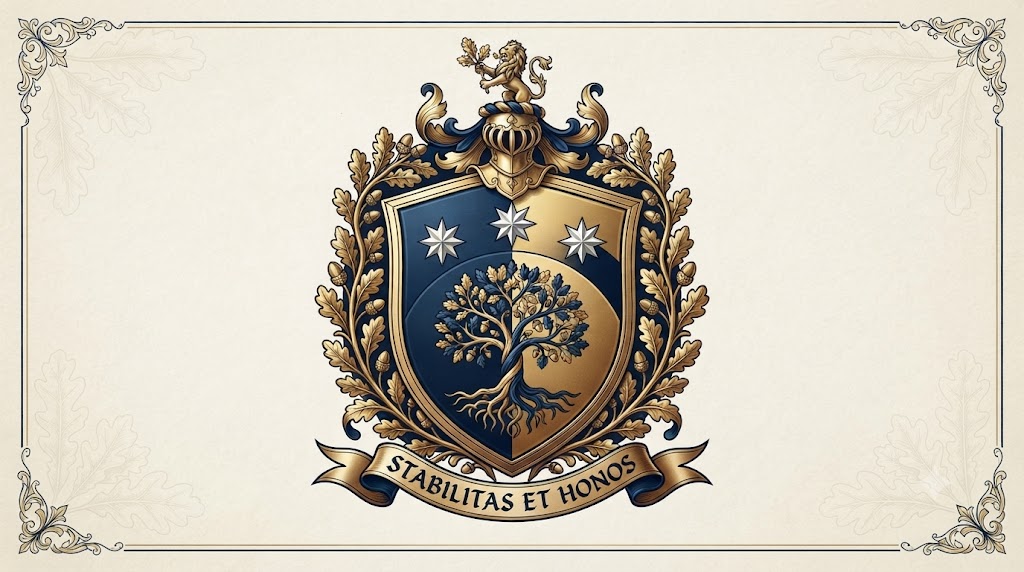
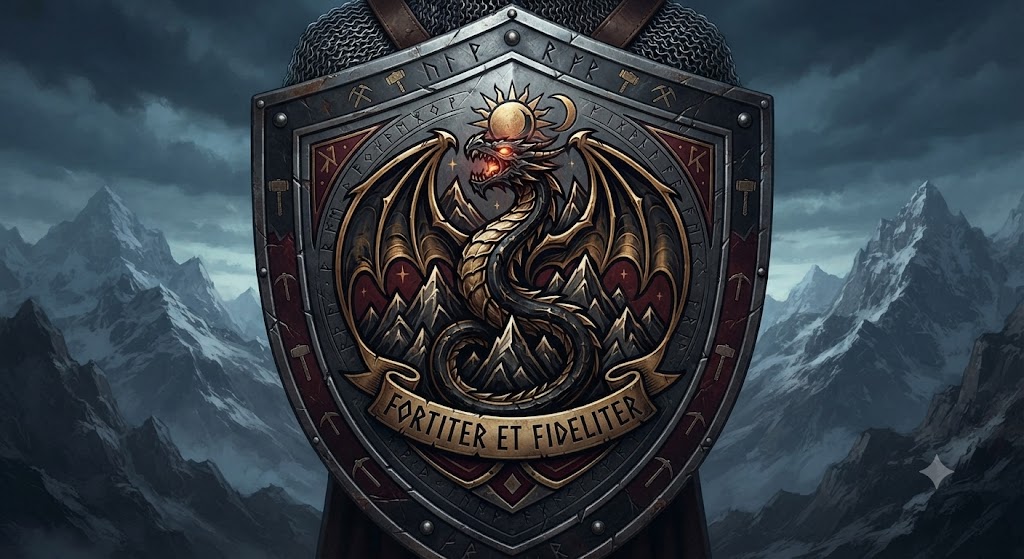
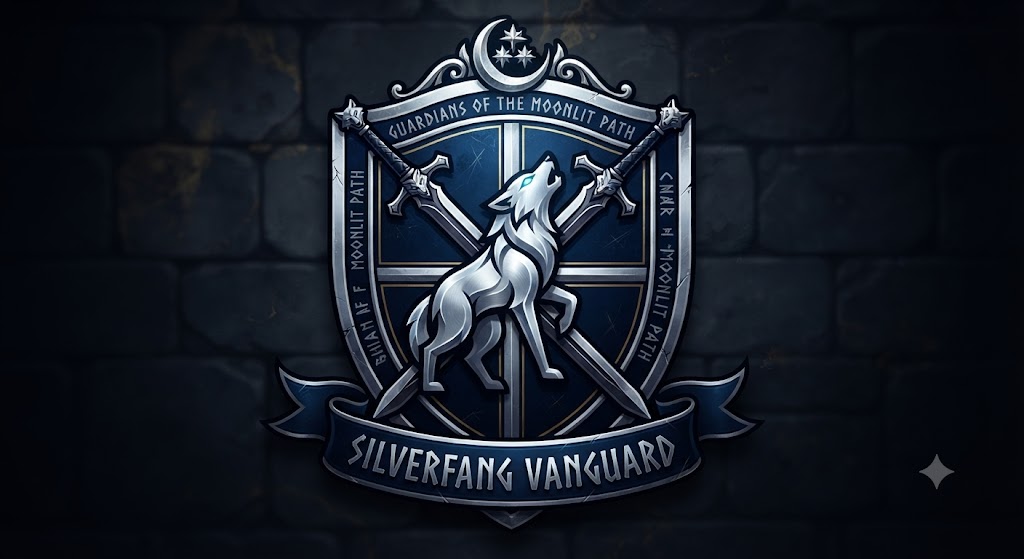
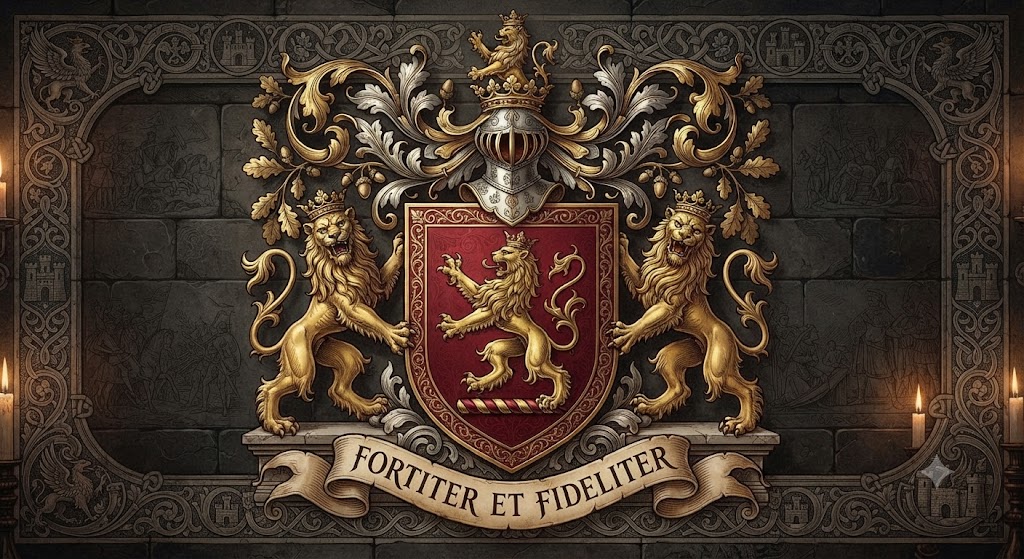
Start free with AIAI’s AI coat of arms generator and family crest maker. Create custom heraldic designs and fantasy sigils in seconds with your chosen style.

Free AI Coat of Arms Generator

In seconds, turn a simple idea into a custom coat of arms that feels uniquely yours. Create a family crest, heraldic shield, fantasy house sigil, or personal emblem with AI—just describe your symbols, colors, and style. No design skills, complicated software, or weeks of waiting required.

Create a Crest for Every Story

Professional-Looking Crests Without the Traditional Time or Cost

Turn a short description into detailed coat of arms concepts without learning complex design software or waiting through a lengthy custom-design process. Explore different styles, refine your prompt, and choose the design that best represents your story.

Polished Heraldic Detail

Create polished shields, symbols, and heraldic details from a simple prompt—no design software required.

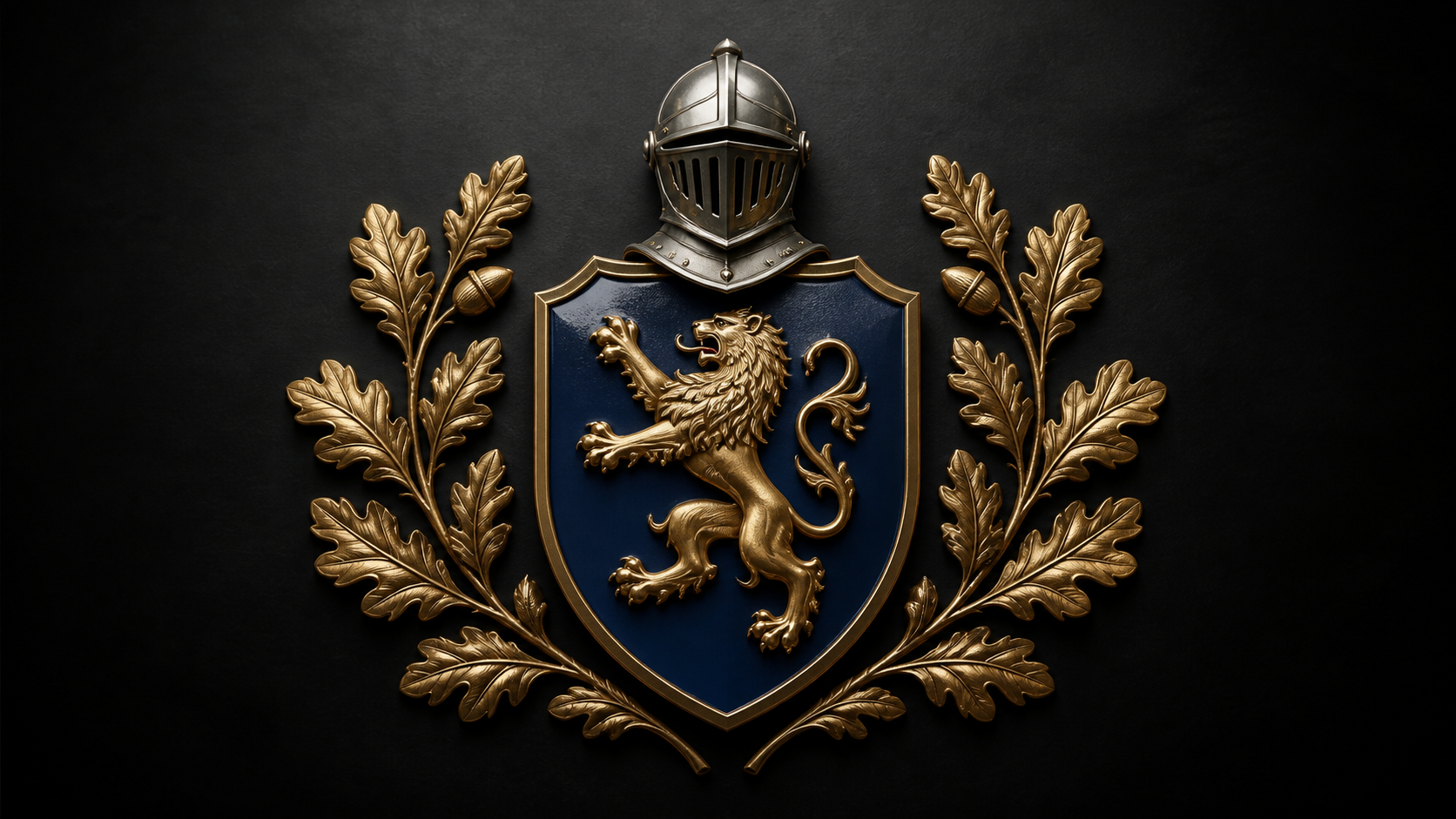
Navy-and-gold heraldic shield with a gold lion, silver helm, and symmetrical oak branches.

From Prompt to Crest in Moments

Describe your idea, generate a crest quickly, and explore new variations whenever inspiration strikes.

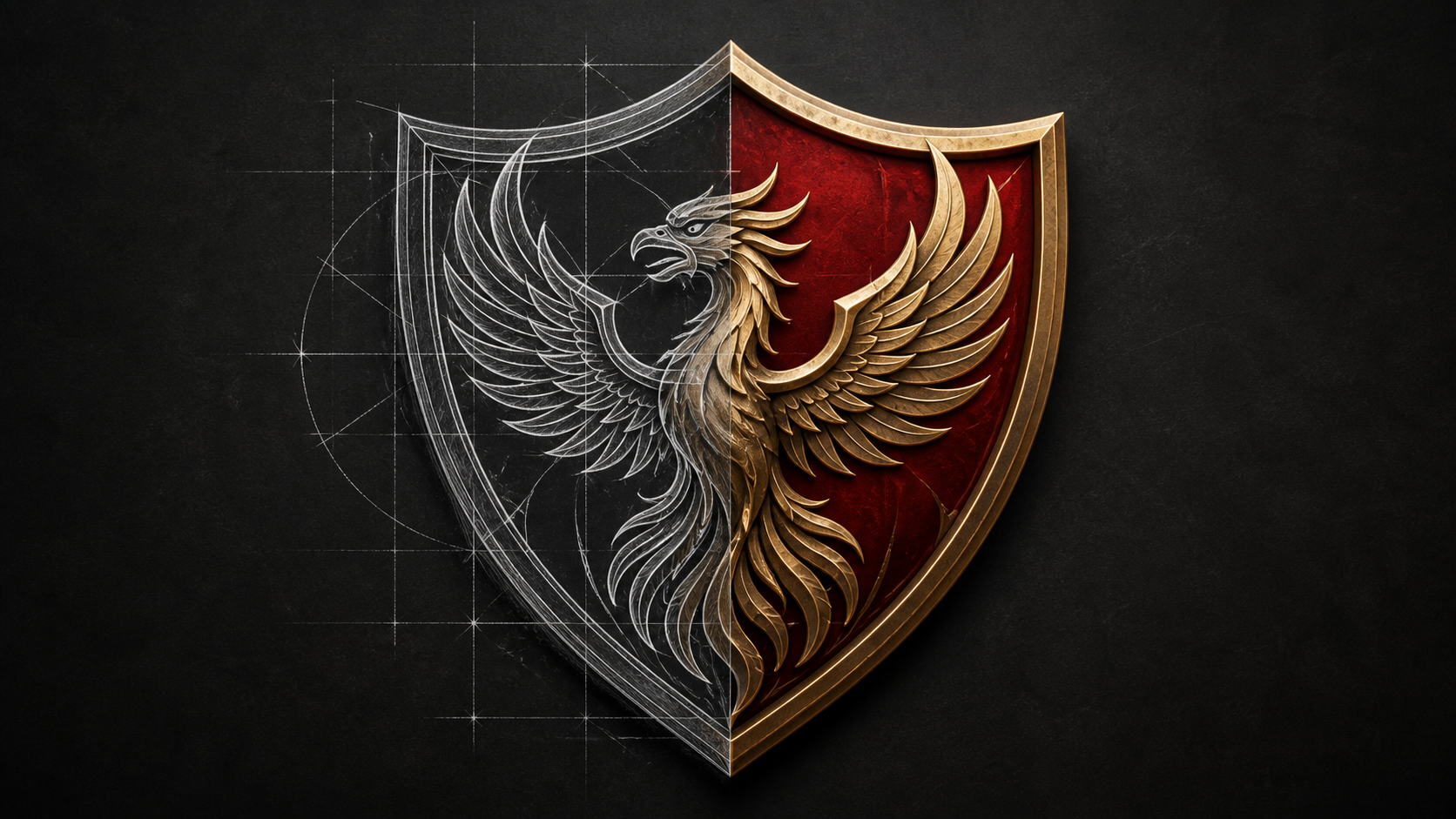
Red-and-gold phoenix crest transitioning from a construction sketch into a finished shield.

A More Affordable Way to Explore

Start with 20 free credits to generate your own personalized coat of arms.

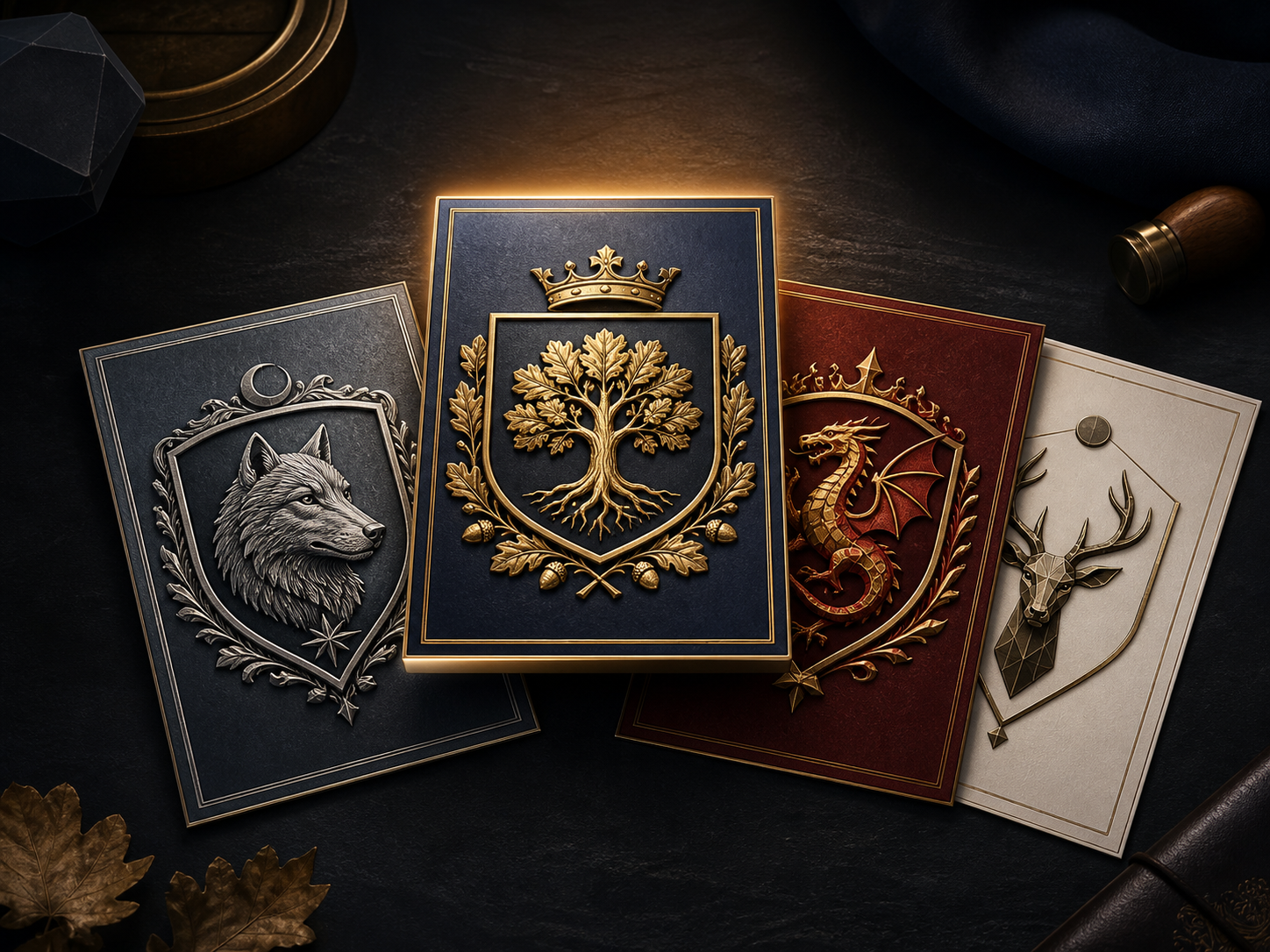
Four coat of arms concepts featuring a silver wolf, gold oak tree, red dragon, and geometric stag.

Any Style, Any Story

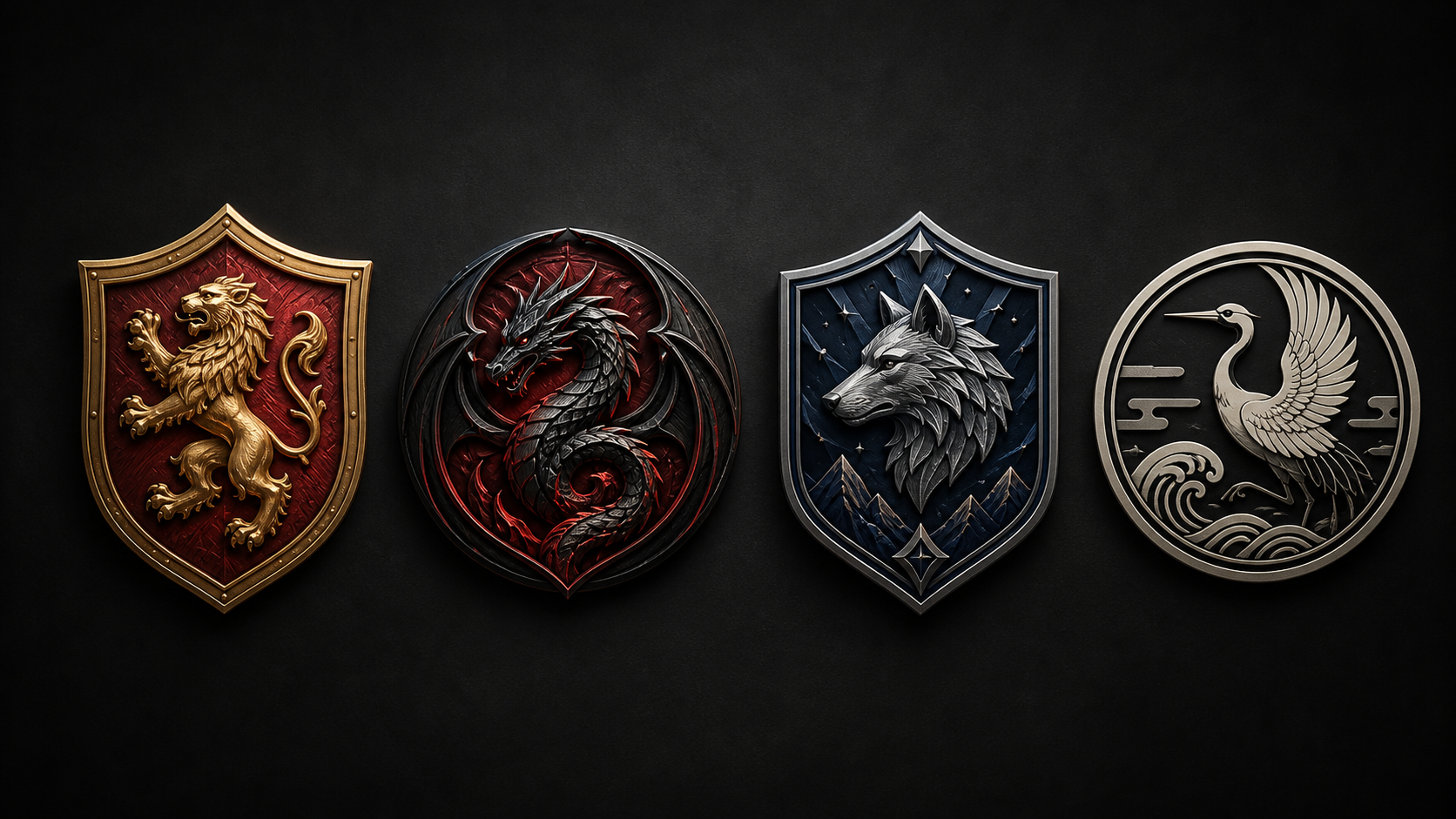
Create stunning family crests, epic fantasy sigils, unique guild emblems, sleek minimalist badges, and elegant kamon-inspired designs.

Four emblem styles featuring a heraldic lion, fantasy dragon, silver wolf, and kamon-inspired crane.

Refine, Download, and Use

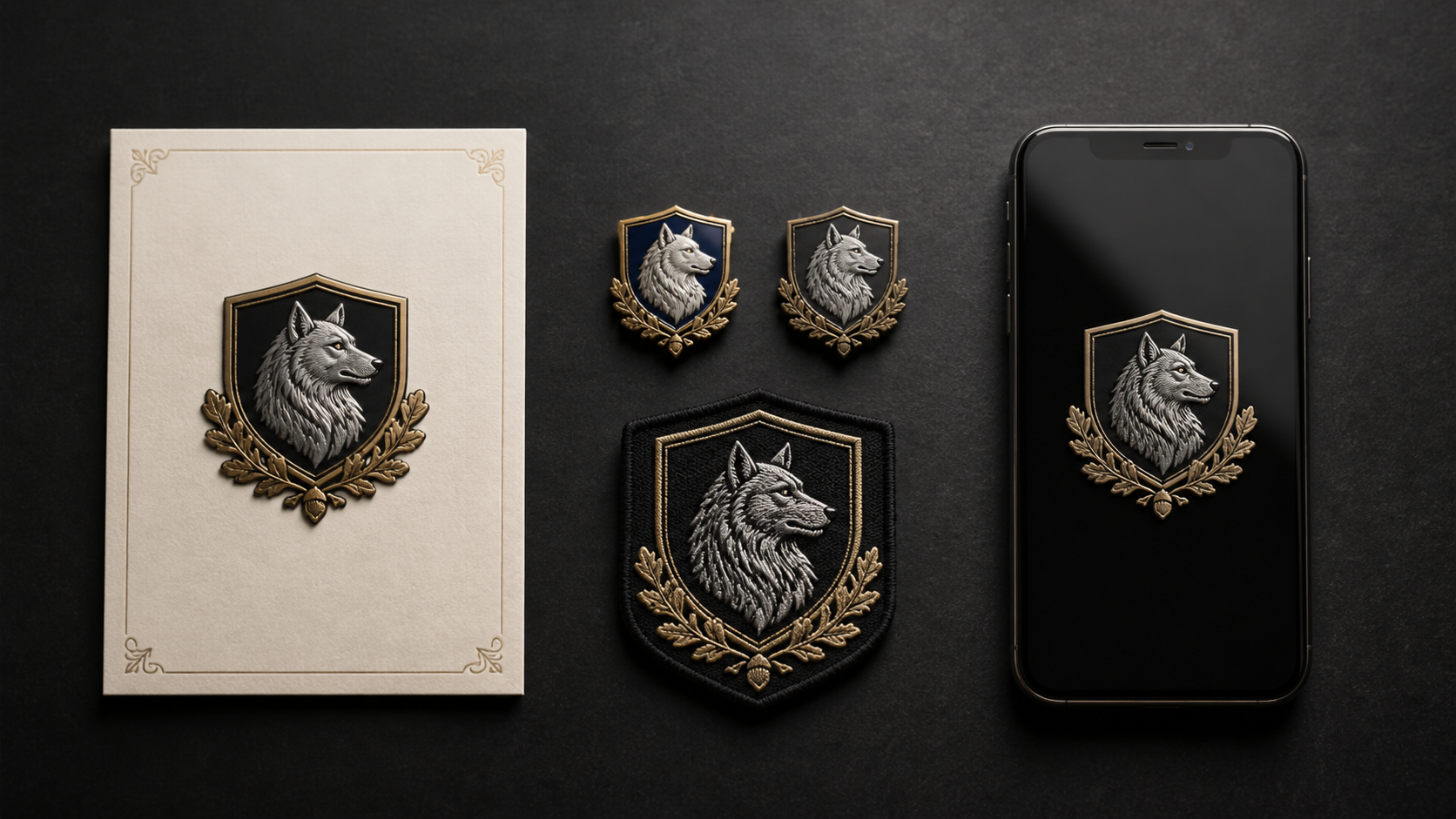
Export your crest in high-resolution HD with every detail perfectly preserved.

Silver wolf crest displayed on stationery, embroidered patches, and a smartphone screen.

No Design Experience Required

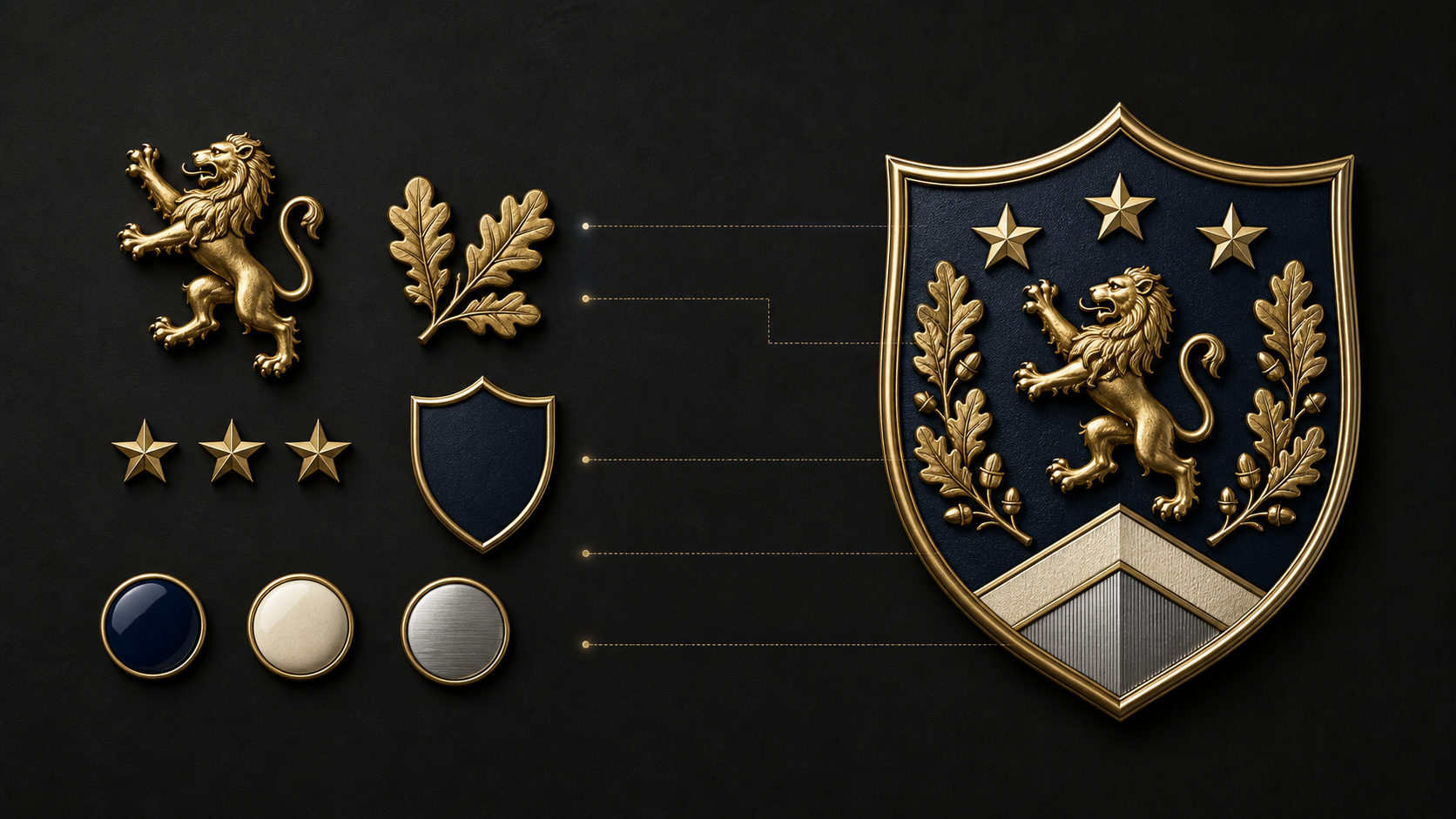
Simply choose your symbols and colors, and watch AI create a unique, professional crest that perfectly matches your vision.

Gold lion, oak leaves, stars, and color elements arranged beside a finished navy-and-gold coat of arms.

How to Create Your Personalized Coat of Arms in 3 Simple Steps

Ready to design your family crest? Follow this simple guide to generate your unique heraldry design quickly and effortlessly using our crest generator.

  1. Step 1 / 3

    Step 1

    Describe Your Vision (Prompt): Input detailed text describing the elements, colors, and style you want. Mention key symbols (e.g., lions, stars, motto) and specify the aesthetic (e.g., medieval, digital, japanese family crest).

  2. Step 2 / 3

    Step 2

    Generate and Refine: Click 'Generate' and let the AI process your request. Use our editing tools to make minor adjustments or generate new variations until the design perfectly represents your ideal personalized coat of arms.

  3. Step 3 / 3

    Step 3

    Download and Use: Once satisfied, download your high-resolution image file. Your newly created family crest creator design is ready for printing, websites, or personal use.

Create a Crest That Feels Personal

Turn the people, places, values, and ideas that matter to you into an original AI-generated emblem. Start with a meaningful symbol, choose a style, and make the design your own.

Start with Your Story

Create a crest that tells your story—whether it's for your family, fantasy world, gaming guild, special event, or personal brand.

Choose Symbols and Style

Combine one main symbol with a focused color palette and a style that fits your idea, from traditional heraldry to fantasy or modern minimalism.

Create an Original Design

Your custom crest is uniquely created by AI to match your vision—ready to download, share, and make your own.

Article

How to Design a Meaningful Coat of Arms With AI

A memorable coat of arms starts with a clear idea, not a long list of decorations. Think about what your design should represent, then choose a main symbol, a focused color palette, and a style that fits your story.

  • Choose Your Purpose

Start by deciding what your crest is for. You might be creating a family keepsake, a fantasy house sigil, a gaming guild emblem, a wedding crest, or a personal badge. Your purpose helps shape every design choice that follows.

  • Pick One Main Symbol

Choose one central symbol that carries the most meaning. A lion can suggest courage, an oak tree can represent strength and heritage, while a dragon can suit a fantasy kingdom. Add only one or two supporting details to keep the emblem recognizable.

  • Keep Your Colors Focused

Use two or three main colors for a stronger result. Navy and gold can feel classic and refined, while black and ivory create a more minimalist look. A focused palette makes your crest easier to recognize at any size.

  • Choose a Style That Fits Your Story

Try traditional heraldry for a formal shield, fantasy for a fictional world, modern minimalism for a clean personal emblem, or a kamon-inspired composition for a balanced circular design. The same symbol can feel completely different in each style.

  • Use a Clear Prompt Formula

For better results, describe your idea in this order:

[Purpose] + [main symbol] + [supporting detail] + [colors] + [shield or layout] + [style] + [what to avoid]

For example:

“A navy and gold family crest with an oak tree, three silver stars, an elegant heraldic shield, traditional engraving style, no readable text.”

  • Know What You’re Creating

Your result is an original AI-generated design concept based on your prompt. It is not a verified ancestral crest, a historical family record, or an official grant of arms.

Tip: AI image models may not render small motto text accurately. For a cleaner emblem, generate the design without text and add your motto later in a design editor.

AI Coat Of Arms Generator FAQ: Get Your Questions Answered

Yes, the essential features of the generator are available for free. You can generate numerous concepts and download standard resolution images at no cost. Premium features like higher resolution and commercial licenses may require a subscription.

How to use FAQ section

Use Tab to navigate between questions. Press Enter or Space to expand or collapse an answer. Use Up and Down arrows to move between questions.