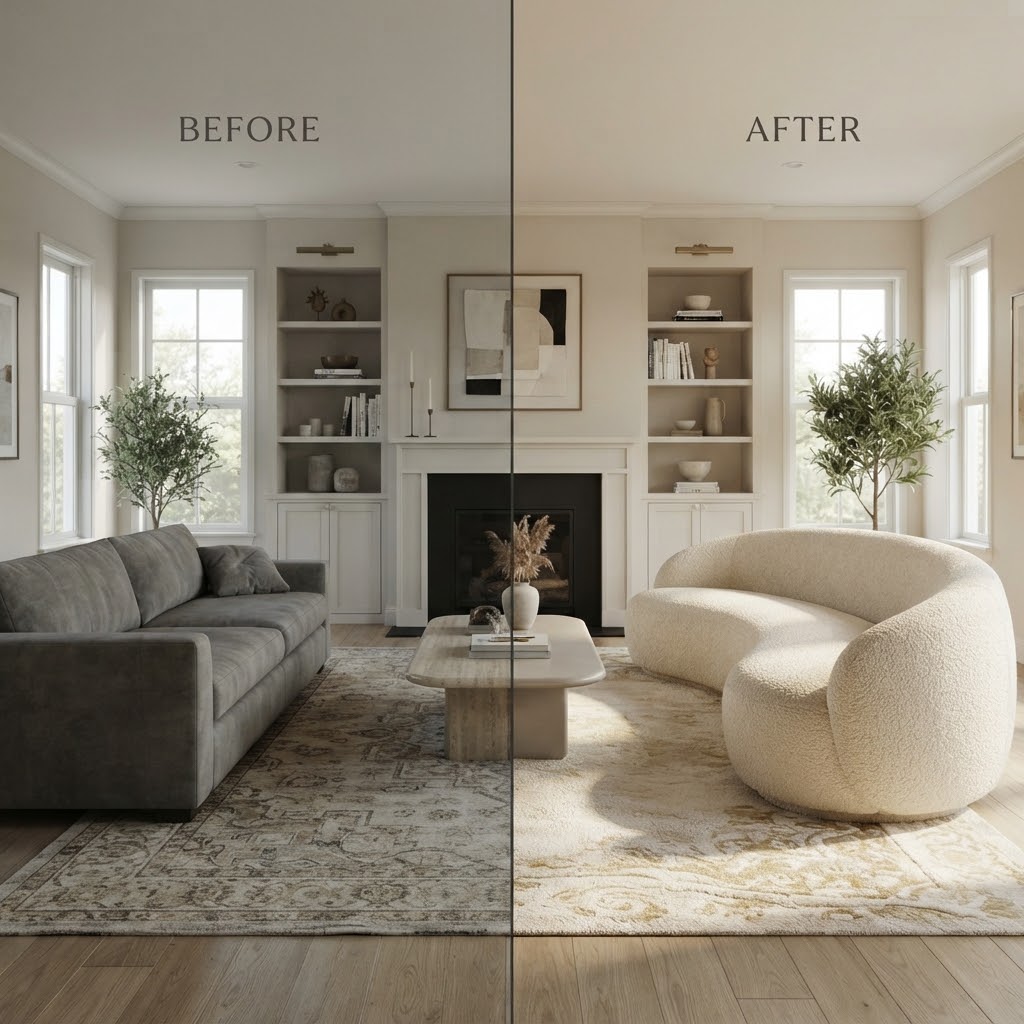



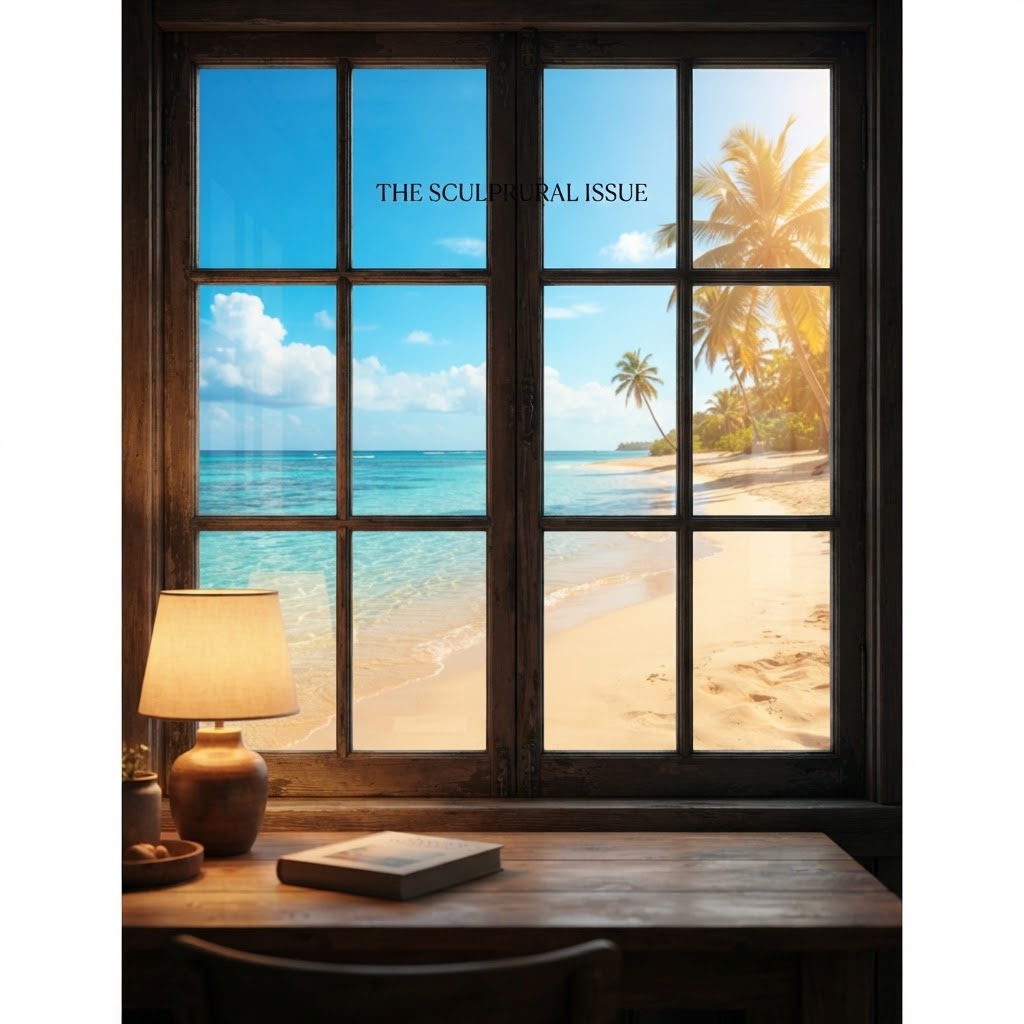
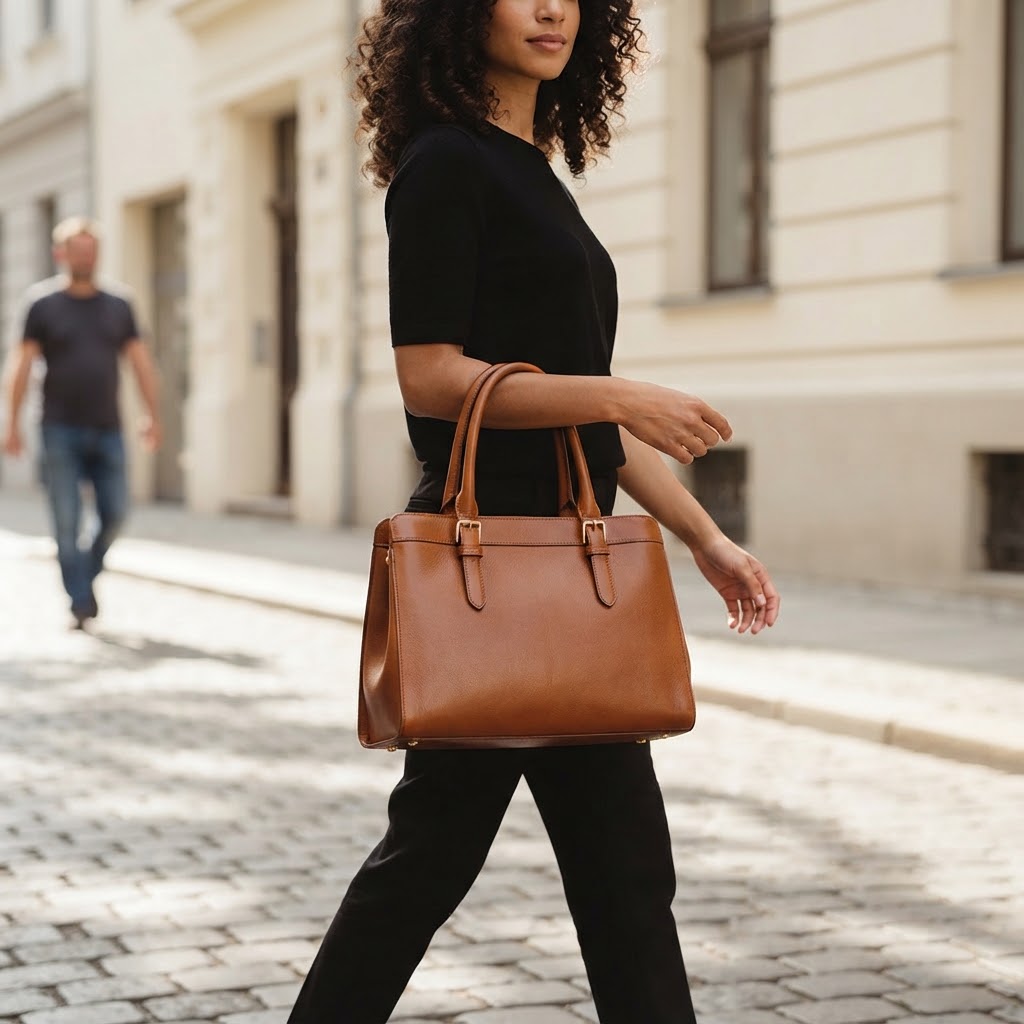
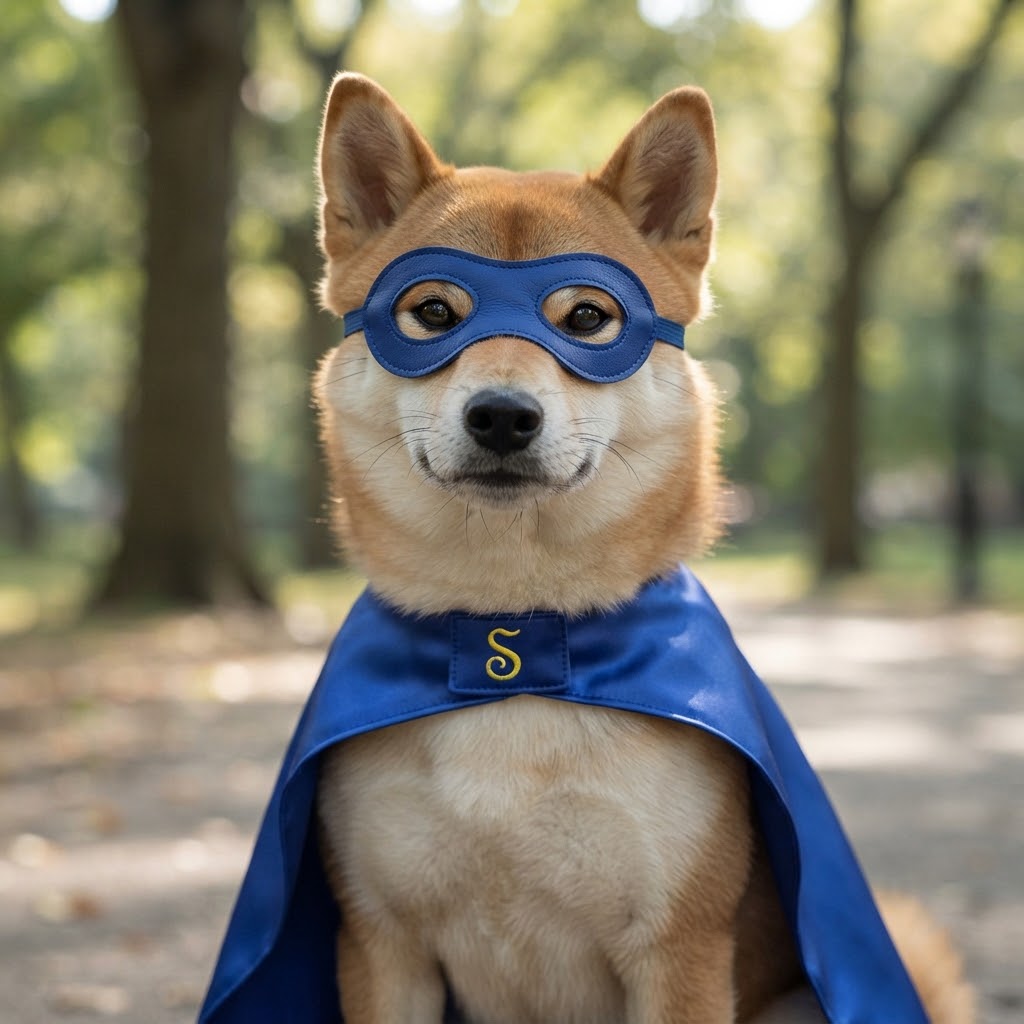

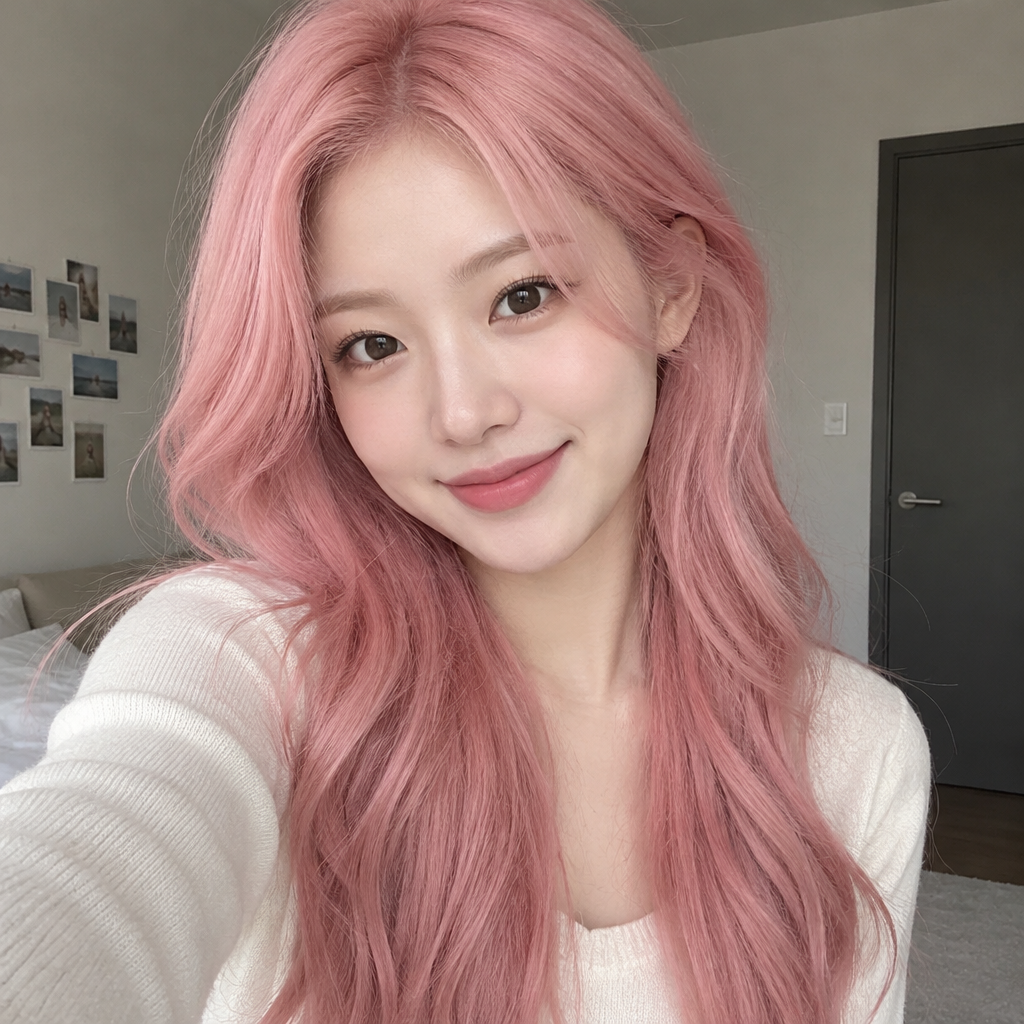
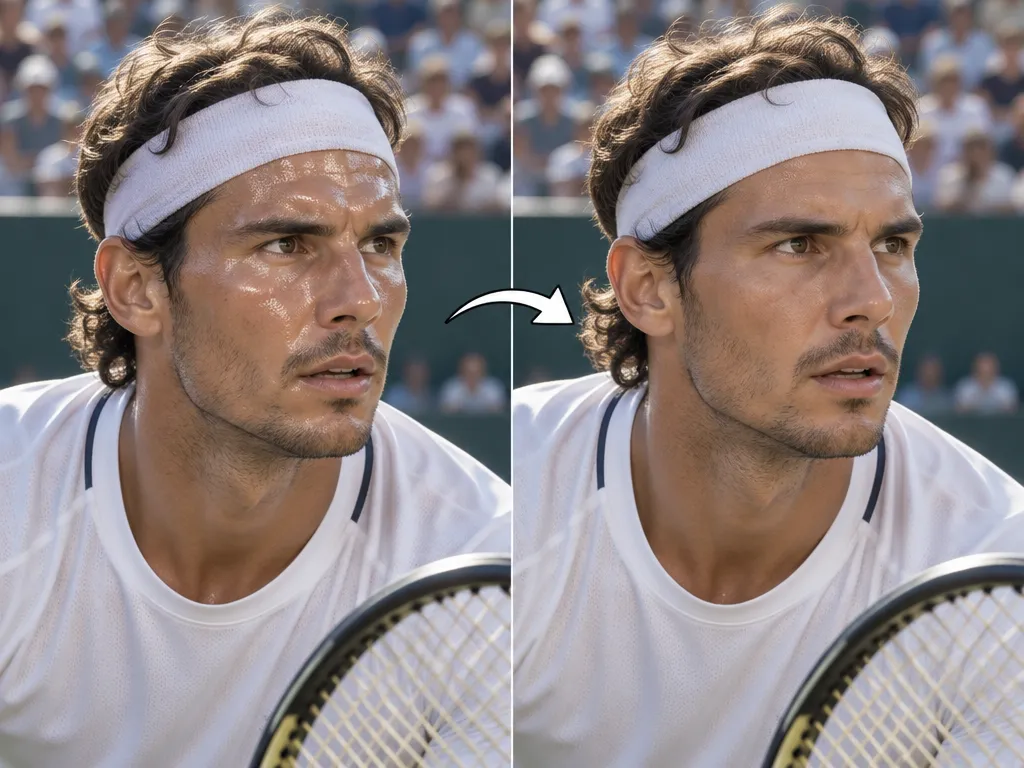
Easily replace anything in your images with our free AI Image Replacer online. Change objects, colors, text, or erase and replace parts of photos instantly.

AI Image Replacer: Free Online Tool

Instantly replace objects, colors, or text in any image with our powerful AI. Perfect for quick edits and creative projects. Start now!

Transform Your Images with AI Imagination

Your Go-To Free AI Image Replacement Tool

Enjoy powerful AI image replacement without hidden costs, privacy concerns, or complex interfaces. Edit with confidence and ease.

Free to use

No subscriptions, no hidden fees. Our AI Image Replacer is completely free, making advanced editing accessible to everyone.

All private

Your creations are always yours. We ensure your images and data remain private, processed securely without storage.

Beginner-friendly

Designed for simplicity. Easily replace elements in images with an intuitive interface, no prior editing skills required.

Article

Why Use an AI Image Replacer?

Discover the unparalleled benefits of using AI for image replacement. Save time, achieve professional results, and unlock new creative potential with our intuitive and powerful AI Image Replacer.

  • Speed & Efficiency: Get instant results, saving hours of manual editing with our AI.
  • Precision & Realism: Our AI understands context, ensuring seamless and highly realistic replacements.
  • Ease of Use: No complex software or technical skills needed. Just simple prompts for powerful image transformations.
  • Cost-Effective: Enjoy a fully free AI Image Replacer experience without any subscription fees.
  • Creative Freedom: Experiment with countless ideas quickly, transforming your vision into reality.
  • Versatility: Replace objects, colors, text, backgrounds, or erase and replace unwanted elements with ease.
How to Use Our Free AI Image Replacer

Get started with AI image replacement in just three simple steps. Transform your photos effortlessly with our intuitive online tool.

  1. Step 1 / 3

    Step 1

    Upload Your Image: Select an image from your device or simply drag and drop it into our interface.

  2. Step 2 / 3

    Step 2

    Describe Your Replacement: Use a simple text prompt to tell our AI exactly what you want to replace or add to your image.

  3. Step 3 / 3

    Step 3

    Generate & Download: Click 'Generate' and watch as the AI transforms your image. Then, download your perfectly edited photo.

Frequently Asked Questions About AI Image Replacement

You can replace objects, colors, text, backgrounds, or specific elements within your image using our AI Image Replacer based on your prompts.

How to use FAQ section

Use Tab to navigate between questions. Press Enter or Space to expand or collapse an answer. Use Up and Down arrows to move between questions.