








Build stunning websites instantly with our AI Website Builder. Discover the best AI-powered tools to create professional sites for free, no coding.

AI Website Builder

Unleash the power of artificial intelligence to create professional, responsive websites in minutes. Our intuitive platform helps you design and launch your online presence effortlessly, no coding required.

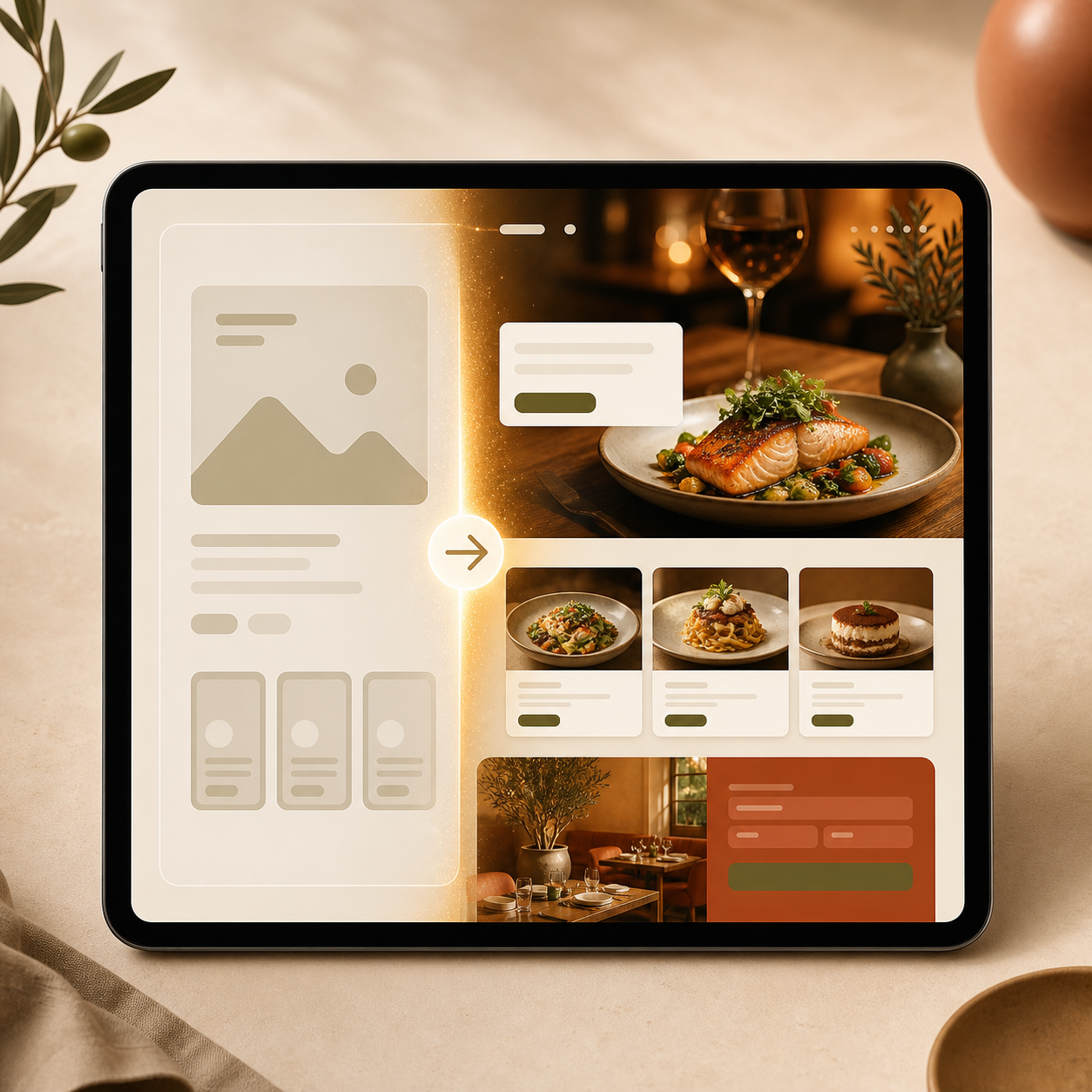
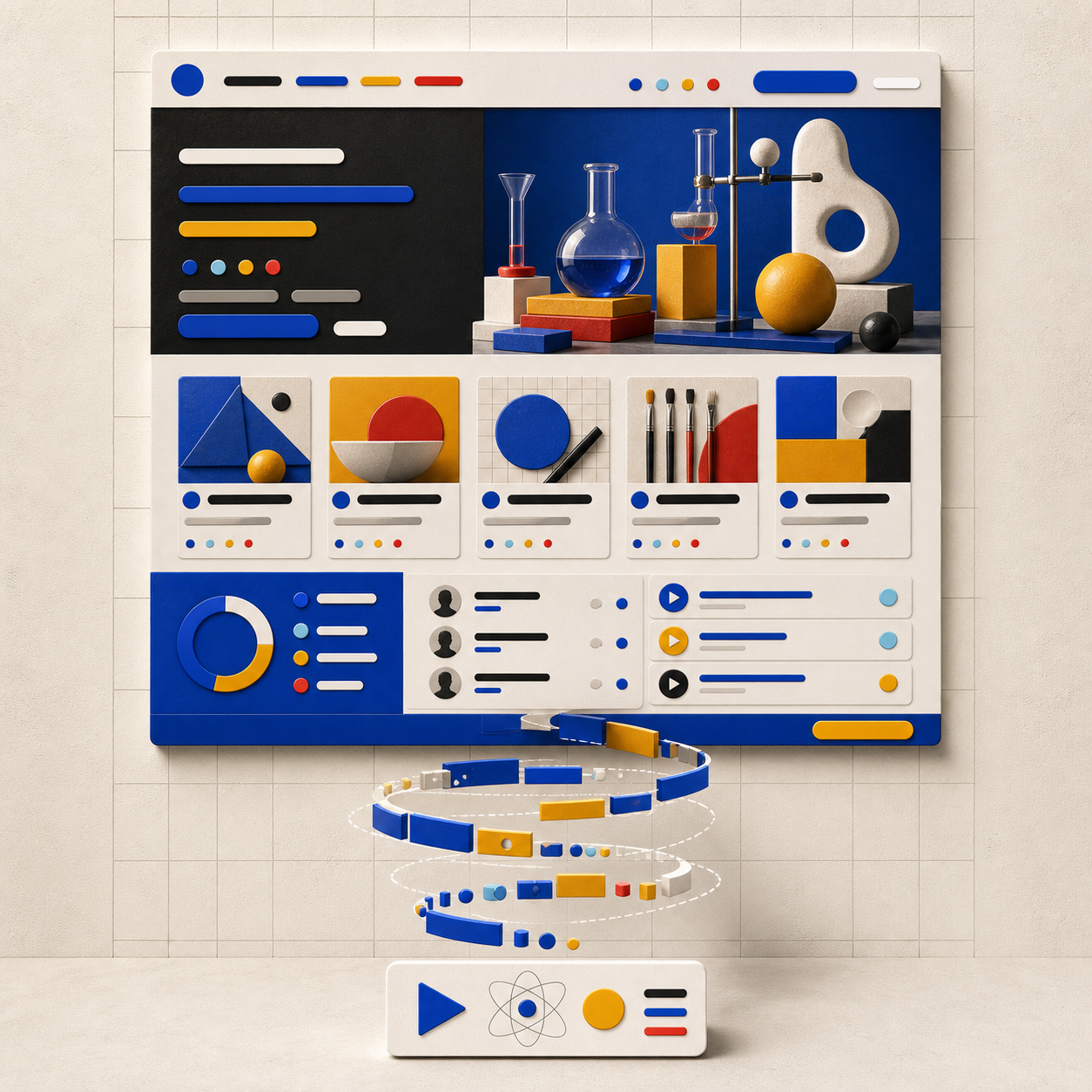
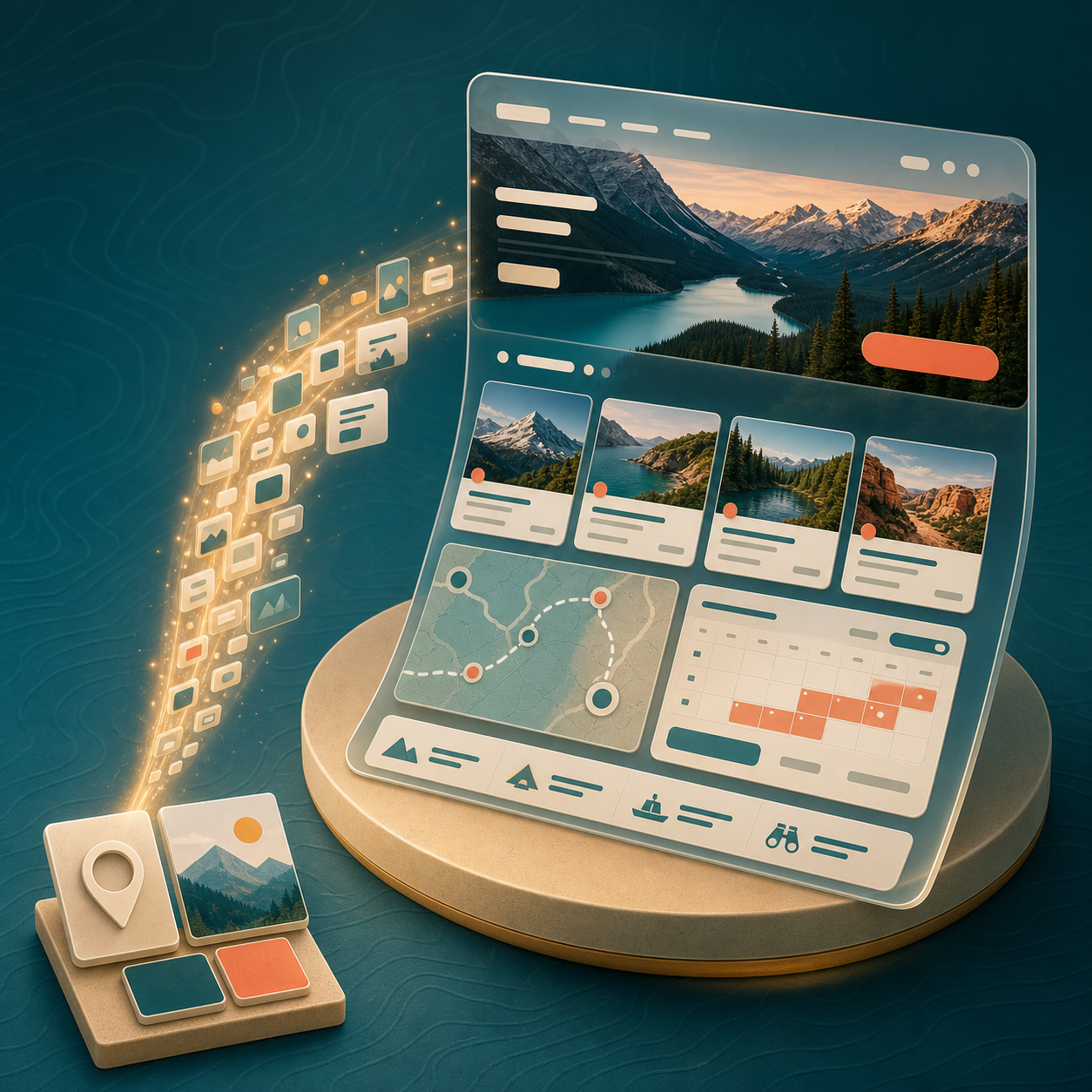
Generate Diverse Website Styles with AI

Build with Confidence: Easy, Private, & Free

Experience a secure and user-friendly website creation journey. Our service is free to use, ensures all your data remains private, and is designed for beginners.

Free to use

Launch your dream website without any cost. Our core features are completely free for everyone.

All private

Your projects and data are always confidential. We prioritize your privacy, ensuring a secure building experience.

Beginner-friendly

No coding skills? No problem! Our intuitive interface makes website creation simple for anyone.

Article

Why Use an AI Website Builder?

Discover the compelling advantages of leveraging artificial intelligence for your website creation. Our platform transforms complex design into a seamless, intelligent process.

  • Instant Website Generation
  • No Coding Required
  • Cost-Effective Solutions
  • Customizable AI Designs
  • Mobile-Responsive Layouts
  • SEO-Friendly Structures

How to Build Your Website with AI: Simple Steps

Our platform makes creating your online presence incredibly easy. Follow these simple steps to launch your site today.

  1. Step 1 / 3

    Step 1

    Input Your Vision: Tell our AI about your website's purpose, industry, and preferred style.

  2. Step 2 / 3

    Step 2

    AI Generates Your Site: Watch as our tool instantly crafts a unique, professional design tailored to your needs.

  3. Step 3 / 3

    Step 3

    Customize & Launch: Refine the content, adjust layouts, and publish your stunning new website to the world.

AI Website Builder FAQ: Your Questions Answered

An AI website builder uses artificial intelligence to automatically design and create websites based on your input, simplifying the entire process from concept to launch.

How to use FAQ section

Use Tab to navigate between questions. Press Enter or Space to expand or collapse an answer. Use Up and Down arrows to move between questions.