Need a stunning fire logo? Use our AI Fire Logo Generator to create custom logos with fire, flames, or for fire departments. Get your unique design quickly and free.

Design Your Fire Logo Instantly with AI

Input your idea or keywords, and our AI Fire Logo Generator will instantly create unique and powerful fire-themed logos. Perfect for businesses, teams, or fire departments, offering professional results without design skills.

Transform Your Vision into Custom Fire Logos

Tired of generic templates? Our AI ensures your fire logo design is one-of-a-kind. Easily customize colors, fonts, and elements to reflect your unique brand identity, making every logo truly yours.

Get Professional Fire Department Logos in Minutes

Traditional logo creation is slow and expensive. With AIAI.com, generate high-quality fire department logo designs or fire and rescue logos rapidly. Perfect for fire companies, stations, or fighting teams.

Access Versatile Fire Logo Design Ideas & Formats

Stuck for inspiration? Explore endless fire logo design ideas, from fierce flames to elegant embers. Download your logo in various formats, including high-resolution fire logo design PNG, ready for any application.

Design with Confidence: Free, Private, and Easy

Experience a seamless fire logo creation journey. Our platform offers transparent, secure, and user-friendly features to bring your designs to life.

Free to use

Create stunning fire logos without any cost. Access powerful AI tools and design elements for free, making professional branding accessible to everyone.

All private

Your designs are entirely yours. We ensure complete privacy for your fire logo projects, giving you full control and confidentiality over your creative work.

Beginner-friendly

No design experience? No problem. Our intuitive interface guides you through every step of generating your ideal fire logo, making it easy for anyone to create.

Article

Why Use Our AI Fire Logo Generator?

Our AI Fire Logo Generator empowers you to effortlessly create distinctive logos with fire, tailored to any purpose. Whether you need a fiery emblem for a gaming clan, a protective symbol for a fire safety company, or an official badge for your fire department, our tool streamlines the design process. It eliminates the complexities of traditional software and the costs of hiring designers, putting professional-grade logo design directly into your hands.

  • **Instant Creation:** Generate stunning fire logo designs in seconds.
  • **Unleash Creativity:** Explore unlimited logos with fire design variations.
  • **Cost-Effective:** Create professional quality fire and rescue logo designs without a budget.
  • **User-Friendly:** Intuitive interface for designing fire alarm logo designs or any fire-themed branding.
  • **Versatile Applications:** Perfect for fire company logo design, fire fighting, or personal projects.
  • **High-Quality Output:** Download high-resolution fire logo design PNGs suitable for all mediums.

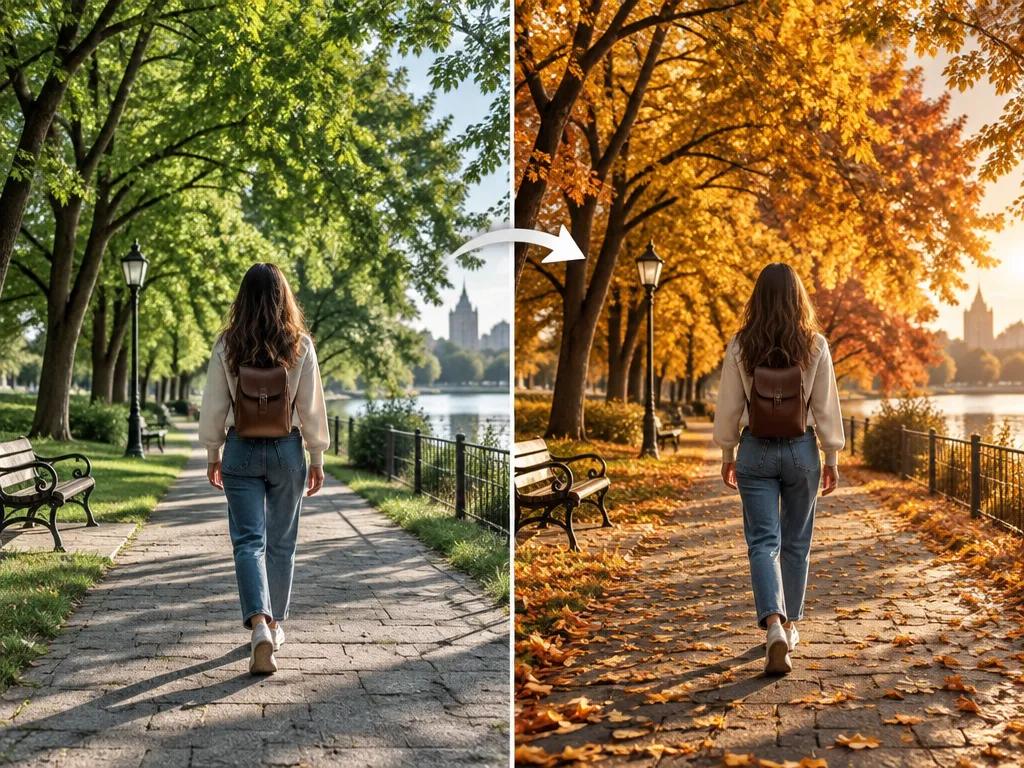
How to Create Your Stunning Fire Logo Design in 3 Simple Steps

Designing a captivating fire logo has never been easier. Follow these quick steps to bring your fiery vision to life with our AI Fire Logo Generator.

  1. Step 1 / 3

    Step 1

    Describe Your Vision: Enter keywords like "dragon fire logo" or "fire department emblem." Be specific about your style, colors, and elements.

  2. Step 2 / 3

    Step 2

    Generate & Customize: Our AI creates various fire logo designs. Select your favorite and refine it with our intuitive editor, adjusting fonts, colors, and layout.

  3. Step 3 / 3

    Step 3

    Download Your Logo: Once satisfied, download your new fire logo design in high-resolution PNG or other formats, ready for use across all platforms.

Fire Logo Design FAQs: Your Questions Answered

Yes, our AI Fire Logo Generator allows you to create and design a stunning fire department logo for free. You can generate multiple designs and customize them without any cost.

How to use FAQ section

Use Tab to navigate between questions. Press Enter or Space to expand or collapse an answer. Use Up and Down arrows to move between questions.