Create stunning house logos effortlessly. Our free AI House Logo generator helps you design professional house logos for real estate, construction, or cleaning businesses in minutes. Get started now!

Generate Custom House Logos with AI Instantly

Input your business name or ideas, and our AI House Logo maker will generate unique, professional house logo designs in seconds. Perfect for real estate agents, construction companies, house cleaning services, or anyone needing a distinctive housing logo. No design skills required.

Professional House Logos, No Design Skills Needed

Stop struggling with complex software or hiring expensive designers. Our AI-powered house logo generator makes creating a high-quality, professional house logo simple and accessible for everyone. Achieve stunning results without any prior design experience.

Tailor Your House Logo Design for Any Business

Whether you need a crisp minimalist house logo for real estate, a bold house construction logo, or a welcoming coffee house logo, our versatile platform offers endless customization. Perfectly brand your business, from house painting to property management.

Instant House Logo Creation & Download

Time is valuable. Our AI house logo generator delivers high-resolution designs in a flash, allowing you to instantly download and use your new house logo across all your branding materials. Get your perfect logo faster, without compromising on quality.

Design Your House Logo with Confidence

Our AI House Logo maker is built with you in mind. Enjoy a seamless experience knowing your designs are private, the tool is completely free to use, and it's friendly for designers of all skill levels.

Free to Use

Create unlimited house logo designs without any hidden costs. Experience full functionality at no charge.

All Private

Your creative process and designs are completely private. We never share your house logo creations without permission.

Beginner-Friendly

Intuitive interface ensures anyone can design a stunning house logo, regardless of their experience.

Article

Why Use an AI House Logo Generator?

An AI House Logo Generator revolutionizes the way individuals and businesses create professional and appealing house-related brand identities. Whether you're looking for a striking logo for real estate, a robust house construction logo, or even a charming coffee house logo, AI offers unparalleled speed and versatility. It eliminates the need for expensive design software or hiring a professional, putting the power of design directly into your hands.

  • **Instant Creation:** Generate multiple unique house logo designs in seconds.
  • **Cost-Effective:** Save money on designers with a powerful, free AI House Logo maker.
  • **Accessibility for All:** Design professional house logos without any prior design experience.
  • **Unlimited Creativity:** Explore diverse styles from minimalist house logo designs to intricate housing logos.
  • **Brand Consistency:** Easily customize and adapt your logo to fit all your branding needs.
  • **Versatile Use:** Ideal for real estate, construction, house cleaning, painting, fashion, and coffee businesses.
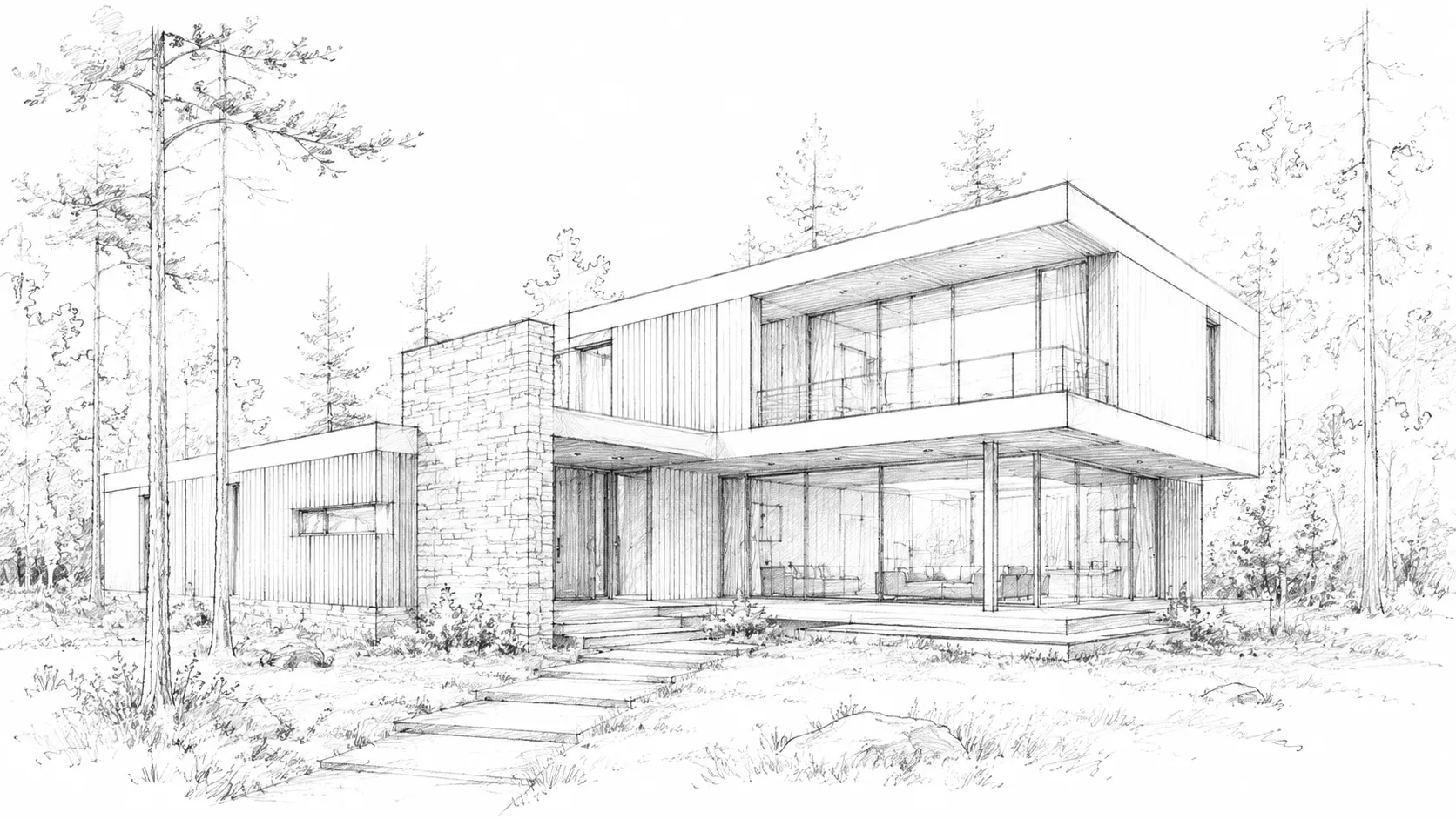
How to Create a Stunning House Logo with Our AI Generator

Designing your perfect house logo is incredibly simple with AIAI.com. Follow these three easy steps to bring your vision to life in minutes.

  1. Step 1 / 3

    Step 1

    Enter Your Vision: Type in your business name or a description of your ideal house logo, like "modern minimalist house logo for real estate."

  2. Step 2 / 3

    Step 2

    Customize Your Design: Explore various AI-generated house logo designs. Adjust colors, fonts, icons, and layouts to match your brand style.

  3. Step 3 / 3

    Step 3

    Download & Use: Once satisfied, instantly download your high-resolution house logo files ready for web, print, and all your branding needs.

Frequently Asked Questions About House Logo Design

Yes! Our AI House Logo Generator offers a wide range of styles, including minimalist house logo designs, all available for you to create and download for free.

How to use FAQ section

Use Tab to navigate between questions. Press Enter or Space to expand or collapse an answer. Use Up and Down arrows to move between questions.