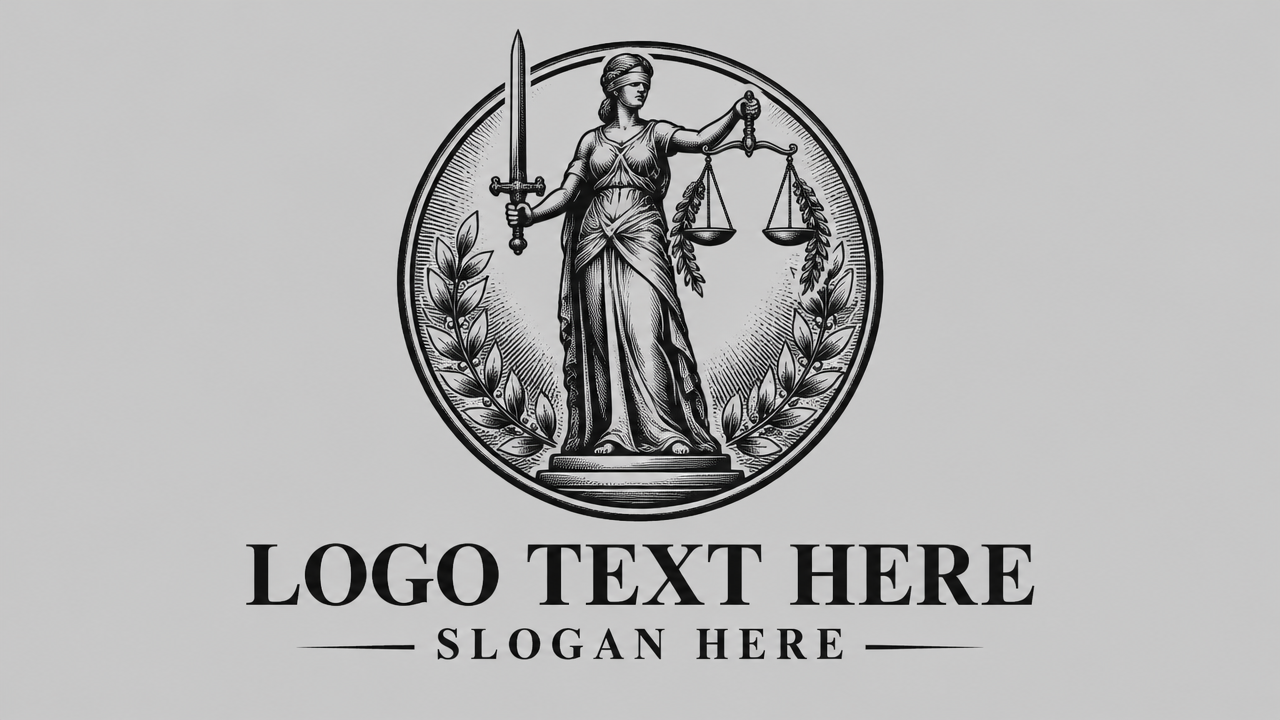

Need a professional lawyer logo fast? Use our free AI tool to create stunning, unique legal logos in minutes. No design skills needed, start designing now!

Generate Professional Lawyer Logos with AI

Input your firm's name and style preferences, and our AI will generate unique, high-quality lawyer logos in seconds. Perfect for attorneys, law firms, and legal professionals looking for instant, custom branding without common design hurdles.

Overcome Design Hurdles: Your Free Lawyer Logo Solution

Forget expensive designers or complex software. Our platform offers a completely free lawyer logo design experience, allowing you to create a professional legal brand without any financial burden or prior design expertise.

Instant Professional Branding for Your Legal Practice

Time is money in the legal world. Our AI lawyer logo generator crafts professional logos in minutes, saving you valuable time. Get a polished, attorney-approved look for your firm without the wait.

Access High-Quality Vector Lawyer Logo Files

Need your lawyer logo in versatile formats? Our tool provides high-quality vector logo designs, ensuring your brand looks sharp across all mediums – from business cards to billboards – without any loss of resolution.

Your Trusted Partner for Lawyer Logo Creation

We are committed to providing a reliable, secure, and user-friendly experience for all legal professionals. Create with confidence and peace of mind.

Free to use

Design and download your lawyer logo without hidden costs. Our core features are accessible to everyone, ensuring professional branding is always within reach.

All private

Your designs and data are completely private and secure. We respect your confidentiality, ensuring your creative process remains yours alone.

Beginner-friendly

No design skills? No problem. Our intuitive AI logo maker guides you through every step, making professional lawyer logo creation simple and enjoyable.

Article

Why Use an AI Lawyer Logo Design Tool?

Creating a distinctive and professional lawyer logo is essential for establishing a strong brand identity in the legal industry. An AI-powered tool simplifies this complex process, offering speed, affordability, and creative flexibility that traditional design methods often lack. It empowers legal professionals to design compelling visuals that resonate with their values and attract clients effectively.

  • **Rapid Creation:** Generate numerous design options for your lawyer logo in minutes, not days.
  • **Cost-Effective:** Achieve professional-grade lawyer logo design without the hefty fees of graphic designers.
  • **Customization & Control:** Easily adjust colors, fonts, and symbols to perfectly match your firm's unique brand vision.
  • **No Design Skills Required:** Intuitive interfaces allow anyone to design impressive legal logos, regardless of experience.
  • **Versatile Formats:** Download your lawyer logo in various high-quality files, including vector for scalability.
  • **Brand Consistency:** Maintain a cohesive brand image across all your marketing materials with a consistent logo.
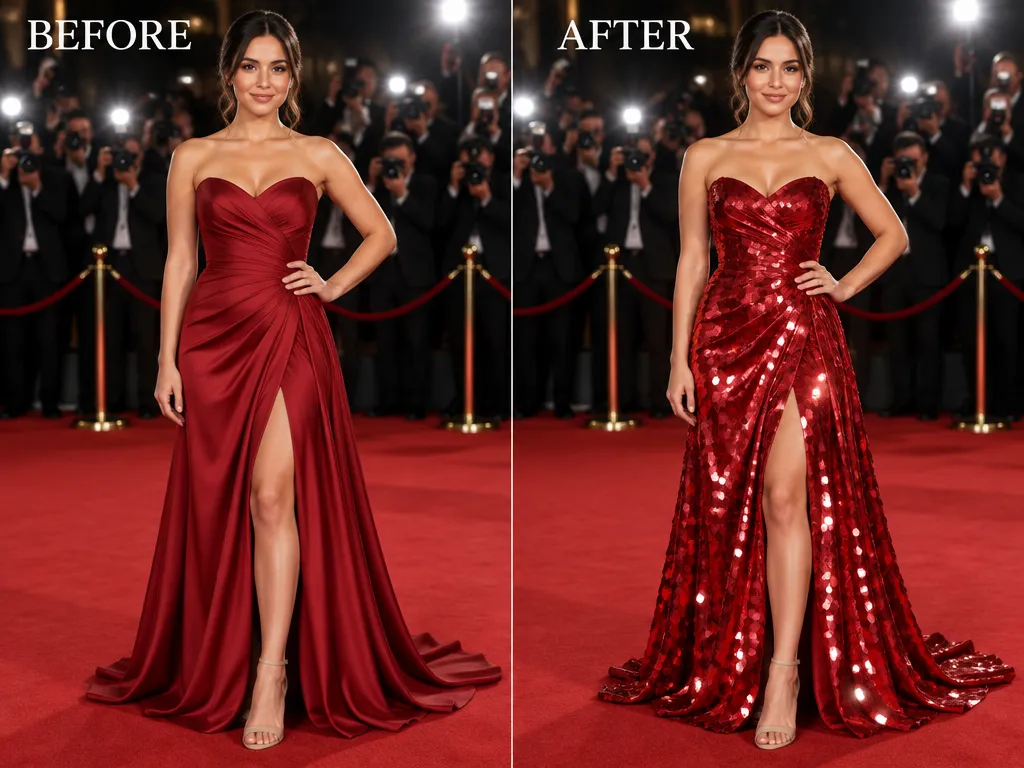

How to Create Your Lawyer Logo with AI in 3 Simple Steps

Designing a professional lawyer logo has never been easier. Follow these quick steps to generate, customize, and download your unique legal brand identity in minutes.

  1. Step 1 / 3

    Step 1

    Enter Your Details: Provide your firm's name and choose a legal industry category or desired style.

  2. Step 2 / 3

    Step 2

    Generate & Customize: Our AI will present multiple logo options. Select your favorite and refine colors, fonts, and icons.

  3. Step 3 / 3

    Step 3

    Download & Use: Once satisfied, download your high-resolution lawyer logo files, including vector formats, ready for any application.

Frequently Asked Questions About Lawyer Logo Design

Yes, our platform offers a free lawyer logo design experience for basic usage. You can generate and download your professional legal logo without any cost. Premium features for advanced customization or specific file types might be available at a minimal fee.

How to use FAQ section

Use Tab to navigate between questions. Press Enter or Space to expand or collapse an answer. Use Up and Down arrows to move between questions.