Convert Photo to Oil Painting Online Free: Instant Art Creation
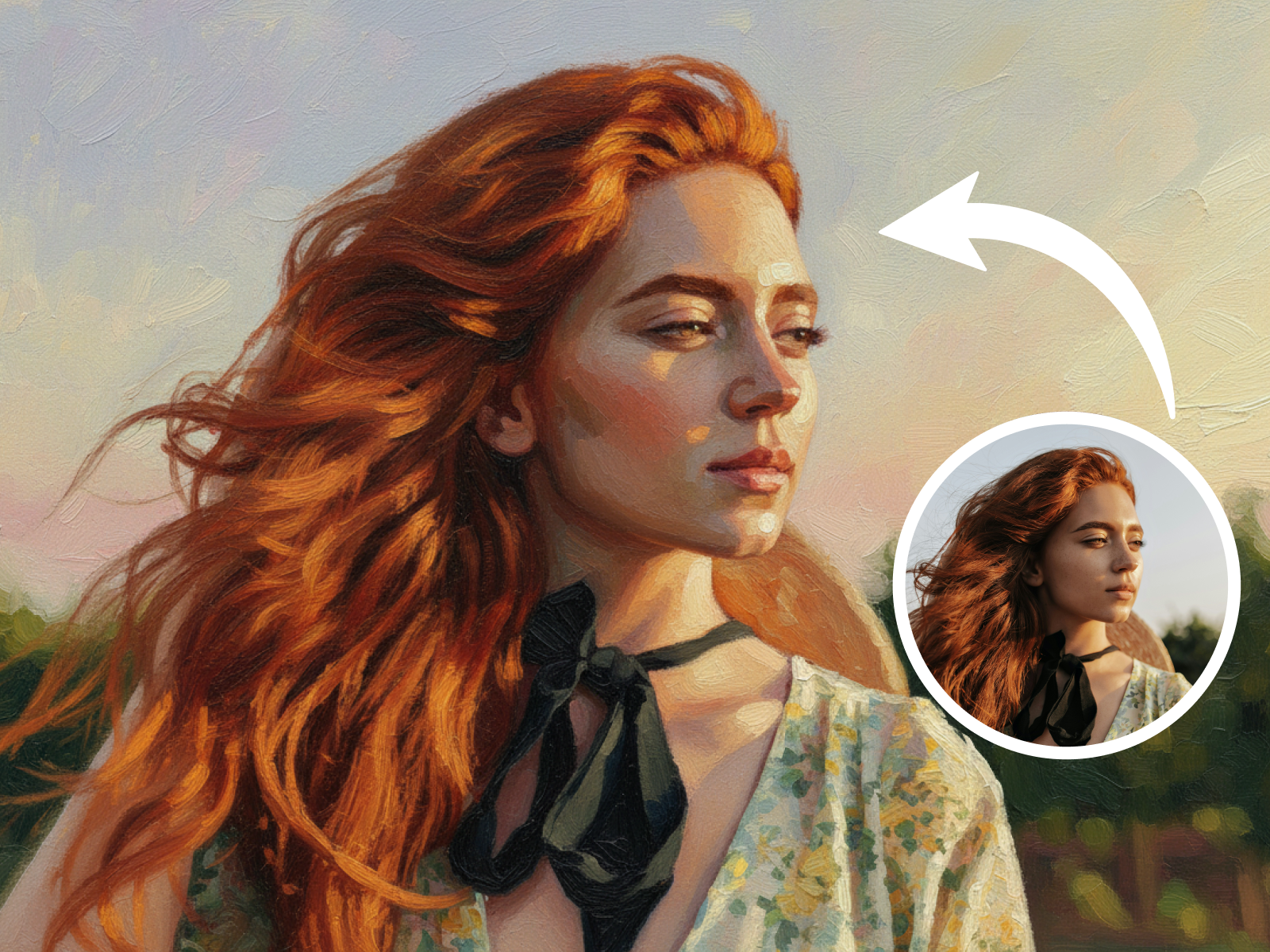
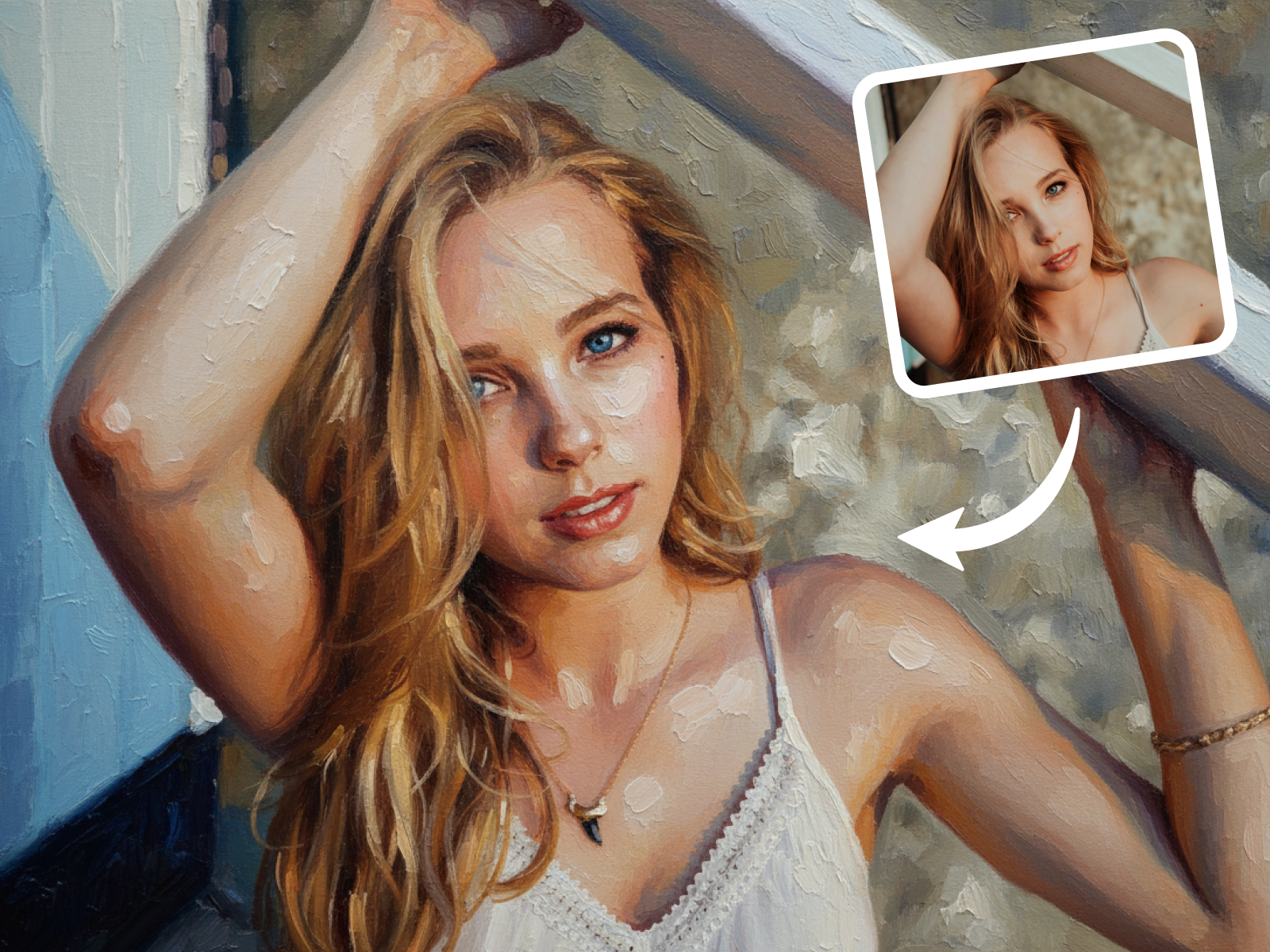
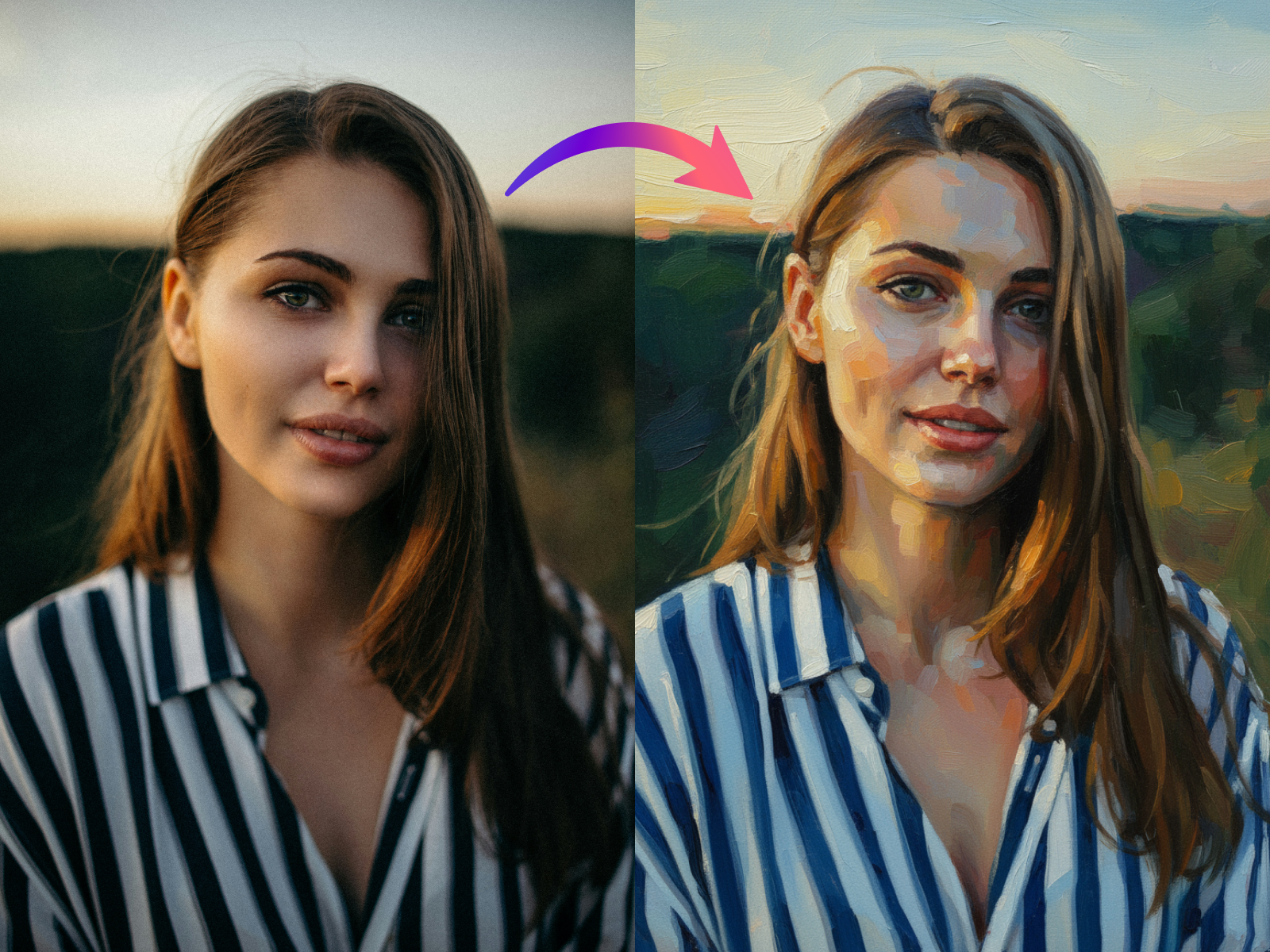
Say goodbye to complex software! Our online platform allows you to convert photo to oil painting for free, instantly. Just upload and watch your images become unique artworks.
Turn your photos into stunning oil paintings with our free AI online converter. Easily change and convert pictures to beautiful artwork with a click.
Unleash your creativity! Our AI-powered tool effortlessly converts any photo into a breathtaking oil painting. Experience the magic of art, no brush strokes needed.
Showing item 1 of 3
Say goodbye to complex software! Our online platform allows you to convert photo to oil painting for free, instantly. Just upload and watch your images become unique artworks.
Beyond simple filters, our AI intelligently analyzes your image to apply various oil painting techniques, giving your photos genuine artistic flair. Change photo to oil painting with depth and texture.
Whether for personal keepsakes, unique gifts, or professional projects, our AI convert photo to oil painting delivers stunning, high-resolution results perfect for printing or sharing.
Want classical or contemporary oil paintings from snaps? Users rave about our tool—add brushstroke texture, color gradation, and light effects automatically, share on Instagram/TikTok. Earn praise, likes, and craft unique share-worthy art.
Transform your images into beautiful oil paintings in just three simple steps. Our intuitive AI tool makes the process quick and effortless for everyone.
Upload Your Photo: Select and upload the image you wish to convert from your device.
AI Transforms to Oil Painting: Our advanced AI processes your photo, applying realistic oil painting effects.
Download Your Masterpiece: Preview the result and download your high-resolution oil painting.
An interactive tool for AI-powered content generation, supporting input forms and result display to boost creative efficiency.
Display AI-generated content, including images, text, and more.
Explore example images for Samples. View a carousel of AI-generated samples and get inspired for your own creations.