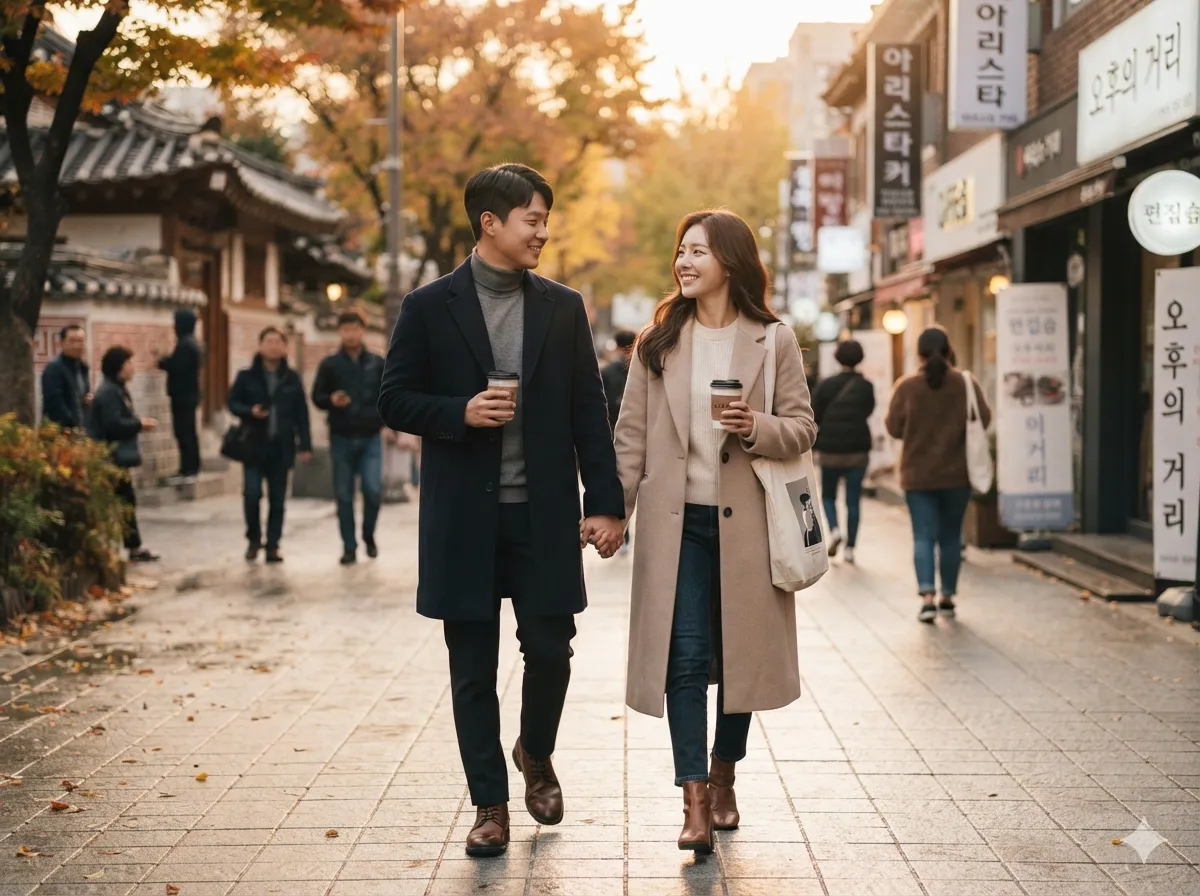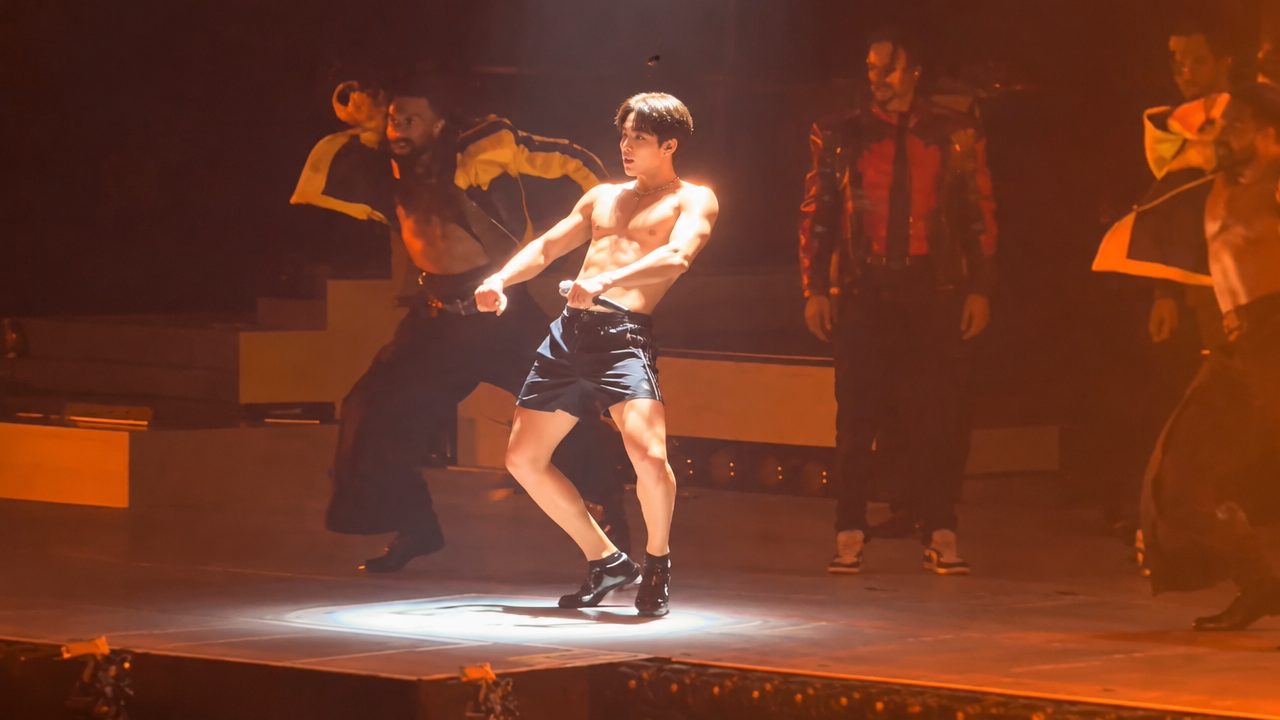
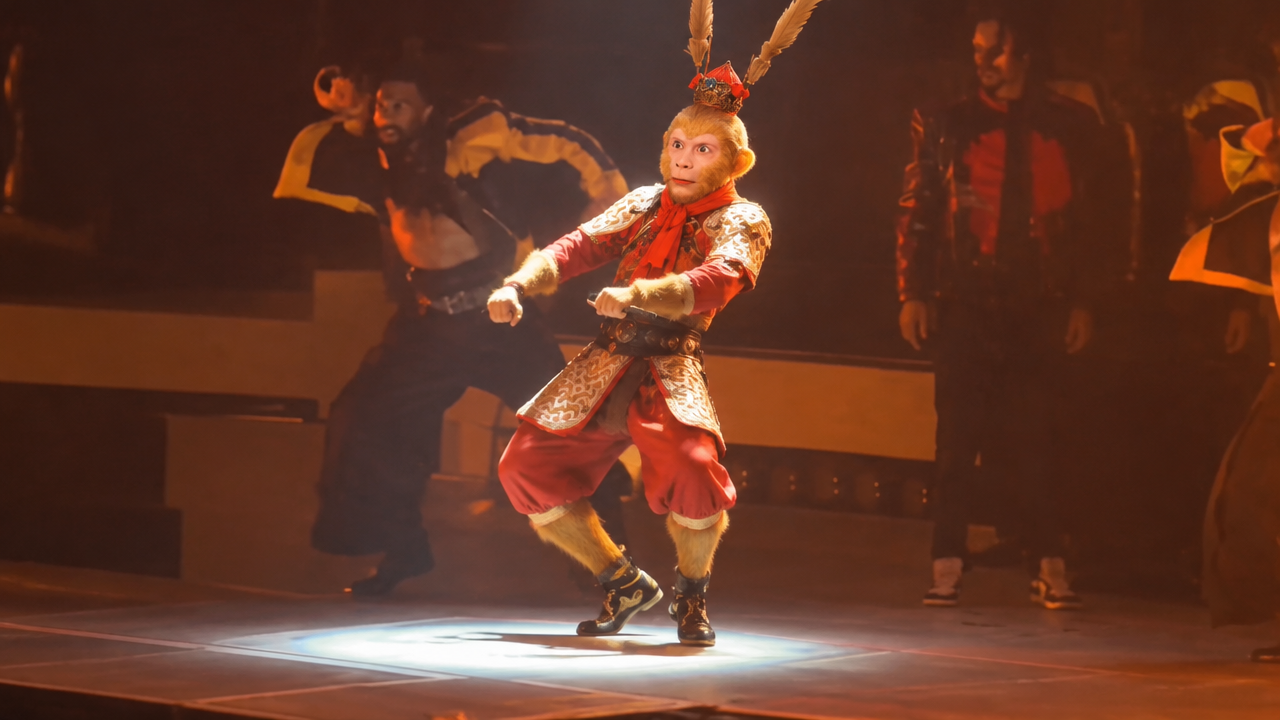
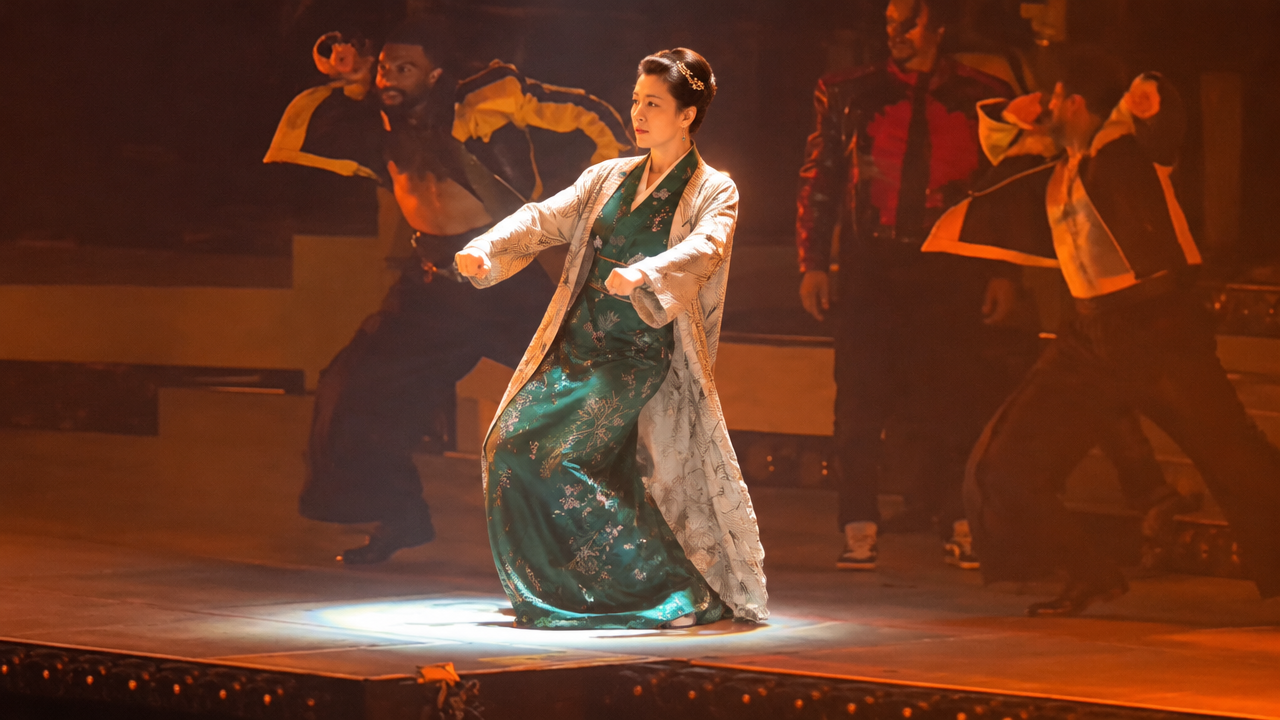
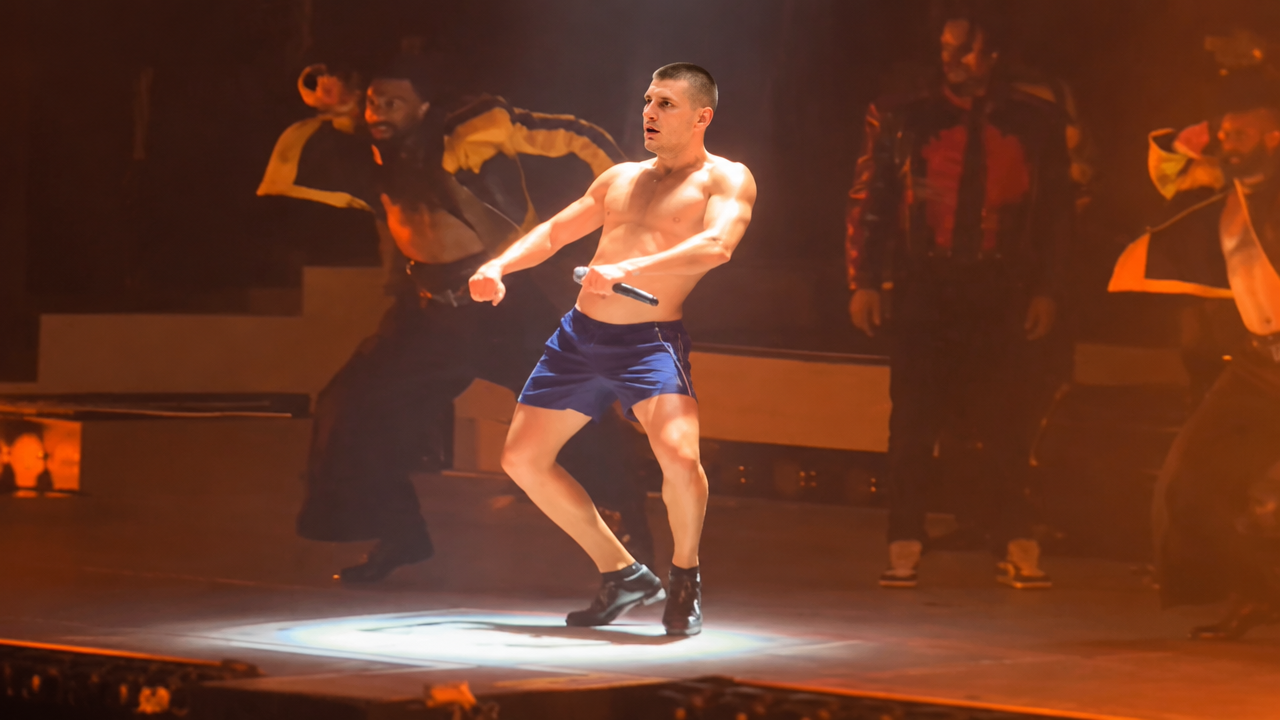
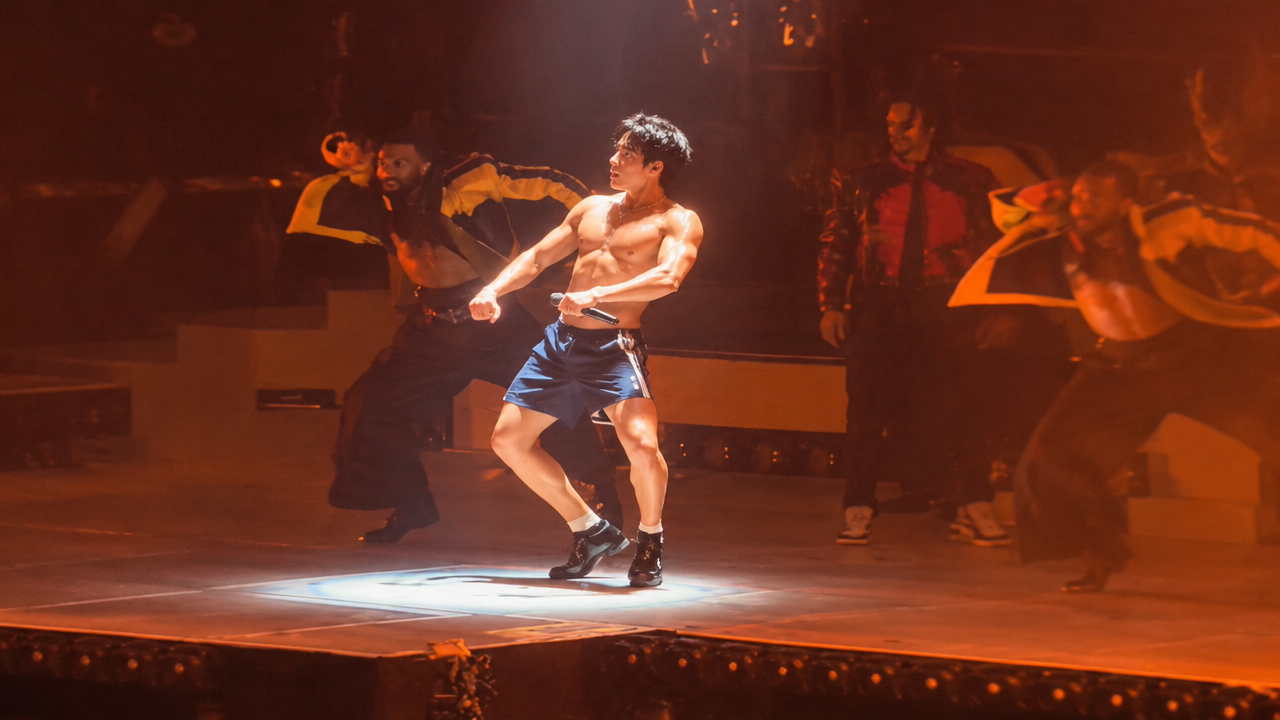
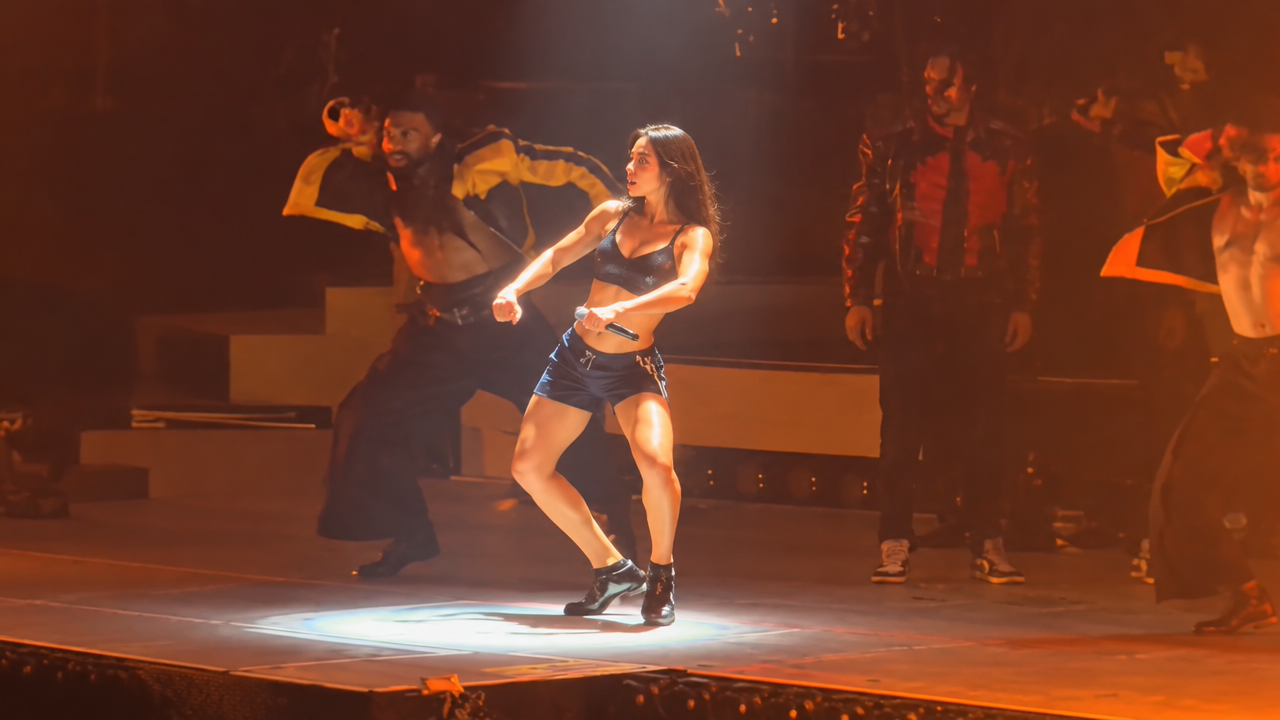
Want to join the Talk Dirty dance trend? Turn your photos into dancing videos with our AI Talk Dirty dance generator. Easy, fast, and free to try!

Create AI Talk Dirty Dance Videos from Your Photos

Upload your photo, and our AI will animate it to the viral Talk Dirty dance within seconds. Perfect for TikTok trends, memes, or just for fun, no advanced skills required.

Transform Static Photos into Dynamic AI Dance Videos

Tired of boring static images? Our AI Talk Dirty dance generator breathes life into your photos, turning them into captivating dance videos. No complex video editing skills needed – just upload and watch your photos groove to the beat.

Achieve Realistic & High-Quality AI Dance Videos

Worried about unnatural or robotic AI dance movements? Our advanced AI motion capture technology ensures smooth, realistic, and expressive Talk Dirty dance animations, making your creations truly stand out.

Join the Viral Talk Dirty Trend with One-Click AI Dance

Don't miss out on the latest TikTok sensation! Our AI Talk Dirty dance generator is designed for effortless creation. Simply upload your image, and with one click, get a share-ready dance video to boost your social media presence.

Trusted & Accessible AI Talk Dirty Dance Creation

Experience hassle-free AI dance video generation. Our platform prioritizes user trust, privacy, and ease of use, ensuring a seamless creative journey for everyone.

Free to use

Animate your photos to the Talk Dirty dance trend without any upfront cost. Enjoy our core features and explore AI dance generation for free.

All private

Your uploaded photos and generated dance videos are completely private. We guarantee the security and confidentiality of your creative content.

Beginner-friendly

No design or technical skills needed. Our intuitive interface makes creating AI Talk Dirty dance videos easy for absolute beginners.

Article

Why Use Our AI Talk Dirty Dance Generator?

Our AI Talk Dirty Dance Generator stands out as the ultimate tool for effortlessly bringing your static images to life with the viral Talk Dirty dance. It combines cutting-edge AI technology with a user-friendly interface, making complex video animation accessible to everyone. Whether you're aiming to create a hilarious meme, a stunning realistic dance video, or just join the TikTok trend, our platform offers unparalleled ease and quality.

  • **Effortless Photo to Dance Conversion:** Transform any photo into a dynamic Talk Dirty dance video in just seconds.
  • **High-Quality & Realistic Motion:** Powered by advanced AI, our generator produces smooth, lifelike dance movements.
  • **Viral Trend Ready:** Instantly create content perfect for the TikTok AI Talk Dirty dance trend.
  • **User-Friendly for All:** Designed for beginners, no prior animation or editing experience is required.
  • **Privacy & Security Guaranteed:** Your creative content and personal data are always protected.
  • **Cost-Effective & Free Options:** Start creating engaging AI dance videos without upfront investment.
How to Create AI Talk Dirty Dance Videos in 3 Easy Steps

Get ready to transform your photos into amazing dance videos! Our AI Talk Dirty dance generator makes it incredibly simple. Follow these quick steps to bring your images to life.

  1. Step 1 / 3

    Step 1

    Upload Your Photo: Choose any image you want to animate. Our AI works with various formats.

  2. Step 2 / 3

    Step 2

    Select Talk Dirty Dance Style: Pick the specific Talk Dirty dance template or describe your desired movement.

  3. Step 3 / 3

    Step 3

    Generate Your AI Dance Video: Click 'Generate' and watch as our AI brings your photo to life with captivating dance moves.

Frequently Asked Questions About AI Talk Dirty Dance

Yes, our AI Talk Dirty dance generator is designed to work with a wide range of photos, including portraits, full-body shots, and even images of animals or characters. Simply upload your desired image to start.

How to use FAQ section

Use Tab to navigate between questions. Press Enter or Space to expand or collapse an answer. Use Up and Down arrows to move between questions.