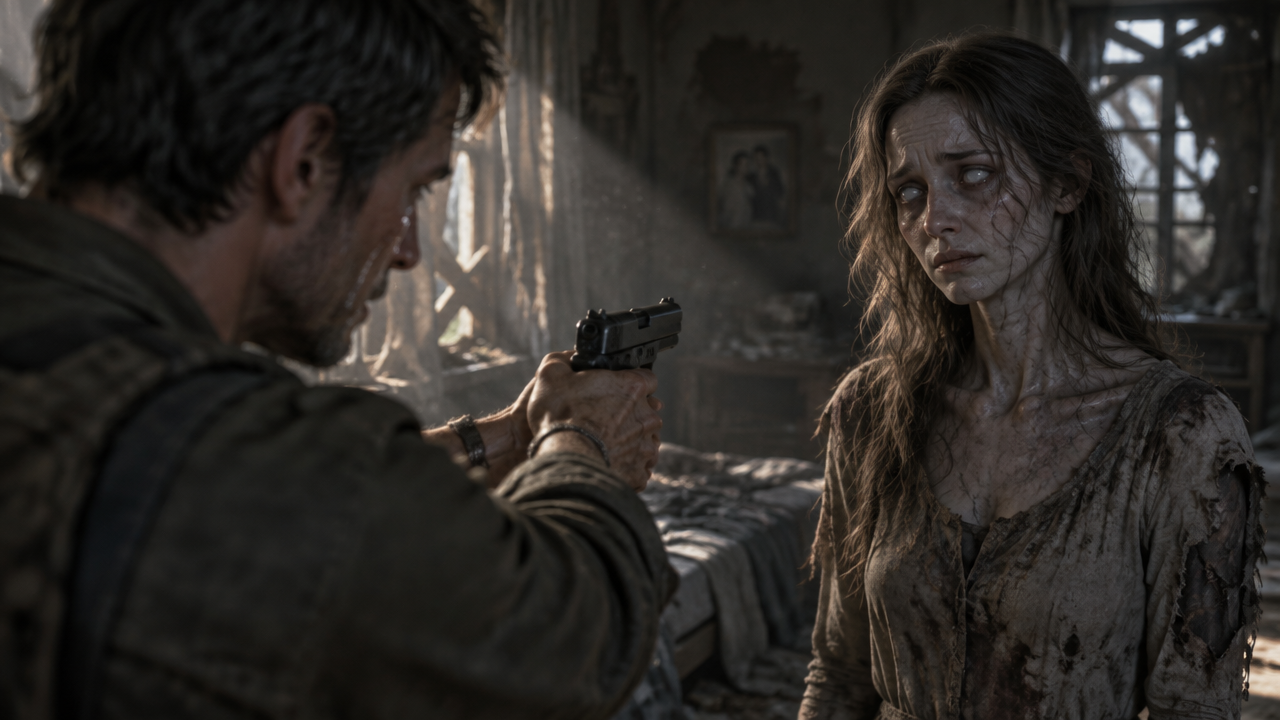

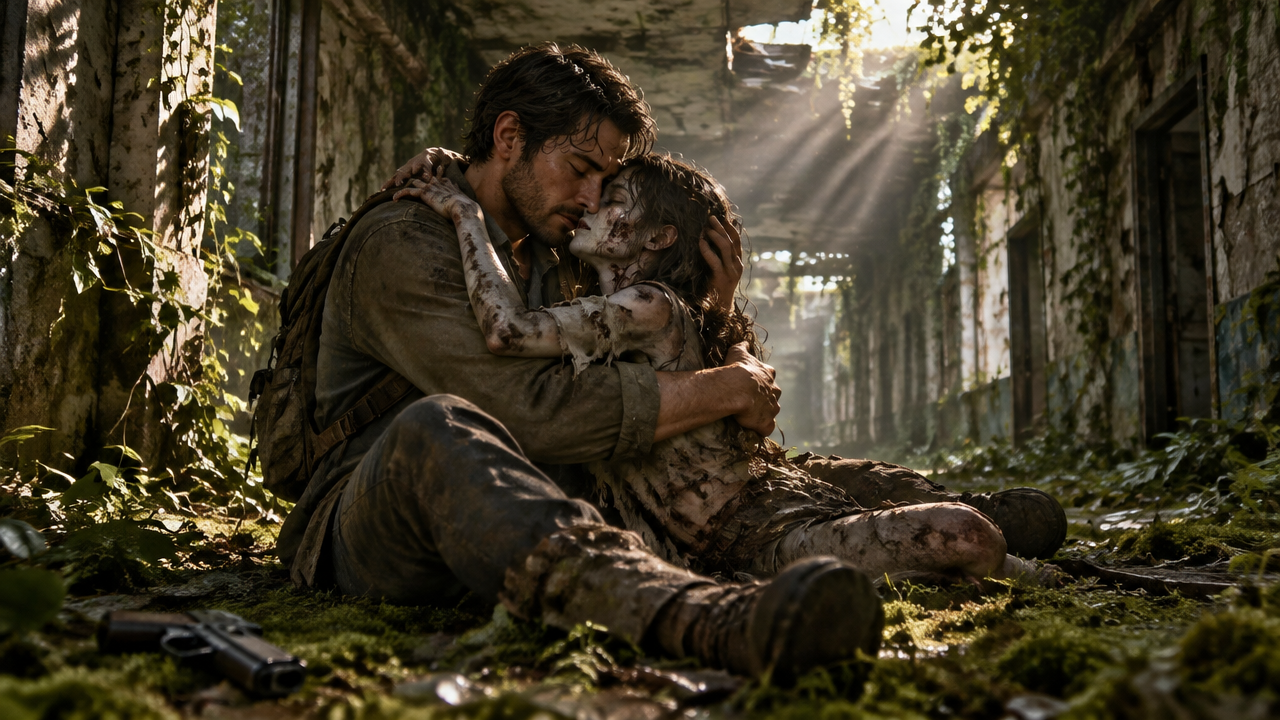


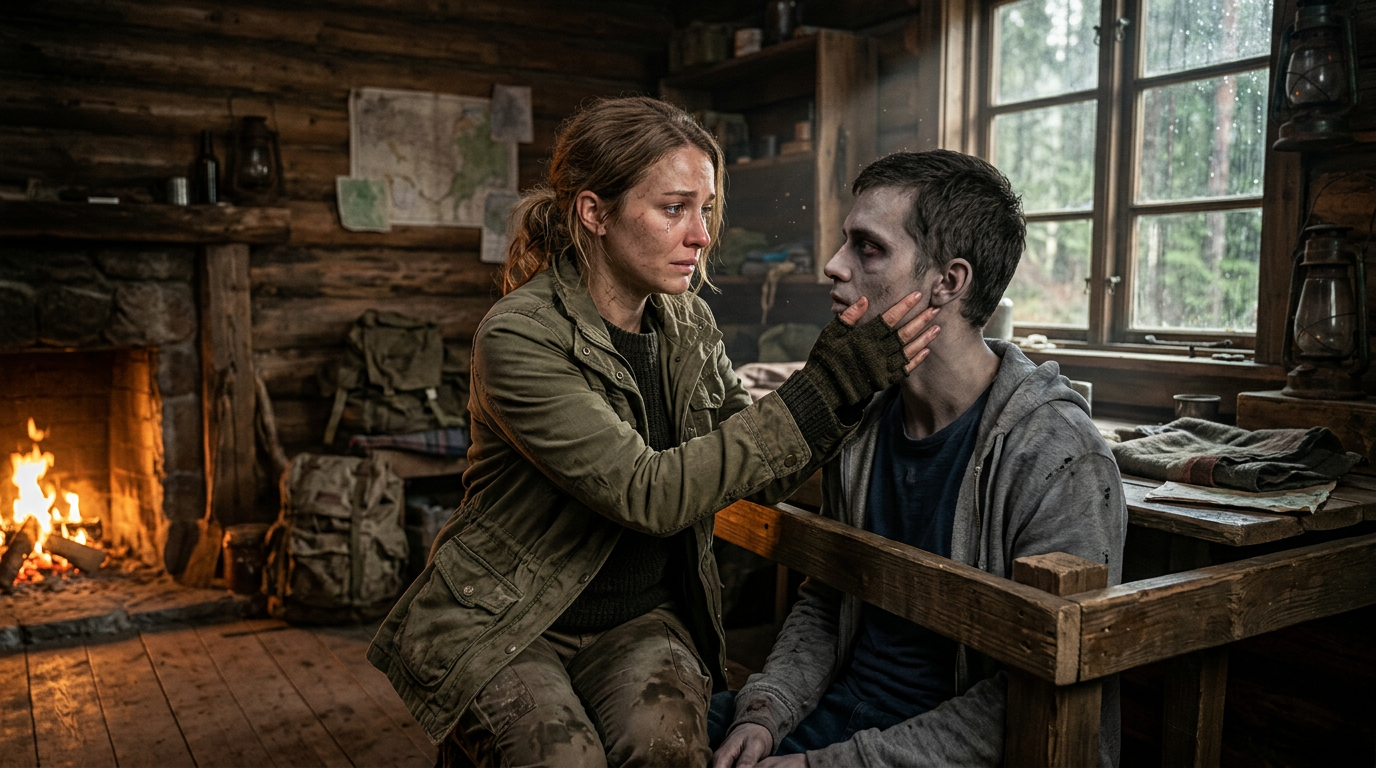
Create stunning AI zombie trend videos effortlessly! Transform photos & videos into realistic zombie scenes with our free AI zombie video generator. Get instant results now.

Create AI Zombie Trend Videos & Transform into Zombies Instantly

Upload your images or videos, and our AI zombie video generator will instantly create trending zombie content. Perfect for filmmakers, social media creators, or anyone wanting to turn into a zombie video without complex editing.

Say Goodbye to Complex Zombie Effects Editing

Tired of spending hours on manual video editing to achieve a convincing human to zombie video AI? Our tool simplifies the entire process. With intuitive controls, anyone can create zombie video with AI, even beginners.

Achieve Realistic Zombie Transformations with AI

Struggling to create a realistic zombie face animation video or an undead transformation video maker online that truly terrifies? Our advanced AI ensures high-fidelity results, from a zombie bite transformation video AI to creepy undead video maker online effects.

Instant Zombie Video Maker: No More Waiting!

Why wait for rendering? Our instant zombie video maker AI processes your requests in seconds, allowing you to turn selfie into zombie video and share your spooky creations without delay. Perfect for generating quick zombie content for social media.

Your Go-To AI Zombie Video Tool

Discover why thousands trust our AI zombie transformation video maker for all their undead creative needs. We prioritize accessibility, privacy, and user experience.

Free to Use

Start creating thrilling AI zombie trend videos without any cost. Our core features are completely free, making undead transformation accessible to everyone.

All Private

Your uploads and creations are always secure and private. We respect your data and ensure a safe environment for your zombie video generation.

Beginner-friendly

No prior experience with video editing? No problem! Our intuitive interface makes it incredibly easy to turn into zombie video, even for first-time users.

Article

Why Use an AI Zombie Video Generator?

An AI zombie video generator like ours revolutionizes how you create spooky content. Gone are the days of complex software and costly special effects. With AI, you can bring your darkest zombie fantasies to life effortlessly, turning any image or video into a terrifying zombie scene.

  • **Unleash Creativity with AI Zombie Trend:** Generate unique and trending zombie videos and animations with unparalleled ease.
  • **Effortless Transformation:** Instantly turn yourself, friends, or even pets into a zombie video AI.
  • **Save Time & Money:** Avoid expensive software and hours of editing. Get cinematic zombie movie video maker quality results in minutes.
  • **Realistic & Engaging Effects:** Produce high-quality, believable zombie morph video generator online effects that captivate your audience.
  • **User-Friendly Interface:** Designed for everyone, from beginners to seasoned creators, making the zombie outbreak video generator AI accessible.
  • **Versatile Applications:** Perfect for social media, short films, pranks, or just having fun with zombie transformation.
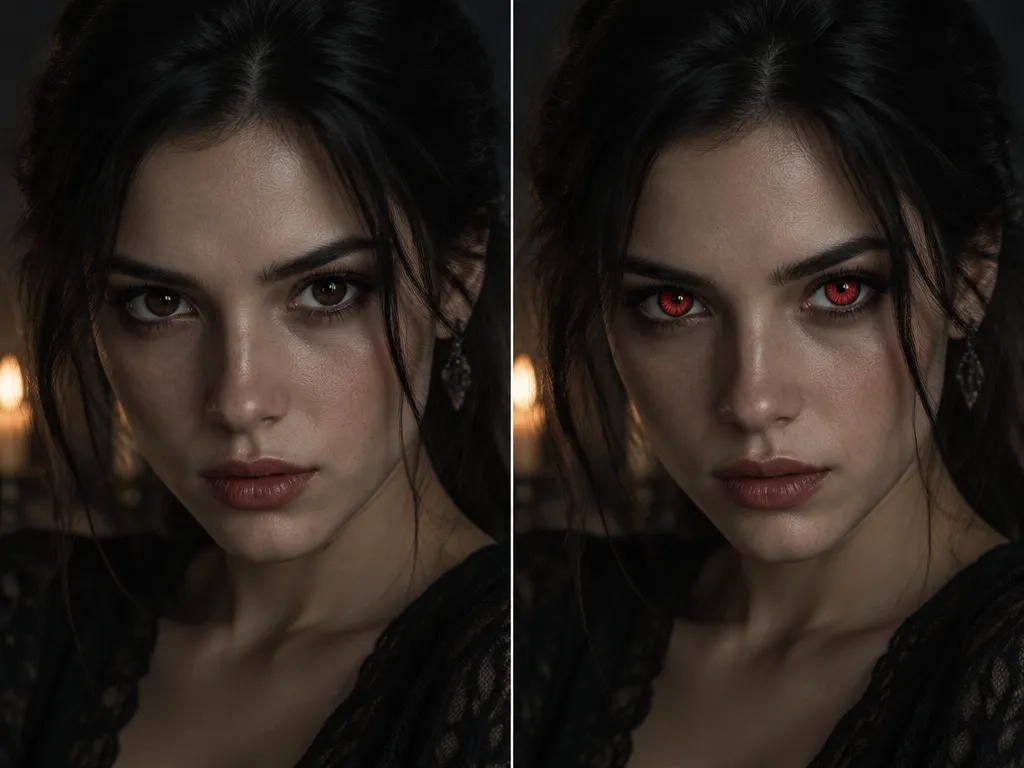

How to Create AI Zombie Videos in 3 Simple Steps

Get started with our AI zombie video generator tool. Transform your content into thrilling zombie scenes in just minutes!

  1. Step 1 / 3

    Step 1

    Upload Your Media: Drag and drop your image or video file into our platform. You can also paste a video link.

  2. Step 2 / 3

    Step 2

    Customize Your Zombie Effect: Select your desired zombie trend style, transformation intensity, and other effects. Our AI will guide you.

  3. Step 3 / 3

    Step 3

    Generate & Download: Click "Generate," and our AI zombie transformation video maker will process your request. Preview, then download your high-quality zombie video.

Frequently Asked Questions about AI Zombie Video Creation

Yes! Our AI zombie transformation video maker supports both image to zombie video AI and video to video zombie filter transformations. Just upload your media and let the AI do the magic.

How to use FAQ section

Use Tab to navigate between questions. Press Enter or Space to expand or collapse an answer. Use Up and Down arrows to move between questions.