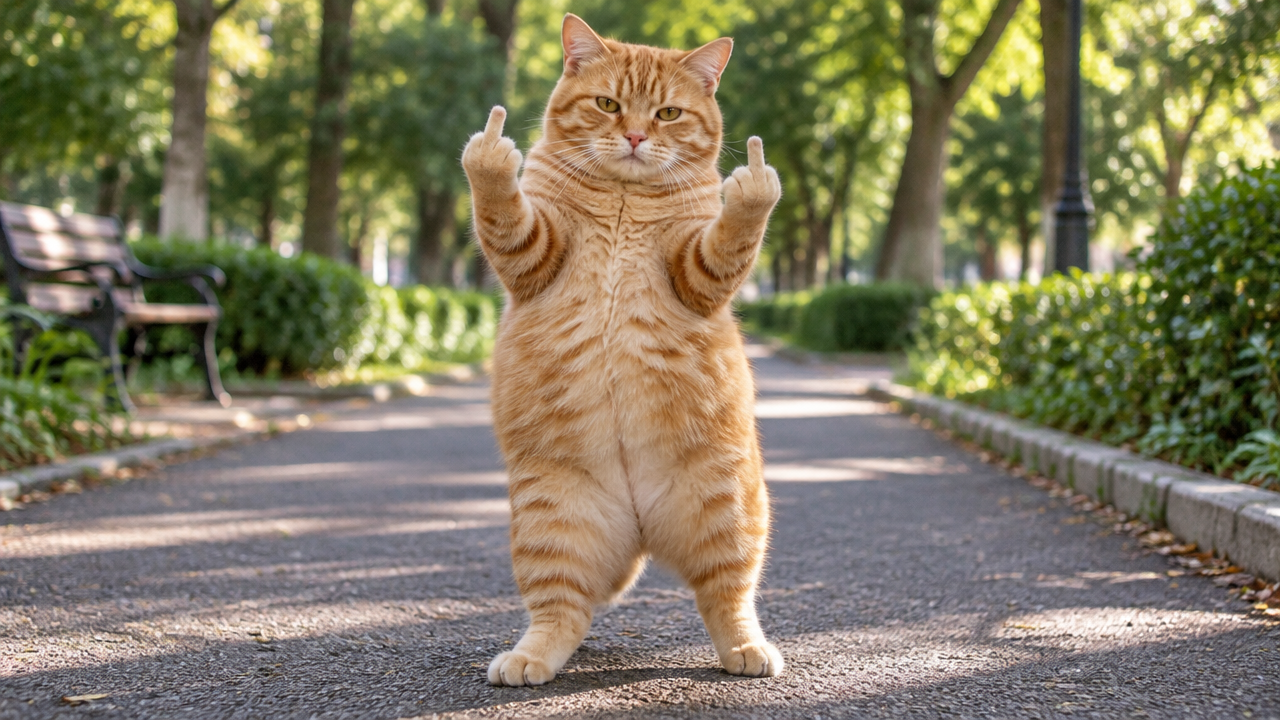
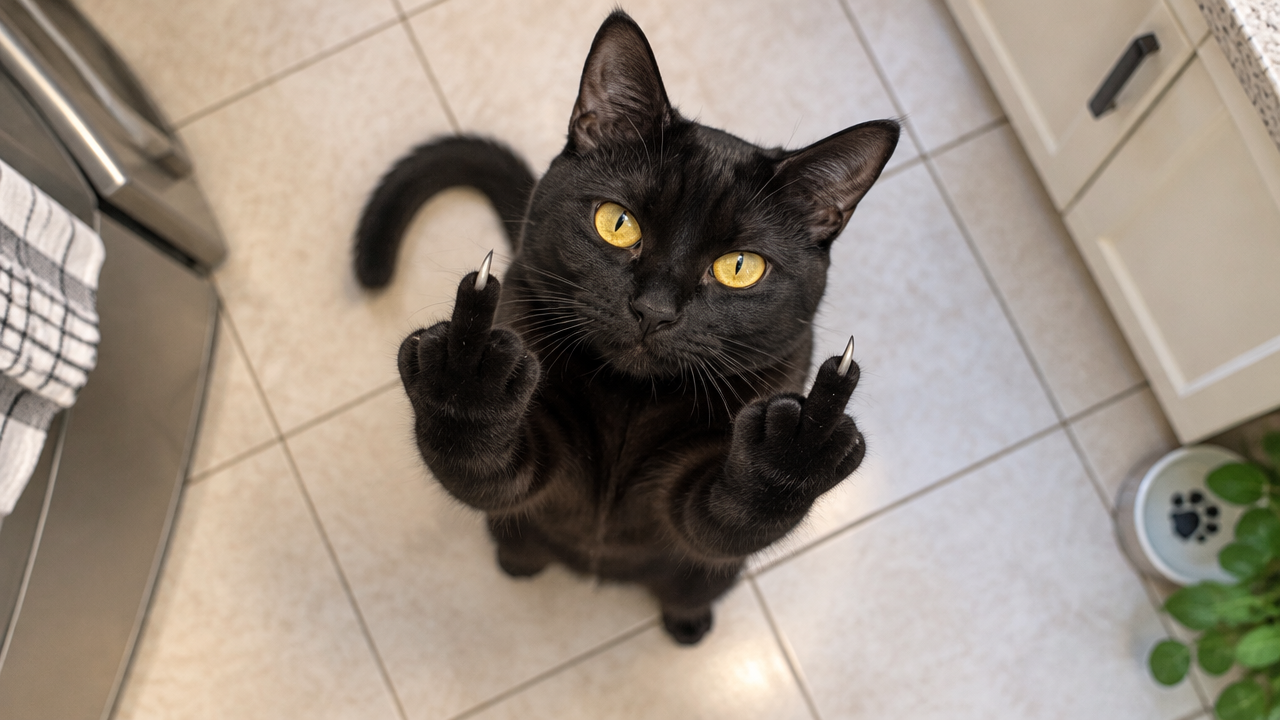
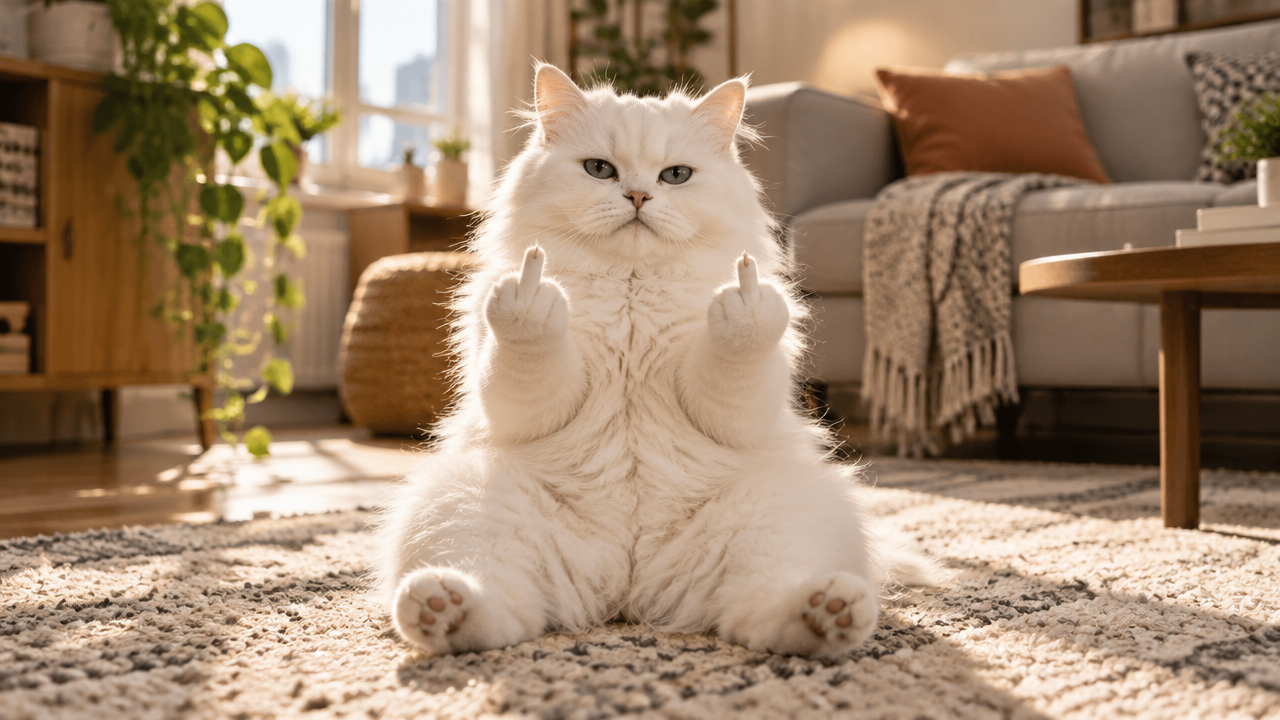
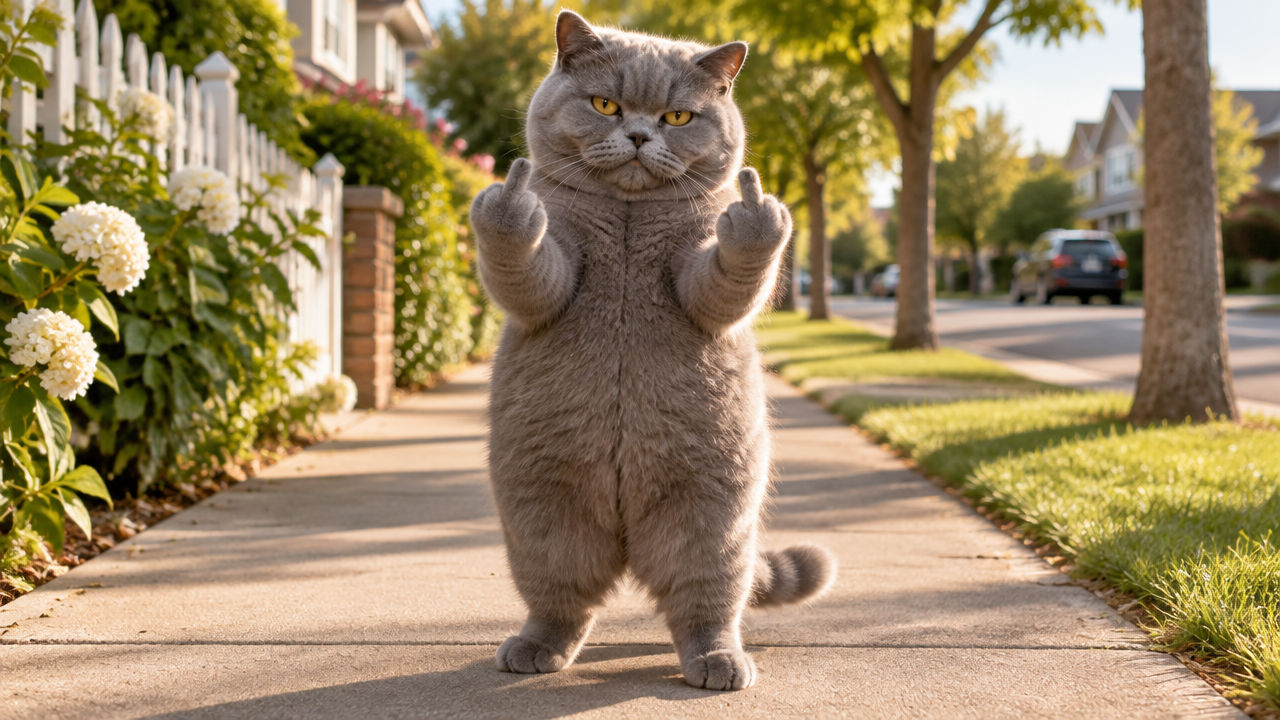
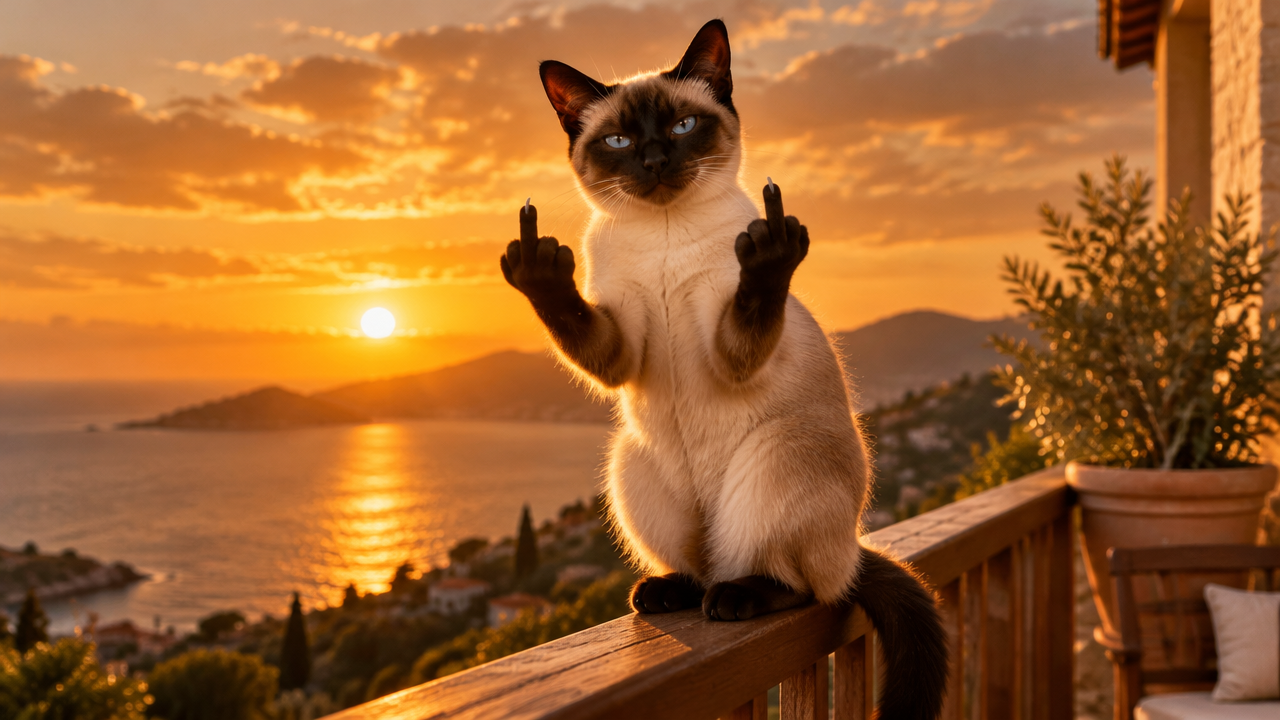
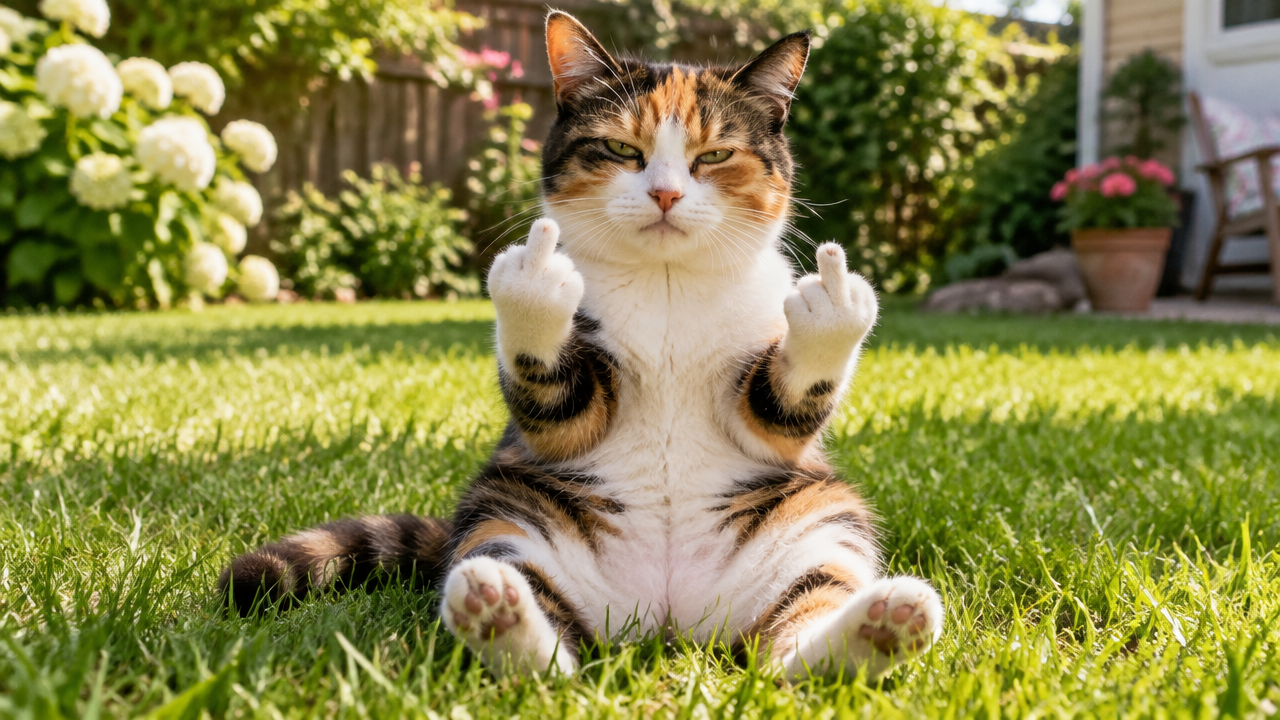
Want to join the Cat Middle Finger AI trend? Instantly generate hilarious videos & memes from your cat photos with our free AI tool. Easy & fun!

Generate Hilarious Cat Middle Finger AI Videos & Memes Instantly

Input your cat photo or description, and our AI will quickly generate a custom cat middle finger video or meme in seconds. Perfect for sharing laughs on social media, no design skills needed!

Transform Any Cat Photo into a Hilarious Middle Finger Video

Tired of complicated video editing software or limited meme templates? Our AI allows you to effortlessly turn any of your beloved cat photos into dynamic, funny middle finger videos. Simply upload, choose your style, and let the AI do the magic. No expert skills required!

Create Viral Cat Middle Finger Memes & GIFs in Seconds

Don't just watch the trend, create it! Our advanced AI tool lets you generate unique cat middle finger meme and GIFs with customizable captions and scenarios. Stand out on social media with content starring your cat, not generic stock images. Fast, fun, and fiercely original!

Beyond Cats: AI Pet Middle Finger Videos for All Your Furry Friends

Why limit the fun to just cats? Our versatile AI also supports generating hilarious middle finger videos for your dogs, rabbits, or any beloved pet. Give your dog middle finger ai video or pet flipping off video a unique twist and watch your furry friend become an internet sensation!

Why Choose AIAI.com for Your Cat Middle Finger AI Creations?

Experience the easiest and most secure way to join the viral cat middle finger trend. Our platform is designed with you in mind, offering unparalleled convenience and peace of mind.

Free to use

Generate stunning cat middle finger videos and memes without spending a dime. Enjoy full access to our powerful AI tool absolutely free.

All private

Your uploads and creations are always kept confidential. We guarantee the privacy and security of your personal photos and generated content.

Beginner-friendly

No technical skills? No problem! Our intuitive interface makes creating viral pet content simple and enjoyable for everyone, from first-timers to seasoned creators.

Article

Why Use a Cat Middle Finger AI Video Generator?

The "cat middle finger" trend is taking the internet by storm, offering a unique blend of humor and mischief. But why should you use an AI video generator to participate? Our tool allows you to effortlessly join this viral sensation, creating personalized, funny content that stands out. It transforms your ideas into engaging visuals, bringing laughter to your audience and making your social media presence unforgettable.

  • **Instant Creation:** Generate `cat middle finger videos` and `memes` in seconds, not hours.
  • **Personalized Content:** Use your own `cat photos` to create truly unique and shareable moments.
  • **No Skills Required:** Easy-to-use interface means anyone can be a `middle finger cat video maker`.
  • **High-Quality Output:** Enjoy crisp, clear `AI-generated videos` that look professional.
  • **Trend Participation:** Be part of the viral `cat middle finger trend` and amuse your followers.
  • **Versatile Use:** Perfect for social media posts, chats, or just a good laugh among friends.
How to Create Your Cat Middle Finger AI Video in 3 Simple Steps

Ready to make your furry friend a viral sensation? Our AI tool makes generating cat middle finger AI videos incredibly easy. Follow these quick steps to bring your vision to life!

  1. Step 1 / 3

    Step 1

    Upload your cat's photo or type a descriptive prompt for the video you want.

  2. Step 2 / 3

    Step 2

    Customize the middle finger gesture, background, and any text if desired.

  3. Step 3 / 3

    Step 3

    Click 'Generate' and download your hilarious cat middle finger video instantly!

FAQs About Our Cat Middle Finger AI Generator

Yes, our Cat Middle Finger AI Video Generator is completely free. You can create and download an unlimited number of cat middle finger videos and memes without any hidden costs.

How to use FAQ section

Use Tab to navigate between questions. Press Enter or Space to expand or collapse an answer. Use Up and Down arrows to move between questions.