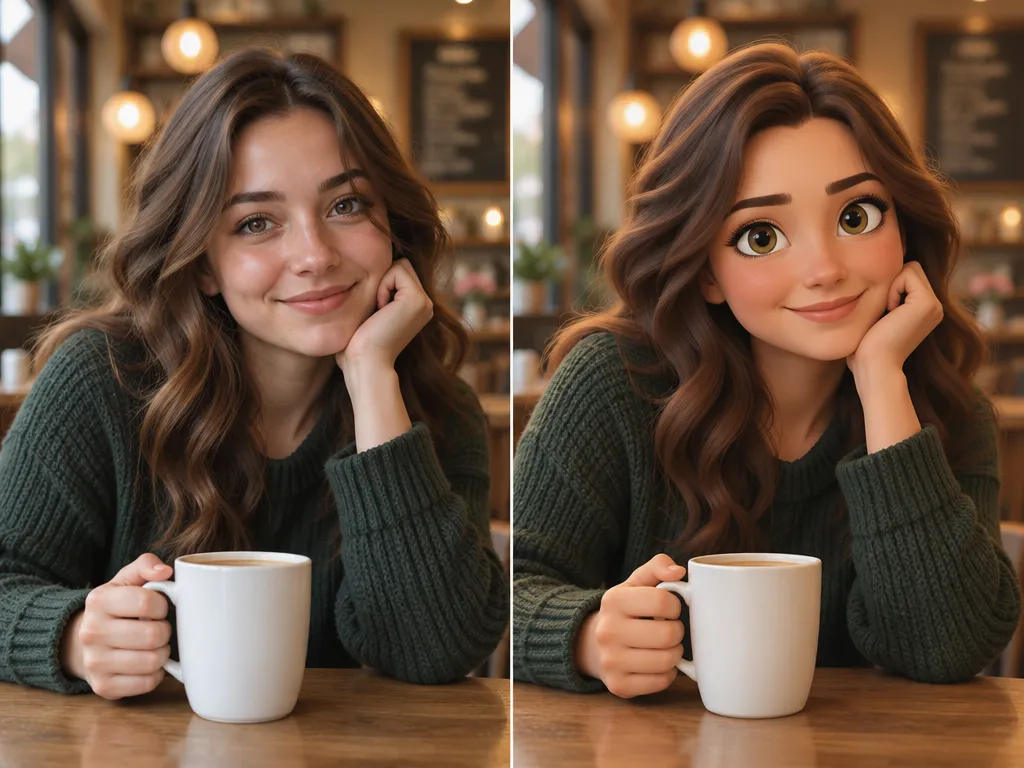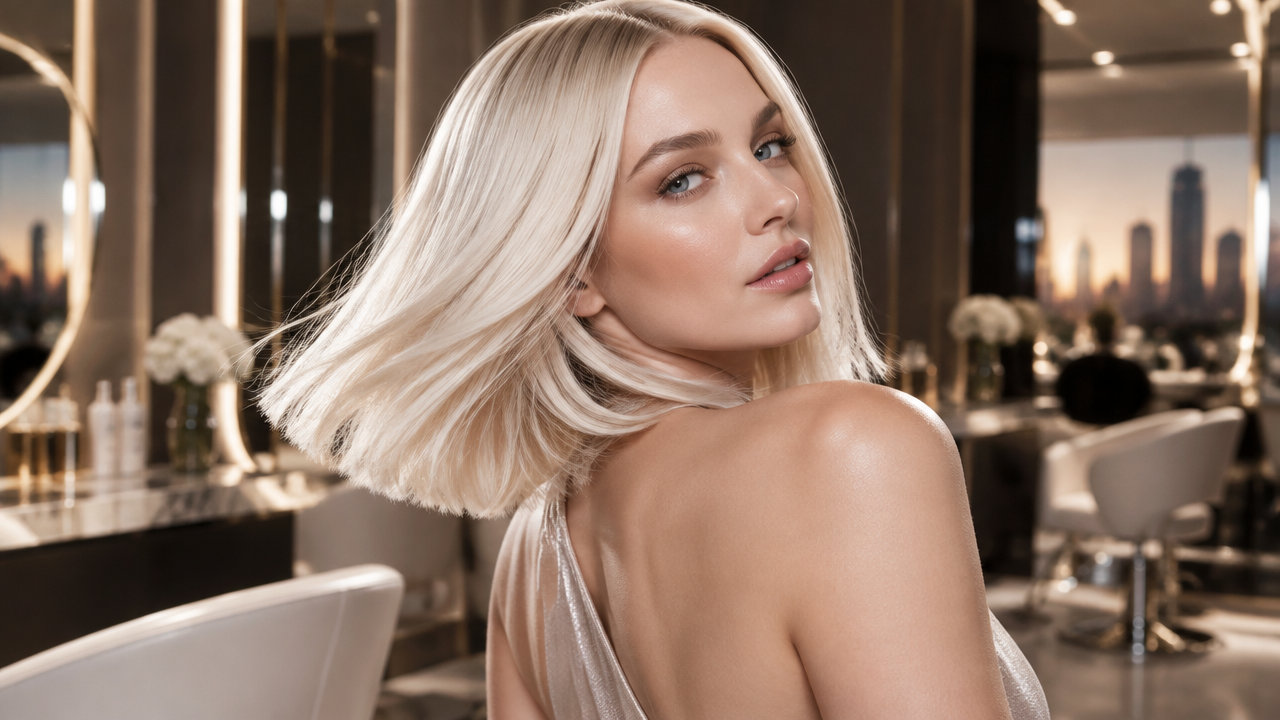
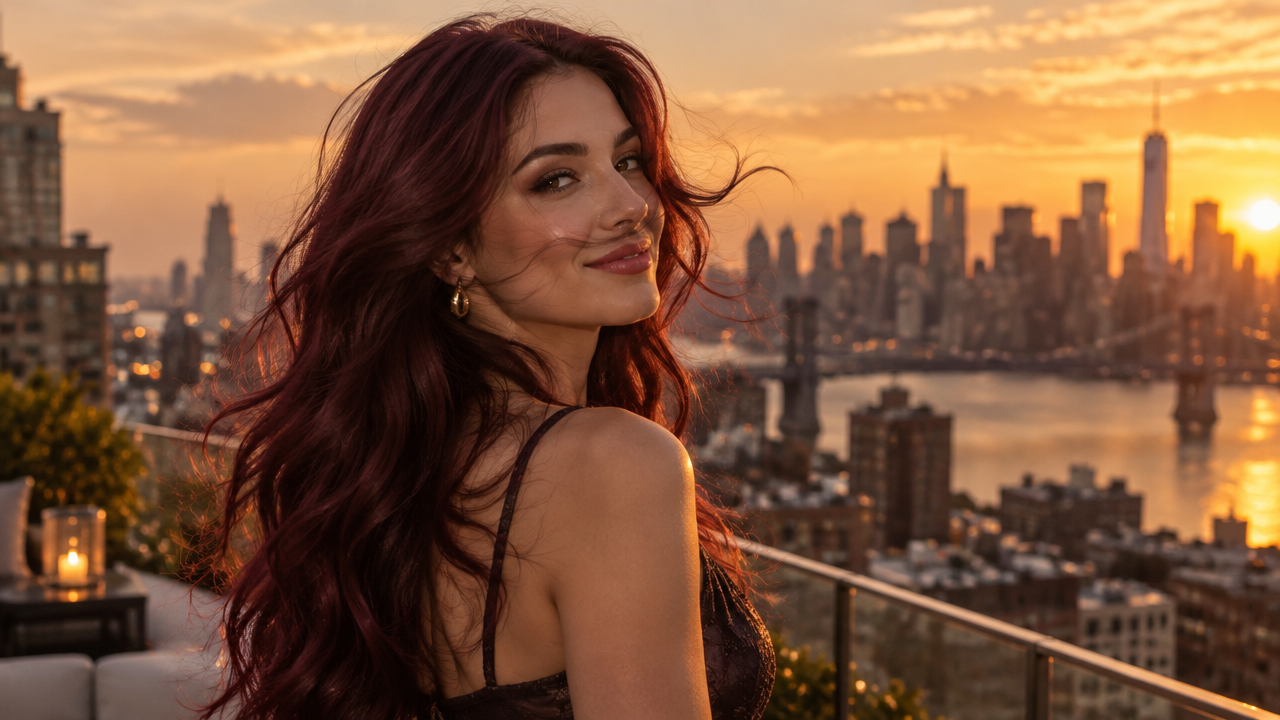
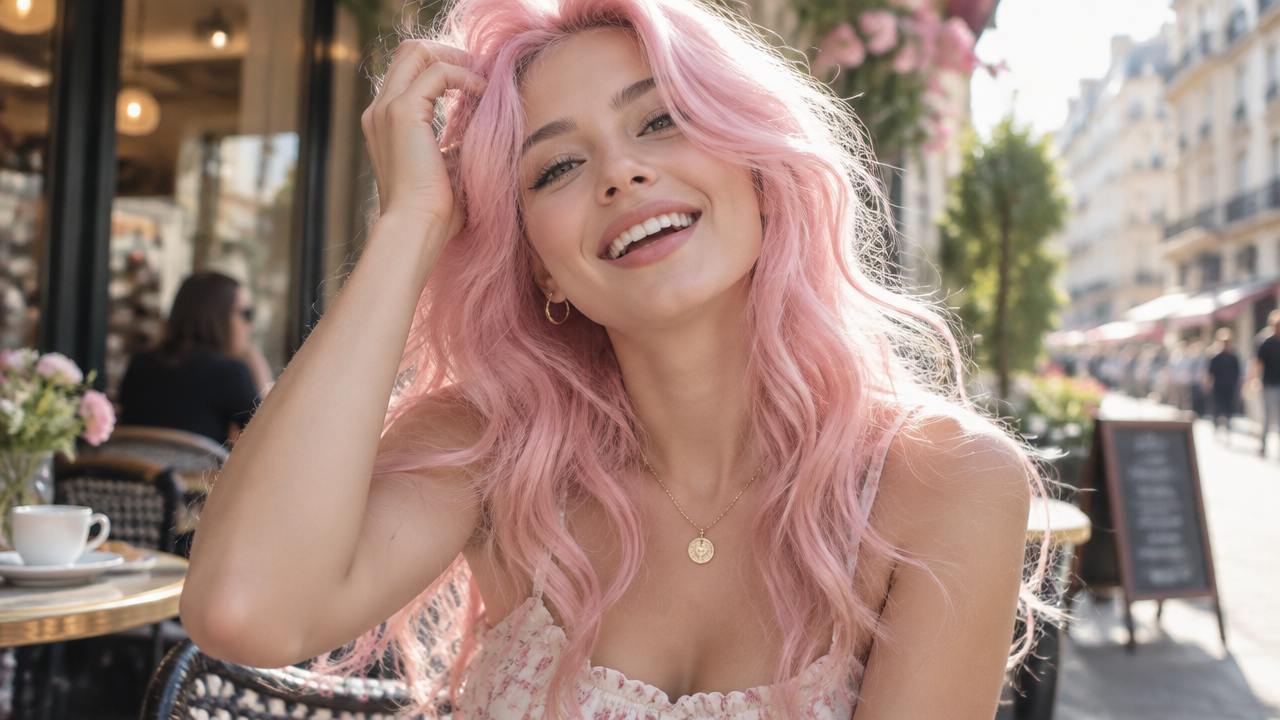
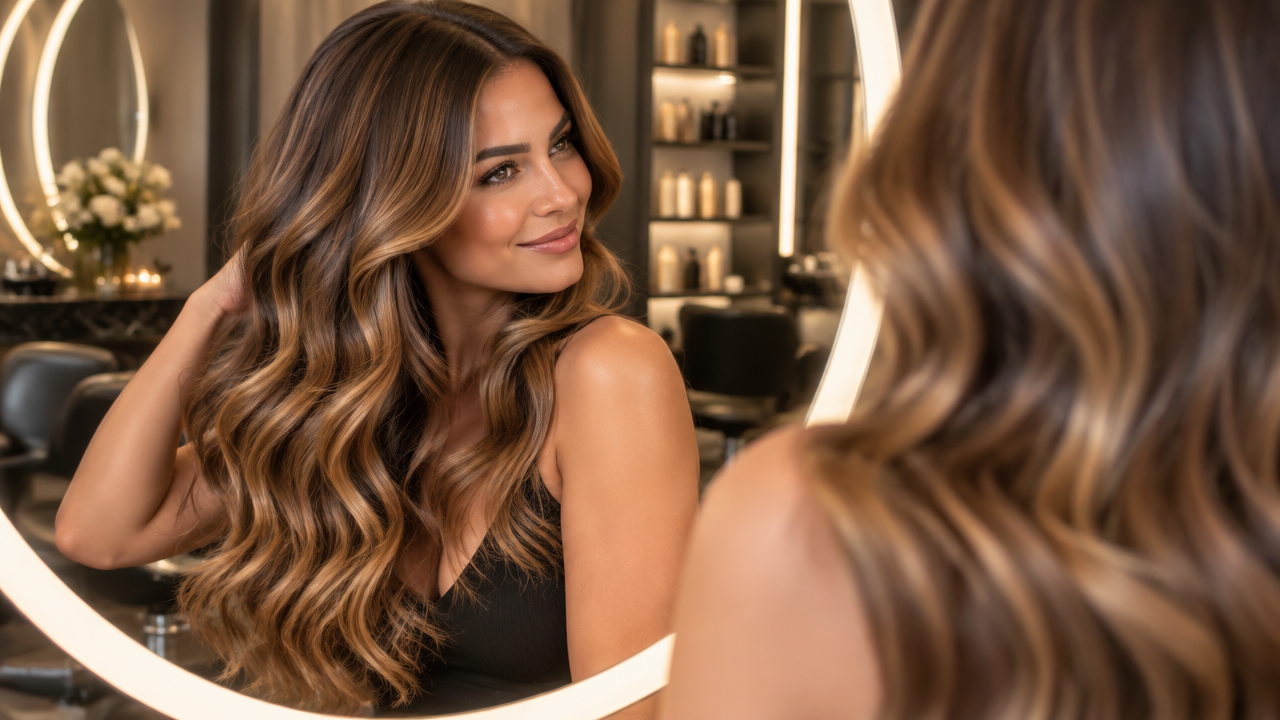
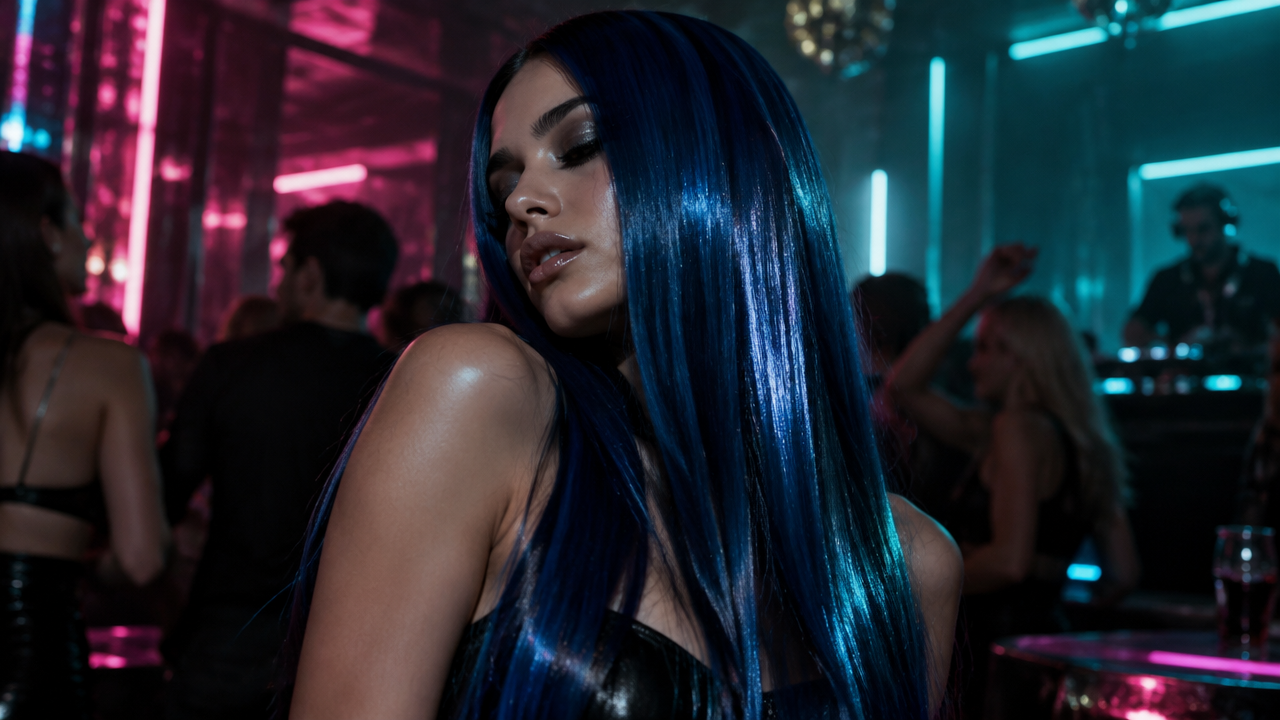
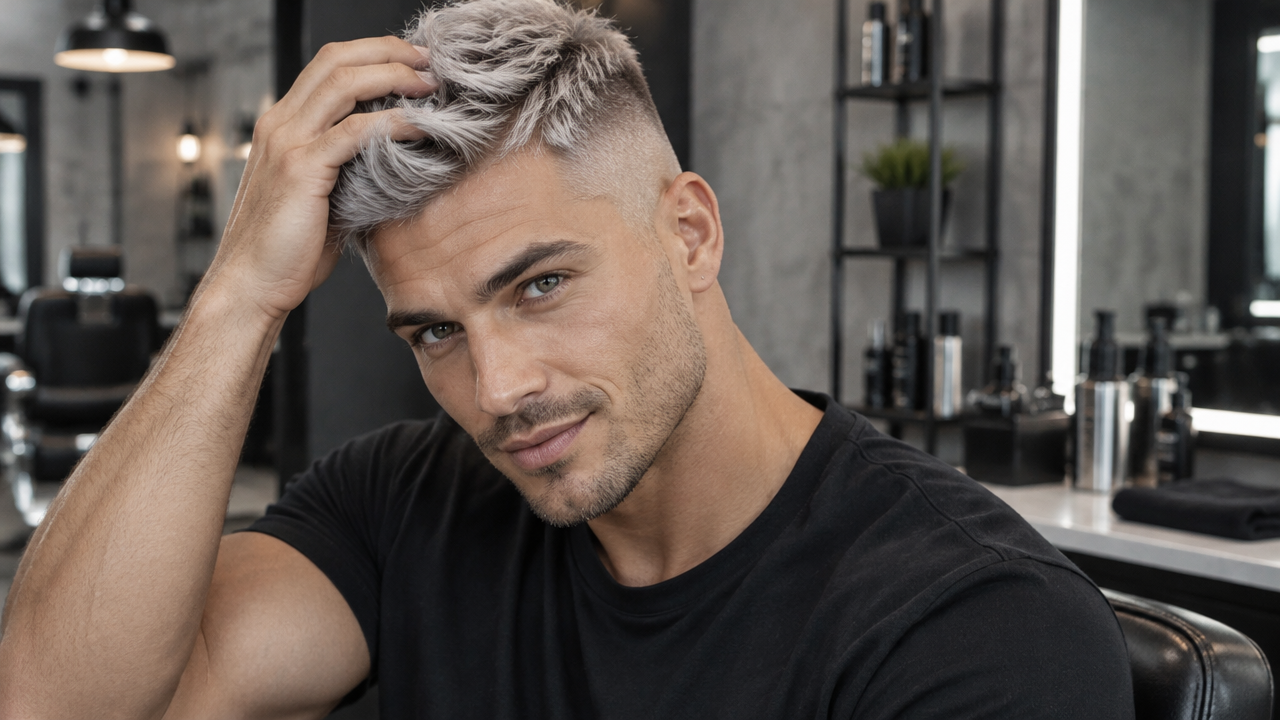
Want to change hair color in videos instantly? Use our free AI hair dye video filter to preview stunning new looks. Get realistic results now!

Change Hair Color in Videos Instantly with Our Free AI Hair Dye Filter

Upload your video, and our AI will automatically transform your hair color in seconds. Perfect for content creators, stylists, or anyone curious about new hair looks, no complex editing software or skills needed.

No More Guesswork: Preview Hair Colors Before You Commit

Ever wondered how you’d look with red hair, pink hair, or even a platinum blonde video filter? Our AI Hair Dye Filter Video Maker eliminates the uncertainty. Instantly visualize any hair color in your videos, ensuring you love your new look before making a permanent change.

Transform Videos with AI: Effortless Hair Color Editing

Manual video hair color editing is tedious and requires professional skills. Our AI-powered tool simplifies the entire process. Just upload your video, select a hair color, and let our intelligent algorithm do the work. Get professional-looking hair color transition videos without the hassle.

Go Beyond the Ordinary: Custom & Multi-Color Hair Dye Effects

Don't settle for basic. Our AI hair dye filter video offers a wide range of options, from natural hair dye video filter looks to custom hair dye video filter shades and even multi color hair dye video effects. Experiment with pastel, neon, or rainbow hair dye video filters to create truly unique and eye-catching content.

Your AI Hair Color Journey: Simple, Secure, and Free

Experience the best in AI video hair color changing with a tool designed for everyone.

Free to Use

Get instant access to our powerful AI hair dye video filter without any cost. Try out new hair colors in your videos completely free.

All Private

Your videos and personal data are always protected. We ensure 100% privacy for every hair color change video you create.

Beginner-Friendly

No technical skills? No problem. Our intuitive interface makes changing hair color in videos easy for everyone, right from your browser.

Article

Why Use an AI Hair Dye Filter for Videos?

An AI hair dye video filter revolutionizes how you experiment with hair colors. Instead of costly salon visits or uncertain DIY attempts, you can virtually transform your look in any video with incredible accuracy and speed. It's the ultimate tool for creative content, personal style exploration, and professional hair design previews.

  • **Instant Transformations:** See new hair colors in your video within seconds, perfect for quick previews or spontaneous content creation.
  • **Diverse Color Palette:** Explore everything from natural shades to vibrant neon hair color video filters and multi color hair dye video effects.
  • **Realistic Previews:** Our advanced AI ensures natural-looking hair color changes and smooth hair color transition videos.
  • **Cost-Effective & Risk-Free:** Experiment with countless looks without the commitment or expense of actual hair dyeing.
  • **Creative Freedom:** Produce captivating content, test out new styles, and express yourself with unique video hair dye effects.
  • **User-Friendly Interface:** Anyone can achieve stunning results without prior video editing experience, making it a truly smart hair dye video maker.
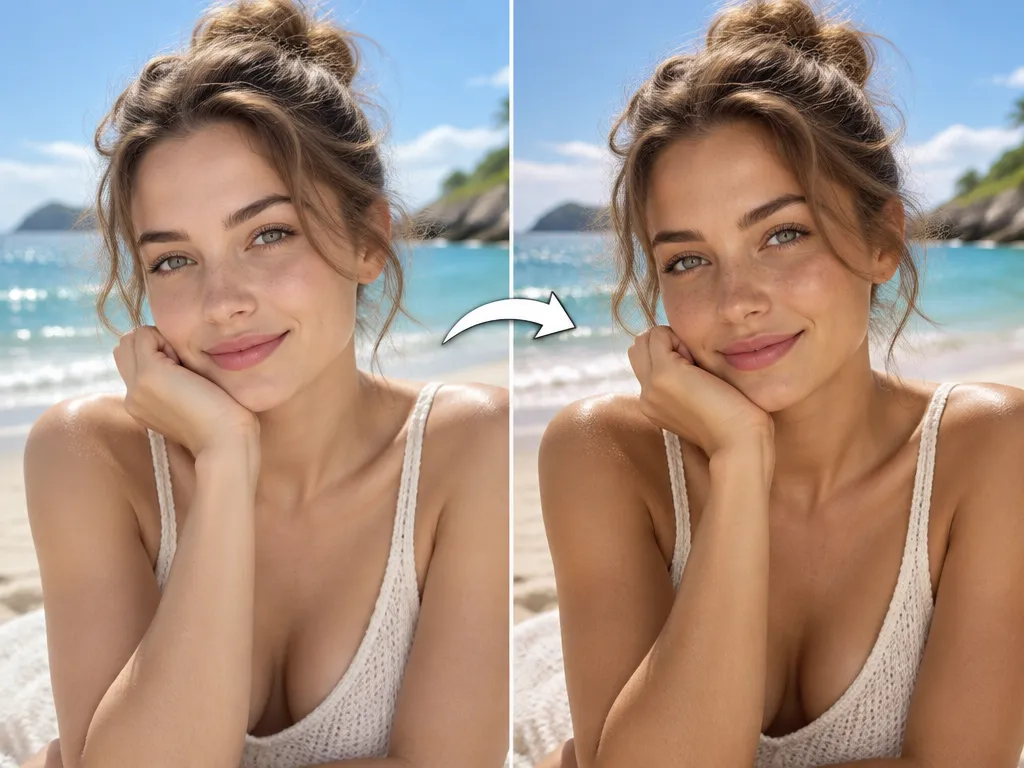

How to Change Hair Color in Video with Our AI Hair Dye Filter

Follow these simple steps to instantly transform your hair color in any video using our free AI Hair Dye Filter.

  1. Step 1 / 3

    Step 1

    Upload Your Video: Drag and drop your video file or click to upload it from your device.

  2. Step 2 / 3

    Step 2

    Select Your Desired Hair Color: Choose from our wide palette of hair colors, or use custom options to find your perfect shade.

  3. Step 3 / 3

    Step 3

    Generate and Download: Our AI will process your video, applying the new hair color. Preview the result and download your new hair color video.

Frequently Asked Questions About Our AI Hair Dye Video Filter

Our current AI hair dye video filter primarily supports pre-recorded video uploads for hair color changing. For live video hair color changer features, please stay tuned for future updates!

How to use FAQ section

Use Tab to navigate between questions. Press Enter or Space to expand or collapse an answer. Use Up and Down arrows to move between questions.