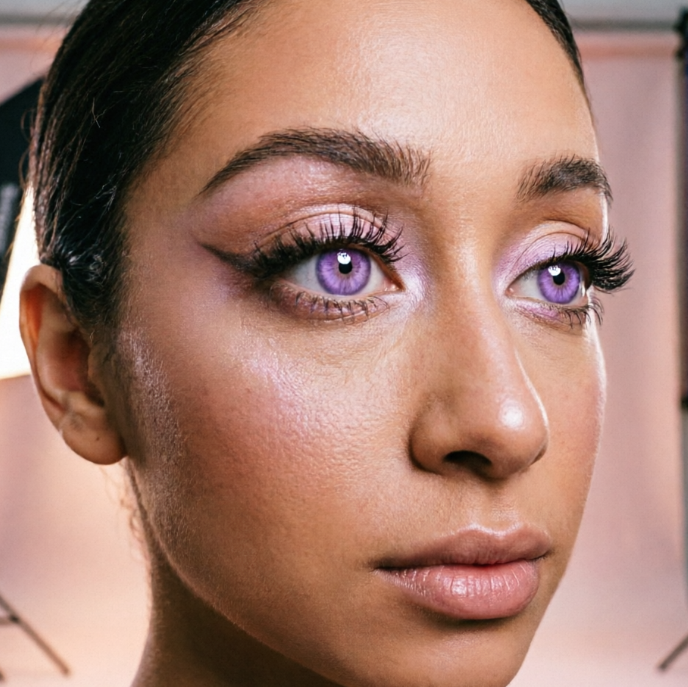
AI紫色眼睛滤镜:创造惊艳效果 | AIAI.com

使用我们的免费AI紫色眼睛滤镜,瞬间改变照片。轻松、私密地获得迷人的紫色眼睛效果。易于使用。

AI 紫色眼睛滤镜:瞬间眼部变换

发现 AI 驱动的眼睛颜色变换的魔力。我们的高级 AI 工具让您轻松为任何照片应用惊艳的紫色效果,只需几次点击即可将您的独特愿景变为现实。
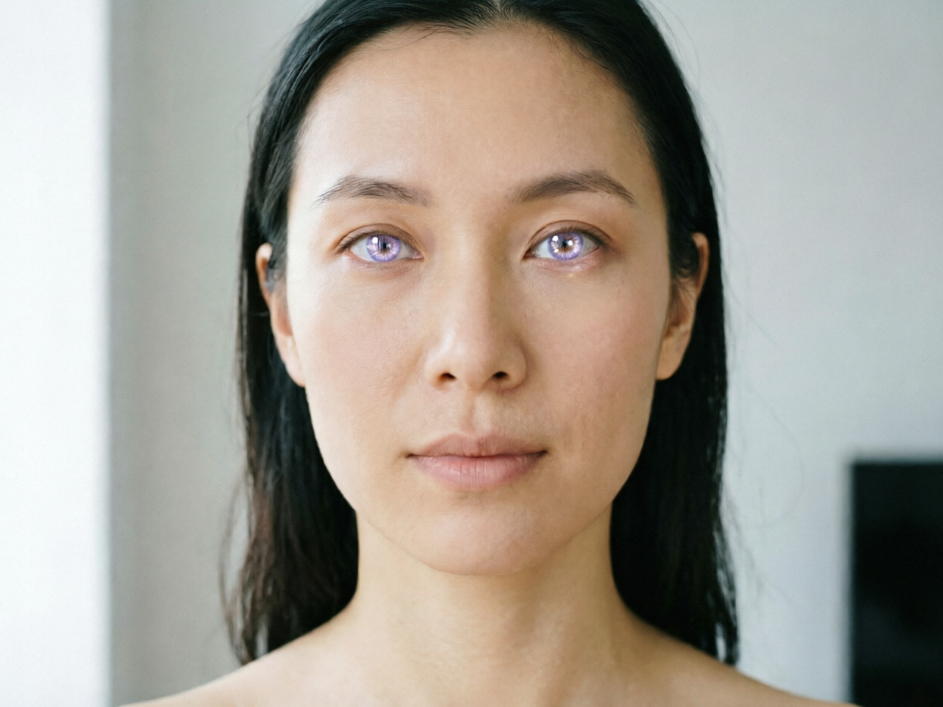
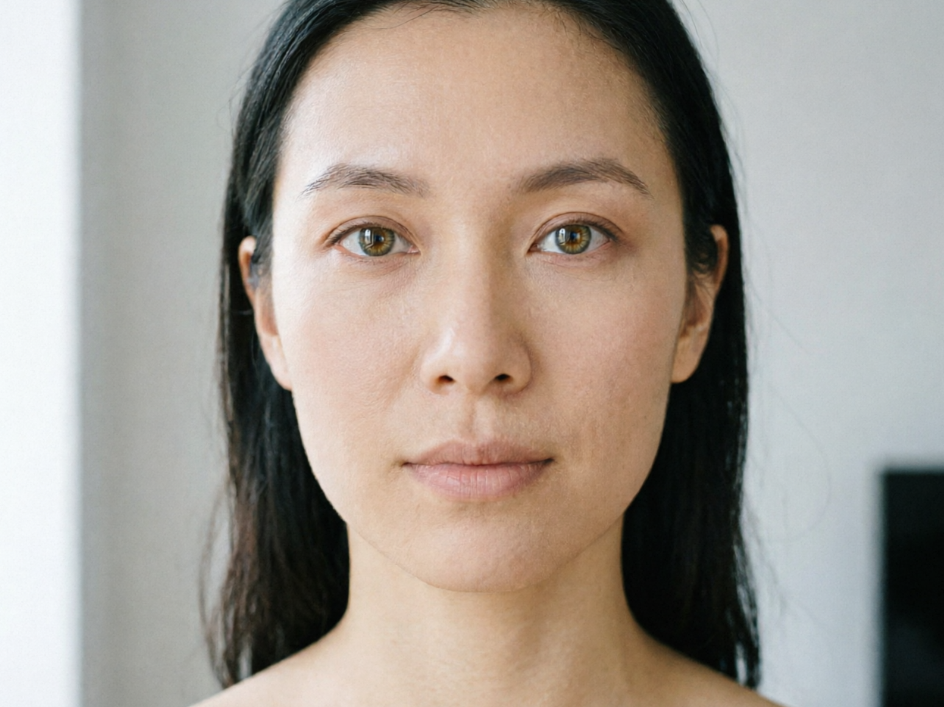
Frontal portrait of an East Asian woman under soft indoor light, natural dark brown irises with added light purple gradient eyes, soft and translucent tone, lively highlights, harmonizing with the gentle overall atmosphere, realistic texture, high-definition portrait, 4:3 aspect ratio
Frontal portrait of an East Asian woman under soft indoor light, natural dark brown irises, soft facial features, original high-definition portrait, 4:3 aspect ratio
BeforeAfter

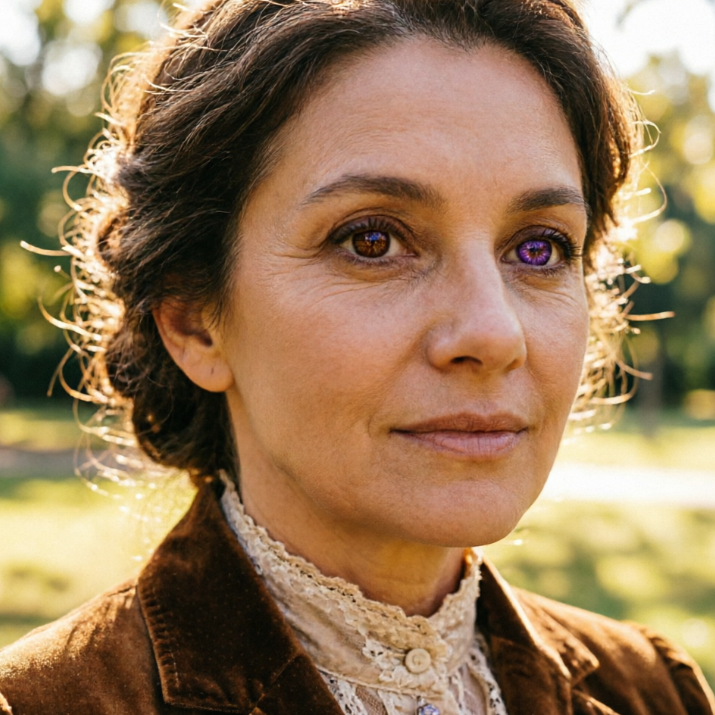
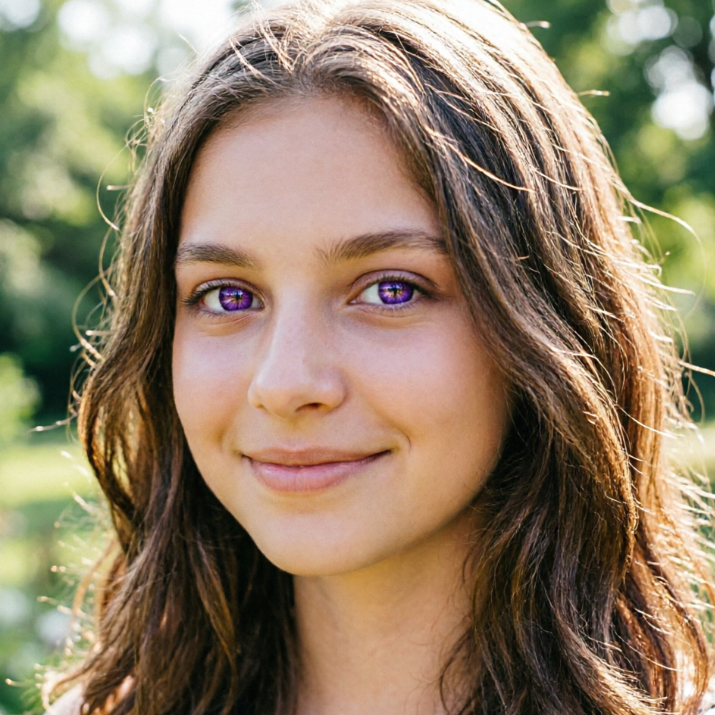
前后对比:AI 紫色眼睛效果差异

见证戏剧性的转变!我们的 AI 滤镜提供鲜艳且自然的紫色眼睛,与原始图像无缝融合。几秒钟内体验专业级效果。
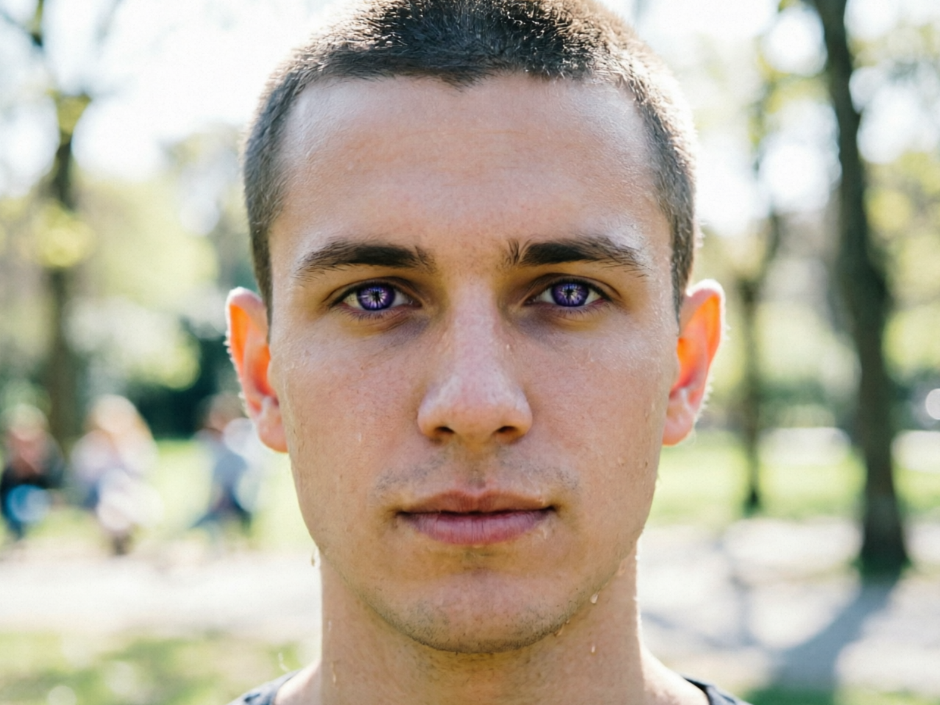
Frontal portrait of a young European man in outdoor sunlight, short hair with added deep purple cold-toned eyes, layered iris texture, lighting following the natural eye curvature, realistic texture, cool and sophisticated style, high-definition portrait, 4:3 aspect ratio
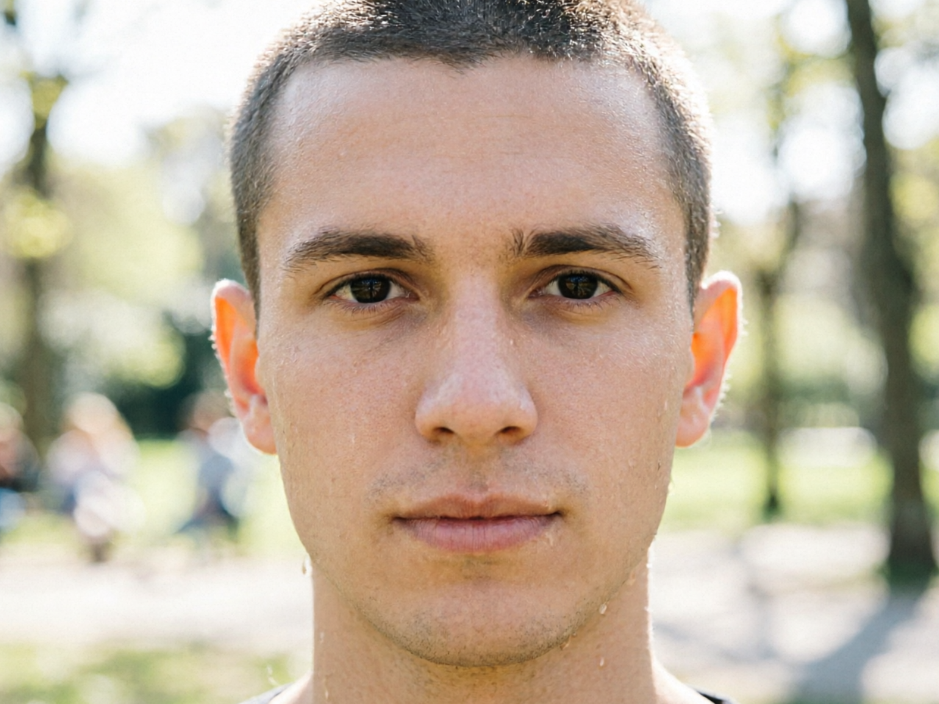
Frontal portrait of a young European man in outdoor sunlight, short hair with natural dark irises, clean-shaven face, everyday realistic style, 4:3 aspect ratio
BeforeAfter

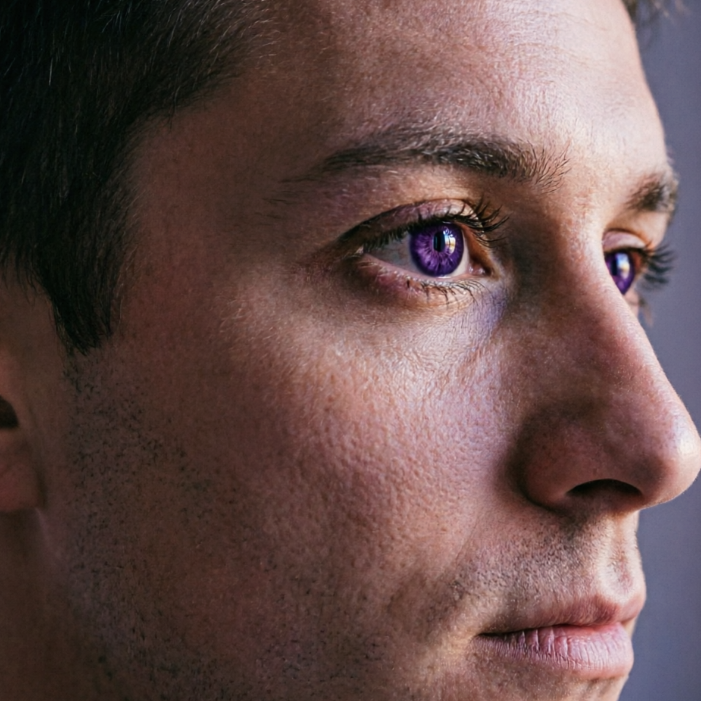
用惊艳的紫色眼睛提升你的肖像

超越普通编辑。我们先进的AI滤镜智能检测并优化眼部区域,确保每个细节都得到增强,为您的人像和自拍带来真正迷人且独特的外观。
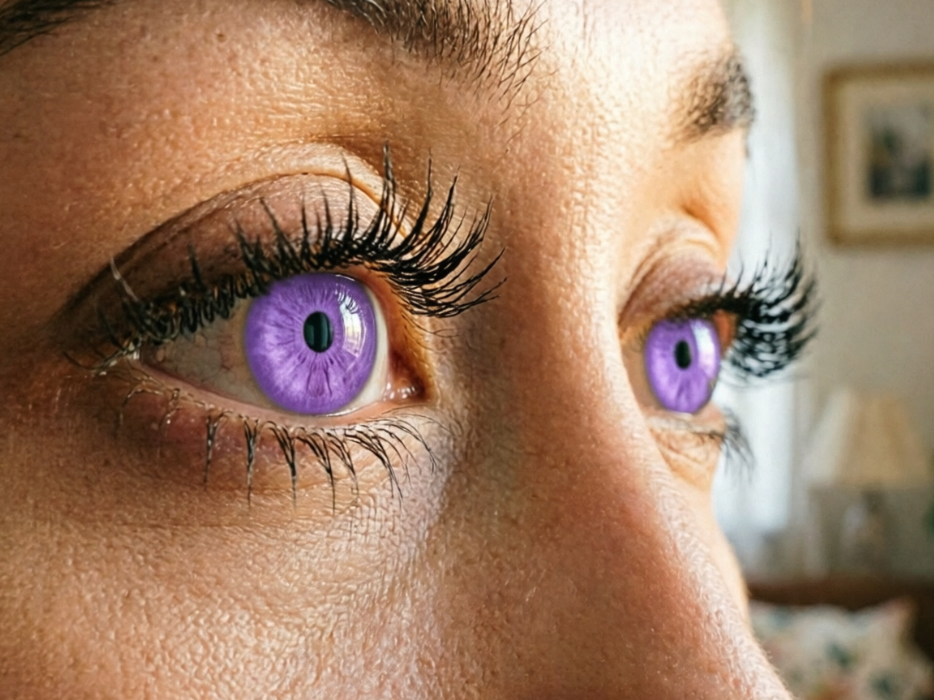
Close-up of a European woman's eyes under indoor natural light, long eyelashes with added solid purple contact lenses, translucent and vibrant color, preserved eye highlights, clean edges without overflow, lighting perfectly matching the eye curvature, high-definition portrait, 4:3 aspect ratio
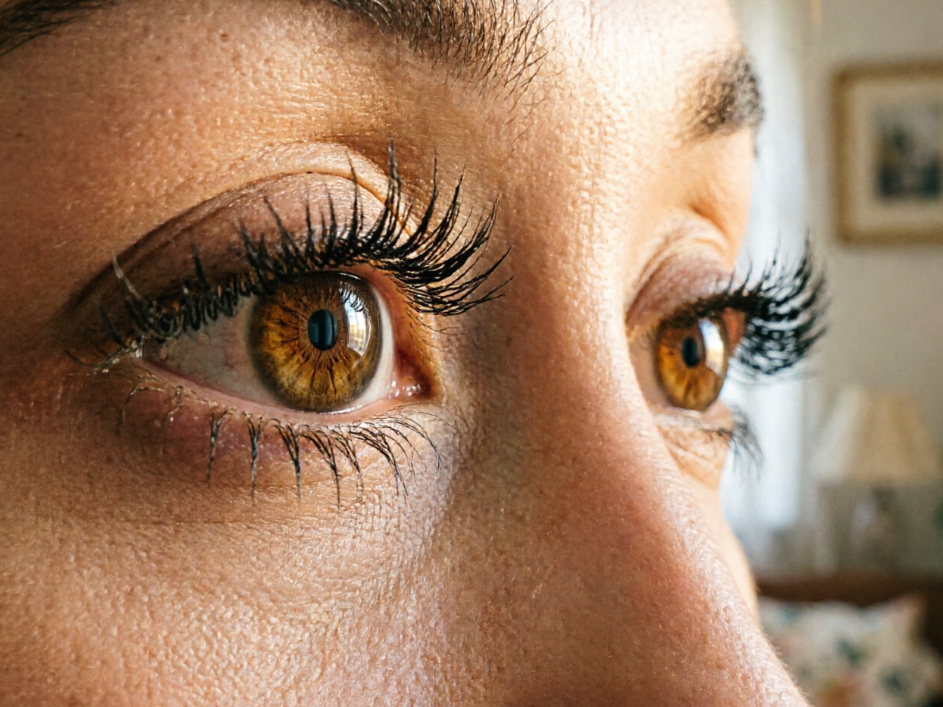
Close-up of a European woman's eyes under indoor natural light, long eyelashes with natural brown irises, clear details, original high-definition portrait, 4:3 aspect ratio
BeforeAfter

为什么选择我们的 AI 紫色眼睛滤镜?

体验我们AI驱动的眼部滤镜带来的极致轻松与安心。我们为您精心设计,确保每个人都能获得无缝、安全且便捷的体验。

免费使用

无需任何费用即可解锁生动的紫色眼睛效果。我们的滤镜完全免费,让所有人都能获得惊艳的紫色眼睛效果。

完全私密

您的隐私至关重要。所有上传到我们眼部滤镜的图片都会经过安全处理并及时删除,确保您的数据完全保密。

新手友好

没有编辑经验?没问题!我们直观的界面让应用这款AI滤镜变得异常简单,即使是初次使用的用户也能轻松上手。

三步轻松使用我们的 AI 紫色眼睛滤镜

瞬间将您的照片变成惊艳的紫色眼睛!我们的AI滤镜设计简单,让魔法般的编辑触手可及。以下是开始的方法:

  1. Step 1 of 3

    Step 1

    上传照片:点击“上传图片”按钮,选择您想要编辑的照片。我们的滤镜已准备就绪。

  2. Step 2 of 3

    Step 2

    应用紫色眼睛效果:只需一键,我们的AI将自动检测并为您的图像应用完美的紫色眼睛效果。

  3. Step 3 of 3

    Step 3

    下载您的杰作:满意后,直接下载您新转换的、拥有迷人紫色眼睛的照片。就是这么简单!

关于 AI 紫色眼睛滤镜的常见问题

这是一个先进的在线工具,利用人工智能自动为您上传的任何照片应用生动逼真的紫色眼睛效果。

如何使用 FAQ 区域

使用 Tab 键在问题之间切换,按 Enter 或空格键展开或收起答案。使用上下方向键可在问题间移动。