Free to use
Unlock vibrant purple eye effects without any cost. Our filter is completely free, making stunning purple eye effects accessible to all.
Transform photos instantly with our free AI Purple Eye Filter. Get captivating purple eye effects effortlessly and privately. Easy to use.
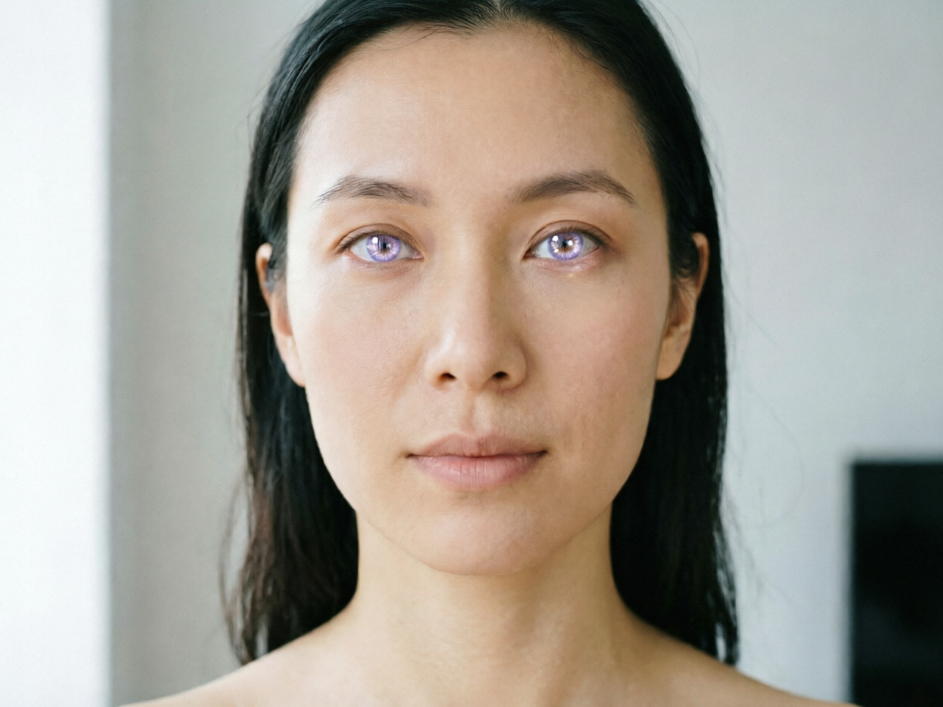
Discover the magic of AI-powered eye color transformation. Our advanced AI tool lets you effortlessly apply stunning purple effects to any photo, bringing your unique vision to life with just a few clicks.

Showing item 1 of 5
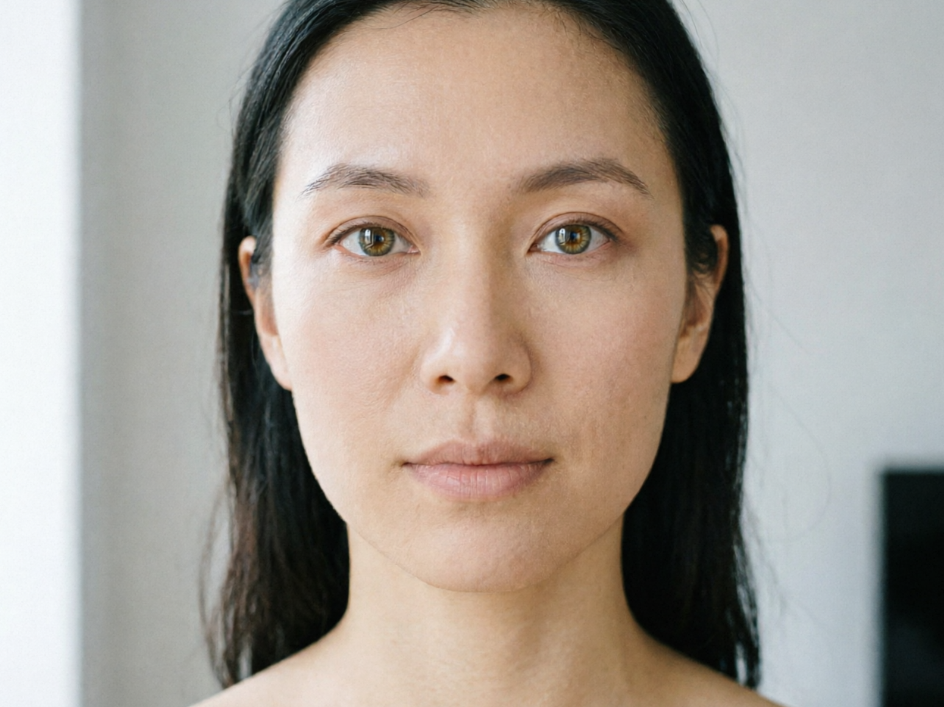
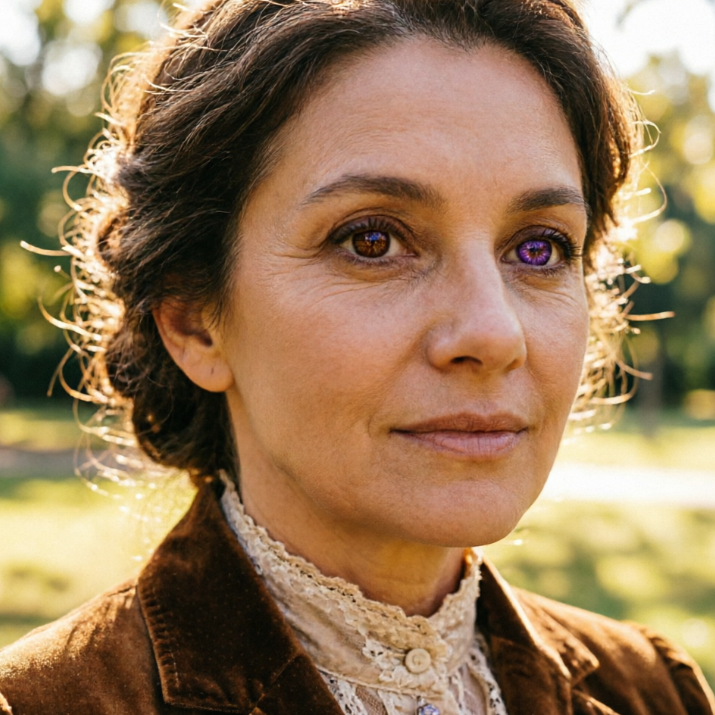
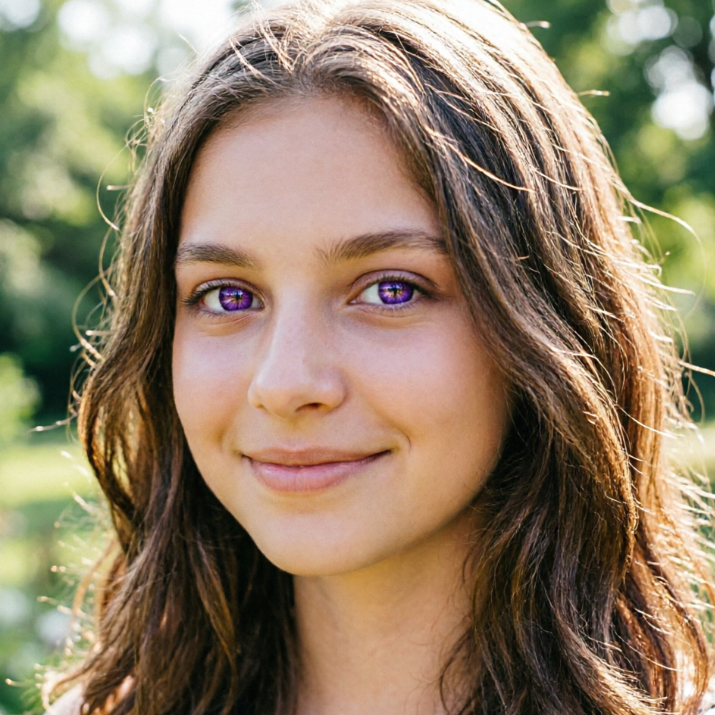
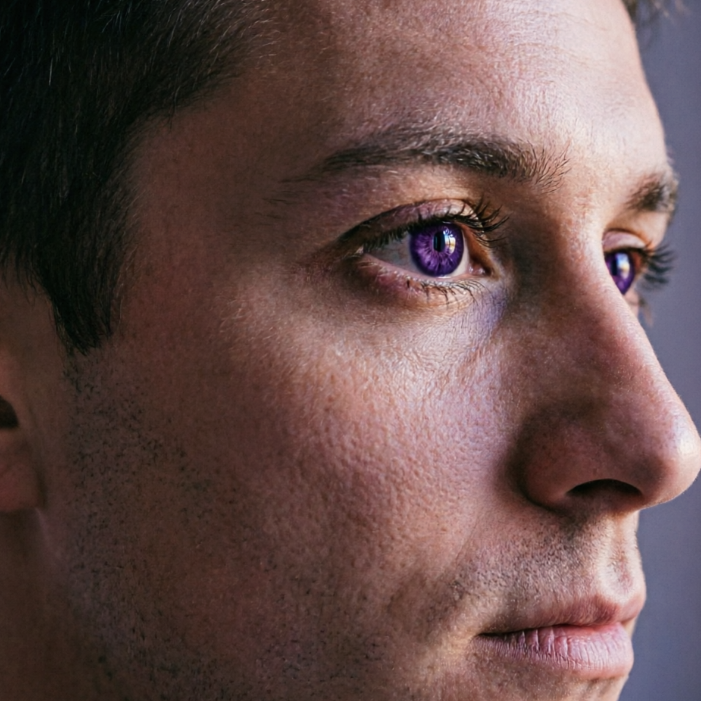
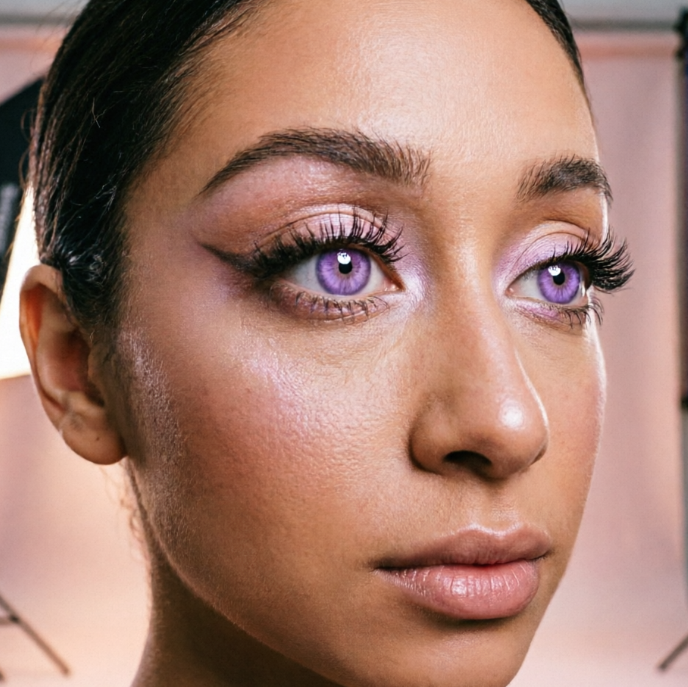
Witness the dramatic transformation! Our AI filter delivers vibrant and natural-looking purple eyes, seamlessly blending with your original image. Experience professional-grade results in seconds.


Go beyond ordinary edits. Our advanced AI filter intelligently detects and refines eye areas, ensuring every detail is enhanced for a truly captivating and unique look in your portraits and selfies.
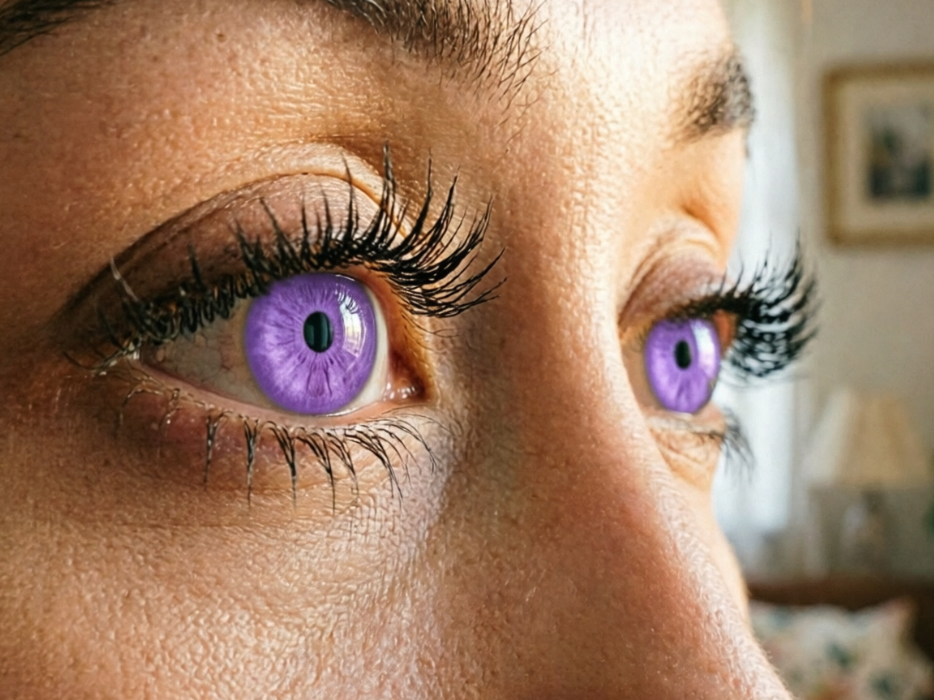
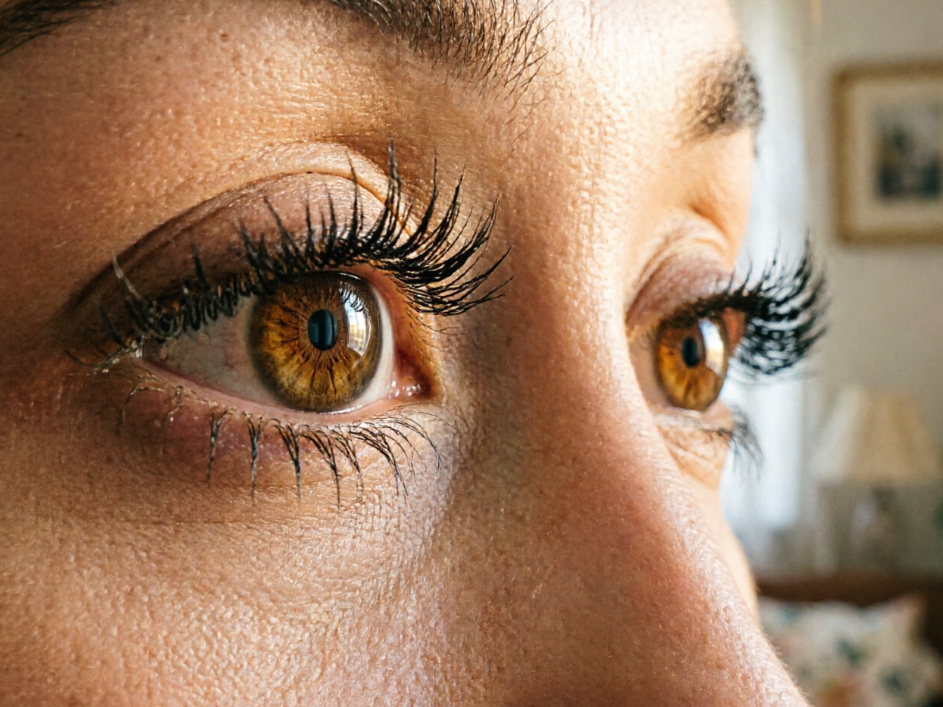
Experience the ultimate ease and peace of mind with our AI-powered eye filter. We've designed it with you in mind, ensuring a seamless, secure, and accessible experience for everyone.
Unlock vibrant purple eye effects without any cost. Our filter is completely free, making stunning purple eye effects accessible to all.
Your privacy is paramount. All uploaded images for our eye filter are processed securely and deleted promptly, ensuring your data remains completely private.
No prior editing skills? No problem! Our intuitive interface makes applying this AI filter incredibly easy, even for first-time users.
Transform your photos with stunning purple eyes in moments! Our AI filter is designed for simplicity, making magical edits accessible to everyone. Here's how to get started:
Upload Your Photo: Click the "Upload Image" button and select the photo you wish to edit. Our filter is ready for action.
Apply the Purple Eye Effect: With one click, our AI will automatically detect and apply the perfect purple eye effect to your image.
Download Your Masterpiece: Once satisfied, simply download your newly transformed photo with captivating purple eyes. It's that easy!