Static images can capture a moment, but videos create movement, emotion, and engagement. With the rapid development of AI video generation technology, turning a single image into a realistic video is no longer limited to professional editors. Today, anyone can animate portraits, product images, illustrations, and creative artwork with AI-powered image-to-video tools.
Whether you want to create social media videos, marketing content, product demonstrations, or cinematic animations, free AI image to video tools make video creation faster and easier without expensive software or complicated editing skills.
But with so many AI video generators available, choosing the right one can be challenging. Some tools focus on realistic motion. Others are better for creative effects, storytelling, or social media content. Some offer generous free credits, while others limit video quality or export options.
To help you find the right solution, we tested and compared the best free AI image to video tools in 2026, looking at video quality, ease of use, creative features, and free plan limitations. After extensive testing, AIAI.com emerged as our top overall pick for its all-in-one capabilities, generous free credits, and consistently high-quality output.
Quick Comparison Table: Best Free AI Image to Video Tools
| Tool | Best For | Free Plan | Key Strength |
|---|---|---|---|
| AIAI.com | Best Overall | Free daily credits | All-in-one AI video studio with 10+ generation modes |
| Pollo AI | Best for Multiple Models | Free credits available | Multiple AI video models in one platform |
| Kling AI | Realistic Motion | Free tier with limits | Cinematic movement & character consistency |
| Runway | Professional Editing | Limited free credits | Advanced AI video editing tools |
| Pika | Social Media Videos | Free generation | Simple, fast, and beginner-friendly |
| Luma AI Dream Machine | Fast Generation | Free usage with limits | High-quality visuals, quick turnaround |
| Canva AI Video | Beginners | Free plan available | Easy workflow with templates |
Why Use AI Image to Video Tools?
Traditional video production requires cameras, actors, editing software, and hours of post-production work. AI image to video technology changes this process by allowing users to create dynamic videos from simple images. Instead of starting with a blank timeline, you can provide an image and let AI generate movement automatically.
Create Social Media Content
Platforms like TikTok, Instagram Reels, and YouTube Shorts prioritize video content. Creators can transform portrait photos, travel images, artwork, and product photos into engaging short videos within minutes.
For example: A fashion brand can upload a clothing image and generate a model-style video showing movement and fabric details.
Animate Personal Photos
AI image-to-video tools can bring old photos and portraits to life. Users can create talking portraits, facial expressions, eye movement, and natural gestures. This is especially popular for family memories, historical photos, and digital storytelling.
Improve Marketing Content
Static product images often struggle to capture attention. With AI animation, businesses can create product showcase videos, advertisement clips, and brand storytelling videos without expensive production costs.
Turn Creative Ideas Into Videos
Artists and designers can animate illustrations, concept art, AI-generated images, and fantasy scenes. AI video tools help transform imagination into moving visuals.
What Makes a Good Free AI Image to Video Tool?

Not all free AI video generators provide the same experience. Before choosing a tool, consider these factors:
Video Quality
The most important factor is how realistic and smooth the generated motion looks. A good AI video generator should produce natural movement, consistent characters, realistic camera motion, and high-resolution output. Poor-quality tools often create distorted faces, unnatural movement, and flickering objects.
Motion Control
Different users need different levels of control. Basic tools automatically animate images. Advanced tools allow users to control camera movement, motion intensity, object movement, and animation direction.
Free Plan Limitations
Many AI video generators offer free versions, but restrictions vary. Check: daily credits, video length limits, watermarks, export quality, and commercial usage rights.
Ease of Use
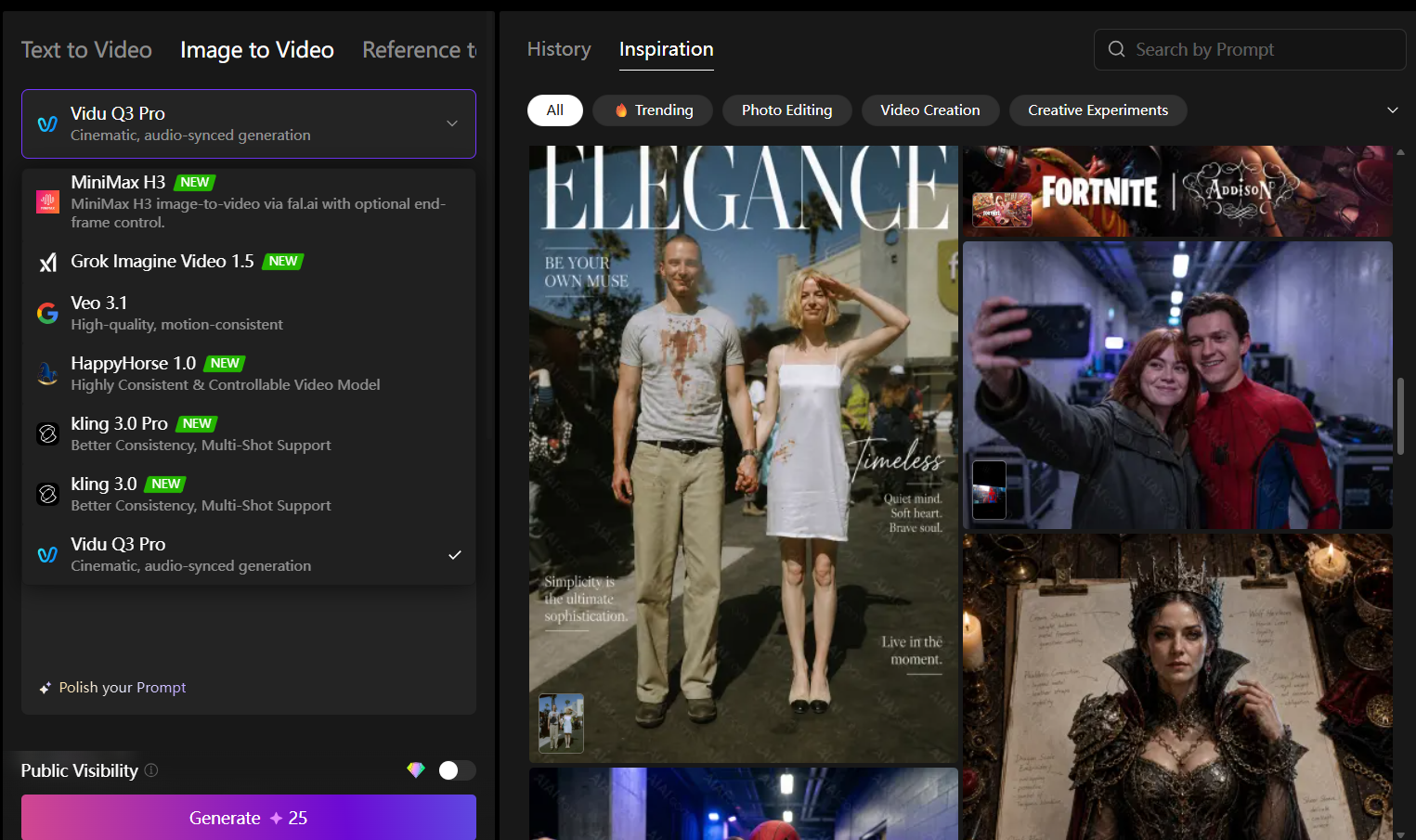
The best tools should not require professional editing skills. A beginner-friendly workflow usually looks like this:
- Upload image
- Enter prompt
- Generate video
- Download result
How We Tested the Best Free AI Image to Video Tools
To create this list, we compared AI image-to-video tools based on several criteria:
- Video Realism: We tested whether generated videos had natural motion, consistent details, and smooth transitions.
- Creative Flexibility: We evaluated image animation styles, camera effects, prompt control, and customization options.
- User Experience: We considered interface simplicity, generation speed, and beginner accessibility.
- Free Features: We checked available free credits, export limitations, and watermarks.
7 Best Free AI Image to Video Tools in 2026
1. AIAI.com — Best Overall Free AI Image to Video Tool
AIAI.com stands out as our top pick for free AI image-to-video generation in 2026. What sets it apart is that it’s not just a single tool — it’s a complete AI video studio that combines image-to-video, text-to-video, AI talking avatars, lip sync, and video effects all in one platform. Whether you’re animating a portrait, bringing a product photo to life, or creating a full marketing video, AIAI.com has you covered.
The image-to-video feature on AIAI.com is particularly impressive. You simply upload an image, describe the motion you want (for example, “make this person smile and slowly turn their head”), and the AI generates a smooth, realistic video in seconds. The platform supports multiple video styles, from cinematic to anime, so you can match the look to your brand or project.
One of the biggest advantages of AIAI.com is its generous free tier. New users get daily free credits that refresh every day, meaning you can consistently create videos without paying a subscription. For users who need more, the paid plans are competitively priced and unlock higher resolution and longer video lengths.
Best For: Content creators, marketers, social media managers, and anyone who wants an all-in-one AI video solution without the learning curve.
Key Features
- Image to video generation with multiple style presets
- Text to video creation
- AI Talking Avatar (turn photos into speaking videos)
- AI Video Lip Sync
- Video effects and AI editing tools
- Daily free credits for all users
- No watermark on free plan exports
Pros & Cons
Pros:
- ✓ All-in-one platform — no need for multiple tools
- ✓ Generous daily free credits
- ✓ High-quality, smooth motion output
- ✓ Beginner-friendly interface
- ✓ Supports both image-to-video and text-to-video
- ✓ No watermark on free exports
Cons:
- ✗ Free daily credits reset, not cumulative
2. Pollo AI — Best Overall Free AI Image to Video Tool
Pollo AI is one of the most versatile AI video generators available in 2026. Unlike traditional image animation tools, Pollo AI combines multiple AI video models into one platform, allowing users to transform images into high-quality videos with different visual styles.
Users can upload an image and describe the desired movement. For example: “Animate this portrait with natural facial expressions and cinematic camera movement.” The AI automatically generates a dynamic video based on the prompt.
Best For: Content creators, marketers, social media users, and AI video beginners.
Key Features
- Image to video generation
- Text to video creation
- Multiple AI video models
- Creative video effects
- AI-powered editing tools
Pros & Cons
Pros:
- ✓ Multiple AI video models
- ✓ High-quality results
- ✓ Easy workflow
- ✓ Supports different creative styles
Cons:
- ✗ Free credits may be limited depending on usage
Recommended Video: Learn more about Pollo AI’s image-to-video features in this tutorial
3. Kling AI — Best for Realistic AI Video Generation
Kling AI has gained popularity because of its impressive realism and cinematic motion. It performs especially well when animating human characters, landscapes, and product images. Its strength is creating realistic movement while maintaining image consistency.
Best For: Cinematic videos, realistic animations, and professional creators.
Pros & Cons
Pros:
- ✓ Excellent motion quality
- ✓ Realistic camera effects
- ✓ Strong character consistency
Cons:
- ✗ Generation can take longer during high traffic periods
Recommended Video: See Became a Kling AI’s Master.
4. Runway — Best for Professional AI Video Editing
Runway is designed for creators who want more control over AI-generated videos. Beyond image-to-video generation, it provides AI video editing, background removal, visual effects, and creative tools. It is widely used by filmmakers and designers.
Best For: Professional creators, marketing teams, and film projects.
Pros & Cons
Pros:
- ✓ Powerful editing features
- ✓ Professional workflow
- ✓ Creative control
Cons:
- ✗ Advanced features may require paid plans
5. Pika — Best AI Image to Video Tool for Social Media
Pika focuses on simple and fun AI video creation. It is popular among users creating TikTok videos, memes, short animations, and creative effects. The platform makes image animation accessible even for beginners.
Best For: Social media creators and casual users.
Pros & Cons
Pros:
- ✓ Easy to use
- ✓ Fast generation
- ✓ Creative effects
Cons:
- ✗ Less control compared with professional tools
6. Luma AI Dream Machine — Best for Fast AI Video Creation
Luma AI is known for producing visually impressive AI videos quickly. It can generate cinematic scenes, animated images, and realistic environments. Its image-to-video capabilities work well for storytelling and creative projects.
Best For: Short films, visual experiments, and creative storytelling.
Pros & Cons
Pros:
- ✓ High-quality visuals
- ✓ Good motion understanding
- ✓ Fast generation
Cons:
- ✗ Free usage has limitations
Recommended Video: Watch Luma AI Dream Machine create stunning videos
7. Canva AI Video — Best for Beginners
Canva is already popular among designers and marketers. Its AI video tools allow users to create videos without complicated editing software. Users can combine images, templates, AI effects, music, and text into complete social media videos.
Best For: Small businesses, beginners, and marketing content.
Pros & Cons
Pros:
- ✓ Very easy workflow
- ✓ Built-in templates
- ✓ Good for business content
Cons:
- ✗ Less advanced AI motion control
How to Choose the Right AI Image to Video Tool?
The best tool depends on what you want to create.
- For beginners: AIAI.com, Canva, Pika — Intuitive interfaces with almost no learning curve.
- For realistic AI videos: Kling AI, Luma AI, AIAI.com — They provide excellent motion quality and realism.
- For all-in-one value: AIAI.com, Pollo AI — Multiple tools in a single platform, great for versatile creators.
- For professional projects: Runway, AIAI.com — They provide advanced features and creative control.
- For social media content: Pika, AIAI.com — Optimized for quick, engaging short-form videos.
Final Verdict
AI image to video technology has made video creation faster and more accessible than ever. The best tool depends on your goals:
- For an all-in-one solution that covers every use case, AIAI.com is our top recommendation — it combines image-to-video, text-to-video, AI avatars, and editing tools in one platform, with generous daily free credits and no watermark on exports.
- For beginners who want simple animations, Canva and Pika are great choices.
- For realistic cinematic videos, Kling AI and Luma AI deliver impressive results.
- For professional creators who need advanced editing, Runway offers powerful features.
As AI video technology continues to improve in 2026, transforming images into engaging videos will become an essential skill for creators, marketers, and businesses.
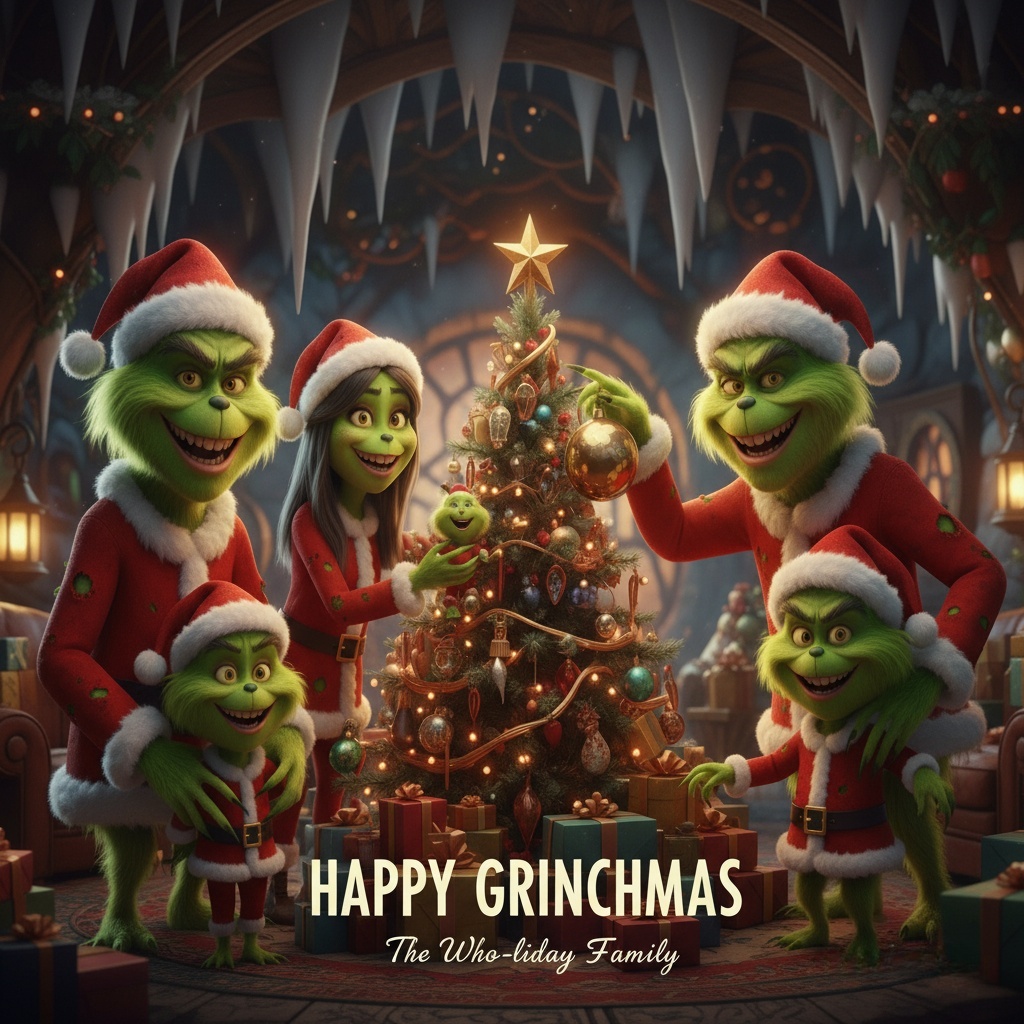
A Grinch filter lets you transform a regular photo into a Grinch-inspired image—green skin, expressive eyes, and that unmistakable “holiday Read more
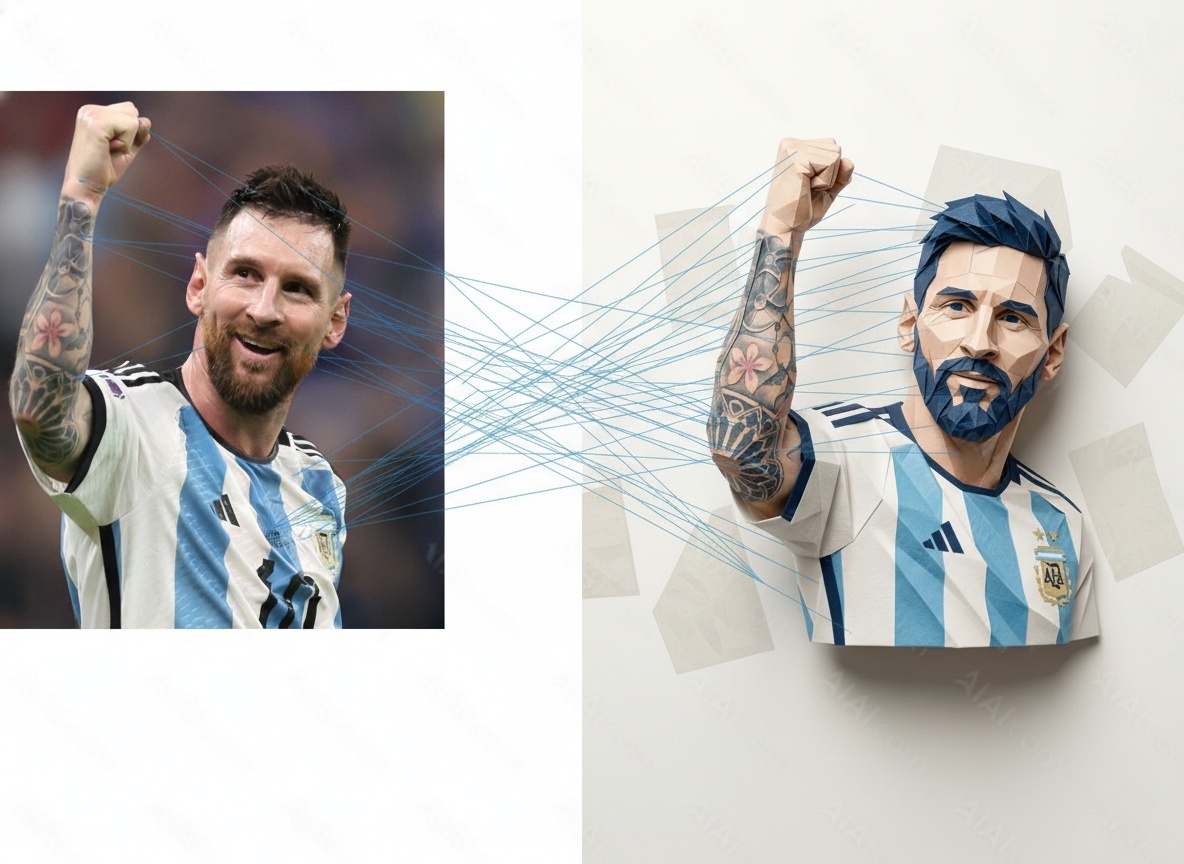
Curious about AI image transformations? This guide explains how image to image generators work, how I tested different models on Read more
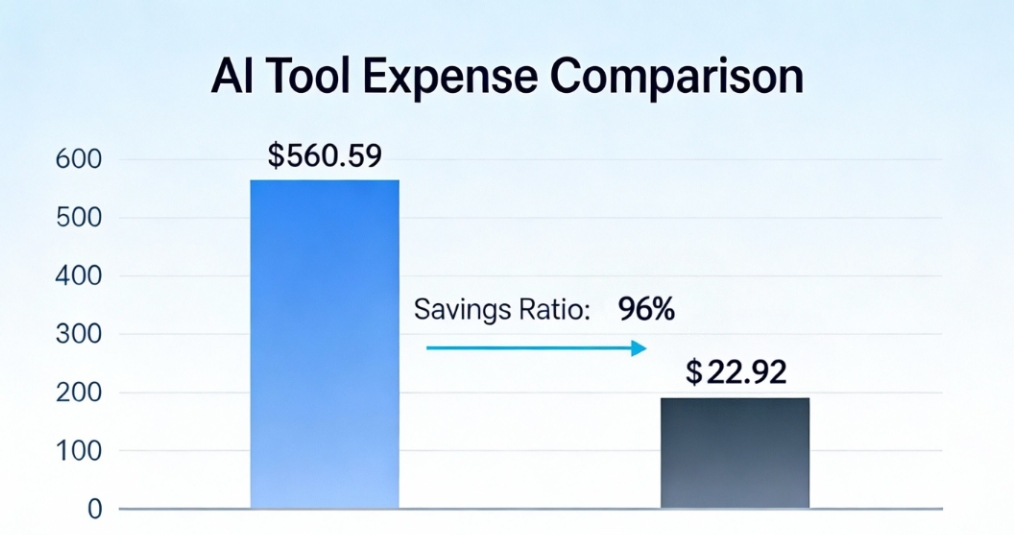
How I Reduced AI Costs by 96% with All-in-One AI Tool This article shares a real case study from one Read more
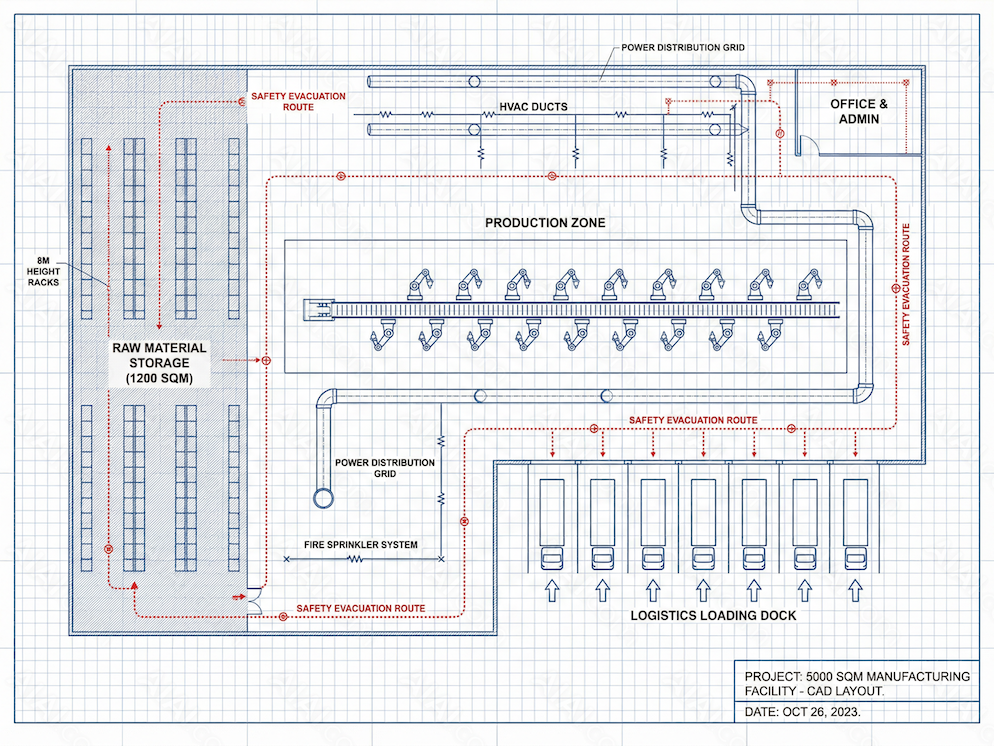
Discover how an AI CAD Drawing Generator helps engineers, architects, and designers create accurate CAD drawings faster. Learn benefits, workflows, Read more


