I’ve lost count of how many hours I’ve spent nudging grey boxes three pixels to the left inside Figma, desperately trying to get standard layouts aligned before I’ve even written a single line of real copy. If you’ve worked in product, you know the drill. Wireframing is critical for getting teams on the same page, but it’s historically been a painful, manual bottleneck.
Now that we’re in 2026, AI is stepping in to do a lot of this heavy lifting. Over the past few months, I’ve put a dozen different design helpers to work on real projects to see which ones actually save time—and which ones just generate messy layers that take longer to clean up.
Here is my honest, straightforward breakdown of the best ai wireframe generators 2026 has to offer.
TL;DR: What Is the Best AI Wireframe Generator Free Online?
If you are short on time and just want a simple tool that builds fast, secure, and accurate layouts without forcing you to learn a massive design ecosystem, go straight to AIAI.com’s AI Wireframe Generator.
It is completely free, browser-based, and doesn’t make you sign up or log in. It translates both text prompts and rough sketches into clean wireframes in seconds. Plus, it keeps your data private by default, which is great for founders and PMs who want to map out ideas without worrying about IP leaks.
Do AI Wireframe Tools Hold Up Once the Real Work Begins?
Before we look at the list, we need to talk about a big question I saw on Reddit recently. In an r/ProductManagement thread, a PM asked a simple but critical question: “Do AI wireframe tools hold up once the real work begins? Generating an initial mockup from a prompt is one thing, but how do these tools perform when stakeholder feedback and actual revisions start rolling in?”
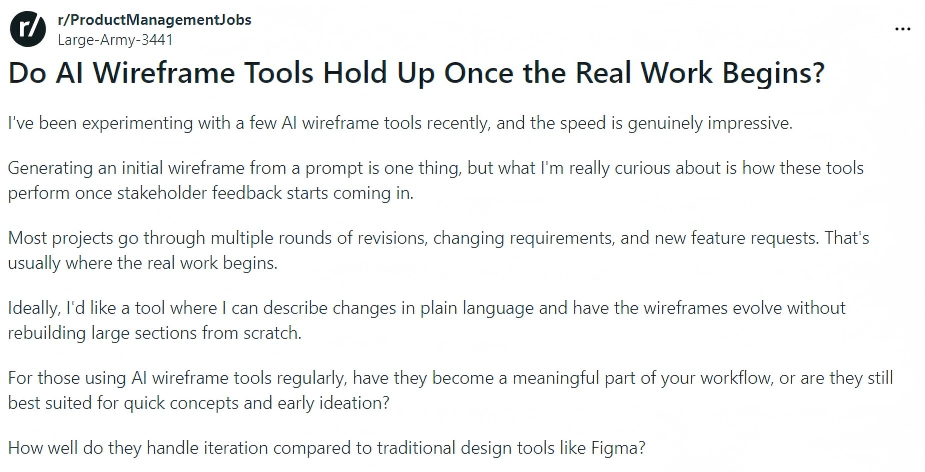
That thread got to the heart of what makes the best ai wireframe generator reddit users actually stick with. Most AI design tools are one-hit wonders. They give you a beautiful initial layout, but the moment a stakeholder asks you to move a sidebar or swap a grid, the AI falls apart. You end up having to delete everything and start over.
When testing these tools, I didn’t just look at how pretty the first draft was. I evaluated how they handle actual feedback and how easily they fit into a real, everyday product workflow.
10 Best AI Wireframe Generators 2026: A Quick Snapshot Comparison
| Tool Name | Best Used For | AI Inputs Supported | Starting Price |
|---|---|---|---|
| AIAI.com | Best Overall for Rapid Prototyping | Text, Image (Sketch) | 100% Free (No Login) |
| Figma AI | Figma-Native Professional Workflows | Text prompts, UI components | Freemium (AI Credits) |
| Google Stitch | Code-Ready Frontend Prototypes | Text prompts, Logic maps | Free (Basic) |
| Uizard | Digitizing Hand-Drawn Sketches | Image (Sketch), Screenshot | Freemium ($12/mo) |
| Flowstep | Mapping Multi-Screen User Flows | Text prompts, User paths | Paid ($18/mo) |
| Visily | Non-Designers & PM Business Mockups | Text, Screenshot, Sketch | Freemium (Generous Free Tier) |
| Relume | Website Layouts & SEO Sitemaps | Text prompts, Sitemap trees | Freemium ($38/mo) |
| Miro AI Canvas | Team Collaborative Brainstorming | Virtual Sticky notes, Text | Freemium (Basic AI) |
| UX Pilot | Brand Identity & Custom Design Systems | Component guidelines, UI kits | Paid ($15/mo) |
| MockFlow | Strict Low-Fi Blueprinting & PRDs | Text prompts, UI layout trees | Freemium ($14/mo) |
Detailed Reviews of the 10 Best AI Wireframe Generators in 2026
AIAI.com: Best AI Wireframe Generator Overall
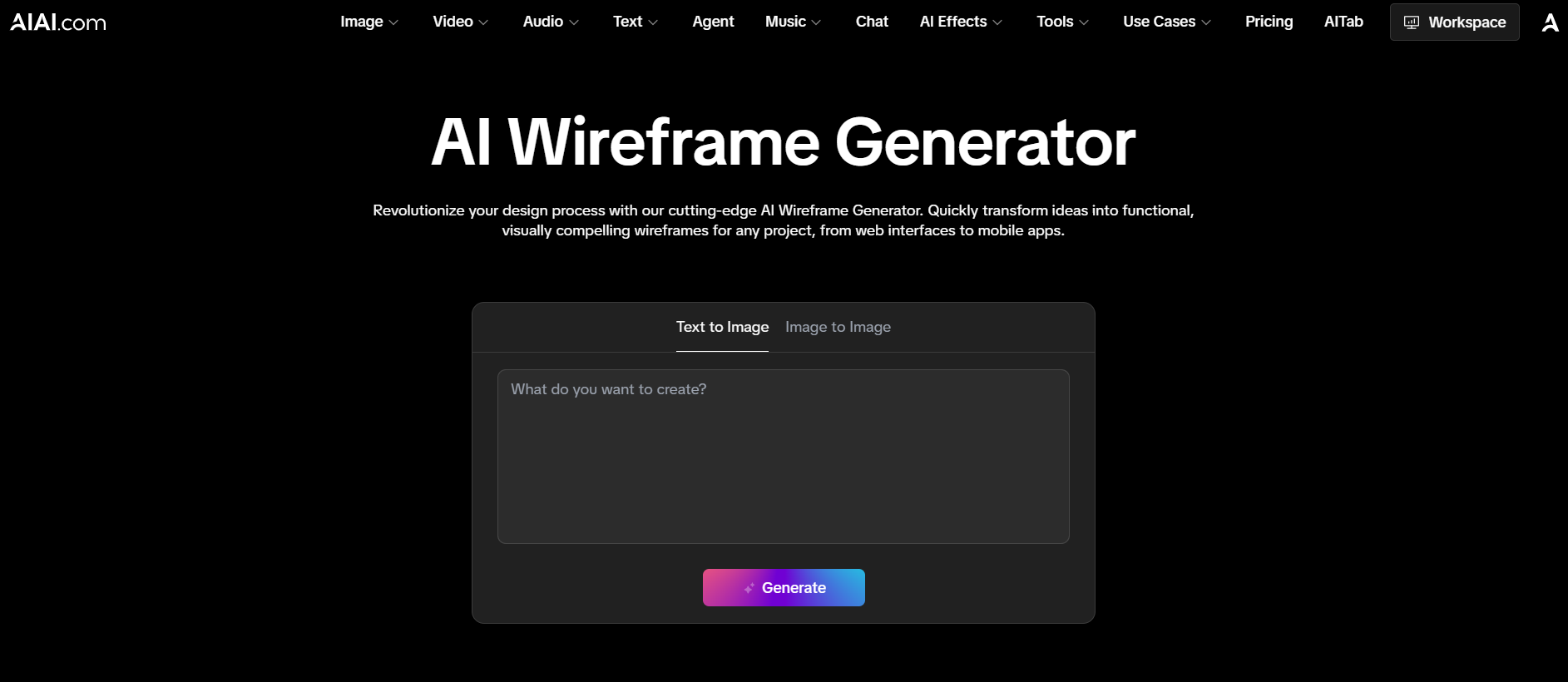
AIAI.com’s AI Wireframe Generator is an incredibly fast, web-based tool designed for quick product brainstorming. It uses a multi-modal engine. You can type a basic description or upload a rough mobile sketch. Then, it quickly gives you a clean layout in seconds. The platform is fully browser-based. It keeps your work private. This means your ideas are never used to train public models.
I tested it with a standard dashboard prompt: “A clean SaaS billing page with active subscription cards and a transaction history grid.” In under ten seconds, it created a perfectly aligned, responsive layout. It works great as an AI wireframe generator from text. Next, I drew a messy settings page on a physical notepad, took a photo with my phone, and uploaded it. The sketch scanner quickly turned my doodles into neat digital blocks. It showed that it’s a reliable AI tool for creating wireframes from images. Since it doesn’t require a login, it’s my go-to for rapid, stress-free drafting.
Key Features
- Dual-Input Multi-Modal Engine: Effortlessly processes natural language prompts and hand-drawn sketch images.
- Zero-Login Friction: You can create and edit wireframes right in your browser. No need for a long sign-up process.
- Enterprise-Grade Privacy: Ensures all user project data remains completely secure and 100% private.
Best For
- Product managers, startup founders, and developers who want to validate ideas instantly, bypass the learning curves of heavy design suites, and secure their intellectual property.
Pros & Cons
✅ Completely Free: Skip the registration process entirely and start designing instantly (perfect for finding an ai wireframe generator free online).
✅ Beginner-Friendly: A clean, intuitive interface that requires absolutely zero prior design experience.
✅ Fast Exporting: Seamlessly download your layouts in standard formats for quick team reviews.
❌ No Advanced Interactivity: Best suited for static wireframes; complex page transitions are still being developed.
❌ Template Selection: While generating standard layouts is incredibly fast, specialized niche industry layouts are still being expanded.
⚡ Zero Setup Required • 🔒 100% Secure & Private • ⏱️ Prompt-to-Design in 10s
Figma AI (Make & First Draft): Best AI Wireframe Generator for Figma-Native Workflows
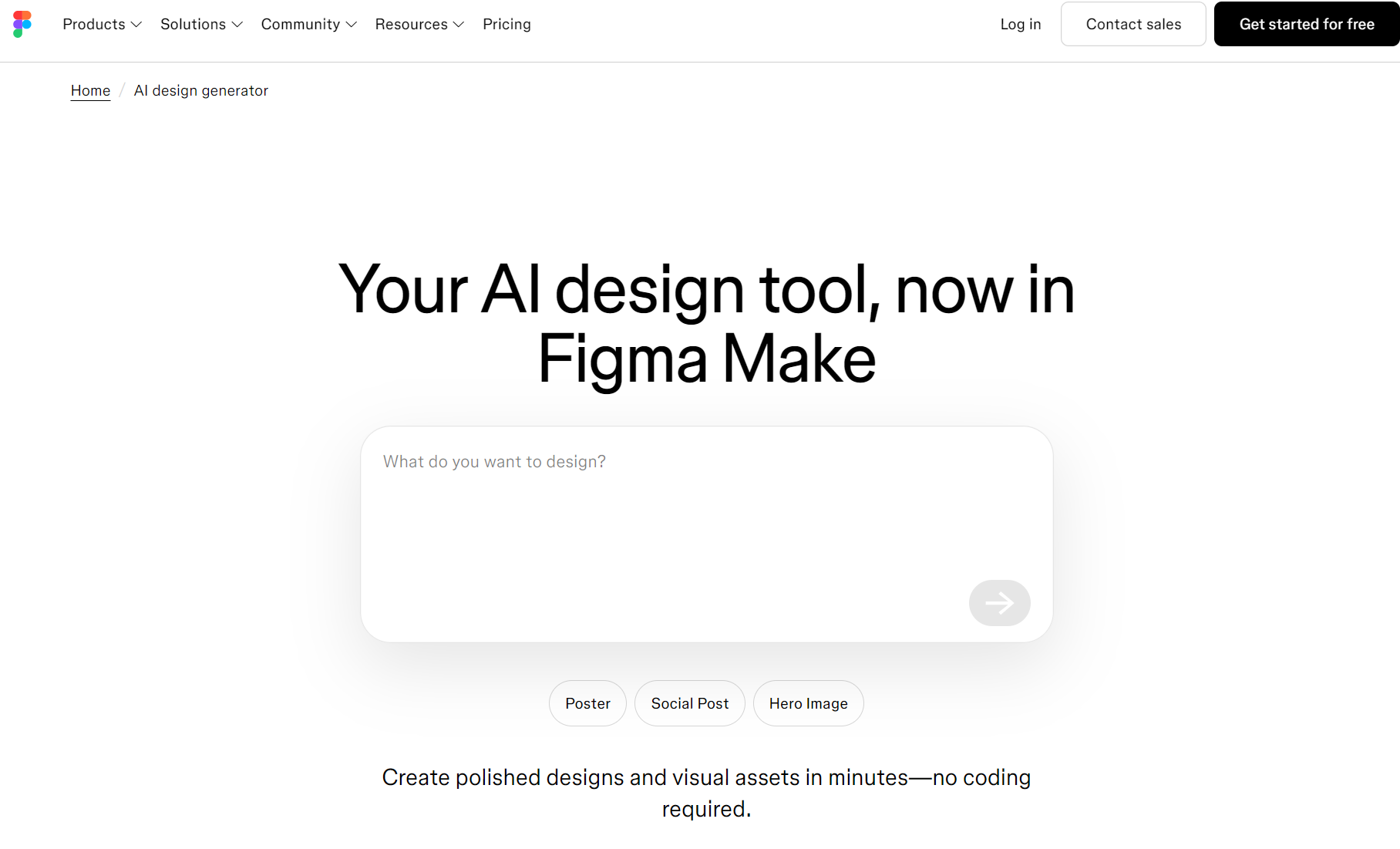
Figma AI (specifically its First Draft feature set) is an artificial intelligence companion built directly into the industry-standard UI design platform. It allows professional designers to leverage generative AI directly inside their active design canvases to quickly map out layout variations. The underlying engine is deeply integrated with Figma’s native structural layout properties, automatically organizing generated designs into clean Auto Layout frames.
When I tested it inside my active project, I asked it to build a standard profile settings panel. It did a great job of using native Figma rules, meaning I could easily adjust the spacing afterward (making it a strong best ai wireframe generator figma option). However, the learning curve here is incredibly steep. If you aren’t familiar with Figma’s nested layers and constraints, editing the generated screens can quickly break the entire layout. It’s fantastic for pro designers, but too complex for product managers who just want a quick sketch.
Key Features
- Native Auto Layout Generation: Automatically structures wireframes with clean, responsive constraints inside Figma.
- Contextual Component Swapping: Leverages your existing Figma libraries to instantly replace generated placeholders with your actual design system assets.
- Text & Image Enrichment: Instantly replaces placeholder text and generic grey shapes with contextually relevant images and copy.
Best For
- Professional UI/UX designers who are already deeply embedded in the Figma ecosystem and want to accelerate their drafting speed.
Pros & Cons
✅ Editable Vector Output: Generates clean, layered vectors with native Auto Layout, allowing painless visual adjustments.
✅ Zero Ecosystem Friction: Keeps your entire drafting process inside Figma, preventing file import headaches.
❌ High Learning Curve: Requires a solid grasp of Figma nested layers and layout constraints to edit successfully without breaking the page.
❌ Paid & Capped: Requires a paid Figma tier to unlock advanced AI capabilities, with daily generation limits.
💡 No Auto Layout Learning • 💳 100% Free to Try • ⏱️ Instant Vector Export
Google Stitch: Best Free AI Wireframe Generator for Code-Ready Mockups
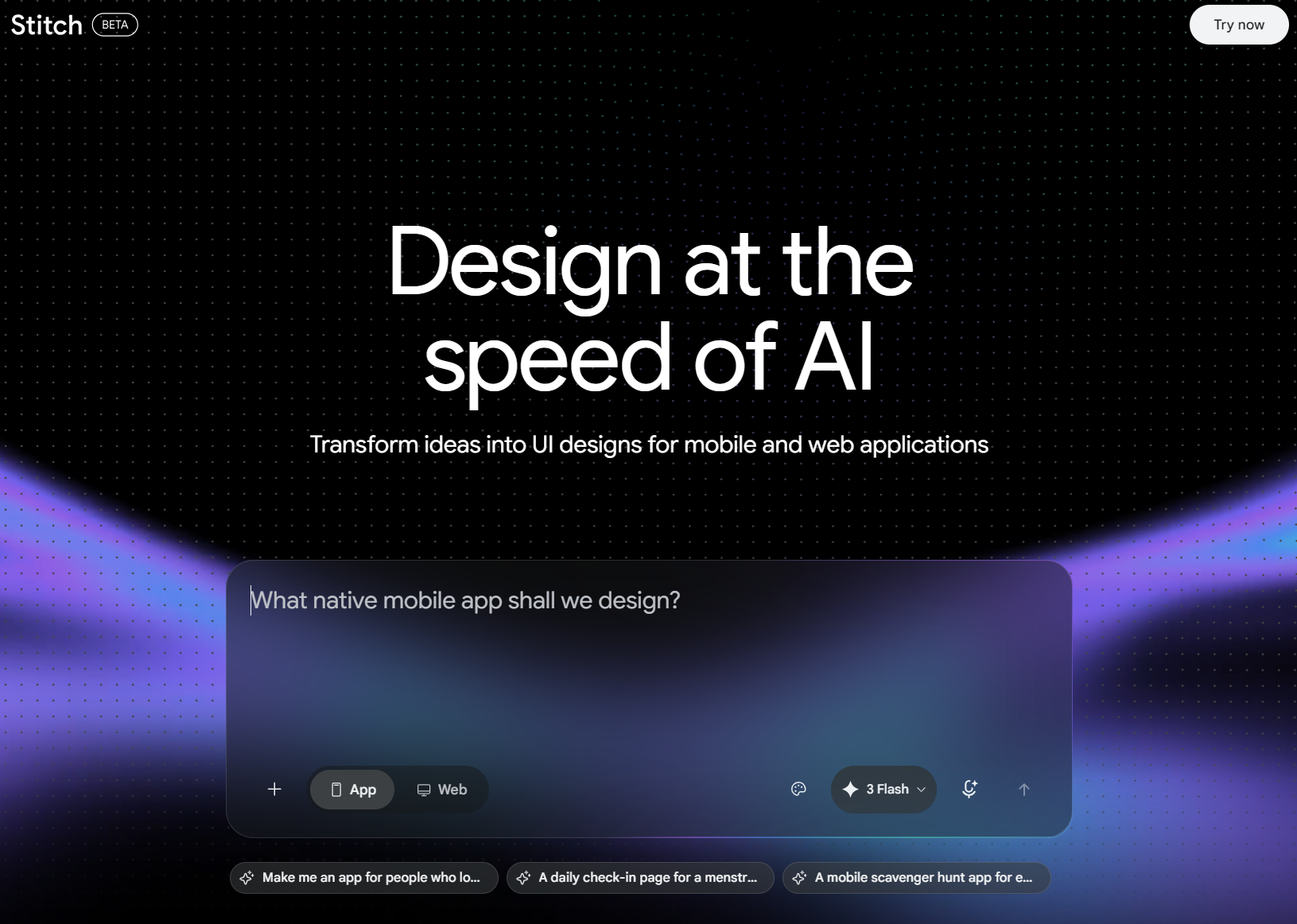
Google Stitch is a development-friendly design app powered by Google’s Gemini workspace. It aims to bridge the gap between design and development by turning layout prompts into simple UI blocks while simultaneously writing the responsive frontend code in the background.
When I asked it to build an analytics dashboard, the visual wireframe generated quickly. The cool part was the side-by-side code window, which immediately populated clean, copyable Tailwind CSS code. While this is great for developers, I found that tweaking the layout visually using text commands was a bit frustrating. If I tried to move an element slightly, Gemini would sometimes redraw the entire section instead of just shifting the block I wanted.
Key Features
- Gemini Pro Integration: Inherits Google’s advanced logical reasoning to structure multi-layered interface flows based on technical requirements.
- Design-to-Tailwind: Line-for-line frontend code (Tailwind, React) generation alongside your visual layout wireframe.
- Google Workspace Sync: Seamlessly shares and exports wireframe assets directly into Google Docs, Slides, and Drive.
Best For
- Software engineers, technical founders, and developers who want to bypass the traditional design handoff and generate functional, code-supported interfaces.
Pros & Cons
✅ Developer-First Design: Converts mockups into frontend code (Tailwind, React) instantly, drastically reducing manual coding.
✅ Google Cloud Ecosystem: Deep integration with Google Workspace and basic plans are highly cost-effective.
❌ Clunky Visual Styling: The aesthetics feel a bit dry and engineered compared to dedicated UI design tools.
❌ Rigid Prompting: Making precise visual edits with natural language can sometimes overwrite unrelated page layouts.
🎨 Zero Coding Clutter • 💳 100% Free to Try • 🚀 Visually Striking Prototypes
Uizard: Best AI Wireframe Generator for Hand-Drawn Sketch Conversion
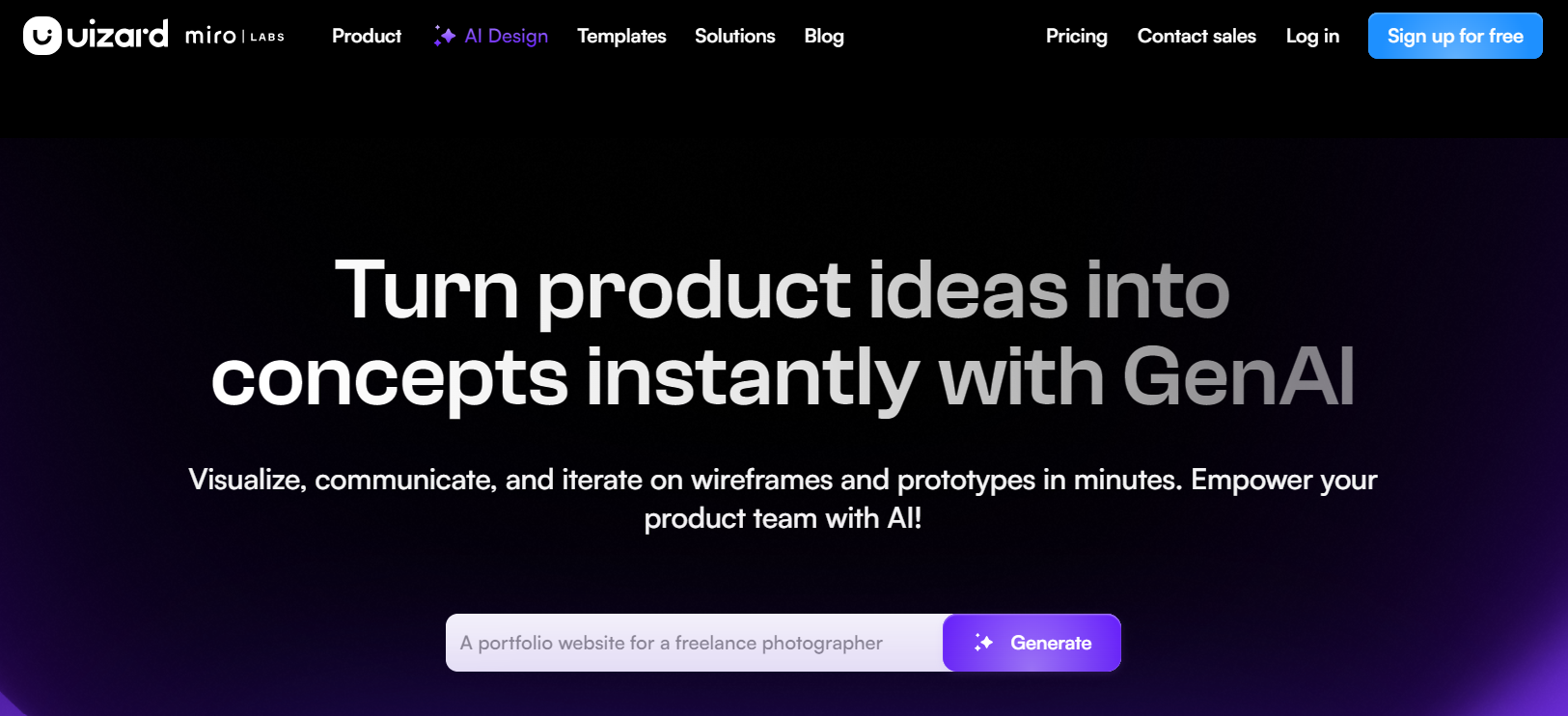
Uizard is a popular prototyping tool best known for its screenshot and hand-drawn sketch scanning. The engine is built to take flat, low-fidelity analog concepts—like whiteboard scribbles or notebook drawings—and turn them into editable, digital UI components.
I tested Uizard by sketching a messy checkout flow in a physical notebook with a ballpoint pen. I snapped a photo with my phone and uploaded it. In about fifteen seconds, Uizard’s scanner processed the drawing and mapped it out as editable digital blocks (making it a handy ai wireframe generator from image option) [4]. It’s a great workflow for teams that love physical brainstorming. However, making minor manual tweaks to the generated layout felt a bit clunky compared to the automated scanning process.
Key Features
- Wireframe Scanner: Highly accurate hand-drawn paper and whiteboard sketch-to-UI digitization.
- Screenshot-to-Design: Allows you to upload a screenshot of any website and automatically reverse-engineer it into editable vector components.
- AI Theme Generator: Automatically extracts color palettes, typography, and styling from an uploaded image to brand your wireframe.
Best For
- Product teams that love to brainstorm on physical whiteboards or paper and need a fast way to digitize their physical assets.
Pros & Cons
✅ Sketch Scanning Magic: Reconstructs flat screenshot images and paper napkin drawings into interactive UI elements.
✅ Functional Prototypes: Lets you add basic link states to quickly pitch a flow to clients.
❌ Heavily Restricted Free Tier: The free trial runs out quickly, and paid packages are quite expensive for casual builders.
❌ Conversational Fine-Tuning: The conversational prompt assistant can struggle with precise, micro-level visual alignments.
✏️ Turn Scribbles into Clean UI • 💳 100% Free to Try • 🔒 Complete Design Privacy
Flowstep: Best AI Wireframe Generator for Prompt-to-Workflow Mapping
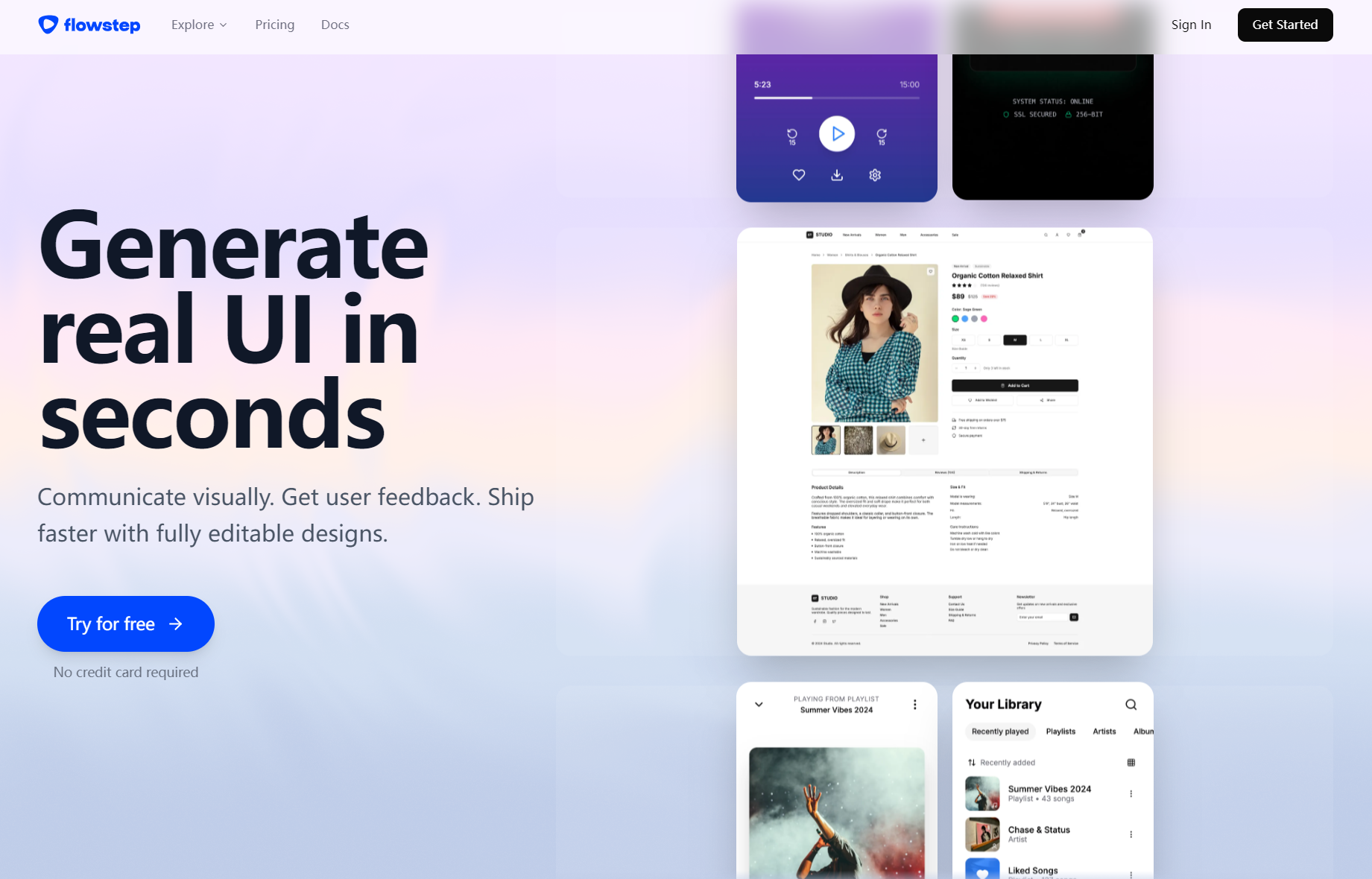
Flowstep takes a user-journey approach to layout design. While most tools focus on generating a single page, Flowstep is designed to build cohesive, multi-screen workflows from a single text prompt [4].
I asked it to map out a standard three-step eCommerce checkout sequence. Instead of giving me one page, it generated three connected screens—the cart, shipping form, and payment confirmation—with visual interaction lines between them. While it’s fantastic for high-level user flow planning, the individual elements on each page were a bit generic and required a lot of manual layout polish to look production-ready.
Key Features
- Conversational Flow Builder: Generates logical, multi-screen user flows from a single conversational text prompt.
- Interactive Navigation Paths: Automatically draws visual connection paths showing exactly how users navigate through the product.
- Figma-Ready Workflows: Seamlessly exports full user journey maps directly into Figma for design refinement.
Best For
- UX architects, product strategists, and PMs who need to map out complex SaaS onboarding paths, purchase flows, and systemic user journeys.
Pros & Cons
✅ Clear User Journeys: Saves hours of drawing connections and arrow connectors between multiple pages.
✅ Logical Structural Mapping: Excellent for demonstrating onboarding flows and complex user paths in client pitches.
❌ Rough Page Details: The UI components on individual screens feel quite generic and require manual polish.
❌ Enterprise Pricing: Cost-prohibitive for individual creators, lacking a robust forever-free plan.
✨ Rich Component Layouts • 💳 100% Free to Try • ⚡ No Rigid Flow Constraints
Visily: Best AI Wireframe Generator for Product Managers & Non-Designers
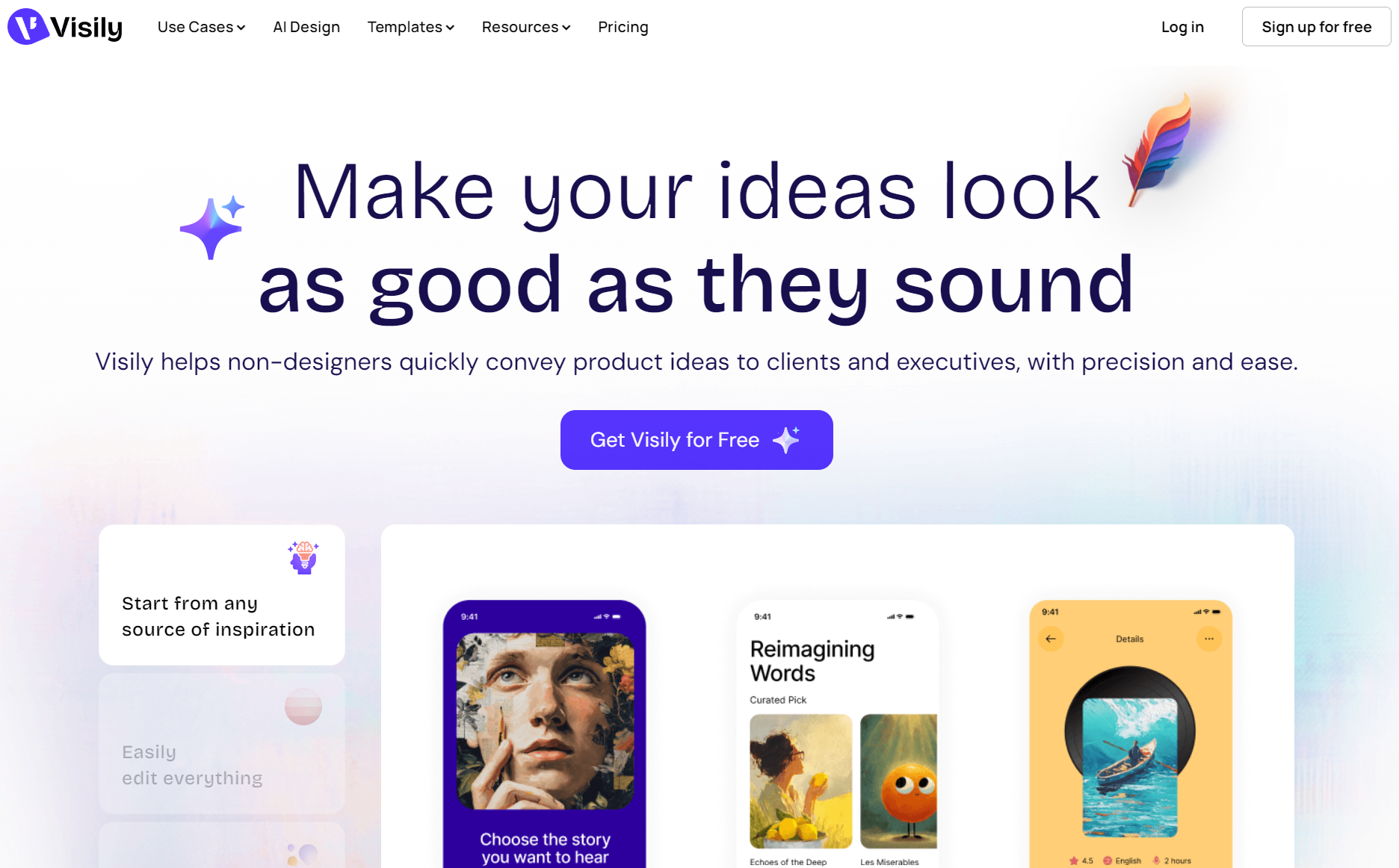
Visily is a highly intuitive, PowerPoint-style layout tool designed specifically for non-designers. Its workspace relies on a massive library of smart, pre-built components that can be dragged, dropped, and rearranged via simple commands without breaking any alignment rules.
When I used Visily, I was impressed by how easy it was to jump right in. Instead of starting with a blank page, I selected their AI assistant and typed: “Add a clean billing section with active subscription cards.” The assistant dropped a perfectly aligned component block onto my canvas. It’s an excellent way to assemble standard layouts quickly, though I found that the AI can feel slightly restrictive if you want to create highly customized or non-standard designs.
Key Features
- Screenshot-to-Wireframe: Allows you to import any interface screenshot and instantly convert it into editable Visily blocks.
- Smart Theme Swapping: Instantly transitions your low-fidelity wireframes into colorful, high-fidelity mockups with a single click.
- Interactive Prototyping: Built-in transition wires let you create functional, clickable prototypes in minutes.
Best For
- Non-designers, business analysts, and product managers who want to build clean, standard, and highly logical wireframes without a steep learning curve.
Pros & Cons
✅ Perfect Alignment: Pre-built templates and grid constraints ensure clean layouts even for complete beginners.
✅ Generous Free Tier: Extremely accommodating for independent creators and small product teams.
❌ Templated Feel: Struggles to output highly unique layouts because it relies too heavily on fixed component libraries.
❌ Design-System Friction: Hard to customize with external company-specific styling systems.
🎨 True Generative Prompts • 💳 100% Free to Try • 🚀 Infinite Layout Variations
Relume (Relume Library AI): Best AI Website Wireframe Generator for Landing Pages
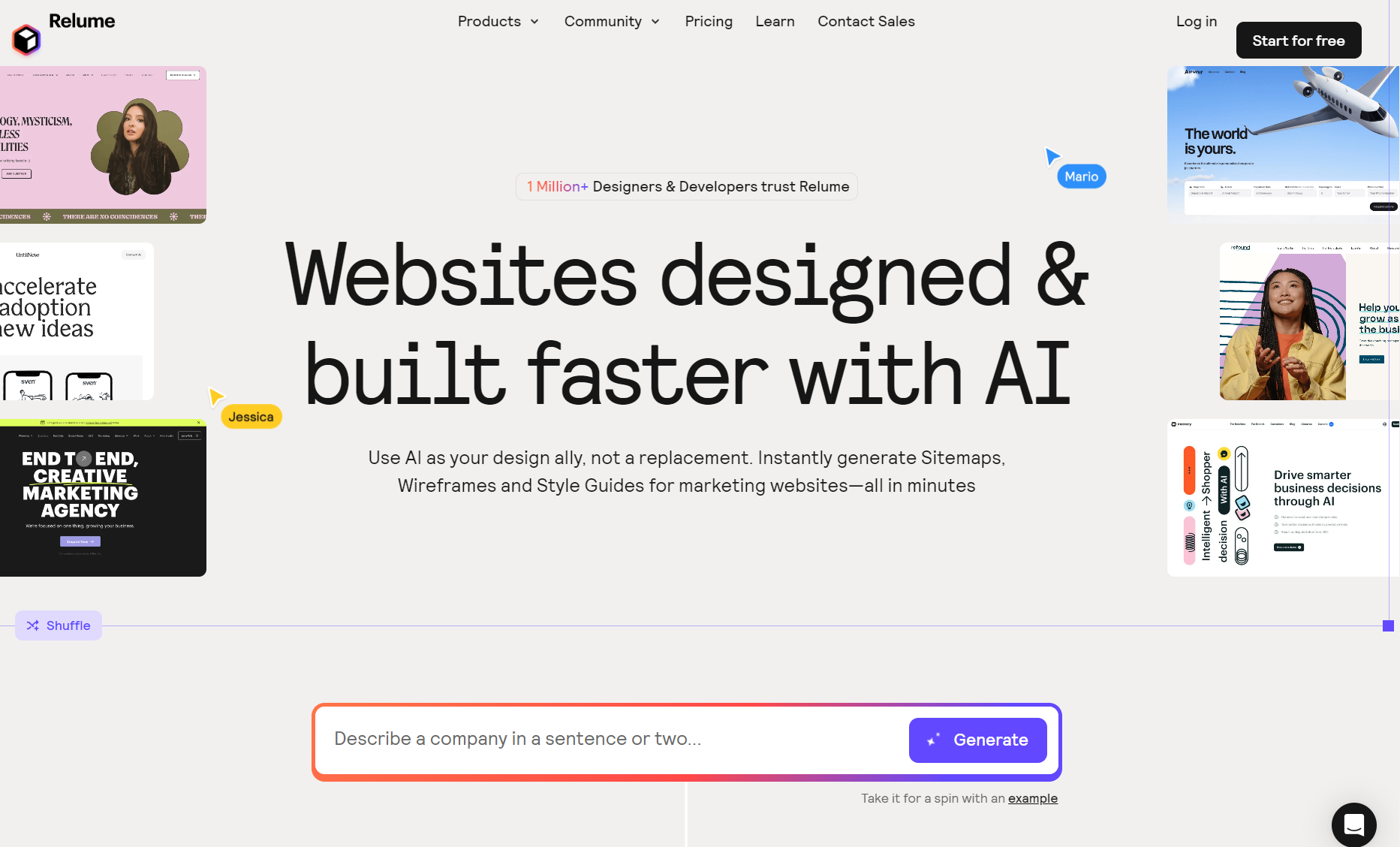
Relume is a web-focused sitemap and wireframe generator built specifically for marketing and landing pages. It focuses entirely on organizing content structure and information architecture before you even think about colors or styling.
As someone who designs a lot of marketing sites, testing Relume was a breath of fresh air. I asked this best ai website wireframe generator to build a SaaS cybersecurity landing page. It first built a logical tree-map of the page (Hero, Pain Points, Features, Pricing). Once I approved that, it instantly rendered corresponding wireframe blocks that I could copy directly into Webflow or Figma. However, if you are designing a mobile app, Relume won’t help you, as its library is strictly optimized for web layouts.
Key Features
- AI Sitemap Builder: Generates structured sitemaps and content hierarchies based on simple product descriptions.
- Webflow & Figma Copy-Paste: Allows you to copy generated wireframe blocks and paste them directly as native Webflow or Figma components.
- Massive Component Library: Access to thousands of responsive, pre-designed web blocks.
Best For
- Agency owners, marketing web designers, and Webflow developers who need to map out high-conversion landing pages and website sitemaps.
Pros & Cons
✅ Top-Tier Web Layouts: The logical flow and layout structure for marketing pages are highly competitive across the industry.
✅ Figma & Webflow Export: Perfect component copying for direct frontend assembly in your favorite web platforms.
❌ Limited Scope: Strictly limited to websites; it does not support any mobile app layouts or interactive flows.
❌ Relatively Expensive: Pricing plans start high, making it a professional-only agency tool.
⚡ Supports Apps & Dashboards • 💳 100% Free to Try • 🔒 All Projects Kept Private
Miro AI Canvas: Best AI Wireframe Generator for Real-Time Team Brainstorming
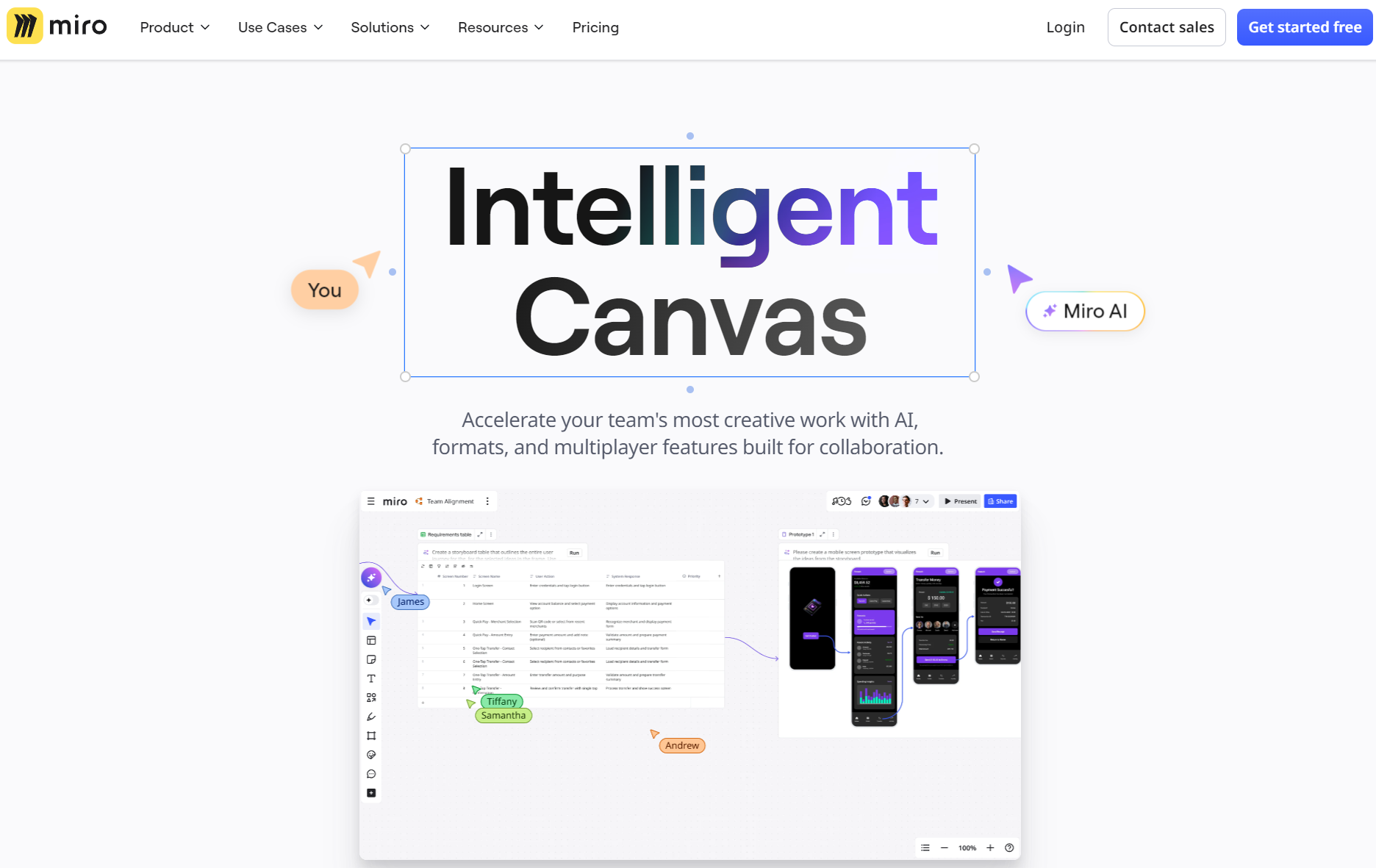
Miro is a popular collaborative whiteboard app that features Miro Assist, an integrated AI helper. Miro Assist lets product teams turn unstructured brainstorming notes, sticky notes, and mind maps into visual low-fidelity wireframes directly on the infinite board.
I tested Miro AI Canvas during an active brainstorming session with a remote team. We selected our project ideas on virtual sticky notes and asked Miro Assist to convert them into a login screen. Miro quickly generated a basic mockup right on the whiteboard (a workflow frequently praised in best ai wireframe generator reddit threads). While this is awesome for keeping meetings productive, the output consists of flat, unlayered vector shapes, meaning you cannot easily export them as structured design layers later.
Key Features
- Brainstorm-to-Mockup: Instantly converts virtual sticky notes and mind maps into a visual interface structure.
- Live Multi-User Collaboration: Allows dozens of team members to edit, comment, and vote on AI-generated wireframes in real-time.
- Infinite Whiteboard Canvas: Provides an unrestricted workspace to map out full product ecosystems and mood boards.
Best For
- Agile product teams, UX researchers, and remote workshop facilitators who want to bridge the gap between creative brain-dumping and early-stage low-fidelity concepts.
Pros & Cons
✅ Top-Tier Collaboration: Excellent multi-user workspace for real-time remote workshops and client onboarding sessions.
✅ Idea to Low-Fi Transition: Translates scattered mind-maps and virtual sticky notes into structural wireframe blocks.
❌ Strictly Low-Fidelity: Generated elements are flat board drawings and cannot be exported as production-ready, structured UI design files.
📐 Fully Structured Vector Layers • 💳 100% Free to Try • ⏱️ Prompt-to-UI in Seconds
UX Pilot: Best Figma AI Plugin for Component System Architecture

UX Pilot is a specialized AI design copilot that runs as a plugin directly inside Figma. Unlike generic prompt tools, UX Pilot is designed to read and respect your existing Figma design systems, ensuring that any wireframes it generates match your company’s active grid, spacing, and styling rules.
When I tested UX Pilot inside Figma, I loved how controlled the AI felt (fully utilizing its best ai wireframe generator figma capabilities). I prompted it to generate a profile page, and instead of giving me random elements, it pulled components directly from my company’s active UI kit. This is a game-changer for maintaining consistency across large teams. However, because it requires you to set up and feed in your design guidelines first, it is definitely not an out-of-the-box tool for beginners.
Key Features
- Design System Compliance: Reads and strictly adheres to your active Figma design system rules during generation.
- AI Usability Critic: Automatically analyzes your wireframes and gives you real-time feedback on UX best practices and accessibility issues.
- Style Generator: Generates custom color palettes and type hierarchies based on target brand emotions.
Best For
- Senior UI designers and design system leads who want to automate screen production without losing control over design system rules.
Pros & Cons
✅ Design System Harmony: Strictly follows company-specific typography, padding, and UI kit rules during generations.
✅ Built-In Critique Engine: The AI critic automatically checks your wireframes for accessibility and usability issues.
❌ Time-Consuming Setup: Almost zero out-of-the-box utility; you must connect and configure a design library beforehand, which presents a high entry barrier.
💡 No Existing UI Kit Required • 💳 100% Free to Try • 🚀 Perfect for Rapid Testing
MockFlow: Best AI Wireframe Generator for Blueprinting & Low-Fi Layouts
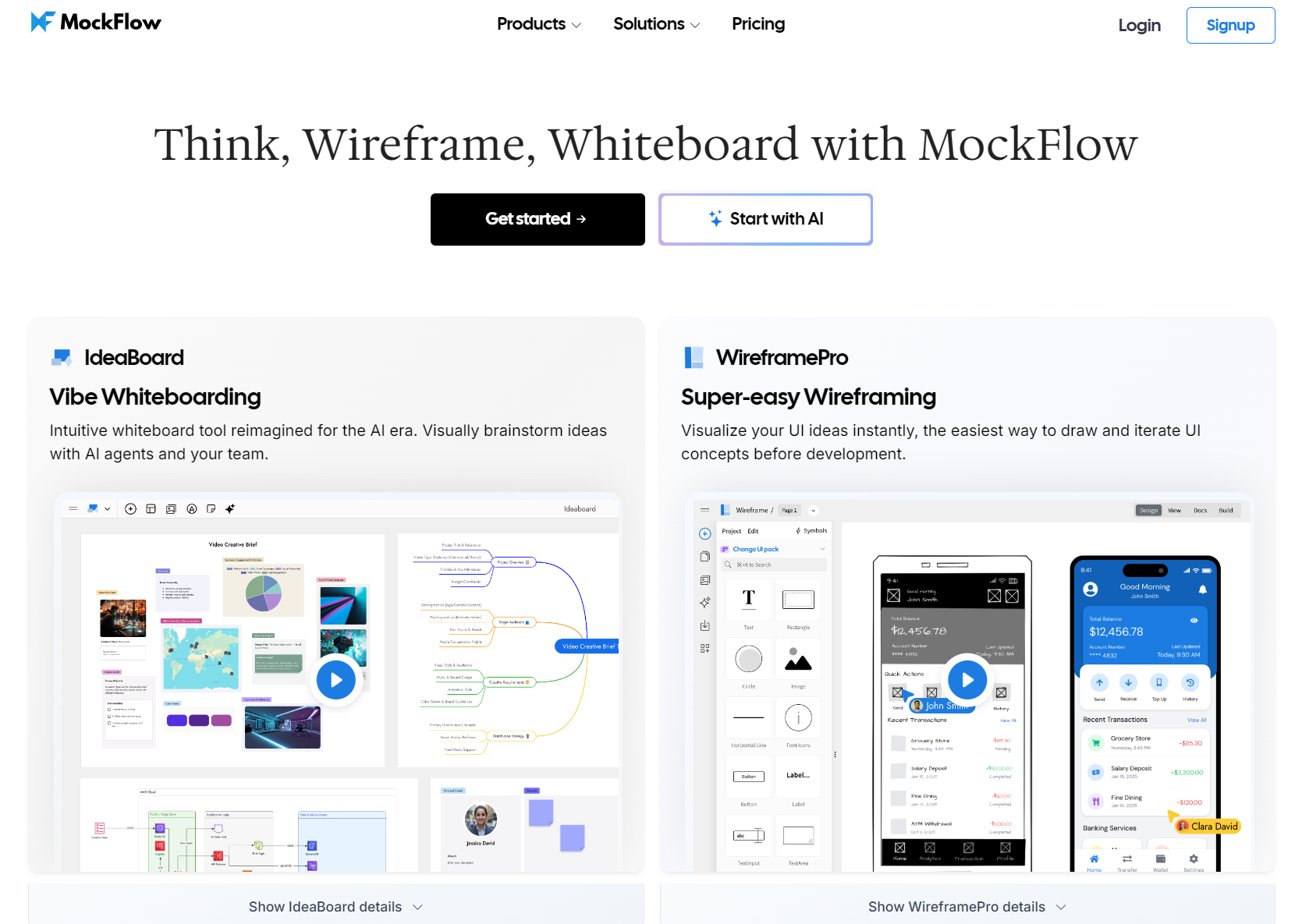
MockFlow is a long-standing wireframing tool that has integrated AI features to help with blueprinting. It focuses entirely on drawing low-fidelity (Lo-Fi) layouts, keeping teams focused on product logic rather than getting distracted by colors or branding.
During my testing, I used MockFlow to map out a complex B2B CRM dashboard. The AI quickly generated a balanced, grey-scale layout. What I appreciated most was MockFlow’s built-in AI Spec Writer. As the AI generated the layout, it automatically wrote a detailed product specification document explaining how the page behaves. This saves product managers hours of manual documentation, though the purely skeletal output isn’t ideal for highly visual client proposals.
Key Features
- Pure Lo-Fi Blueprints: Restricts generations to clean, black-and-white layouts to keep teams focused strictly on functionality and flow.
- AI Spec Writer: Automatically writes comprehensive, functional interface specifications alongside the wireframe.
- Interactive Design Maps: Connects individual wireframes into structured, bird’s-eye-view site maps.
Best For
- Product managers, systems analysts, and enterprise architects who want to map out strict, logic-first functional blueprints and automate their documentation.
Pros & Cons
✅ No Visual Distractions: Focuses entirely on foundational information architecture and structural planning, making it pure and practical.
✅ Automated Documentation: Generates comprehensive UI specifications on the fly, saving hours on PRDs.
❌ Dull Presentation: Lacks the modern aesthetic polish of other generative AI tools; not suitable for presenting high-fidelity layouts in client proposals.
❌ Clunky Editor: The interface layout editor can feel slightly dated compared to modern responsive canvas tools.
🚀 Sleek Low-Fi Aesthetics • 💳 100% Free to Try • ⏱️ Save Hours of Manual Work
How I Tested and Evaluated These AI Wireframe Generators?
To keep this review as practical and honest as possible, I didn’t just skim through marketing pages or read feature sheets. I spent a full week putting these tools through a consistent, real-world experiment.
First, I fed every tool a complex text prompt for an IoT solar panel dashboard to test their prompt translation. Second, I drew a messy mobile checkout sequence in a physical notebook, snapped a low-light photo on my phone, and uploaded it to test their image scanning capabilities. Finally, I ran each generated layout through multiple rounds of design revisions to see if they could handle real-world edits.
Based on this testing process, I evaluated and compared the tools against these four key benchmarks:
- Prompt Semantic Understanding: Measures how well the AI turns complex text prompts (like “AI wireframe generator from text requests”) into clear and logical UI structures. It focuses on context, not just placing random shapes on the canvas.
- Hand-Drawn Sketch Recognition: Evaluates how well the AI turns messy doodles or whiteboard photos into neat, editable, and organized digital wireframes.
- Figma & Development Interoperability: Evaluates how well the tool integrates with your active workspace. I looked at whether the layout can be copied directly as layered Figma vectors or clean web code, or if it locks your work in a proprietary ecosystem.
- Real Workload Iteration Flexibility: This tackles Reddit’s main issue. Can the AI manage localized, conversational changes, like moving a sidebar or adding a form field? Or does it require you to rebuild the whole screen when stakeholders ask for tweaks?
My Final Verdict: Which AI Wireframe Generator Wins in 2026?
As we look at the landscape of AI-powered design in 2026, the absolute best tool depends entirely on your specific role and where you are in the product lifecycle:
- If you are a professional designer working within an established design ecosystem, Figma AI or UX Pilot will give you the native control and component consistency you need.
- If you are a web designer or marketing agency owner focusing entirely on landing pages, Relume is the gold standard for website sitemaps and responsive layouts.
- If you are a remote team holding collaborative brainstorming sessions, Miro AI Canvas will help you instantly digitize your team’s ideas on the fly.
However, if you are looking for the absolute best all-around tool—one that requires no software installs, is completely free, keeps your designs 100% secure, and lets you transform both text prompts and paper sketches into clean, structured digital layouts instantly—AIAI.com’s AI Wireframe Generator is the clear and undisputed winner. It removes all of the traditional friction of prototyping, letting you focus on what actually matters: bringing your ideas to life.
🔒 100% Secure & Private • 💳 100% Free to Try • ⏱️ Zero Setup & Login Required
Trying to find an AI video generator that is actually free without holding your creations hostage can feel like a Read more

Looking for a reliable free video watermark remover? I tested AIAI.com. It uses AI technology to automatically remove watermarks while Read more
Flux.1 Review: Pro, Dev, Schnell & Kontext Versions Compared If you want the top AI image generation tool, consider Flux.1 Read more

Create visual course syllabi for “Introduction to Media Studies” using Nano Banana 2. Explore prompts, templates, and real examples for Read more