Look, if you’ve been messing around with image generators this year, you know the pain. You finally get a character that looks perfect, then you try putting them in a different scene and suddenly it’s their evil twin. Or you ask for Coca-Cola red and get… maroon? Salmon? Who knows.
For a while, that randomness was just part of the game.
Then Black Forest Labs dropped Flux 2.0, and after sinking more hours than I’d like to admit into the Pro, Dev, and Klein versions, I think something shifted. Yes, the headline number (32 billion parameters) looks absurd. But this is the first time I’ve generated images and thought, oh… I can actually use this without a full evening of retries.

Consistent Characters, Finally
Before Flux 2, anyone who needed the same character to appear across multiple images had two options:
- train a LoRA and lose a weekend, or
- battle with ControlNets while muttering at your monitor like a medieval curse-slinger.
Consistency was basically a slot machine.
Flux 2 has this Multi-Reference Consistency thing that actually works. Feed it a handful of reference images (I found 4–6 works best) and it doesn’t just clone the face. It understands proportions, the silhouette, even the “essence” of the design.
I tested it with a sneaker prototype I’m working on. Different angles, different environments, different lighting. No extra shoelace mutating out of nowhere, no melted logos, no “artistic reinterpretation” that ruins the branding. Just… the same shoe.
If you’re doing storyboards, product design, or anything that needs continuity, this is honestly the killer feature.
Yes, You Can Finally Use Hex Codes
Flux 2 lets you use hex codes. Just drop in #FF5733 and it knows what you mean.
This stops the weird guessing game where you write “deep cobalt blue” and the model gives you something between blueberry yogurt and pool tile. For anyone working with clients, brand rules, packaging, or anything where color accuracy actually matters, this is huge.
Native 4K That Doesn’t Scream “AI”
One of my largest AI pet peeves: upscaled images that look like someone stretched cling wrap over the subject.
Flux 2 natively outputs 4-megapixel results, and the difference is immediate.
Actual skin texture.
Fabric that looks woven, not airbrushed.
Is it perfect? No. AI still sometimes invents strange micro-details if you push too far. But the amount of usable detail per generation is way up, and the uncanny valley moments are noticeably reduced.

The Downside: It’s A Hardware Bully
Flux 2 is heavy. Comically heavy. Running the full 32B parameter version on a gaming laptop is a great way to remember your laptop has a fan, a very loud one. Unless you’re sitting on a 4090 with plenty of VRAM to spare, you’ll probably end up using:
Klein (for speed and normal GPUs)
Flex (decent compromise)
or the API, which is honestly the easiest path if you don’t want to learn model offloading or wait for slower local generation.
FP8 quantization helps, but this is still not a casual model to run locally if your hardware is mid-range.
So… should you switch?
It depends on what you want AI for. If you enjoy the chaos, the happy accidents, the weird art-school energy, stick with other AI models like Midjourney.
But if you actually need a workflow with:
- characters that stay consistent
- products that look the same from image to image
- accurate color and lighting
- fewer rounds of “regenerate until it looks okay”
Flux 2 is sounding pretty good right now.
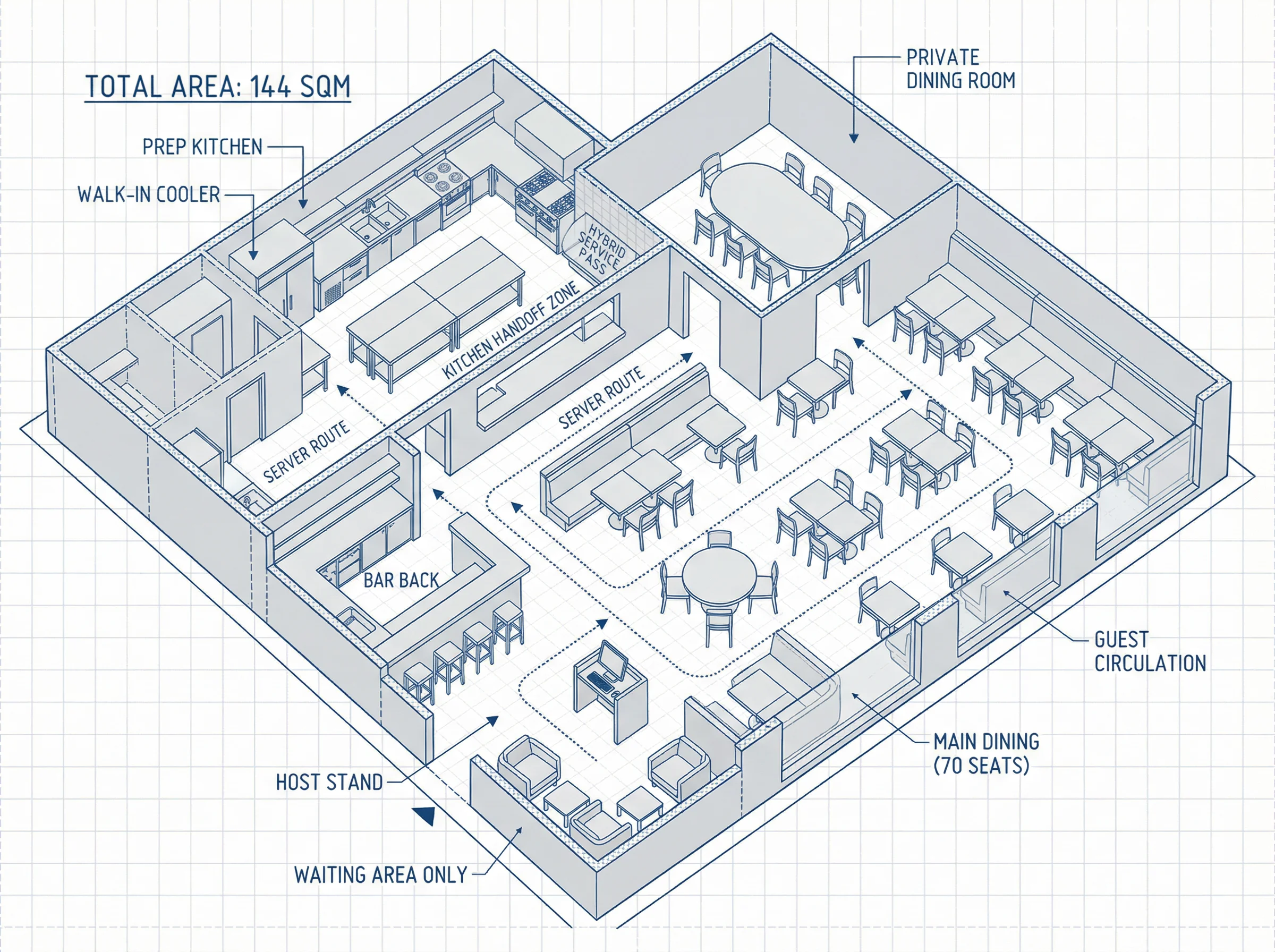
Learn how a well-engineered restaurant floor plan is crucial for success, balancing seating, kitchen flow, and guest experience. Discover how Read more

Stuck on a workspace layout deadline without the budget for an interior designer or the patience for CAD software? Here Read more
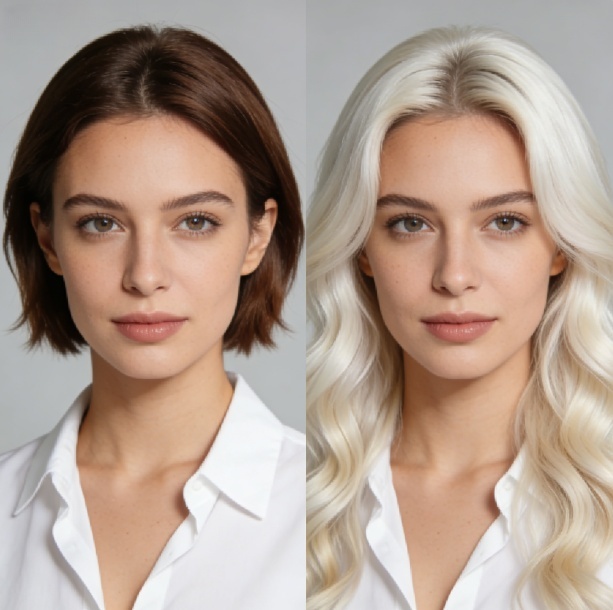
This article explains how to use the Nano Banana Pro to style your hair, while keeping your facial features, outfit, Read more

What is Nano Banana AI Image Generator - A Full Understanding What is Nano Banana? In the field of artificial Read more


