People who play with AI image tools know the familiar cycle. You finally get a character you like. You tweak the pose or change the background. Suddenly the face changes, the color slips, and you start over with a sigh.
Seedream 4.5 truly surprised me since it was able to adjust backgrounds, props, text, or style without endless retries. Breaking the annoying loop, it behaves more like a tool you shape, and that alone makes it worth talking about.
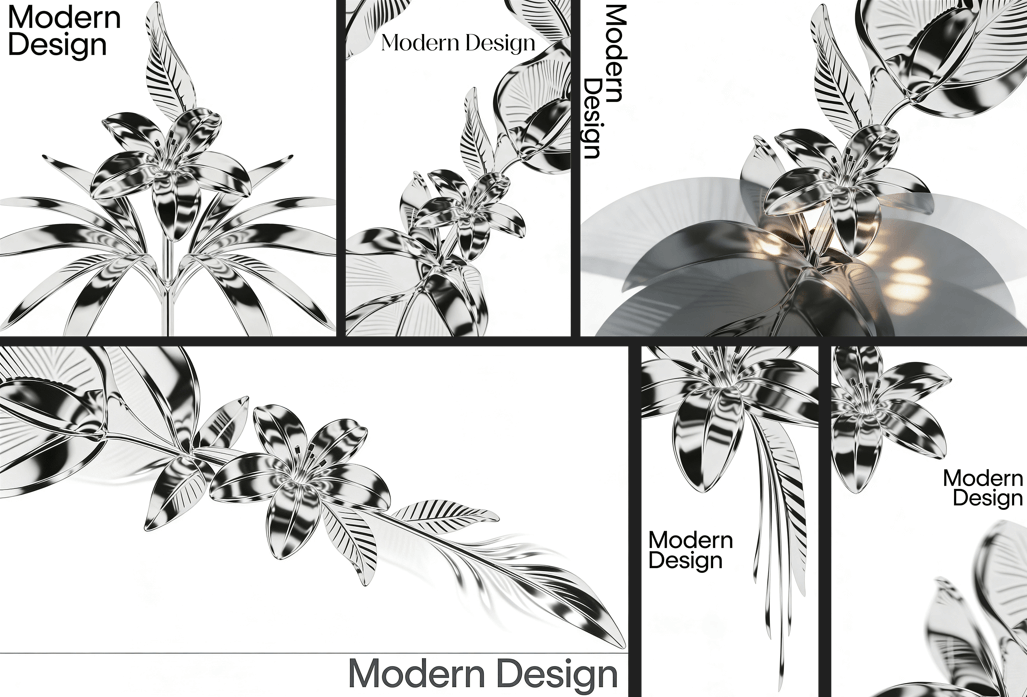
The simple idea behind Seedream 4.5
Instead of trying to look smarter or louder, Seedream 4.5 gives you something most models don’t. A bit of stability. A bit of consistency. A feeling that your idea can survive more than one generation.
You ask for a product shot. It keeps the product.
You ask for text on a poster. It keeps the text readable.
You change the lighting. The face stays the same.
It sounds small, yet anyone who has used other models knows how rare this is.
What you can actually do with it
Forget the long feature lists. Here is the everyday stuff people care about.
Posters with real text. It handles simple typography without twisting letters into noodles.
Character sets. Same character, different angle, still the same person. Great for comics, storyboards, or anything where continuity matters.
Product visuals. Bottles, boxes, shiny surfaces. They look convincing enough for quick mockups.
Reference mixing. Two images in, one image out. It listens instead of panicking.
None of this feels flashy. It simply works more often, which is refreshing.
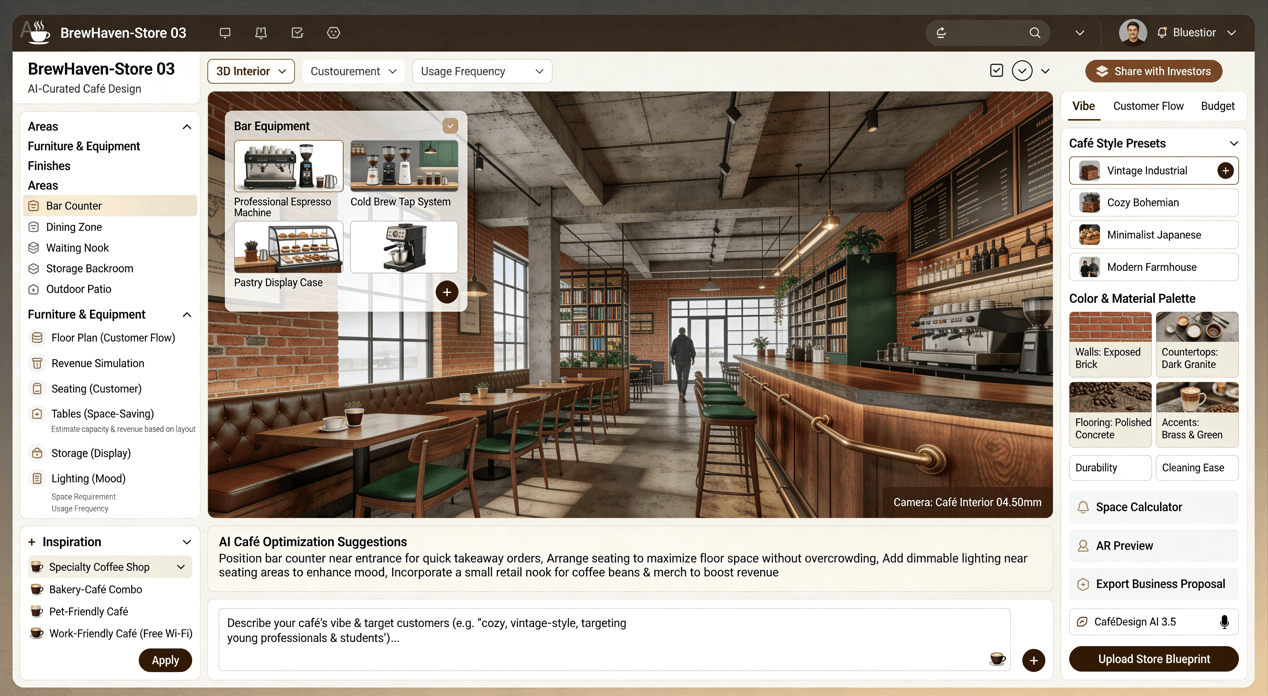
A short story from testing
I tried a perfume ad. Clean lighting. Soft shadows. A line of text.
Most models turned the bottle into a new design after two tries. Seedream 4.5 kept the shape every time. It even handled the label without melting it. I ended up with three usable options within minutes.
There is something nice about a tool that does not argue with you.
Where it fits compared to other models
Midjourney still has a stronger, more dramatic look. Flux feels playful and creative. SDXL is flexible for tinkerers. Seedream sits in a different corner. It is calm. Reliable. Practical.
If you are making branded visuals or anything that needs to stay consistent, it feels like the easier choice.
Some limits worth noting
No model is magic and Seedream 4.5 is no exception. Ultra close-up faces can look too smooth. Some images have a slightly “clean” style that might not fit gritty or strange concepts. And while the text is readable, it still slips sometimes.
Still, the good outweighs the bad for most everyday creative work.
Who will enjoy using it
- Designers who make posters or mockups.
- Artists who need stable characters.
- People who want quick visuals without wrestling with prompts.
- Anyone tired of starting from zero every time they click “generate.”
Should you try it
If you want a model that behaves like a calm teammate rather than a chaotic genius, yes. Seedream 4.5 feels steady enough for real projects and simple enough for casual play. Most tools promise creativity. This one offers peace of mind.
And honestly, that might be the one feature we all needed.
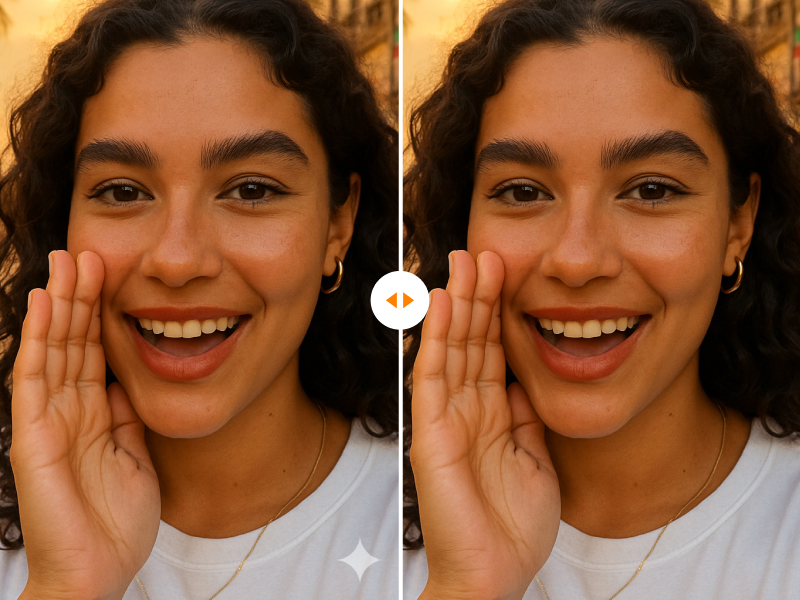
As someone who tests AI tools regularly, I've downloaded plenty of AI-generated images for blog posts, social media content, and Read more

Want to turn yourself into a vintage collectible? Discover the best AI Action Figure Generator to transform photos into custom Read more
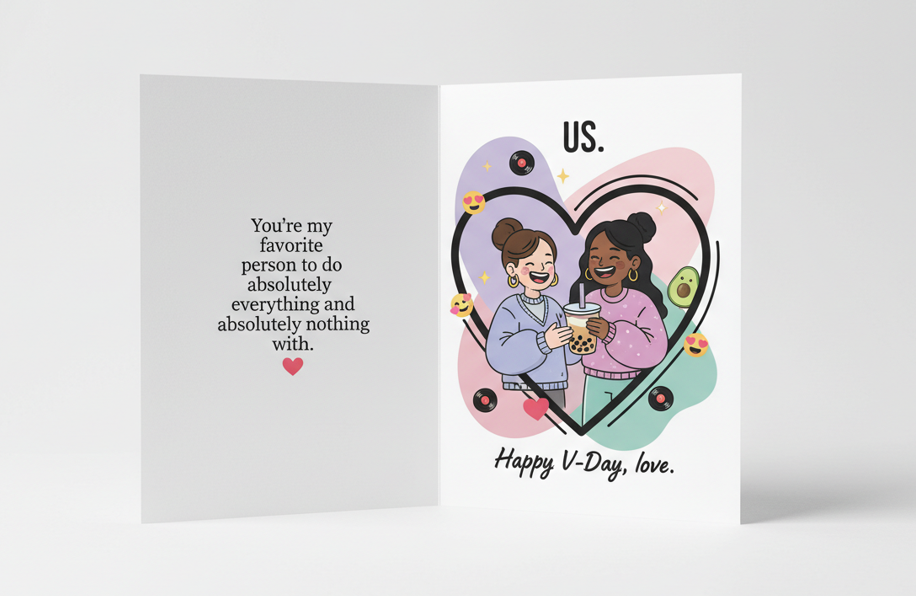
Need a last-minute Valentine’s gift that isn't generic? Learn how to use AI to create custom love coupons and cards Read more
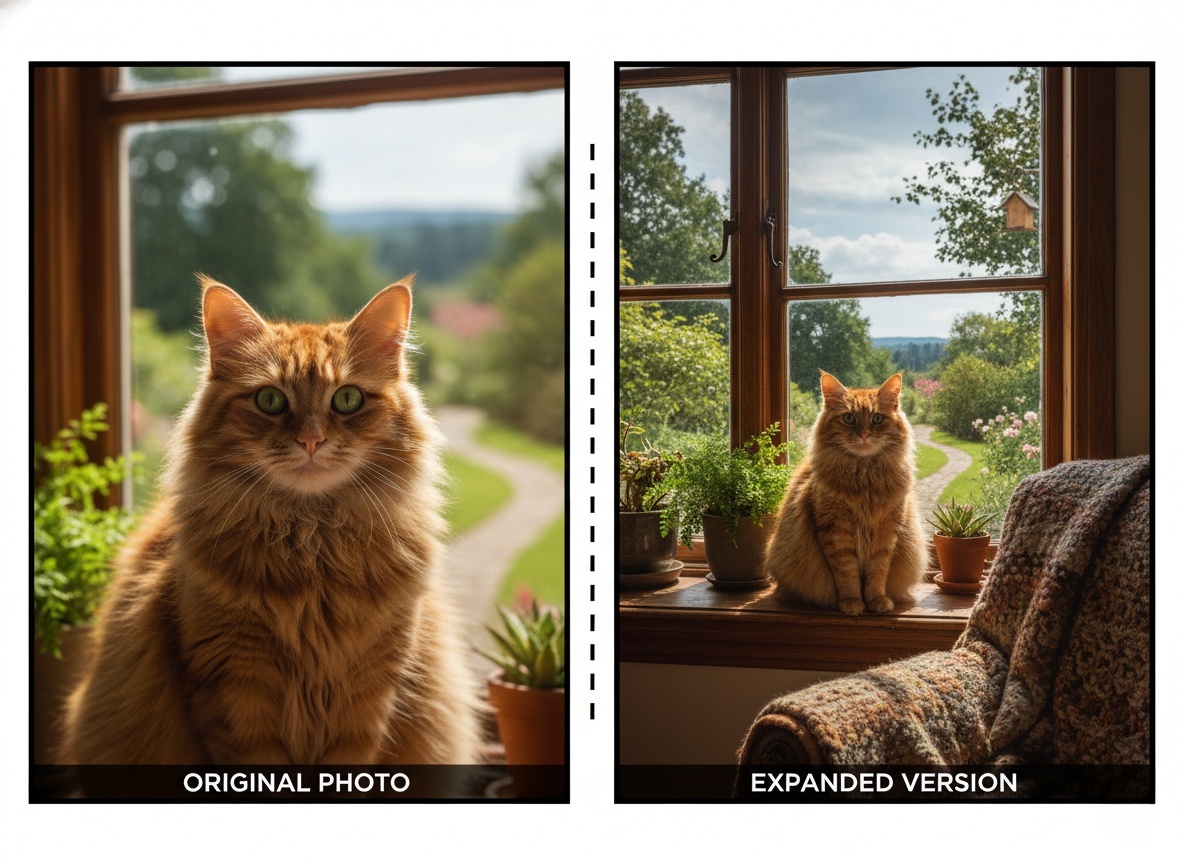
Learn how to make your images look natural with AI Image Extender. Find practical tips, avoid common mistakes, and easily Read more


