If you are searching for a reliable ai video generator that actually produces cinematic, usable footage instead of weird, melting faces, you are in the exact same boat I was a few months ago.
As a content creator, finding the perfect B-roll is exhausting. You either have to spend thousands of dollars renting camera gear and hiring actors, or you spend hours scrolling through expensive stock footage sites—only to end up using the exact same generic clip as five other YouTubers. I needed a way to generate custom, high-quality video assets instantly, exactly as I visualized them in my head.
After testing dozens of glitchy tools, I finally moved my entire production workflow to AIAI.com. It isn’t just one basic tool; it is a massive hub that aggregates the world’s top AI video models (like Kling 3.0, Veo 3.1, and Vidu Q3).
Here is why this platform has become my absolute favorite ai video generator, and how you can use it to direct your own cinematic masterpieces without picking up a camera.
Why Most AI Video Generators Fail (And What Works Instead)
Let’s be honest: in the past, AI video tools were basically just party tricks. You would type a prompt, and the AI would give you a 2-second warped video where the physics made no sense and the characters had six fingers.
The ai video generator tools on AIAI.com are completely different. We are talking about 2026 studio-grade technology. Here is why it actually works for professional editing:
- Flawless Physics & Consistency: Models like Kling 3.0 on the platform actually understand real-world physics. If you prompt a car drifting or a person running, the anatomy and movement stay 100% stable. No more morphing.
- True 4K Resolution: Unlike older generators that output blurry 720p clips, the engines here (especially Google’s Veo 3.1) output crystal-clear, 4K cinematic resolution with perfect lighting.
- Multi-Modal Control (Image + Text): You don’t have to rely on text alone. I can upload a static Midjourney image or a storyboard sketch, and the AI will animate it exactly how I want.
4 Real-World Ways I Use This AI Video Generator
This isn’t just for making funny memes. As a creator, here are the four scenarios where this tool saves me hours of work and hundreds of dollars:
1. Custom B-Roll for YouTube & Documentaries
Whenever I am editing a video essay and need a specific shot—like “a cyberpunk city in the rain at midnight” or “a close-up of an astronaut’s visor”—I don’t browse stock sites anymore. I just type it into the generator and get a 10-second bespoke clip in minutes.
2. Music Videos & Visualizers
If you produce music or work with artists, models like Vidu Q3 are incredible for “flow.” I use it to generate dreamlike, stylized anime sequences or fluid background visualizers that match the beat perfectly.
3. E-Commerce Product Promos
Instead of booking a studio to shoot a perfume bottle or a pair of sneakers, I use the Image-to-Video feature. I upload a photo of the product and prompt the AI to add “dynamic studio lighting with water splashing in slow motion.” It looks like a high-end commercial.
4. Storyboarding for Short Films
Before I actually shoot a short film, I use this tool to generate animated storyboards (animatics). It helps me show my crew exactly what the lighting, pacing, and camera movement should look like.
(H2) The Ultimate Comparison: AI vs. Stock Footage
Why generate instead of just buying stock footage? Here is the breakdown of why my workflow changed:
| Feature | AIAI Video Generator (My Choice) | Traditional Stock Footage Sites |
| Uniqueness | 100% Unique (You own the prompt) | Generic (Anyone can buy the same clip) |
| Customization | Infinite (Change lighting, angles, subjects) | Zero (What you see is what you get) |
| Cost | Pennies per generation (or Free Trial) | $50 – $200+ per 4K clip |
| Time to Find | Seconds to generate | Hours of searching |
My 3-Step Workflow for Directing AI Videos
You don’t need to be a prompt engineer or a VFX artist to use this. Everything runs in your browser. Here is my exact workflow:
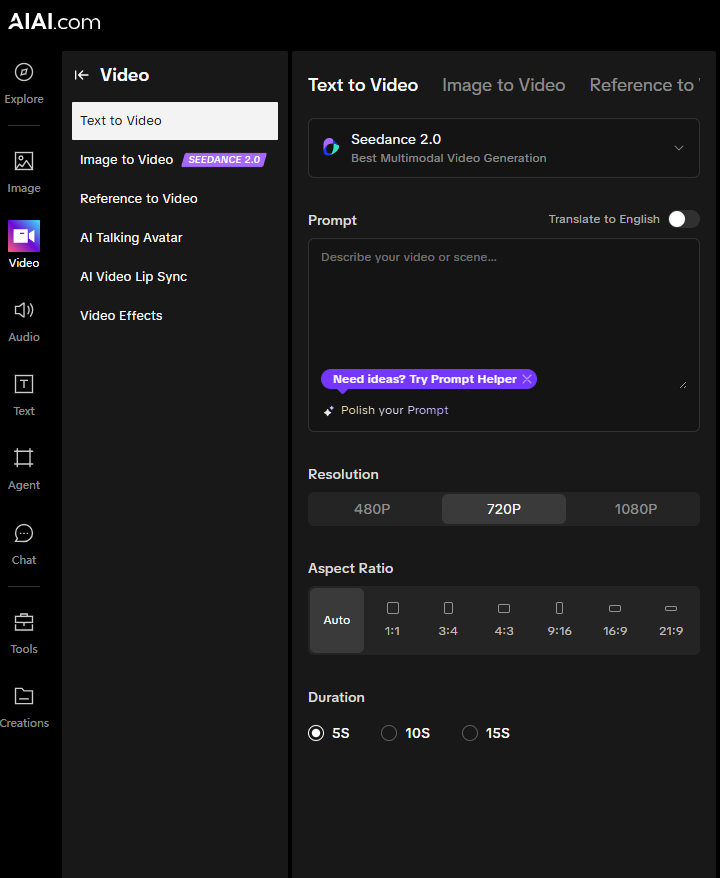
Step 1: Write Your Prompt or Upload an Image
Open the ai video generator workspace on AIAI.com. You can either type a detailed scene description (e.g., “Cinematic drone shot flying over a glowing neon forest, 4k, photorealistic”) or upload a reference image as your anchor.
Step 2: Choose Your Engine
Because AIAI.com aggregates the best models, you pick the one that fits your vibe. I select Kling for complex human action, Veo for photorealistic landscapes, or Vidu for anime and fluid transitions.
Step 3: Generate and Download
Hit generate and grab a coffee. In a few minutes, the cloud GPUs will render your masterpiece. You can then download your original, high-quality video file and drop it straight into Premiere Pro or CapCut.
The Honest Truth About the “Free Trial”
I am always skeptical of tools that hide their prices until you try to download your file.
Here is exactly how the pricing works on AIAI.com: It operates on a highly transparent “Free-to-try” model.
When you register a new account, you are instantly rewarded with 20 Free Credits. This is enough to generate a few high-quality video clips so you can actually test the physics, lighting, and prompt accuracy for yourself without entering a credit card.
If you only need a couple of clips for a quick project, those free credits are perfect. If you generate content daily like I do, their subscription packages are significantly cheaper than paying for a single stock footage subscription.
Stop compromising your creative vision with boring stock videos. Grab your free credits, type in your wildest idea, and let the AI bring it to life.
[Click Here to Try the AI Video Generator on AIAI.com for Free]
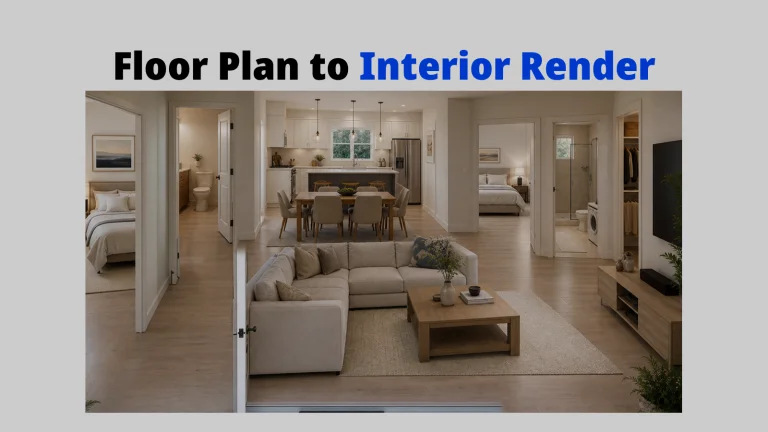
I spent a week testing every technical layout tool I could find to see if the hype was real. Here Read more
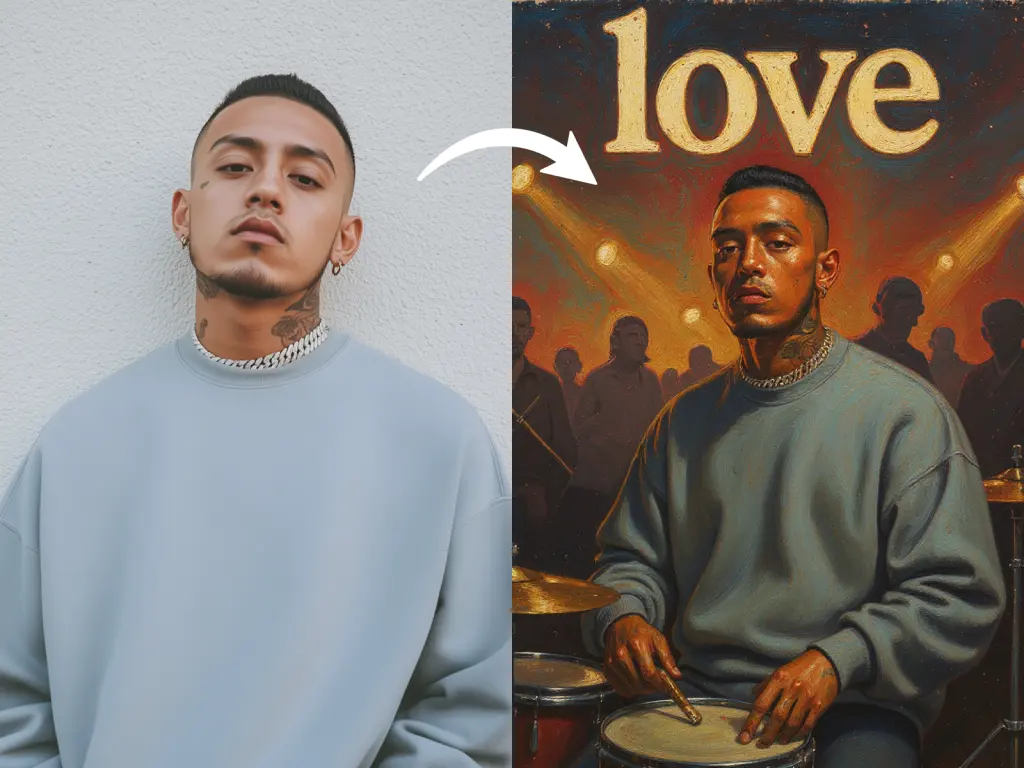
Create custom album covers with an AI album art generator. Upload a photo, apply styles, and add album titles instantly Read more
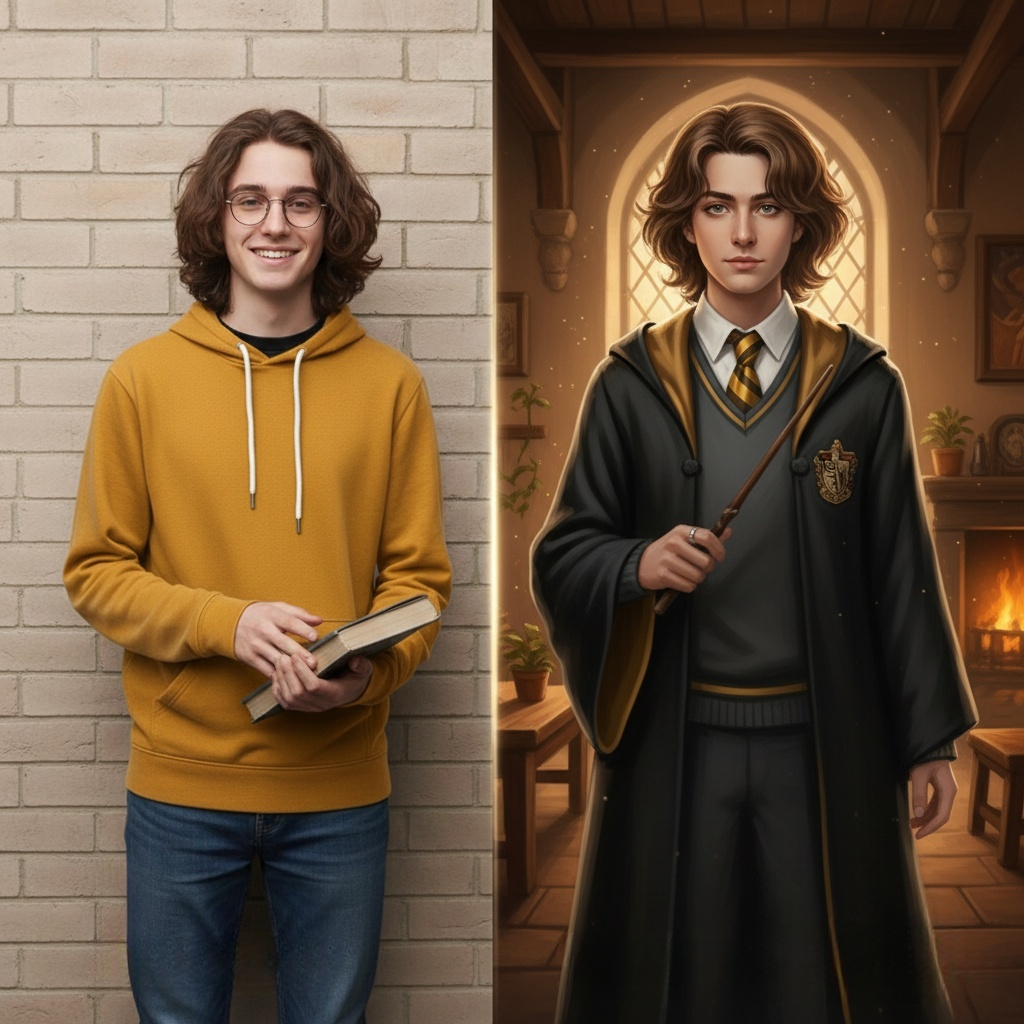
Looking for the best Harry Potter Fan Art generator? Learn how to visualize book-accurate characters, create Hogwarts portraits, and reimagine Read more

Learn how to create a unique Custom Christmas Story Book for kids in 10 mins with AI tools. This easy Read more


