Step into the Upside Down with Nano Banana Pro
Have you ever imagined your world intertwined with the mysteries of Hawkins, Indiana? What if your beloved pet encountered a monster, or an eerie red light from the Upside Down appeared in your home?
Nano Banana Pro lets you infuse any photo with the iconic visual style of Stranger Things. No complex graphic design or time-consuming editing required. Our AIAI.com model will take you into the Upside Down world. Instantly transform everyday scenes into classic moments from the hit Netflix series. This guide will unlock this extraordinary creative power, bringing your Stranger Things fantasies vividly to life.
Peer Behind the Curtain: How Nano Banana Pro Makes Your Photos Stranger
So how exactly does our AI achieve these astonishing visual transformations? It’s like having a super-smart art director who’s watched every episode of Stranger Things thousands of times. Nano Banana Pro deeply understands the essence of this unique visual style, creeping vines, eerie lighting, desaturated yet vibrant colors.
The Magic in Motion: From Your Snap to Supernatural Scene
Here’s the lowdown on how your image gets its dose of the weird:
- First, you upload your chosen photo. The AI performs a comprehensive scan, identifying the subject, background, and overall atmosphere.
- Style Infusion: Then, it dives deep into its memory banks, pulling out all those signature Stranger Things elements. Think atmospheric fog, that unsettling red-and-blue glow, gnarled textures, and dramatic, suspenseful shadows.
- Brand New View: Out comes a completely reimagined image. Your original subject is still there, but now it’s chillingly at home in the world of Eleven and the gang.
Unleash Your Imagination: “Stranger Things” Image Examples and Prompts
On the image-to-image interface, click Inspiration to access the Stranger Things option and view sample images. Users can select their preferred scene and click Create Similar One to integrate their own photo into the Upside Down world.

Generate Images Entirely Based on the User’s Own Ideas
Upload your own image and attach your concept. For example, transform a photo of your living room into the style of Stranger Things using AI image-to-image technology.
Example Prompt:
From Living Room to Upside Down Lair. Imagine your cozy living room, usually a place of comfort, suddenly shrouded in the dark, vine-covered, and mysterious atmosphere of the Upside Down. The AI can transform familiar spaces into something truly unsettling and exciting, perfect for fans who dream of a portal opening in their own home.

Why Choose Nano Banana Pro for Your “Stranger Things” Art?
- Effortless Transformation: No complex software or design skills needed.
- High-Quality Results: Generate stunning, detailed images.
- Creative Freedom: Your imagination is the only limit.
- Fast & Fun: Create captivating images in minutes. hbgyu, huh
- Shareable Content: Impress your friends and fellow fans with unique creations.
Ready to Explore the Upside Down? Try Nano Banana Pro Today!
Don’t just watch Stranger Things, become a part of its world. Nano Banana Pro’s AI image-to-image tool puts the power of transformation directly into your hands. Whether you’re creating fan art, unique social media content, or just having fun, the possibilities are endless.
Want to know how South Park characters make works in AI? Learn to create custom avatars, turn photos into cartoons, Read more
Introduction As someone who creates content across multiple platforms, I often repurpose videos for TikTok, Instagram Reels, YouTube Shorts, and Read more
Looking for the best AI Feet Generator? I tested popular AI image tools and compared their features, image quality, and Read more
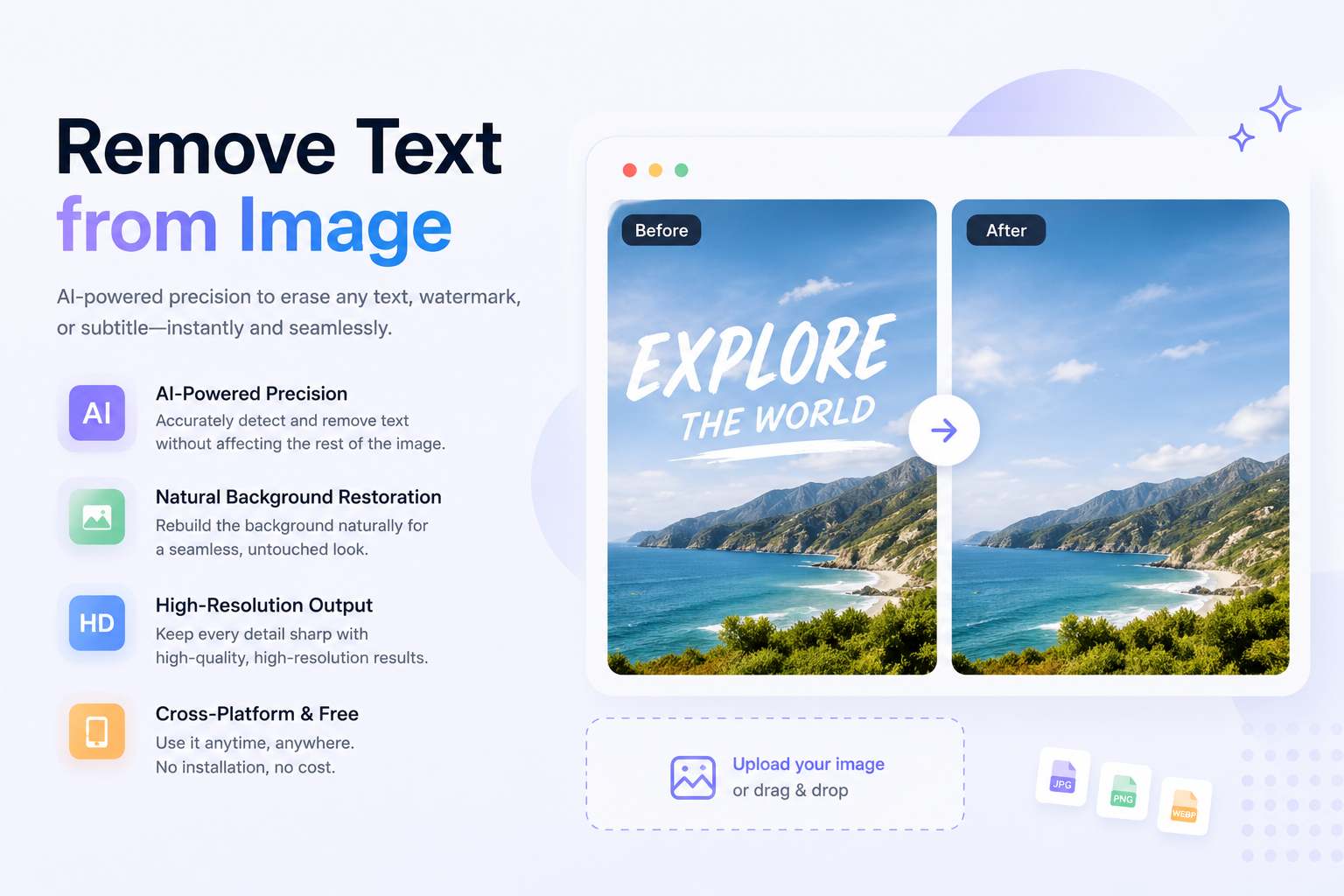
Remove text from image instantly with AI. Clean watermarks, subtitles, and overlays while preserving background quality and high-resolution details.


