Creating the perfect holiday photo doesn’t require a professional studio anymore. With Nano Banana Pro, you can generate hyper-realistic, festive portraits that look exactly like you (or your character).
Whether you want a cozy “ugly sweater” vibe or high-fashion holiday glam, the secret lies in the prompt engineering. Nano Banana Pro is incredibly sensitive to descriptive keywords.
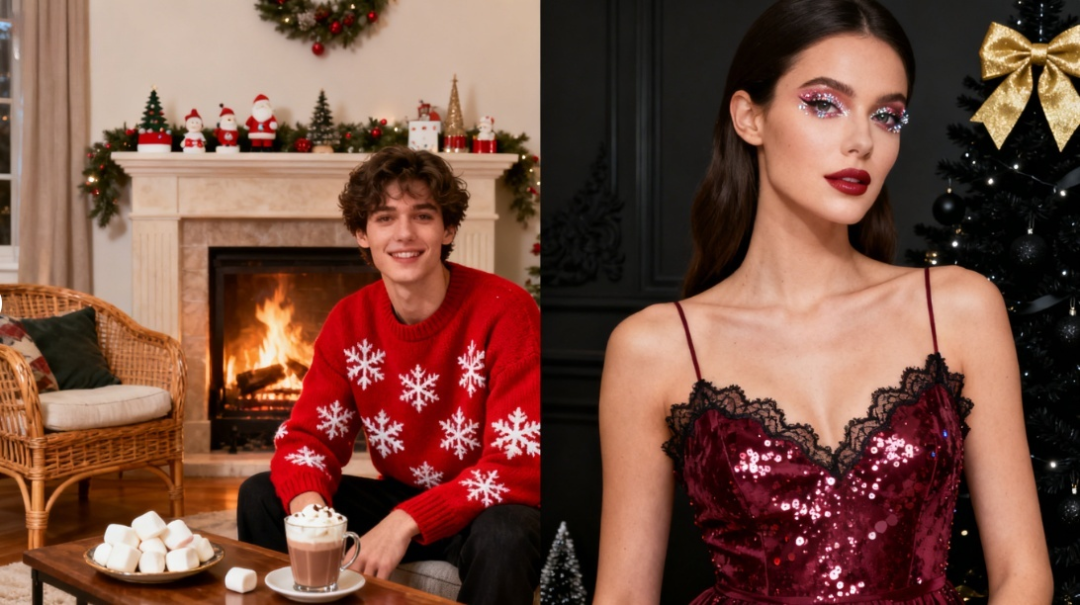
In this guide, we provide a complete Christmas Prompt Dictionary covering styling, makeup, outfits, poses, and scenery to help you build the perfect image.
The Nano Banana Pro Prompt Structure
To get the best results, structure your prompt in this specific order:
[Subject/Reference] + [Appearance/Makeup] + [Outfit] + [Action/Pose] + [Setting/Background] + [Lighting & Atmosphere] + [Technical Specs]
🎄 The Master Prompt Library (Copy & Paste)
Mix and match these keywords to create your custom prompt.
1. Appearance & Makeup (Styling)
Don’t just say “pretty face.” Be specific to get that holiday glow.
- Hair:
- Loose waves with a red velvet ribbon bow.
- Messy bun with reindeer antler headband.
- French braids woven with tiny gold fairy lights.
- Sleek high ponytail with a Santa hat.
- Makeup:
- Festive glam makeup, classic red lipstick, winged eyeliner.
- Subtle “cold girl” makeup, rosy cheeks, frosted highlighter on nose tip.
- Gold glitter eyeshadow, glossy nude lips.
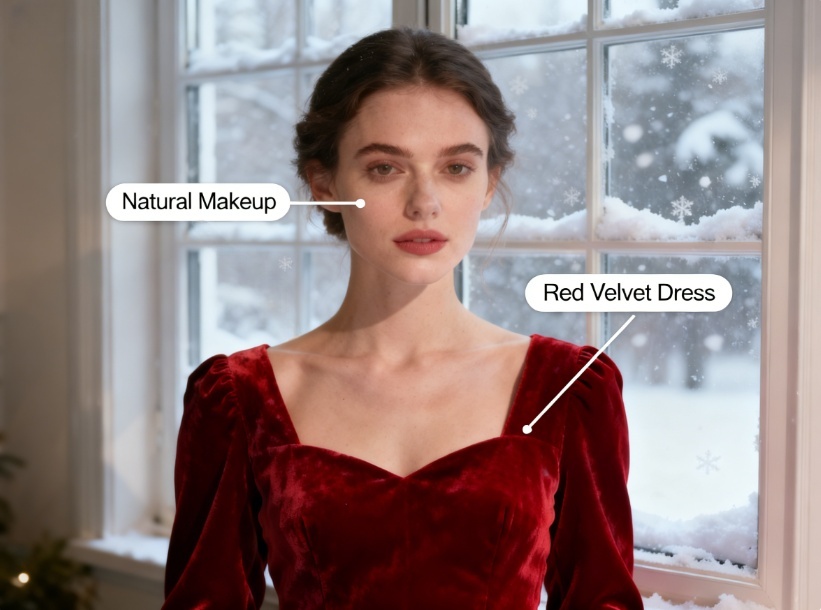
- Natural look, freckles, fresh skin texture.
2. Christmas Outfits (Clothing)
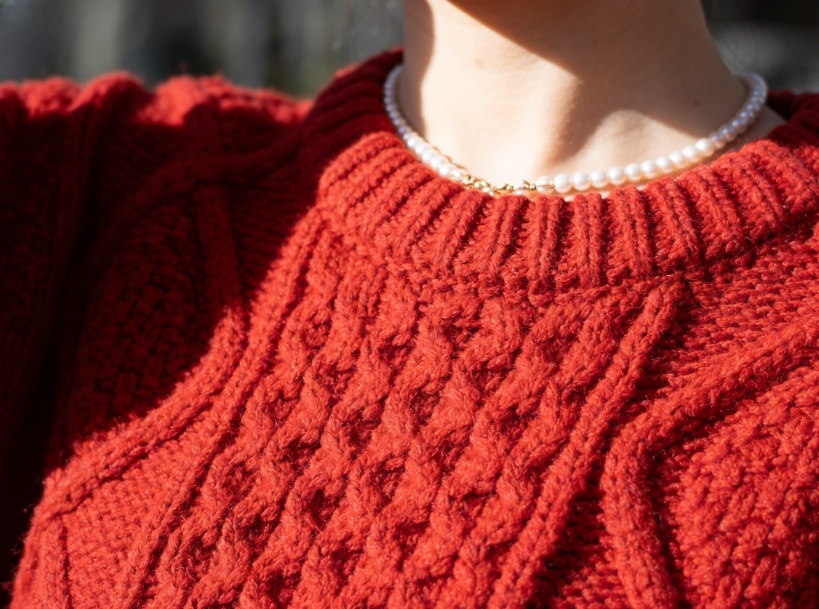
Nano Banana Pro excels at rendering fabric textures.
- Casual & Cozy:
- Oversized chunky knit red sweater with snowflake patterns.
- Matching red and green plaid flannel pajamas.
- Cream-colored cashmere turtleneck and a beige wool coat.
- Formal & Glam:
- Sparkling silver sequin cocktail dress.
- Deep emerald green velvet evening gown with off-shoulder design.
- Red Santa suit with white fur trim (Mrs. Claus style).
- Accessories:
- Fluffy white ear muffs and a thick knitted scarf.
- Pearl necklace and diamond stud earrings.
3. Poses & Actions (Body Language)
Static poses can look robotic. Add action to bring the photo to life.
- Holding a steaming mug of hot cocoa with two hands close to face.
- Blowing snow dust from palms towards the camera.
- Holding a sparkler with a joyful expression.
- Wrapping a gift box with a red ribbon.
- Looking over shoulder and smiling at the camera.
- Candid laughter, eyes closed slightly.
4. The Scene (Background)
Set the stage.
- Indoor:
- In front of a lit fireplace decorated with stockings.
- Sitting on a rug next to a glowing Christmas tree.
- Inside a cozy wooden log cabin with a snowy window view.
- Outdoor:
- Bustling Christmas market with wooden stalls and string lights.
- Snowy forest path lined with pine trees.
- City street at night with falling snow and shop window displays.
5. Atmosphere & Lighting (Vibe)
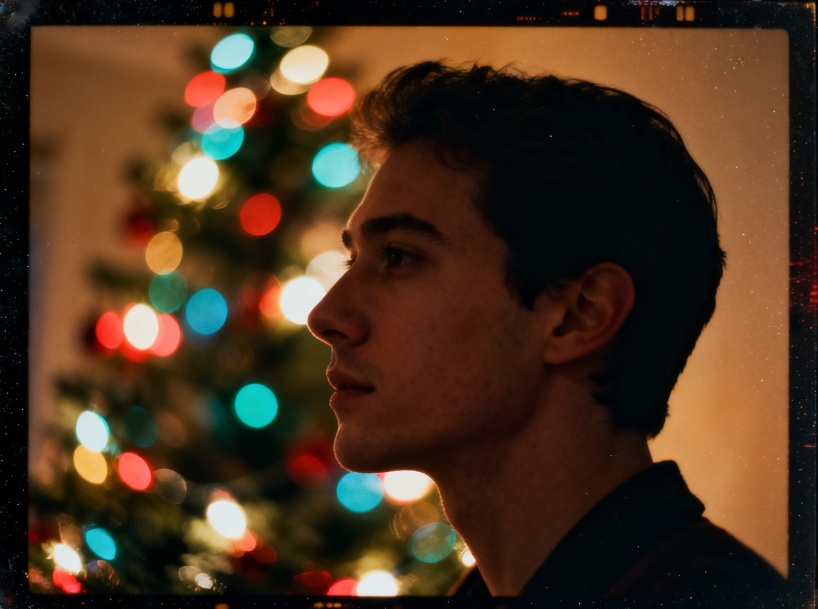
This defines the “mood” of the photo.
- Lighting:
- Golden hour sunlight streaming through a window.
- Soft cinematic lighting illuminated by candlelight.
- Colorful bokeh effect from Christmas tree lights (blurred background).
- Style:
- Kodak Portra 400 film look, slightly grainy.
- 4K photorealistic, sharp focus.
- Dreamy, soft-focus, ethereal aesthetic.
3 Ready-to-Use Prompt Templates
Here are three complete examples combining the elements above. Simply replace [Subject] with your character trigger or description.
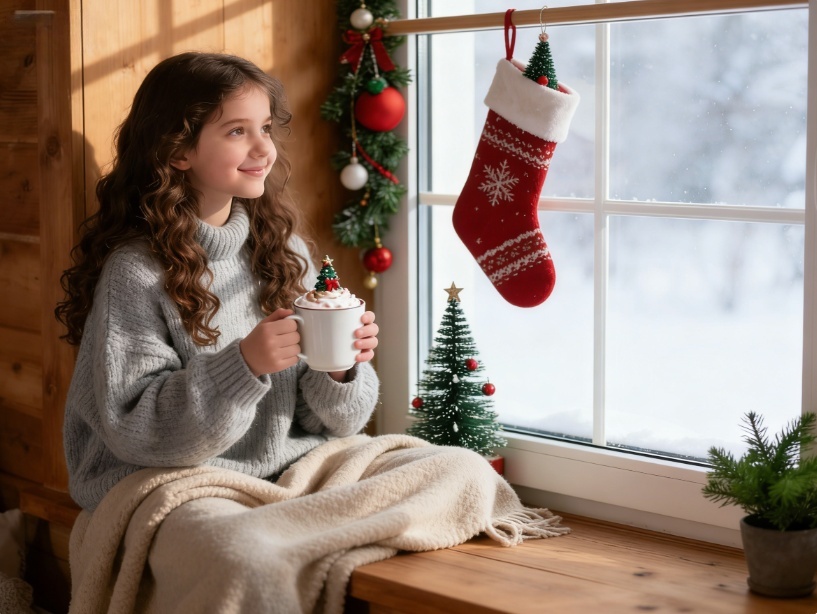
Template 1: The “Cozy Cabin” Look
Prompt:“A photorealistic portrait of [Subject], wearing an oversized cream cable-knit sweater and wool socks. Makeup: Natural look with rosy cheeks. Pose: Sitting on a window seat, holding a mug of hot chocolate, looking out at the snow. Background: A frosted glass window with a blurry snowy forest outside, warm indoor lighting. Vibe: Hygge, comfortable, 8k resolution, depth of field.”
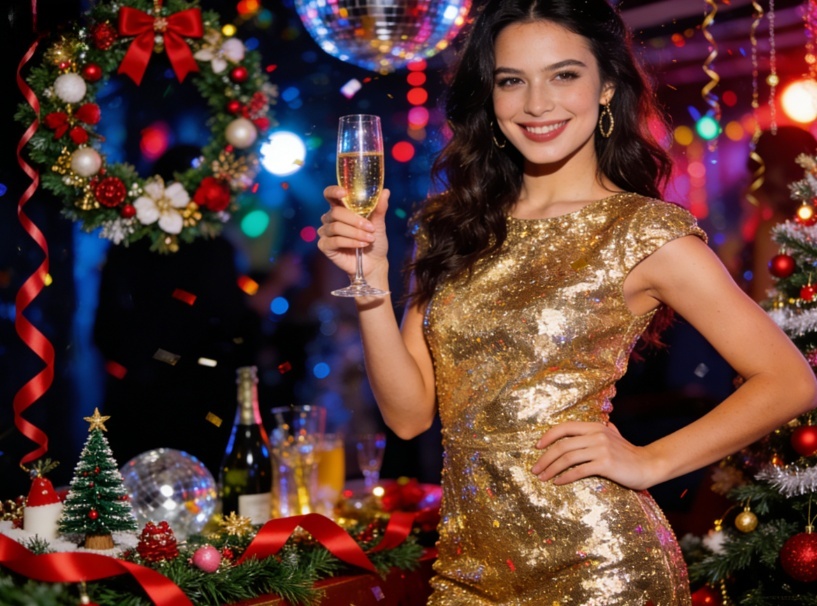
Template 2: The “Holiday Party” Glam
Prompt:“Medium shot of [Subject] at a fancy Christmas party. Outfit: A glittering gold sequin dress and red lipstick. Pose: Holding a glass of champagne, smiling confidently at the camera. Background: Out-of-focus party decorations, tinsel, and warm yellow string lights creating a beautiful bokeh. Style: Flash photography aesthetic, high contrast, vibrant colors, fashion editorial style.”
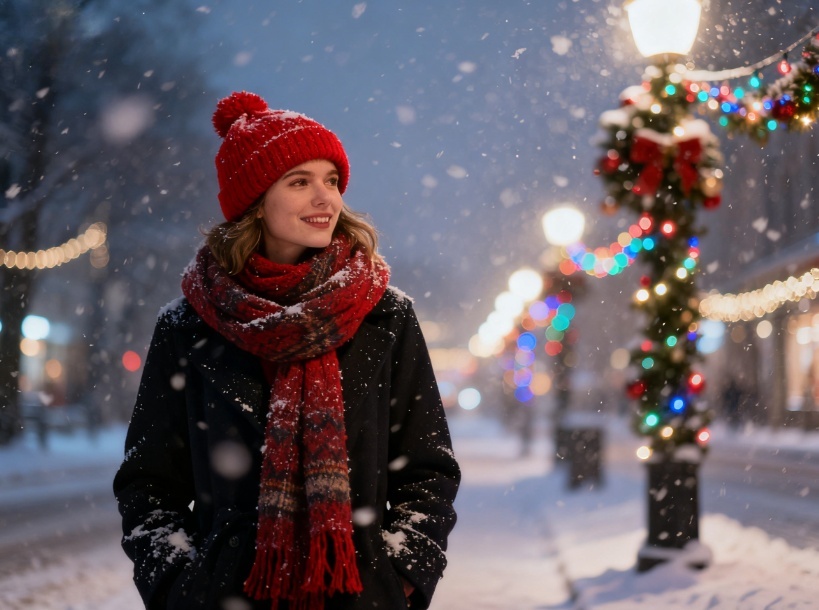
Template 3: The “Winter Wonderland” Outdoor
Prompt:“Close-up portrait of [Subject] standing outdoors in heavy snowfall. Outfit: Wearing a red beanie hat, a thick scarf, and a heavy winter coat. Makeup: Frosty eyelashes and cold-flushed nose. Pose: Adjusting their scarf with gloved hands. Background: A blurred street with Christmas lights. Lighting: Soft street lamp glow, cinematic cold tones, highly detailed textures.”
Optimization Tips for Nano Banana Pro
- Use Weights (Optional): If the model supports it, use weights to emphasize certain elements. Example: (Christmas tree:1.2) or (Red lipstick:1.5).
- Negative Prompts: To ensure high quality, use a standard negative prompt like:
- blur, distorted face, bad hands, extra fingers, cartoon, illustration, low resolution, summer, sunny beach.
- Aspect Ratio: Remember to set your aspect ratio to 9:16 for TikTok/Reels or 4:5 for Instagram portraits to get the best composition.
Final Thoughts
Nano Banana Pro allows for incredible creativity this holiday season. By breaking down your prompt into Outfit, Pose, and Atmosphere, you can generate consistent and stunning Christmas photos for your social media or digital greeting cards.
Our website AIAI.com is now equipped with this AI system – come experience it ! Start experimenting with these combinations today and tag your creations with #NanoBananaChristmas!
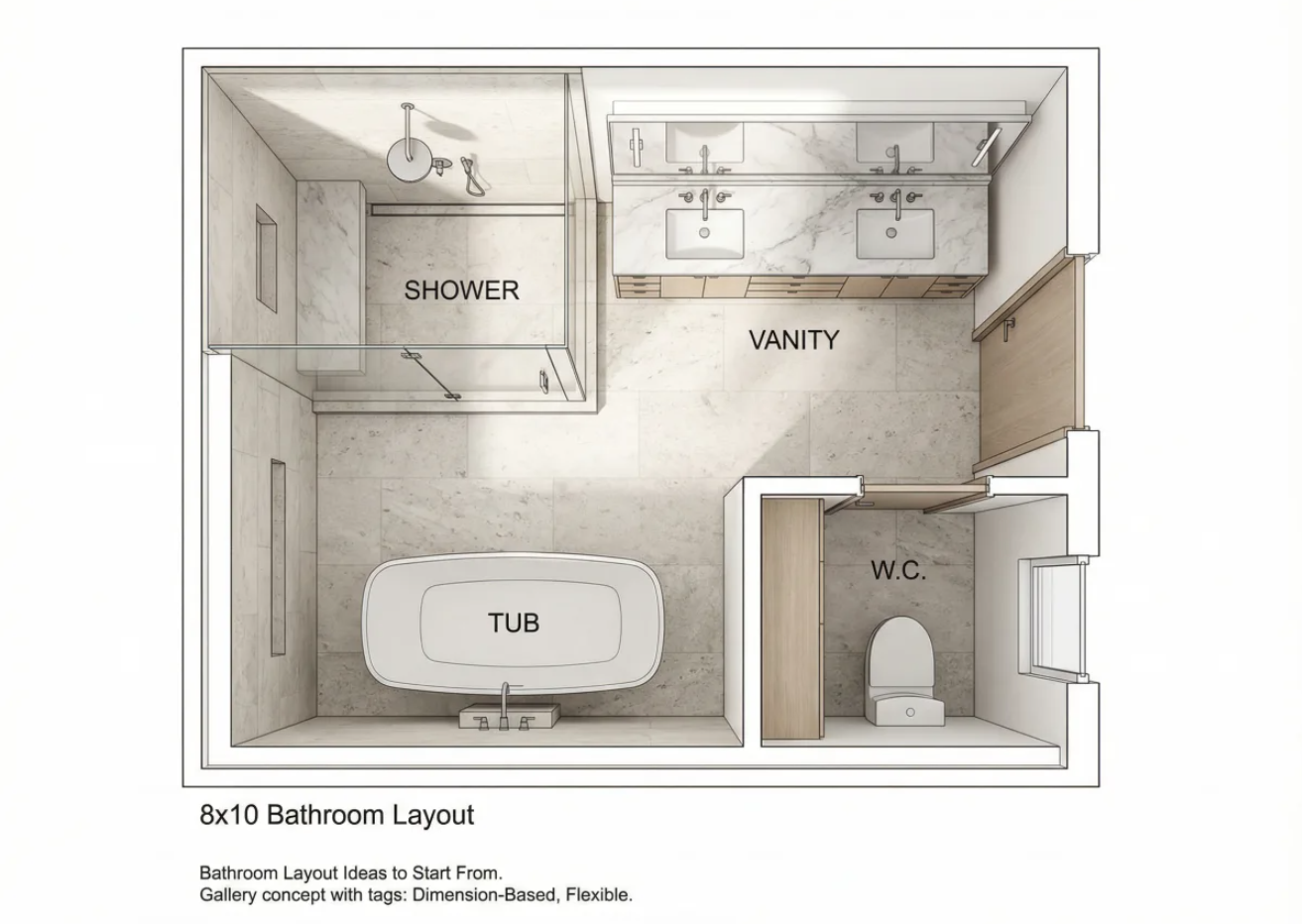
Avoid costly remodel mistakes. Discover exact NKBA clearances for your bathroom floor plan and learn how to visualize your layout Read more
Flux 2.0 finally delivers consistent characters, accurate colors, and native 4K output: perfect for storyboards, product design, and faster creative Read more
If you’ve ever opened a video editor and felt stuck, AI video generators might feel like a shortcut worth trying. Read more
Transform your selfies with Nano Banana Pro, the ultimate AI makeup tool. Discover how to achieve flawless, realistic digital makeovers Read more


