As a social media creator and video editor, there’s nothing more frustrating than spending hours crafting the perfect clip—only to have unwanted text, watermarks, or subtitles ruin the final product. Whether you’re repurposing stock footage, polishing a brand video, or refining a vlog, messy on-screen text can make even the most well-shot content look unprofessional. That’s why a video text remover has become my non-negotiable editing tool—and it’s about to become yours too. In this guide, I’ll break down what a video text remover is, why it’s a game-changer for beginners and pros alike, and how to choose the best one to elevate your edits.
What Is a Video Text Remover, and How Does It Work?
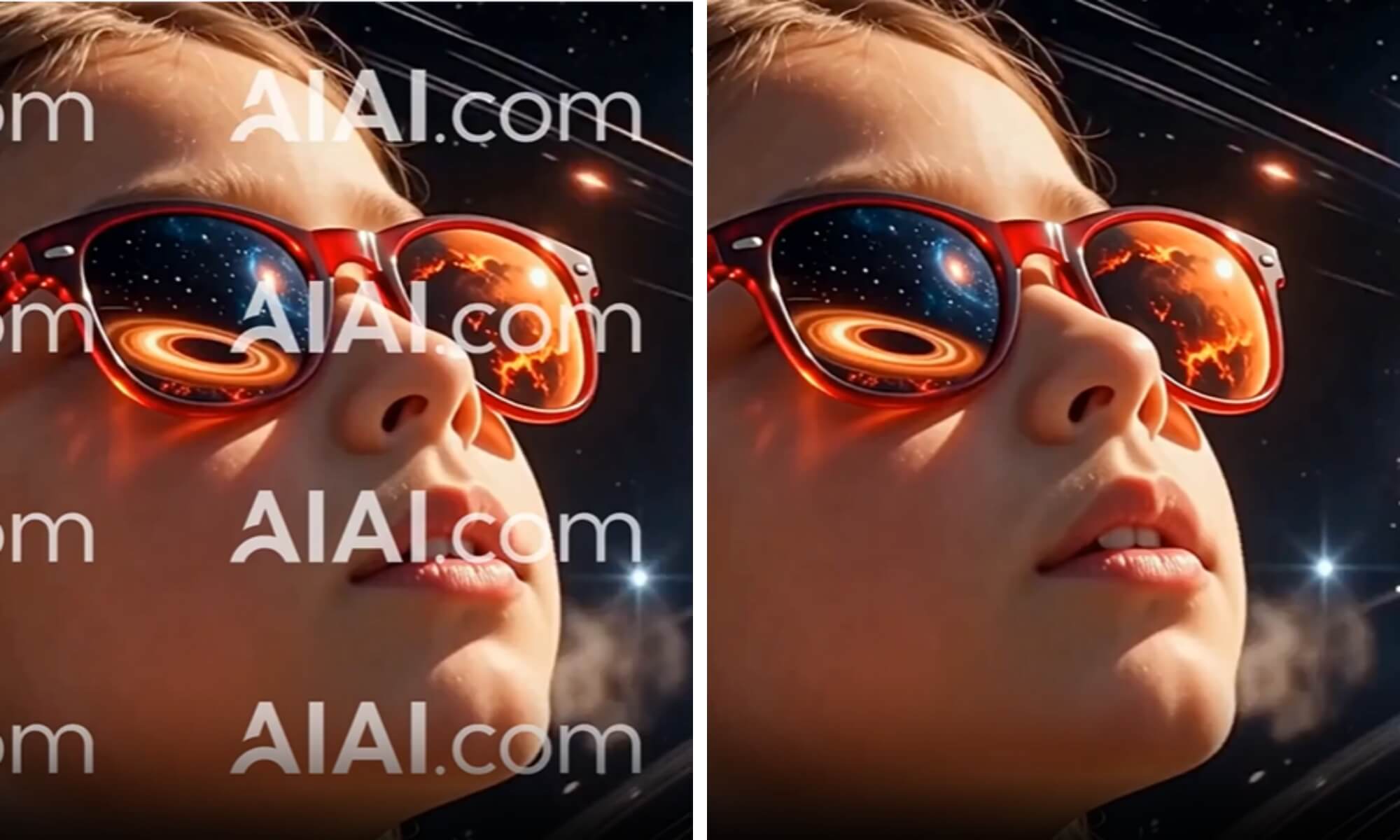
A video text remover is an AI-powered editing tool designed to eliminate unwanted text, subtitles, watermarks, logos, time stamps, and other on-screen elements from video footage—without sacrificing quality or requiring advanced editing skills. Unlike outdated methods like cropping (which cuts off crucial parts of your frame) or blurring (which leaves obvious, unprofessional patches), modern video text removers use cutting-edge AI algorithms to analyze the background of your video and seamlessly fill in the space where the text once was.
Here’s the breakdown: The AI scans the video frame, identifies the text or watermark, and then reconstructs the background using adjacent pixels, textures, and colors. This means the edit looks natural—like the text was never there in the first place. Whether you’re dealing with hardcoded subtitles, semi-transparent platform watermarks (think TikTok, Instagram, or YouTube), or even dynamic text that moves across the screen, a high-quality video text remover can handle it with ease. It works with all major video formats (MP4, MOV, AVI, WMV) and preserves 1080P, 4K, and even 8K video quality—something traditional editing methods simply can’t match.
Why Every Video Creator Needs a Video Text Remover (5 Key Benefits)
Gone are the days of spending hours manually editing out text. A video text remover streamlines your workflow, improves your content quality, and saves you time—all while making your edits look polished and professional. Here are the top reasons it’s a must-have tool:
1. Saves Hours of Tedious Manual Editing
Before I found a reliable video text remover, I’d spend 3+ hours per video trying to hide unwanted text. Cropping meant losing important visuals (like a product shot or a key moment in a vlog), and blurring left unsightly smudges that drew more attention to the area I was trying to hide. Now, with a video text remover, I upload my clip, select the text area (or let the AI auto-detect it), and click “remove”—the entire process takes 60 seconds or less. That’s hours of time I can now spend on what matters: creating great content.
2. Preserves Video Quality (No More Blurriness or Distortion)
Quality is everything in video editing—and old text-removal methods destroy it. Cropping reduces your video’s resolution, while blurring distorts colors and textures. A top-tier video text remover uses AI to reconstruct the background, so your video retains its original quality. Whether you’re editing a 4K brand video or a 1080P TikTok clip, the final product will look clean, crisp, and professional—no blurs, no gaps, no distorted frames.
3. No Advanced Editing Skills Required (Perfect for Beginners)
You don’t need to master complex software like Adobe Premiere Pro or Final Cut Pro to use a video text remover. Most tools are designed with beginners in mind: a simple, user-friendly interface where you can upload, select, and remove text in just a few clicks. Even if you’ve never edited a video before, you can use a video text remover to create polished, text-free clips. I’ve recommended it to fellow creators who struggle with CapCut’s advanced features—and they all wonder how they ever edited without it.
4. Versatile for All Types of Content
A video text remover isn’t just for social media creators—it’s a lifesaver for small business owners, marketers, educators, and anyone who works with video. Need to remove a watermark from stock footage for a brand video? Done. Want to edit out time stamps from a vlog? Easy. Need to remove subtitles from a clip to repurpose it for a different platform? No problem. It works for all types of text and video content, making it a versatile tool for any video project.
5. Batch Processing Saves Even More Time
If you edit multiple clips at once (like a series of vlogs, product demos, or social media reels), batch processing is a game-changer. The best video text remover tools let you upload multiple clips, select the text areas for each, and process them all at once. This cuts down on editing time exponentially—perfect for busy creators or small businesses that need to produce content quickly.
My Go-To Video Text Remover: Why AIAI.com Stands Out (After Testing 10+ Tools)
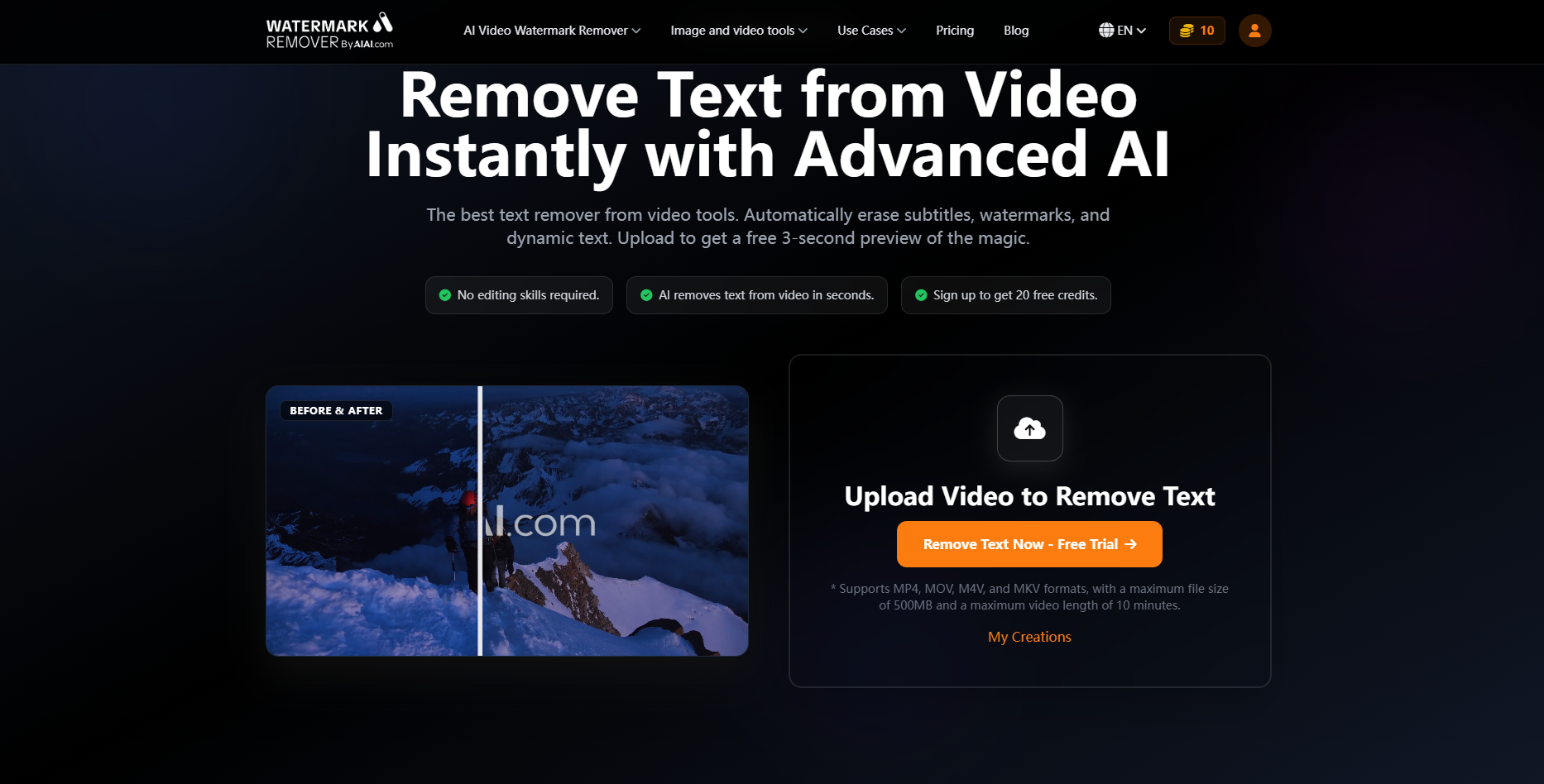
I’ve tested over 10 video text remover tools—from free online options to premium software—and the AIAI.com Video Text Remover is my absolute favorite. Here’s why it’s better than the rest:
- Blazing Fast Processing: It processes 1-minute clips in 30 seconds or less—faster than any other tool I’ve tried. No more waiting around for your video to render.
- Superior AI Reconstruction: It handles tricky text (like dynamic subtitles, semi-transparent watermarks, and small logos) better than competitors. The background fill is seamless, and you can’t tell the text was ever there.
- Supports All Formats & Quality: It works with MP4, MOV, AVI, WMV, and more—plus, it preserves 4K, 1080P, and 720P quality. No more sacrificing resolution for clean edits.
- Batch Processing & Free Trial: You can batch process up to 10 clips at once, and there’s a free trial so you can test it out before committing. The premium plan is affordable, too—perfect for creators on a budget.
Final Thoughts: Is a Video Text Remover Worth It?
If you’re tired of unwanted text ruining your videos, wasting hours on manual editing, or settling for unprofessional-looking clips—yes, a video text remover is 100% worth it. It’s a small tool that makes a huge difference in your content quality and workflow. I went from dreading text removal to looking forward to editing—because now, I know my final product will be clean, polished, and professional.

Stuck on your next build? Use the best Minecraft AI Generator to design custom skins from photos, visualize epic builds, Read more
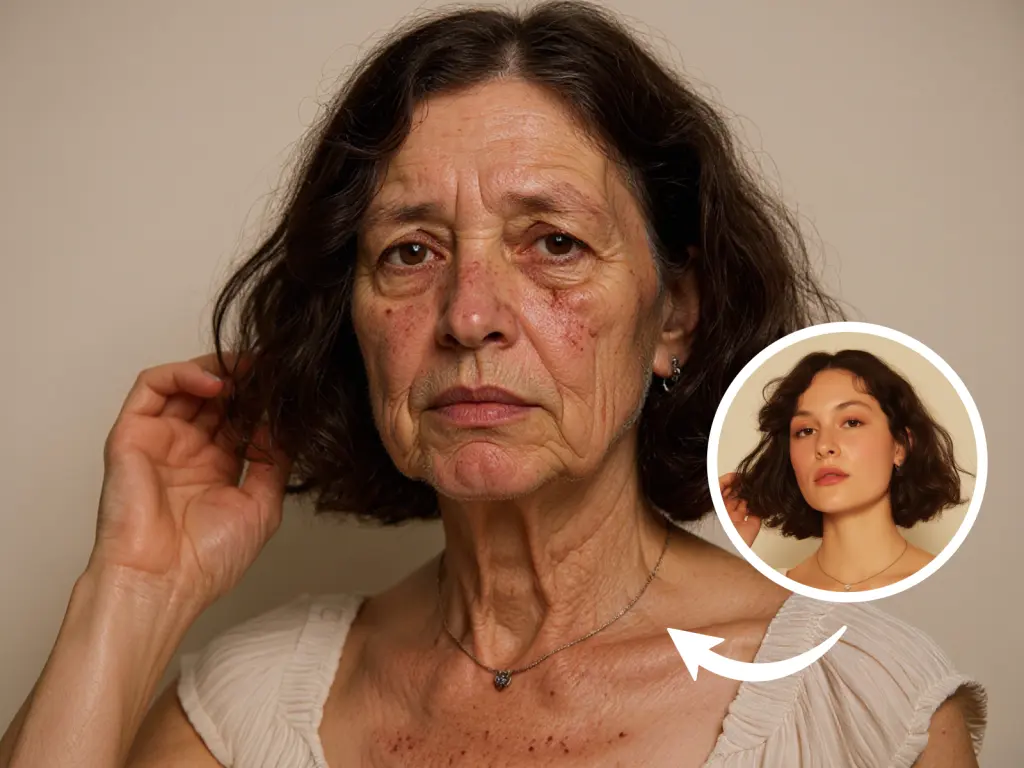
Explore your appearance across different ages with AIAI.com's AI Age Filter. Transform portraits to look older or younger instantly, creating Read more

Hi, I’m Mia—a 23-year-old entry-level architectural designer at a small firm in Chicago, fresh out of design school. My biggest Read more