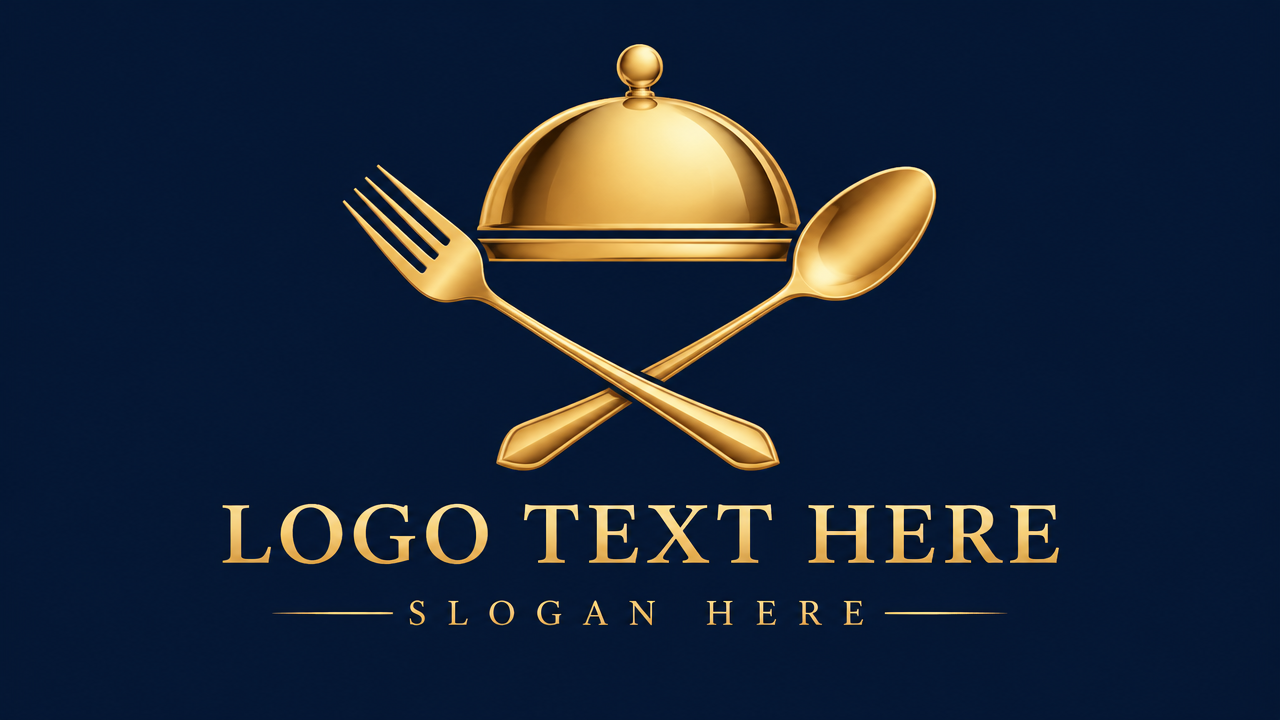
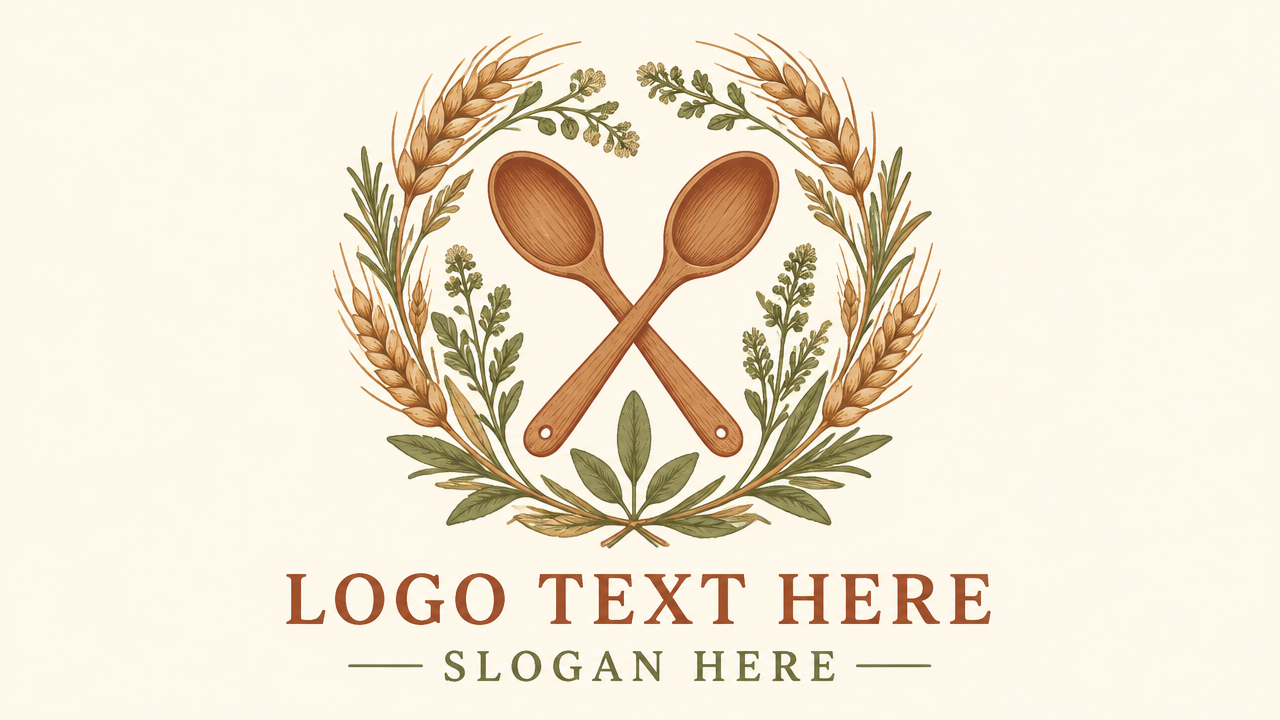
Create stunning catering business logos in minutes. Our free AI Catering Logo maker helps you design professional, unique logos for any catering service, no design skills needed. Start now!

Design Professional Catering Logos Instantly

Input your brand name and style preferences, and our AI will generate unique catering logo designs in seconds. Perfect for new catering businesses, food trucks, or event planners, no prior design experience required.

No Design Skills? No Problem!

Forget complex software and steep learning curves. Our intuitive Catering Logo generator is built for everyone, allowing you to create stunning logos without any prior design experience. Just a few clicks, and your brand is ready!

Get Your Catering Business Noticed with a Unique Logo

In the competitive catering industry, a memorable logo is crucial for branding. Our AI ensures your catering business logo stands out, helping you attract more clients and build a strong brand identity effortlessly.

Simplify Your Branding with Professional Catering Logo Templates

Start with a professionally designed template or customize every detail. Our tool provides a range of elegant and simple catering logo design options, giving you full creative control without the complexity.

Design with Confidence: Free, Private, and User-Friendly

Experience hassle-free logo creation. Our AI Catering Logo maker is designed to be accessible, secure, and completely free for basic usage, ensuring your design journey is smooth and enjoyable.

Free to use

Start designing your dream catering logo without any upfront costs. Enjoy essential features and stunning results for free.

All private

Your designs and personal information are kept confidential. We prioritize your privacy and data security.

Beginner-friendly

No design experience? No problem. Our intuitive interface makes creating professional catering logos a breeze for everyone.

Article

Why Use Our AI Catering Logo Generator?

Choosing the right logo is essential for any catering business. Our AI Catering Logo generator simplifies the entire process, providing you with high-quality, unique designs tailored to your specific needs. Whether you're a startup or an established catering service, a compelling visual identity sets you apart.

  • **Instant Design Creation:** Generate multiple catering logo design options in seconds.
  • **Cost-Effective Solution:** Get professional-quality logos without the expense of a traditional designer.
  • **Unleash Creativity:** Customize templates or start from scratch with AI guidance to reflect your unique brand.
  • **Versatility for All Catering Needs:** Suitable for food catering, event catering, business catering, and more.
  • **User-Friendly Interface:** Design stunning logos effortlessly, even with no prior design experience.
  • **Brand Consistency:** Ensure your logo aligns perfectly with your overall brand aesthetic and message.

How to Create Your Catering Logo in 3 Simple Steps

Designing a professional catering logo with AIAI.com is quick and easy. Follow these simple steps to bring your brand vision to life!

  1. Step 1 / 3

    Step 1

    Describe Your Vision: Enter your catering business name, industry (e.g., gourmet, food truck, event), and desired style (e.g., elegant, modern, rustic). Our AI uses this to generate initial concepts.

  2. Step 2 / 3

    Step 2

    Customize Your Design: Select your favorite logo from the generated options. Then, personalize fonts, colors, icons, and layouts to perfectly match your brand aesthetic.

  3. Step 3 / 3

    Step 3

    Download and Use: Once satisfied, download your new catering logo design in various formats suitable for web, print, and social media. It's that simple!

Frequently Asked Questions about Catering Logo Design

Yes! Our platform offers a robust free catering logo design option, allowing you to create and download basic versions of your logo without any cost. Premium features are available for more advanced needs.

How to use FAQ section

Use Tab to navigate between questions. Press Enter or Space to expand or collapse an answer. Use Up and Down arrows to move between questions.