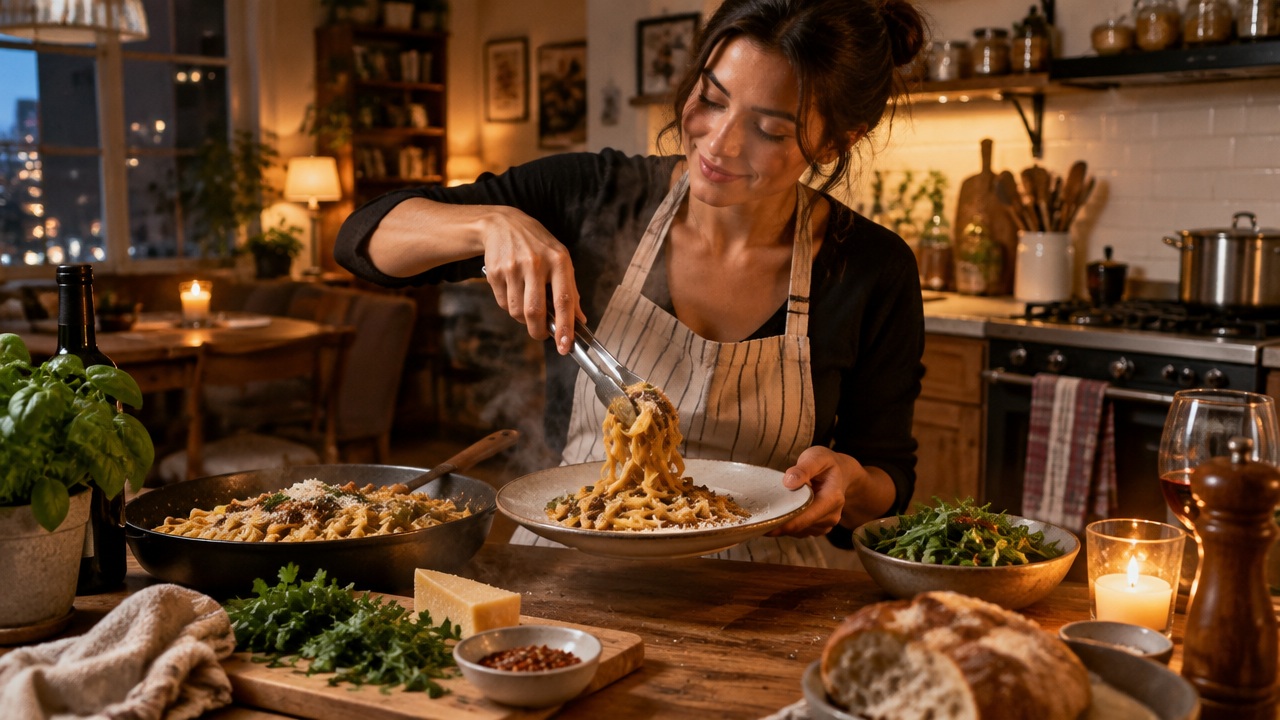
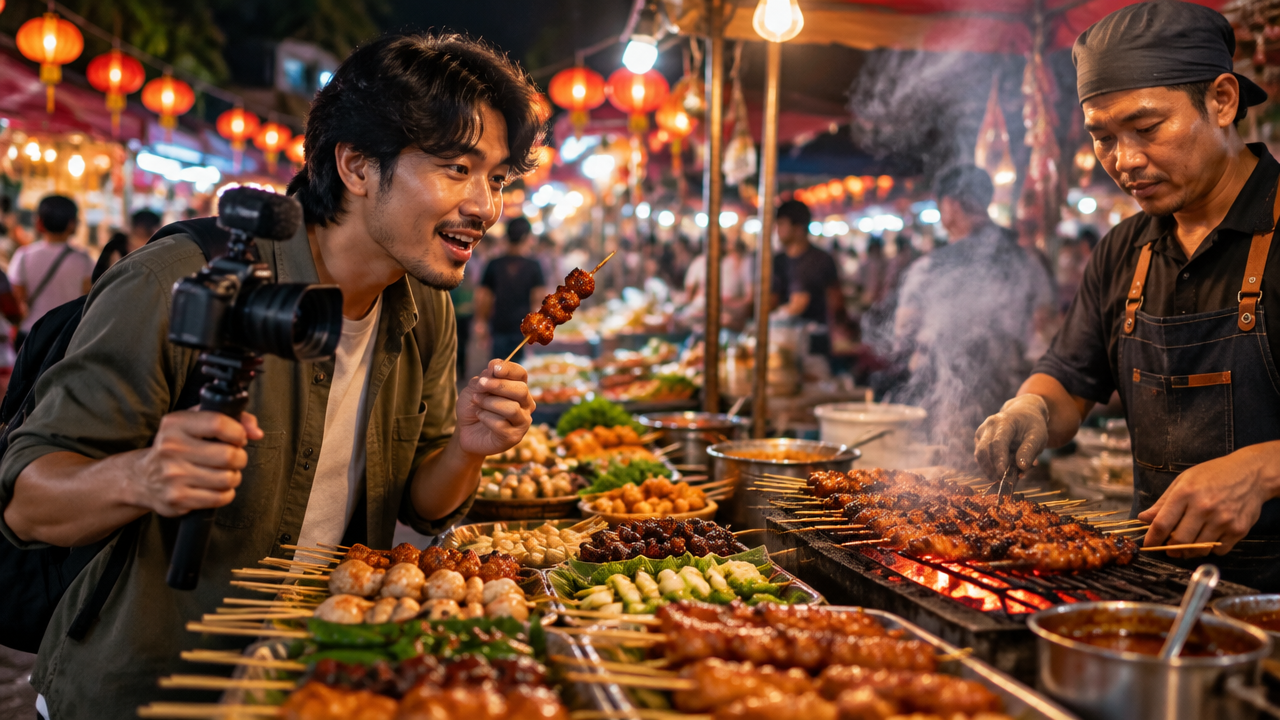
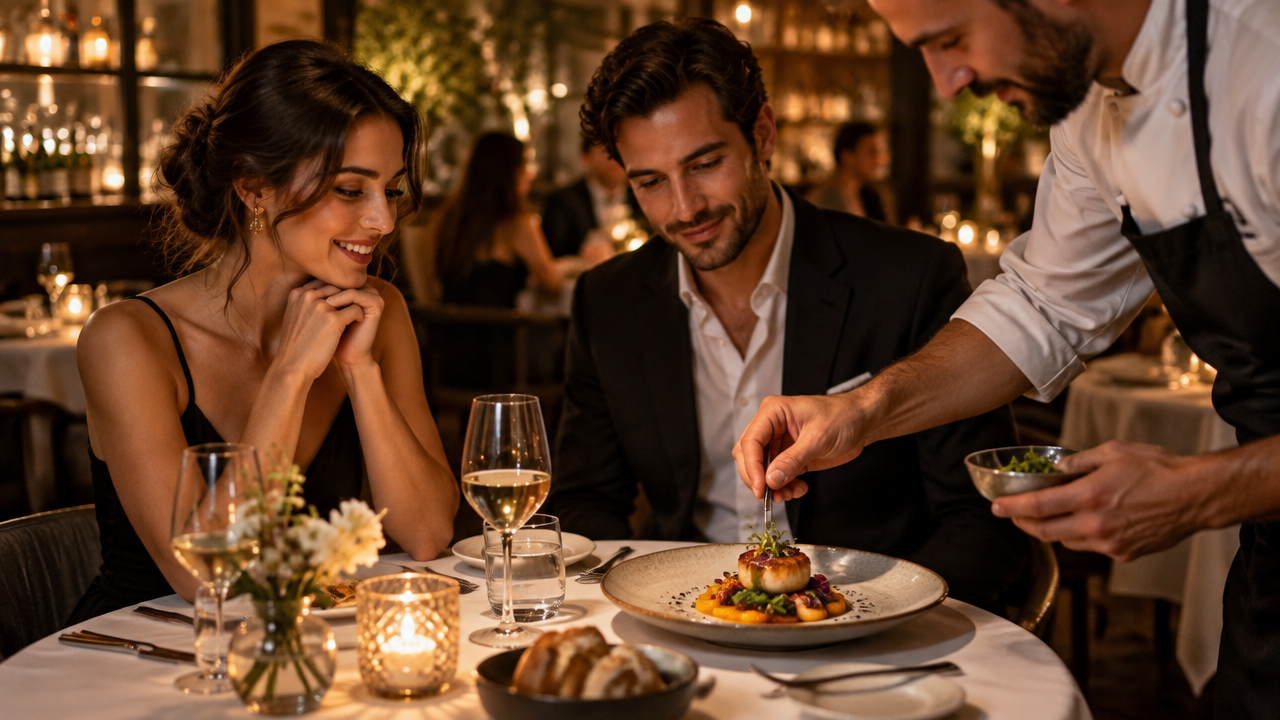
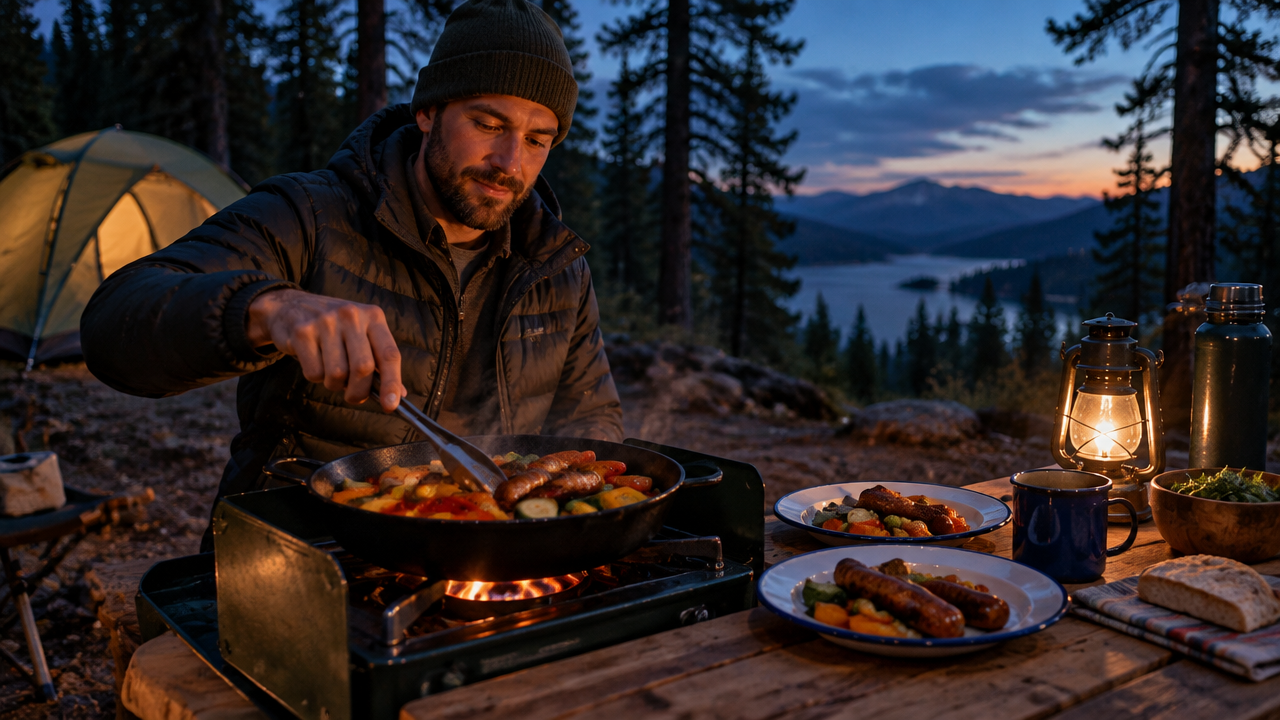
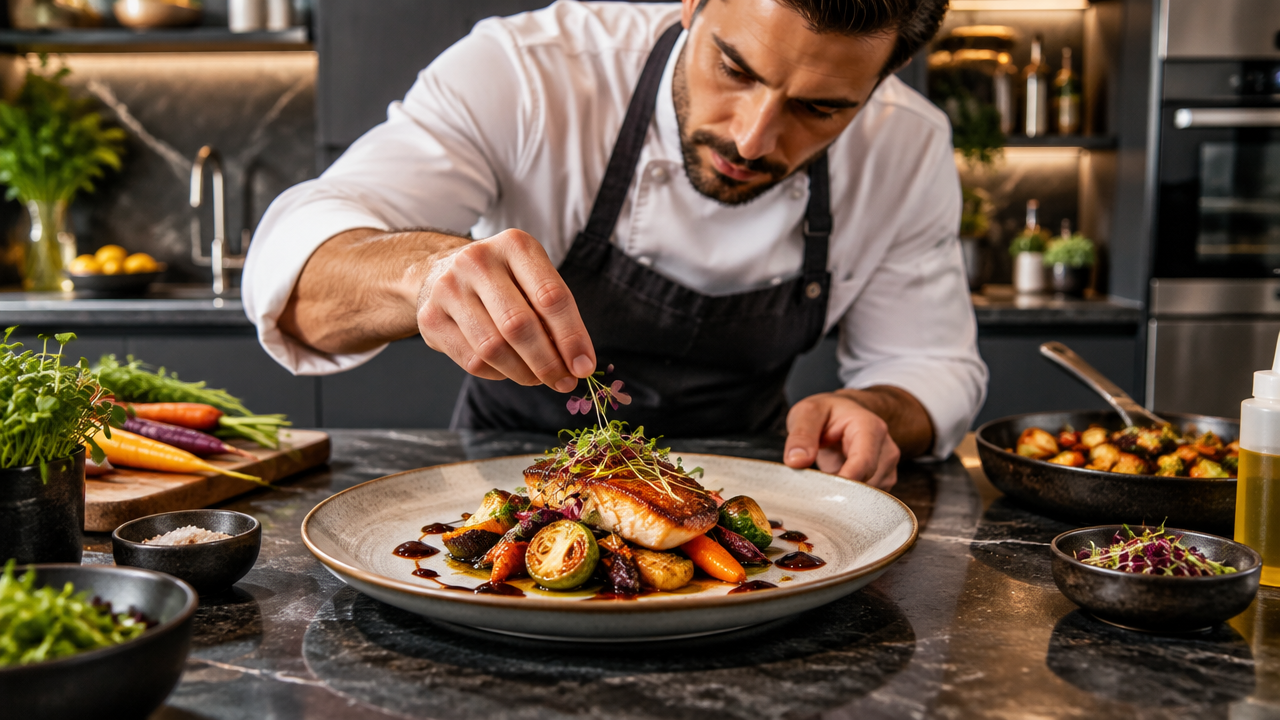
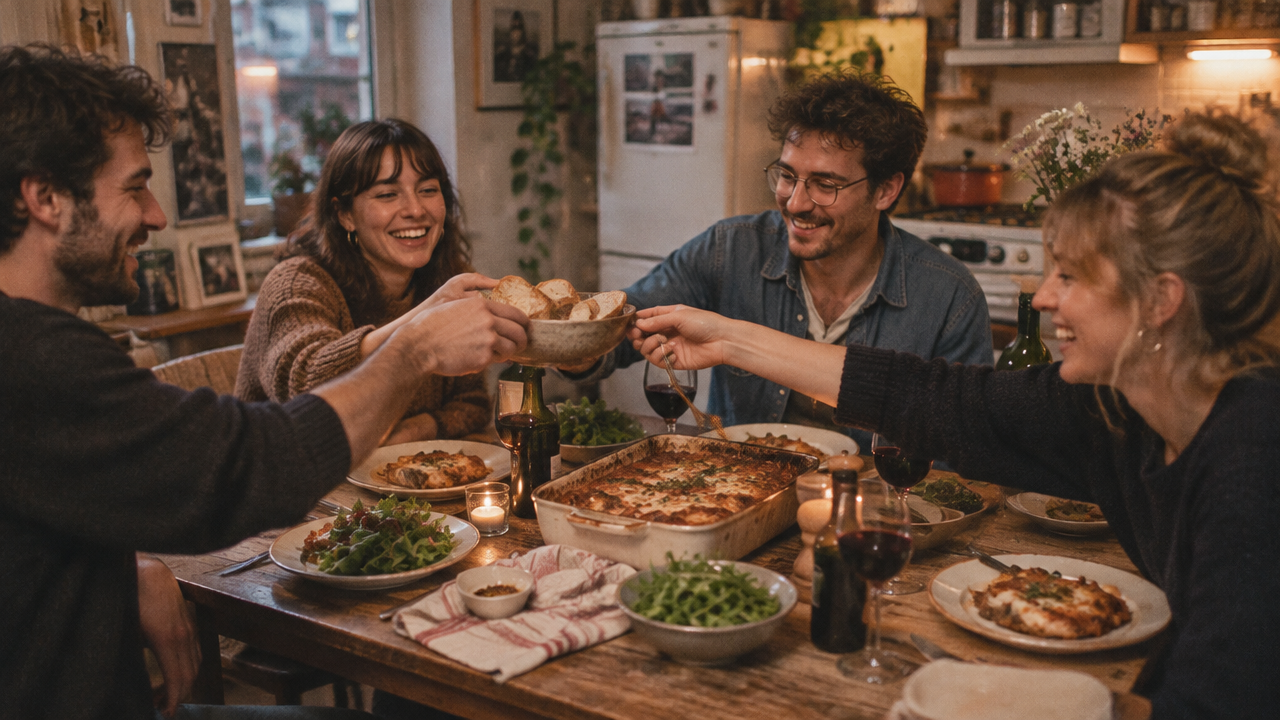
Create stunning AI dinner vlogs in minutes! Transform your cooking moments into captivating food videos with our free AI dinner vlog generator. Effortlessly produce aesthetic dinner vlogs, cooking vlogs, or romantic dinner videos. Start now!

AI Dinner Vlog Generator: Turn Cooking Moments into Captivating Food Videos

Input your ingredients, recipes, or dinner ideas, and our AI will generate a beautiful dinner vlog video in minutes. Perfect for foodies, home cooks, and lifestyle content creators who want to share their culinary journey without the hassle of complex editing.

Say Goodbye to Complex Video Editing

Forget hours spent on intricate timelines and learning complicated software. Our AI dinner vlog generator takes your raw footage or text descriptions and effortlessly transforms them into polished, engaging dinner videos, letting you focus on the joy of cooking and dining.

Generate Aesthetic & Cinematic Food Vlogs Instantly

Elevate your culinary content with stunning visuals and professional-grade editing. Our advanced AI automatically selects the best shots, adds smooth transitions, and applies cinematic filters, making every food vlog video maker creation look gourmet and captivating.

Personalize Your Dinner Story, Your Way

While AI handles the heavy lifting, you retain creative control. Customize music, text overlays, and even tweak specific scenes to perfectly match your unique dinner routine or romantic dinner video vision. Our tool adapts to your storytelling style.

Your AI Dinner Vlog Journey, Simplified

Experience effortless video creation with features designed for everyone.

Free to Use

Start generating stunning dinner vlogs without any upfront costs. Enjoy core features for free.

All Private

Your uploaded content and generated videos are kept secure and confidential. Your culinary creations are safe with us.

Beginner-Friendly

Intuitive interface and straightforward steps make video creation accessible to anyone, regardless of editing experience.

Article

Why Use an AI Dinner Vlog Generator?

An AI dinner vlog generator revolutionizes how you capture and share your dining experiences. It leverages artificial intelligence to streamline the entire video creation process, from raw footage to a polished, engaging story. Whether you're making a simple dinner routine video or an elaborate gourmet dinner video, AI tools offer unparalleled efficiency and creative possibilities.

  • **Effortless Video Creation:** Automatically generates stunning dinner vlogs from minimal input, saving hours of editing time.
  • **Professional Quality:** Achieves cinematic food vlog aesthetics with intelligent shot selection, transitions, and effects.
  • **Diverse Styles:** Supports various themes, from family dinner vlogs and romantic dinner videos to fast cooking videos and foodie vlogs.
  • **User-Friendly:** Designed for all skill levels, making dinner video creation accessible to everyone.
  • **Boost Engagement:** Produce shareable, high-quality content that captivates your audience on any platform.
  • **Cost-Effective:** Often available with free tiers, eliminating the need for expensive software or freelance editors.

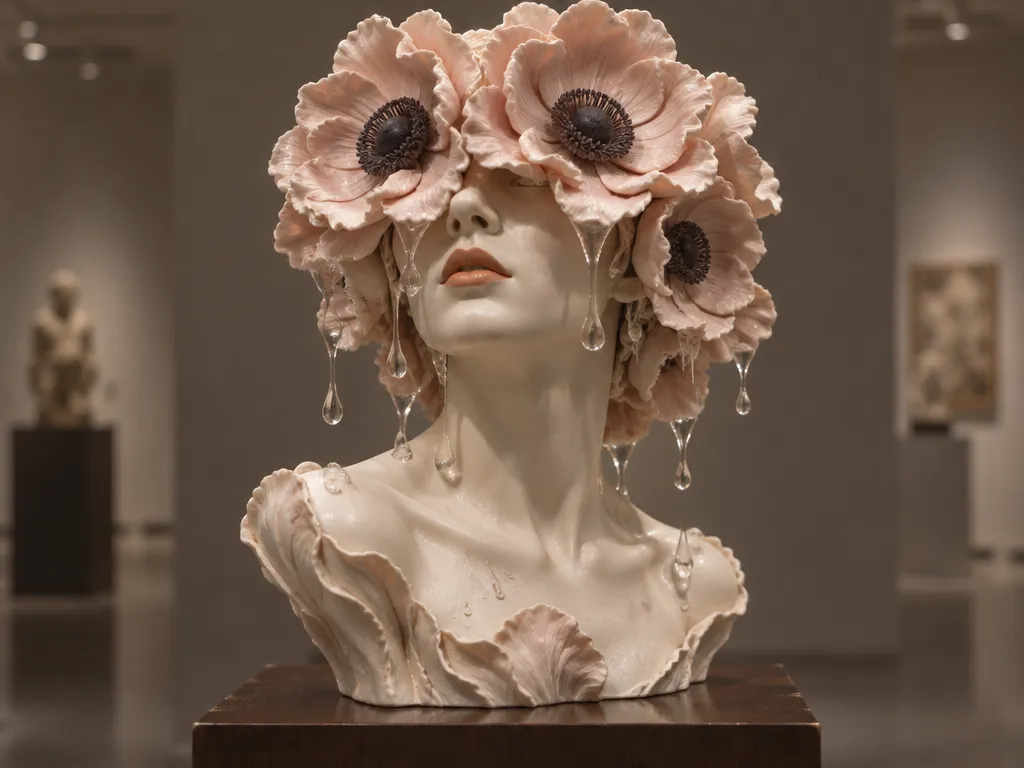
How to Create Your AI Dinner Vlog in 3 Simple Steps

Easily transform your dinner ideas into captivating videos with our intuitive AI dinner vlog generator. No editing skills required – just follow these quick steps.

  1. Step 1 / 3

    Step 1

    Describe Your Dinner Vlog Idea: Simply type in what you envision, like "A cozy evening dinner vlog" or "Healthy dinner preparation video."

  2. Step 2 / 3

    Step 2

    Upload Your Media (Optional): Add photos or video clips of your dinner, cooking, or ingredients to guide the AI.

  3. Step 3 / 3

    Step 3

    Generate & Customize: Click to generate, then refine with music, text, and styles to perfect your unique dinner vlog.

Frequently Asked Questions about AI Dinner Vlog Generator

Yes, our AI dinner vlog generator offers a free tier that allows you to create and download high-quality dinner vlogs. You can explore its core features without any cost.

How to use FAQ section

Use Tab to navigate between questions. Press Enter or Space to expand or collapse an answer. Use Up and Down arrows to move between questions.