We all grew up playing with them. Whether it was G.I. Joe, Star Wars, or Barbie, holding that plastic hero in your hand felt magical. Have you ever considered the possibility of creating a toy shelf that reflects your own identity?
In the past, making a custom action figure required 3D modeling skills, expensive 3D printers, and professional painting with long production cycles.
Today, with the AI Action Figure Generator, you can digitally immortalize yourself, your friends, or your pets as a mint-condition collectible in seconds. No sculpting skills are required. There is no requirement for complex software. All you need is uploading an image.

What is an AI Action Figure Generator?
An AI Action Figure Generator is a specialized tool that uses generative AI to create images of toys.
You can use it to generate:
- Original action figure concepts
- Fan-made collectible designs
- Toy-style versions of people or avatars
- Visual mockups for merchandising ideas.
Why Use an AI Action Figure Generator?
- Instant Visualization: Instead of imagining how a character might translate into a figure, you see it immediately. This is invaluable for ideation, pitching, and concept testing.
- No 3D Skills Required: You don’t need Blender, ZBrush, or CAD software. The AI handles form, materials, and lighting automatically.
- Accurate Likeness: Because it’s based on your photo, the toy looks exactly like you (or your subject).
How to Create Your Own Custom Action Figure Step by Step
Are you ready to begin?
If you want your version of the toy collectible to look just like you (same face shape, same hair, and same vibe), try this method:
- Upload Your Photo: Open the AI Action Figure Generator on our site. Upload a clear image.
- Generate: Click the button and watch yourself transform into a collectible.
Frequently Asked Questions (FAQ)
Q1: Can I use this AI generator to 3D print a real toy?
This is the most common question! Currently, the AI action figure generator creates a 2D image that looks like a 3D photo. It generates a high-resolution picture (JPG/PNG) perfect for social media, concept art, or visualizing a design. However, it does not output a 3D model file (like .STL or .OBJ) required for 3D printers. Think of it as a “virtual concept artist” rather than a manufacturer.
Q2: Does the AI add the packaging box automatically?
Often, yes! The Image-to-Image model is trained on photos of real toys, which usually sit on workbenches or inside packaging. The AI may generate fictional plastic blister packs or cardboard boxes behind the characters to enhance realism. For a cleaner result, it’s recommended to crop the input photos closer to the subject.
Q3: Is it free to generate AI action figures?
Our website offers a free credits for new users to try the Image-to-Image features. You can upload several photos to test different angles and lighting conditions to see which one creates the perfect digital toy.
Tips for Better Results
To get the best outcome from your action figure generator:
- Use Clear Images: High-resolution photos with good lighting produce more accurate results.
- Pose Matters: Stand in a “Power Pose” or a dynamic action stance. Action figures rarely just stand straight. If you pose like a hero, the AI creates a hero figure.
- Control Backgrounds: A cluttered background (like a messy room or busy street) will be transformed into strange plastic blobs or artifacts attached to your figure. To ensure a clean, professional “collectible” look, use a photo taken against a plain wall or remove the background using an editing tool before uploading.
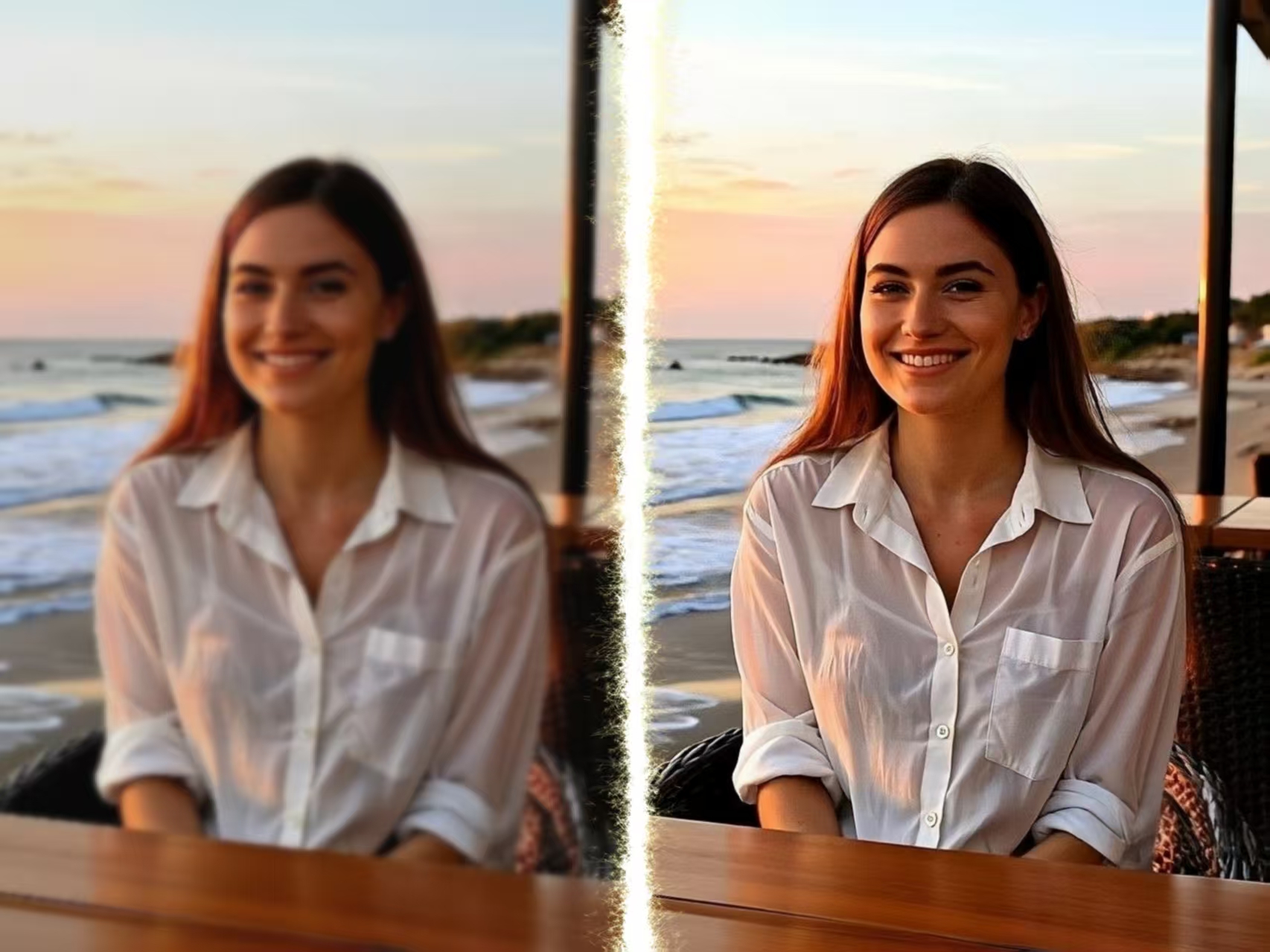
Old videos looking blurry on modern screens? I tested an AI video upscaler to enhance video quality up to 4K Read more
Remove text from image instantly with AI. Clean watermarks, subtitles, and overlays while preserving background quality and high-resolution details.
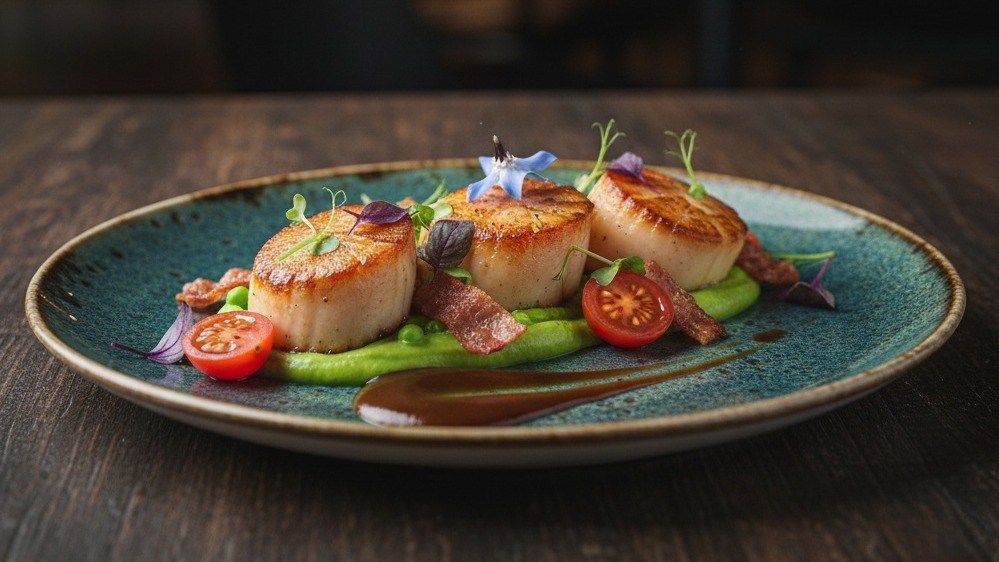
This guide explains how to generate hyper-realistic food preview images using Nano Banana Pro. It covers step-by-step techniques for crafting Read more

See how an AI Home Design Generator can turn a simple room photo into complete interior design ideas in seconds. Read more


