How to Create an AI Christmas Family Photo Using Nano Banana Pro
Creating a perfect AI Christmas Family Photo no longer requires a studio, matching outfits, or everyone being in the same place. With Nano Banana Pro image-to-image technology, you can transform everyday photos into warm, festive holiday portraits while keeping every family member recognizable.
This article shows how Nano Banana Pro’s image-to-image AI enables realistic, consistent, and beautifully styled Christmas family photos—without complex editing.
What is an AI Christmas Family Photo
An AI Christmas Family Photo is created by applying a holiday theme to existing photos using image-to-image AI, rather than generating faces from scratch.
With Nano Banana Pro, the AI understands:
- Facial identity and expressions
- Family relationships and positioning
- Clothing structure and body proportions
- Holiday environments and lighting
This ensures the final image still feels like your family, just in a Christmas setting. Users can generate desired family Christmas photos either by uploading an image or using text prompts alone.
AI Christmas Family Photo Examples
Separate Photos → Unified Christmas Family Portrait
Using our template, users can upload multiple photos of family members at once.
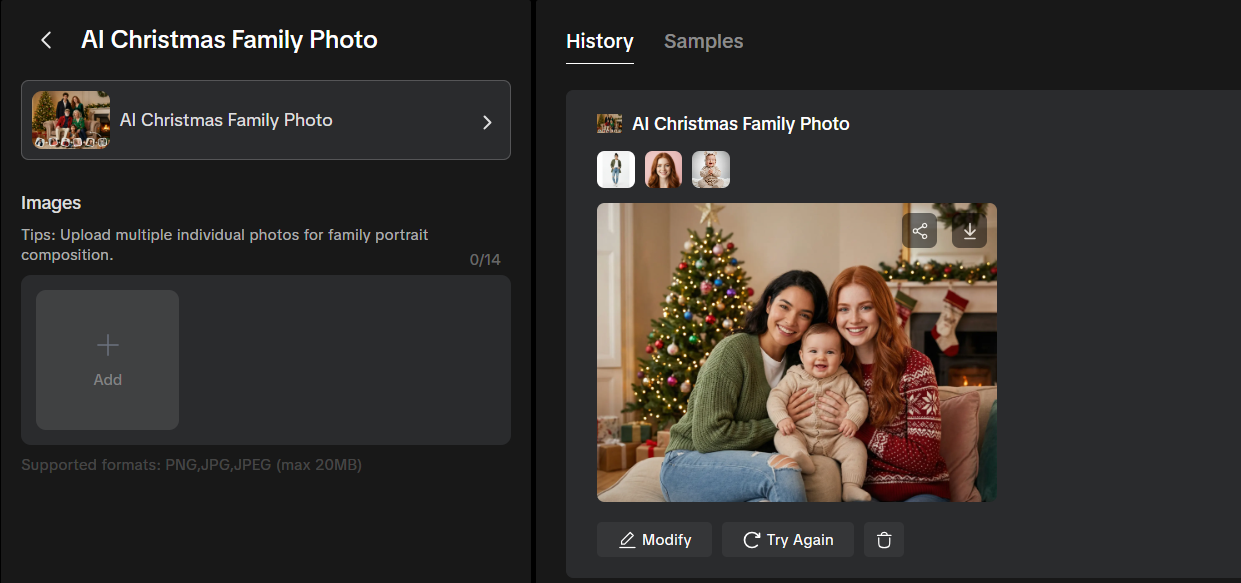
Separate Photos → Unified Christmas Family Portrait
For more precise scene content, you can use a combination of images and text. Utilize existing family photos alongside prompt words. These prompts can describe the background you desire for the photo and even specify the clothing family members should wear.
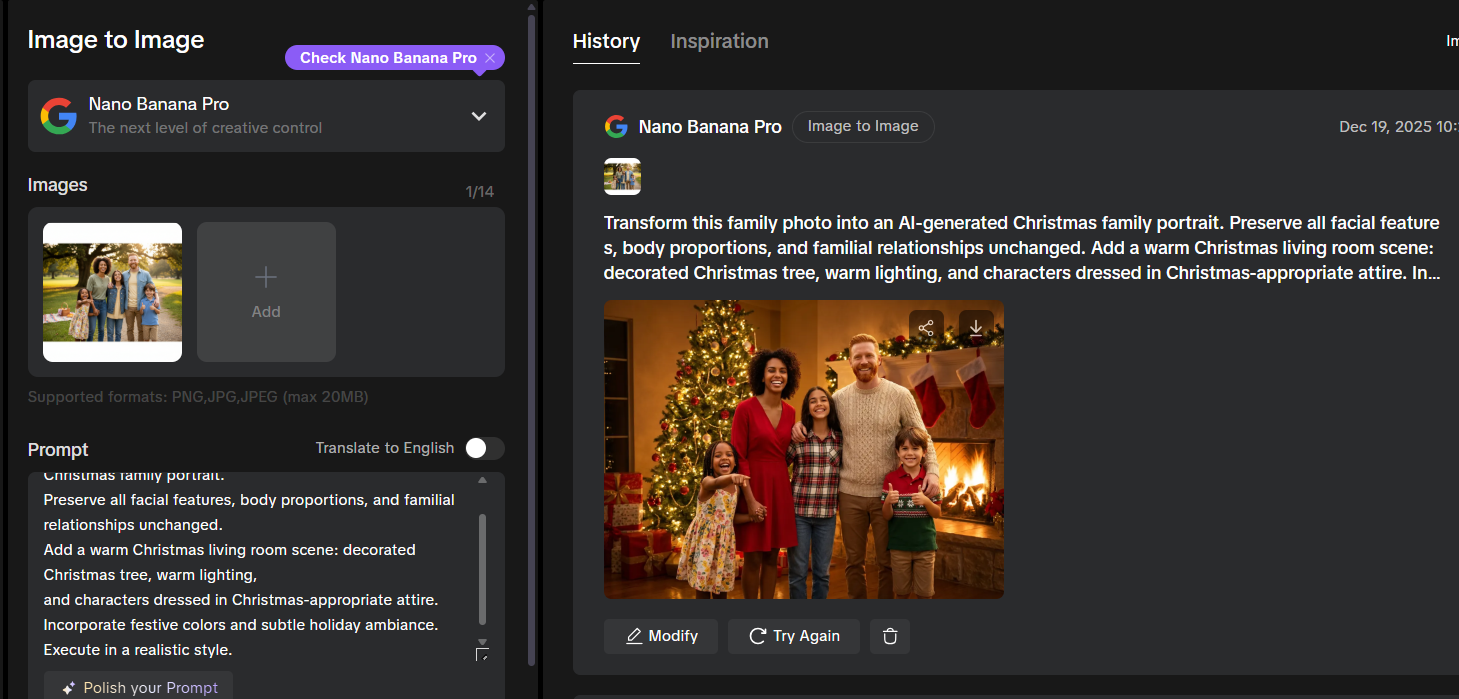
Example Prompt:
Transform this family photo into an AI-generated Christmas family portrait. Preserve all facial features, body proportions, and familial relationships unchanged. Add a warm Christmas living room scene: decorated Christmas tree, warm lighting, and characters dressed in Christmas-appropriate attire. Incorporate festive colors and subtle holiday ambiance. Execute in a realistic style.
Outdoor Photo → Snowy Christmas Scene
If you find indoor photos too ordinary, you can also generate outdoor snow scenes.
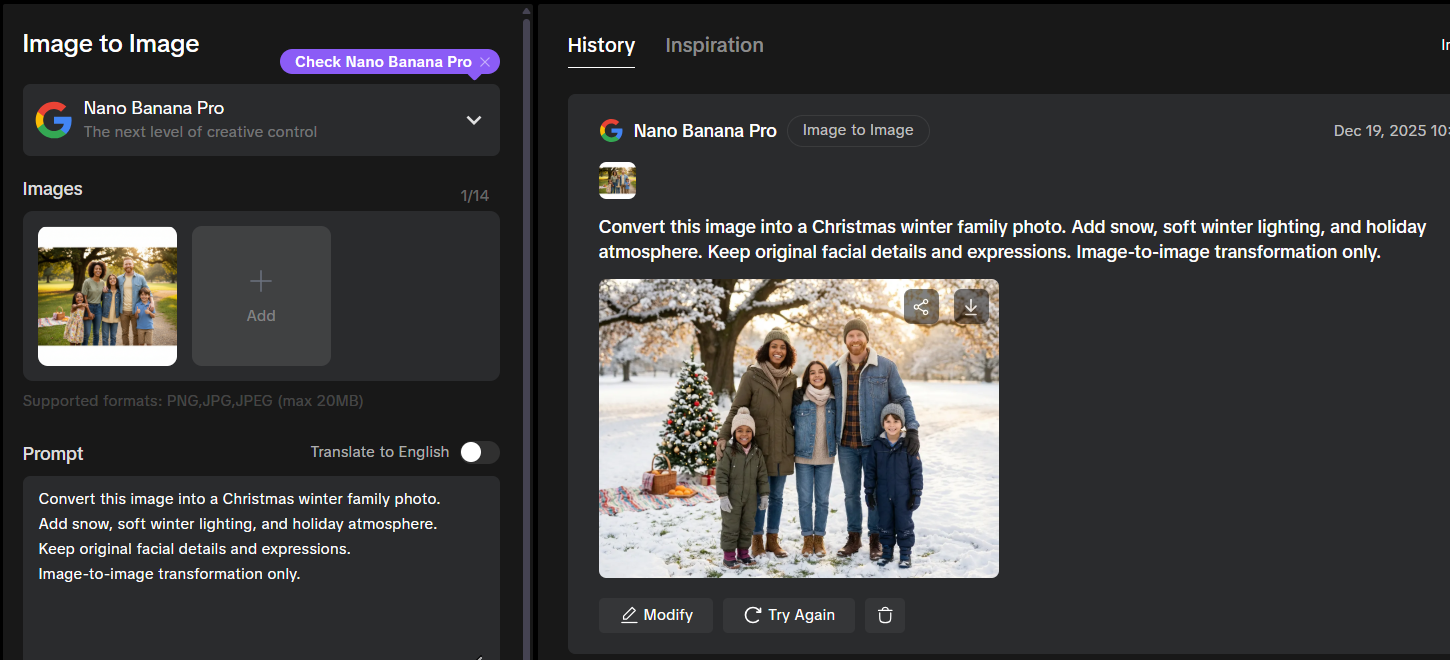
Example Prompt:
Convert this image into a Christmas winter family photo. Add snow, soft winter lighting, and holiday atmosphere. Keep original facial details and expressions. Image-to-image transformation only.
Who is using AI Christmas Family Portraits?
- Families capturing holiday memories
- Families unable to gather during the holidays
- Families seeking diverse photo settings—snowy scenes are perfect for Southern Hemisphere summer Christmas celebrations to explore different festive atmospheres
- Brands creating seasonal campaigns
- AI platforms showcasing image-to-image capabilities
Create AI Christmas Family Photos with Nano Banana Pro on AIAI
Through AIAI, users can access Nano Banana Pro with a flexible subscription system:
- Credit-based usage
- Support for image-to-image workflows
- Suitable for both personal and professional use
This allows users to experiment freely while producing high-quality holiday visuals.
Flux 2.0 finally delivers consistent characters, accurate colors, and native 4K output: perfect for storyboards, product design, and faster creative Read more
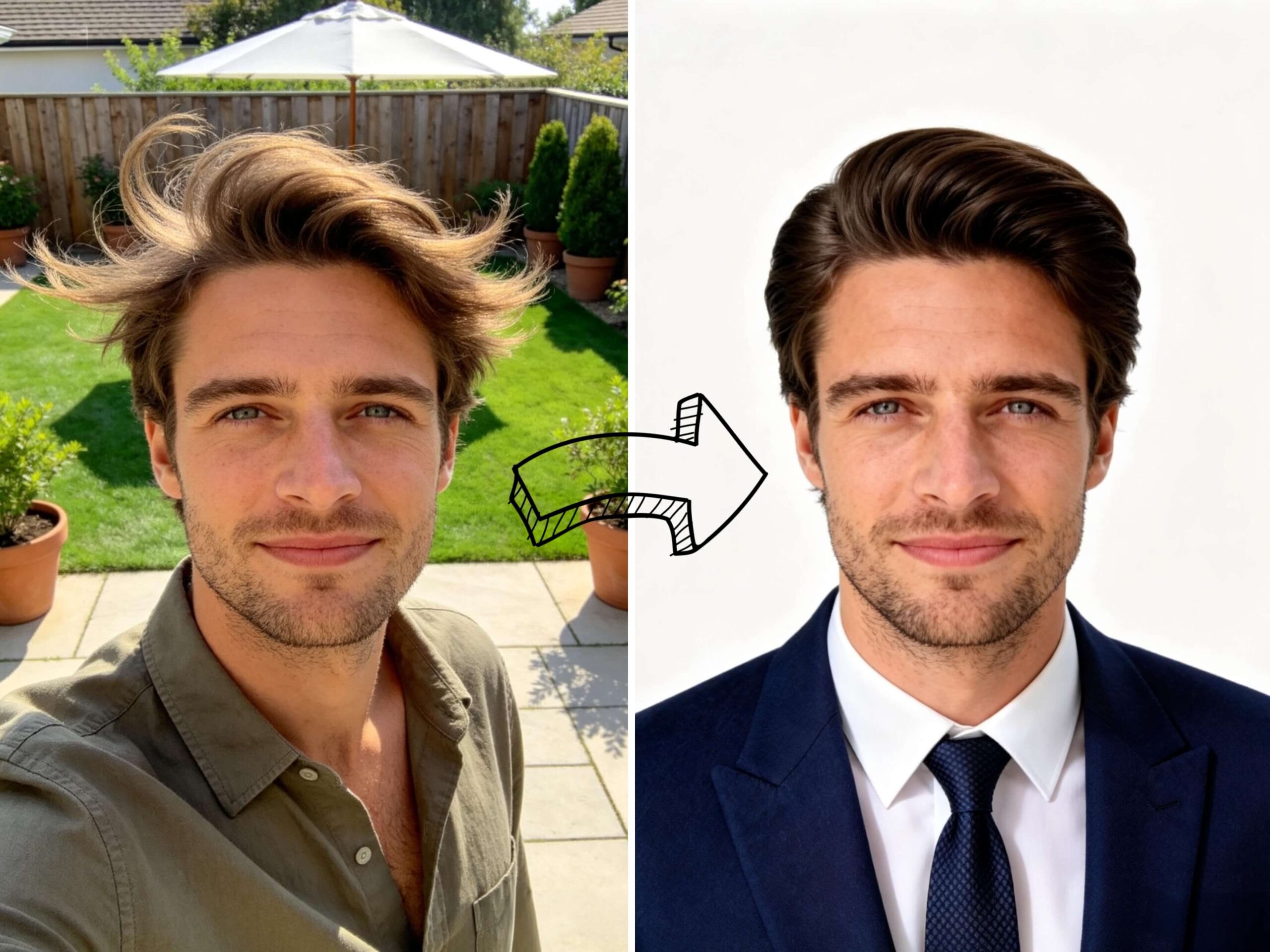
Need a professional headshot but hate the studio price? See how I used an AI professional headshot generator to turn Read more

Looking for the best AI Pokemon Generator? Learn how to design custom Fakemon, turn your pets into starters, and master Read more
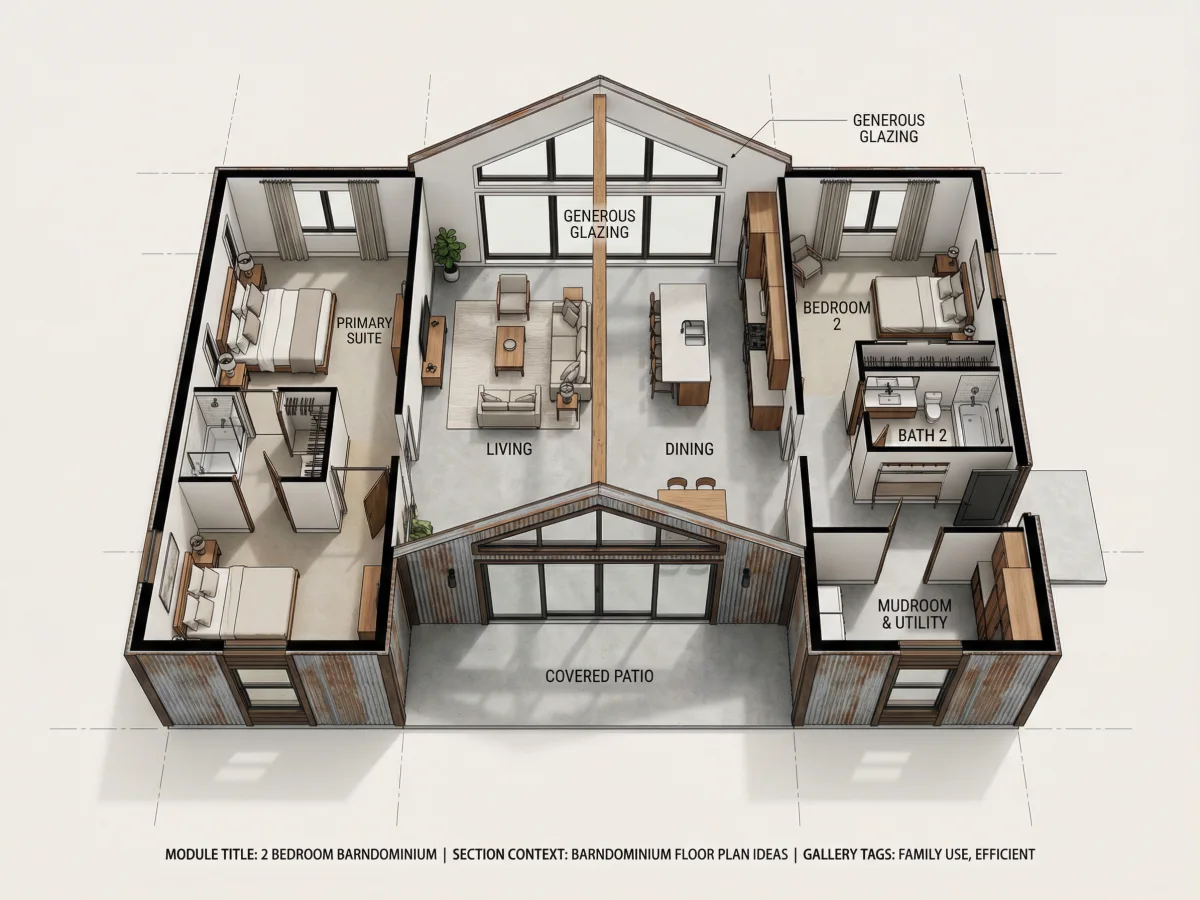
Finding the right Barndominium Floor Plan can be harder than it looks. From choosing the right number of bedrooms and Read more


