We all take digital photos with our phones every day. They’re clear, convenient, and easy to save—but somehow, they often feel like they’re missing a bit of character. That’s why so many people are drawn to Polaroid photos: the vintage look, the soft colors, and that old-movie feeling you just don’t get from a standard digital shot.
The problem is, real Polaroid cameras and instant film aren’t exactly cheap. So how can you get that classic Polaroid look in a simple, affordable way? This is where AI comes in. With today’s powerful image tools, you can convert photos into polaroids in just a few minutes—no camera, no film, and no design skills needed.
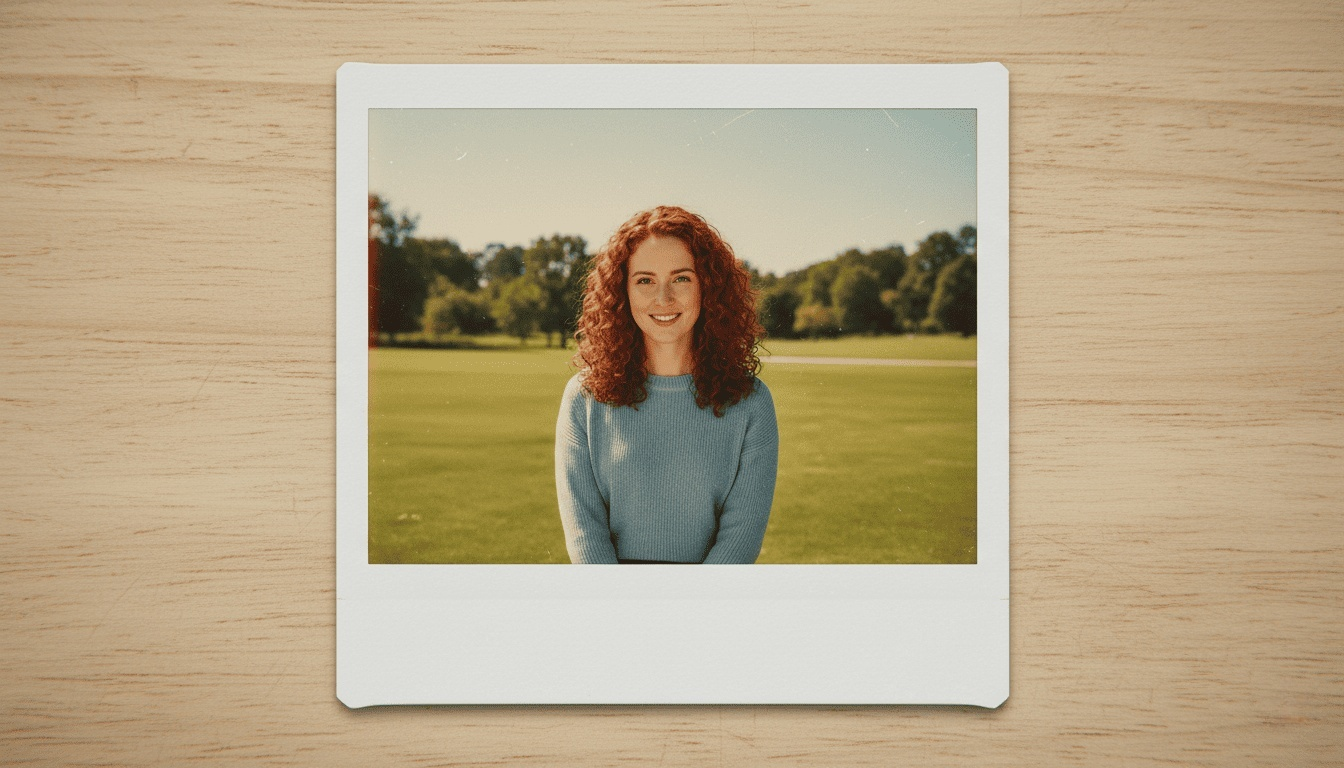
Why Polaroid-Style Photos Are So Popular
Polaroids have a very specific emotional pull. The white border, the slightly faded colors, the soft contrast—it all feels more human than a perfectly edited digital image.
People usually want to convert photos into Polaroids because:
- Digital photos can feel too sharp or “flat”
- Polaroid frames instantly add a storytelling vibe
- The style works well for memories, not just aesthetics
- It fits perfectly with today’s retro and analog trends
In short, Polaroid-style photos make images feel like moments, not just files.
What Makes a Photo Look Like a Polaroid?
Before converting your photos, it helps to understand what actually defines the Polaroid look. It’s not just about adding a white border.
A classic Polaroid-style photo usually includes:
- A white frame, with a thicker bottom edge
- Slightly muted or warm colors
- Soft shadows and gentle contrast
- A touch of grain or texture
The goal isn’t perfection—it’s character.
My Early AI Polaroid Attempts
When I first tried using AI to turn my own photos into Polaroids, things didn’t go as smoothly as I hoped. Most of the time, the AI would either just slap a white Polaroid frame onto my original photo without changing the colors at all, or it would add a tiny bit of a vintage filter—but it never really had that authentic Polaroid film feel.

The result looked “edited,” not like something actually shot on instant film. It was very far from the Polaroid-style image I had in mind.
That’s when I realized something important: a real Polaroid look isn’t just about the frame. Color tones, softness, texture, even small imperfections all matter way more than I expected.
The Prompt That Finally Worked for Me
After a lot of trial and error, I stopped being vague and started describing the Polaroid look in detail. Instead of just asking the AI to “add a Polaroid frame,” I focused on how instant film actually feels.
Here’s an example of the text-to-image prompt I now use when I want to convert photos into Polaroids more convincingly:
Transform the image into a classic Polaroid-style photograph.
The photo should appear printed on instant film with a white Polaroid frame, slightly thicker bottom border, soft rounded corners, and subtle film texture.
Visual style: warm tones, gentle color fading, slightly desaturated colors, soft contrast, mild blur, natural imperfections like light grain, minor dust, and faint light leaks.
Lighting feels natural and nostalgic, as if captured casually in a spontaneous moment.
The image should look like a real Polaroid print placed on a neutral surface, photographed from a slight angle.
Mood: cozy, vintage, authentic, imperfect in a charming way.
High resolution, realistic instant film look, no text, no logos.
Once I started using prompts like this, the difference was obvious. The images no longer looked like digital photos with a frame—they finally felt like real Polaroid prints.
How to Convert Photos into Polaroids (The Easy Way)
You don’t need professional editing software to get this effect. Most people today rely on AI tools or simple online editors that can interpret detailed prompts like the one above.
For example, platforms like AIAI.com make this process especially simple. Instead of starting from scratch, you can directly upload your photo and apply a Polaroid-style effect in one click, which is helpful if you want quick, consistent results without tweaking too many settings.
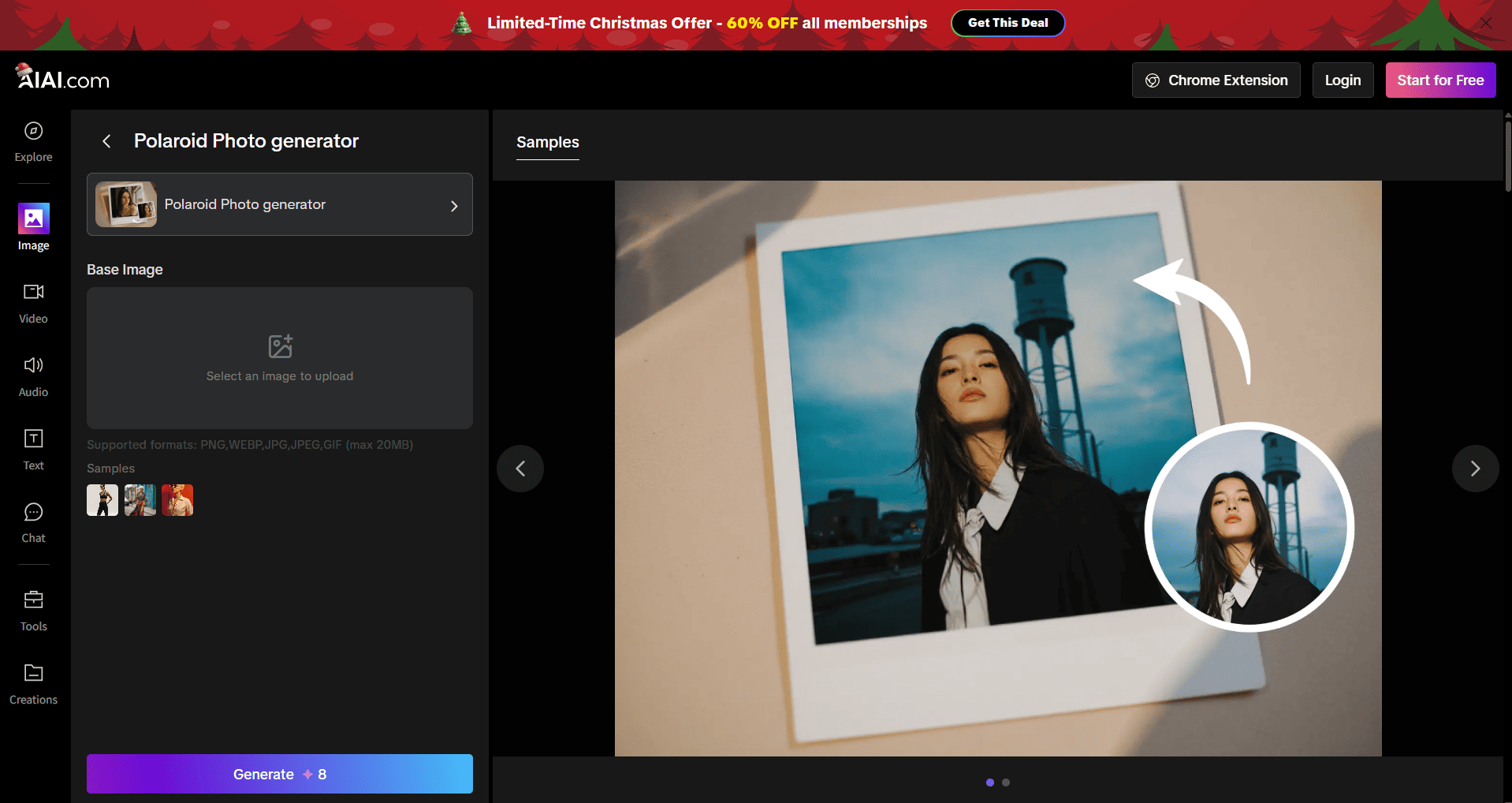
Regardless of which tool you use, the basic steps are usually the same:
The general workflow looks like this:
- Upload your photo
- Apply a Polaroid-style prompt or preset
- Fine-tune color, softness, and texture
- Export the image
If your result still feels “off,” it’s usually not the photo—it’s the prompt. Adding details about film texture, imperfections, and lighting makes a huge difference.
FAQs About Converting Photos into Polaroids
Can I convert photos into Polaroids for free?
Yes. Many AI tools and online editors offer free Polaroid-style effects or limited free generations. For casual use, free options are often enough.
Why does my Polaroid-style photo still look digital?
In most cases, it’s because only the frame was added. Real Polaroid photos have softer colors, lower contrast, and visible film texture. Describing these details clearly in your prompt usually fixes the issue.

If you’ve been using Meta’s latest generative features on Instagram or WhatsApp, you’ve likely encountered that frustrating "Imagined with AI" Read more
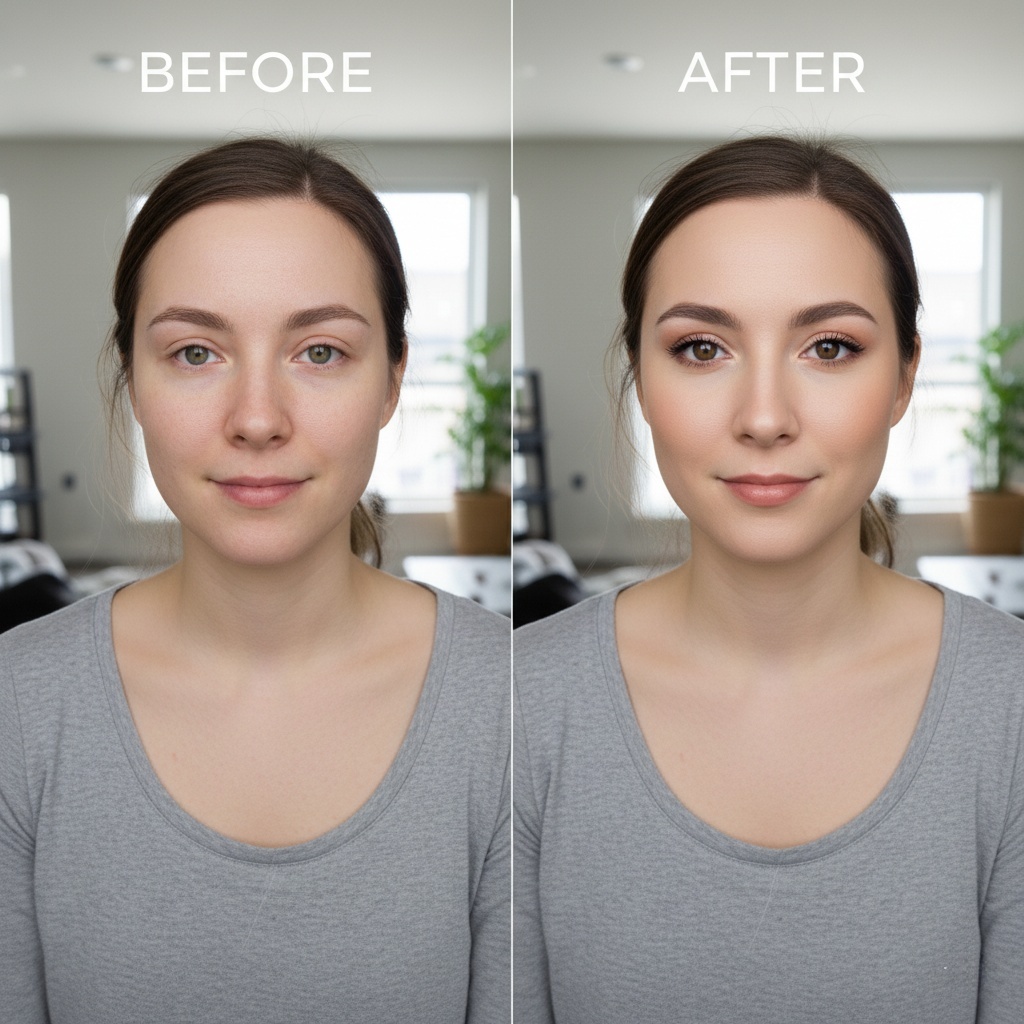
Transform your selfies with Nano Banana Pro, the ultimate AI makeup tool. Discover how to achieve flawless, realistic digital makeovers Read more
Veo 3 Highlights: Native Audio & Synced AV Generation Redefine AI Video Creation Veo3 launched at Google’s I/O Developer Conference Read more

Turn sketches, concepts, or images into precise technical drawings with an AI CAD generator. Use text-to-image and image-to-image AI to Read more


