AI CAD Generator: From Concept to Technical Drawing Faster Than Ever
Creating technical drawings traditionally takes time, precision, and repetitive manual work. Engineers and designers often spend hours translating rough sketches or ideas into detailed CAD drafts. An AI CAD generator changes that process completely.
With AIAI’s AI-powered CAD generation, you can transform sketches, concept descriptions, or reference images into professional technical drawings within seconds. Instead of redrawing every element manually, the AI helps you quickly generate structured visuals that are ready for further design or engineering work.
The result is a faster drafting workflow with less repetitive effort and more time for actual design thinking.
The Common Challenges in Traditional CAD Drafting
Even experienced professionals face similar problems when creating technical drawings.
1. Converting Ideas into Precise Drawings Takes Too Long
Most projects begin with rough sketches, notes, or concept images. Turning those into clean CAD drawings requires multiple steps and careful adjustments.
2. Repetitive Drafting Work Slows Down Projects
Creating basic layouts, structures, and proportions can take hours—even before detailed design work begins.
3. Early Prototyping Needs Speed
During the concept phase, teams often need to test multiple variations quickly. Traditional CAD workflows make rapid experimentation difficult.
These are exactly the problems AI-assisted drafting aims to solve.
How AI CAD Generation Works on AIAI
AIAI integrates artificial intelligence into the drafting process, allowing users to generate structured technical visuals from either text descriptions or images.
The platform supports two main workflows:
- Text to Image – describe the technical concept in words
- Image to Image – upload sketches or reference images and refine them with AI
Both approaches help transform early ideas into usable visual drafts much faster.
Text to Image: Generate Technical Concepts from Descriptions
Sometimes the design idea exists only in your head or in written notes. With text-to-image CAD generation, you can describe the structure and let the AI create a visual draft.

For example, engineers can describe:
- mechanical components
- structural layouts
- product design concepts
- architectural elements
The AI converts the description into a technical-style image that can serve as a starting point for further refinement.
Image to Image: Convert Sketches into Clean Technical Drawings
Many designers start with hand-drawn sketches. Instead of recreating them from scratch in CAD software, image-to-image generation can refine the sketch directly. Users upload a rough drawing, then add a short prompt describing the desired style or structure.
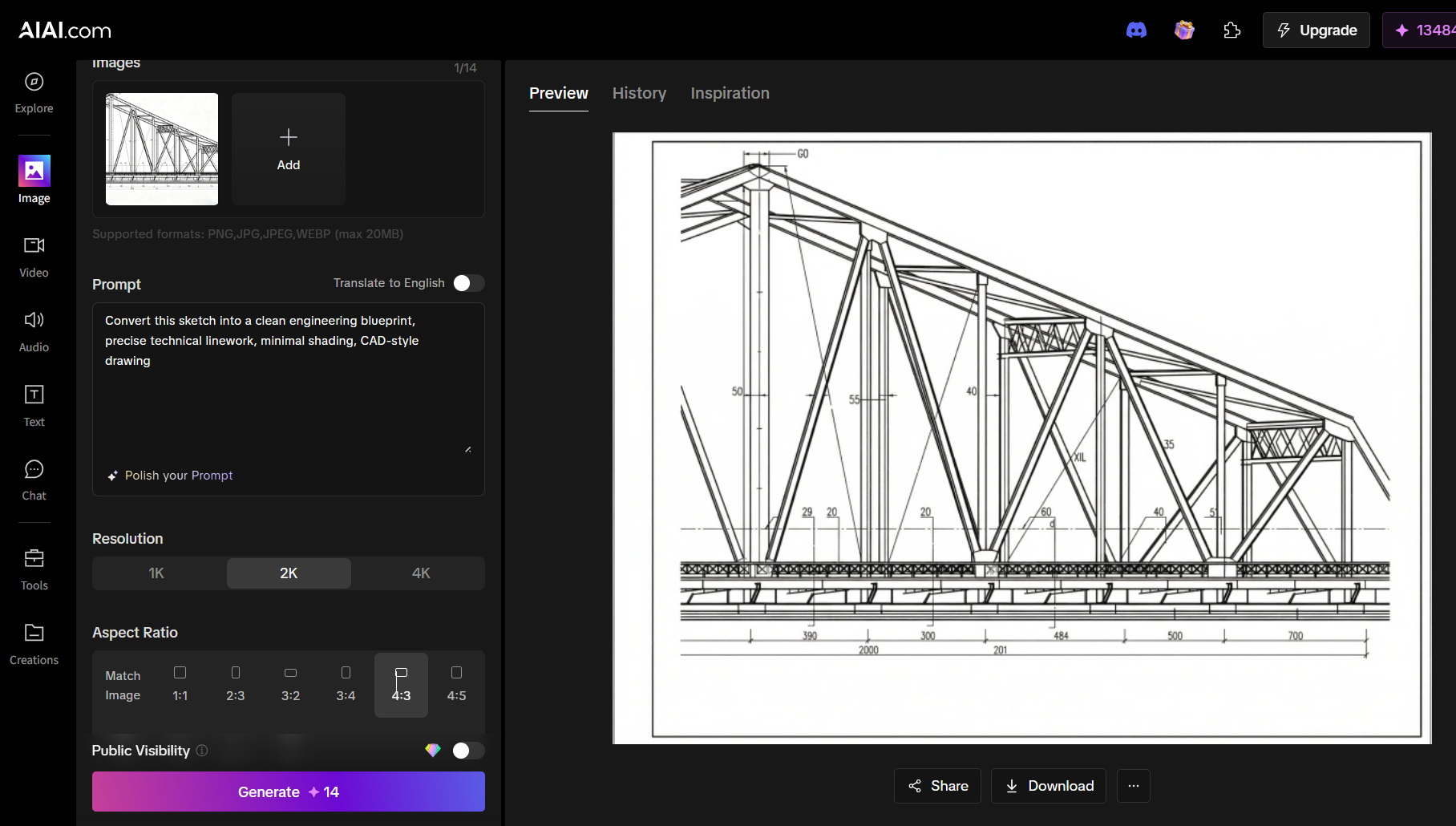
The AI enhances the sketch by improving:
- line precision
- structure clarity
- technical style consistency
This makes early drafts look much closer to professional CAD diagrams.
Example Workflow
- Upload a hand-drawn concept sketch
- Add a prompt describing the technical style
- Generate a refined technical drawing
Real Use Cases for AI CAD Generation
AI-assisted drafting can benefit many types of engineering and design workflows.
1. Product Concept Development
Design teams often sketch multiple product ideas before modeling them in full CAD software.
Using AI generation, they can quickly convert concept sketches into structured visuals to evaluate proportions and design direction.
2. Mechanical Component Visualization
Engineers working with mechanical parts can use AI-generated drawings to visualize early designs such as:
- gears
- housings
- brackets
- assemblies
This speeds up the early ideation phase before detailed engineering begins.
3. Architecture and Structural Concepts
Architects and structural designers can transform simple concept sketches into more structured technical visuals for presentations or early-stage planning. AI-generated drawings help communicate ideas faster during brainstorming or team discussions.
Why AI-Assisted CAD Workflows Are Becoming Essential
AI will not replace professional CAD software—but it significantly improves the early design phase. Instead of spending hours preparing initial drafts, designers can generate visual concepts instantly and refine them later in specialized tools.
Key advantages include:
- Faster concept visualization
- Reduced repetitive drafting work
- Rapid iteration of design ideas
- Improved collaboration during early design stages
This combination of speed and flexibility is why AI-assisted drafting tools are becoming increasingly popular.
Accelerate Your Drafting Workflow with AI
Technical drawing no longer needs to start from a blank canvas. With AI CAD generation on AIAI, sketches, images, and written concepts can quickly become structured technical visuals.
By combining text-to-image and image-to-image generation, the platform helps engineers and designers move from idea to draft in seconds—reducing manual effort while keeping full creative control.
For anyone working on engineering, product design, or technical visualization, AI-assisted drafting offers a faster path from concept to creation.

f you’ve been scrolling through TikTok or Instagram Reels lately, you’ve probably noticed a shift. We aren't just looking at Read more

Google Gemini 3 AI Model— The Most Intelligent AI Yet Gemini 3 was released on November 18, 2025. With a Read more

Learn how to create unique Christmas cards with AI in 5 easy steps. Use Nano Banana Pro on AIAI.com for Read more
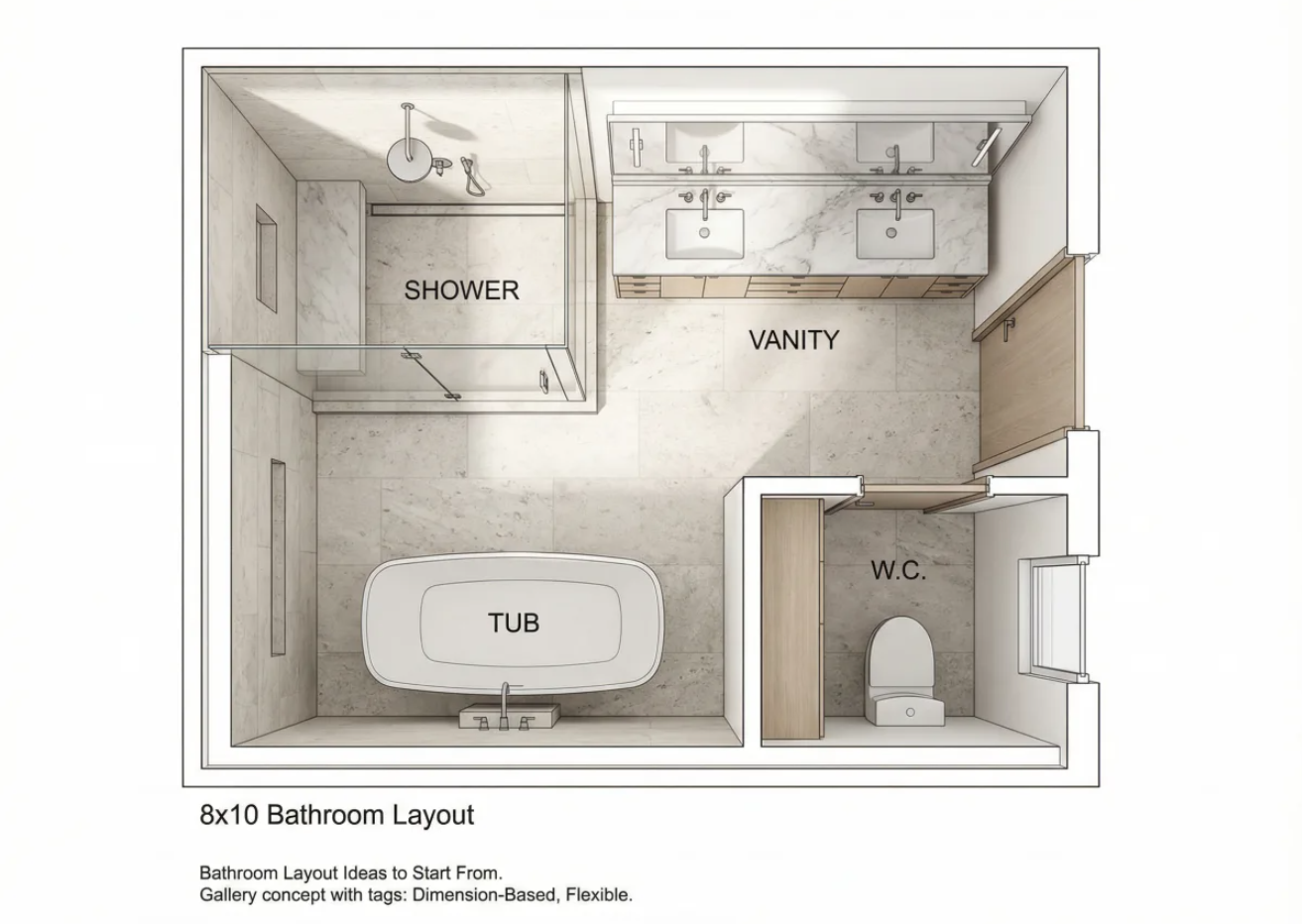
Avoid costly remodel mistakes. Discover exact NKBA clearances for your bathroom floor plan and learn how to visualize your layout Read more


