There is a frustrating step in hardware development: turnning a brilliant idea in your head and actually seeing it on a screen. Whether you’re conceptualizing a custom automotive bracket or a drone chassis, exploring a new mechanical concept usually means opening up heavy software, setting everything up and then keep working with sketches and parametric constraints just to see if a shape makes sense.
When you are in the early stages of ideation, you don’t want to worry about exact tolerances yet. You just want to see if the aesthetic and the mechanics align with your or the client’s vision.
Thats why industrial designers and engineers should start using AI CAD design tools. It is the fastest way to turn imagination into a highly detailed technical visual; this allows you to explore two dozen concepts in the time it takes to model just one.
Let’s Be Clear: We Are Talking About Concept Art, Not Files Ready For Manufacturing
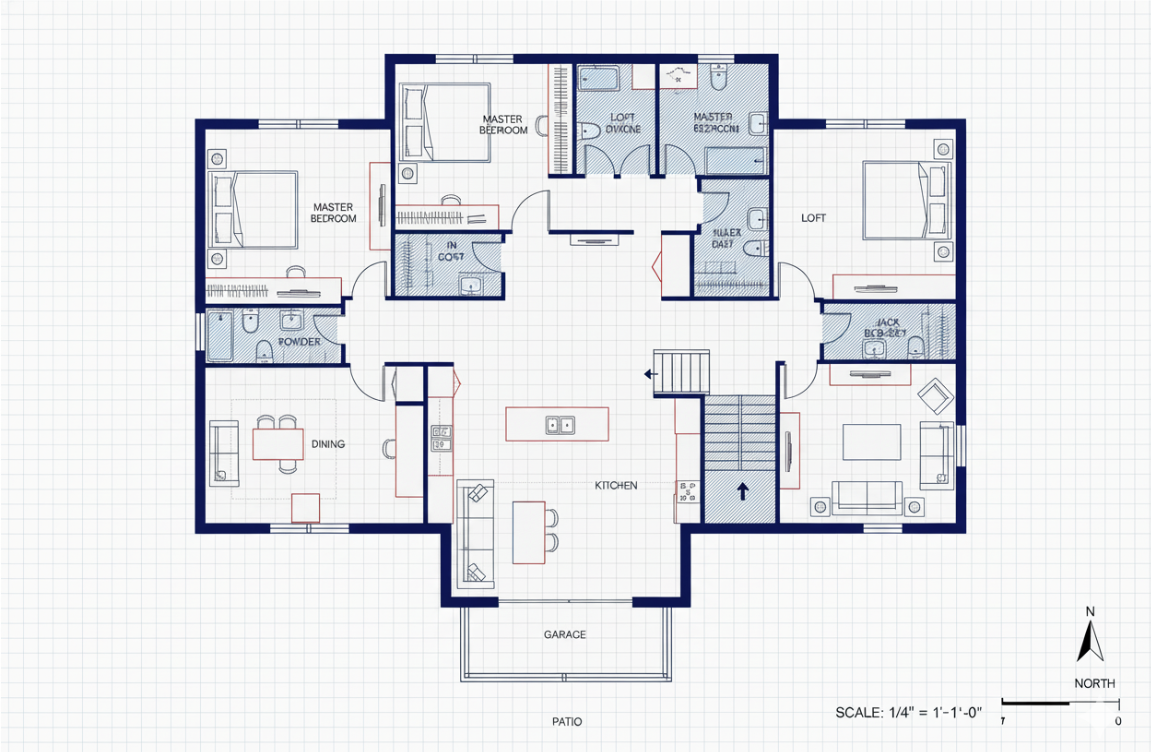
It is important to understand exactly what this technology does. An AI CAD design image generator is not going to output a precise .STEP or .DXF file that you can send directly to a CNC machine or 3D printer. It outputs image files (JPEGs and PNGs).
These tools are powered by text-to-image AI models trained specifically on technical blueprints, isometric wireframes, and mechanical renders. When you are building a mood board or trying to explain your vision to a freelance engineer, a highly detailed visual is exactly what you need. It gets everyone on the same page also prevents you from wasting hours modeling a concept that might end up getting scrapped anyway.
Conquering Complex Geometry: Aero-Optimized and Generative Shapes
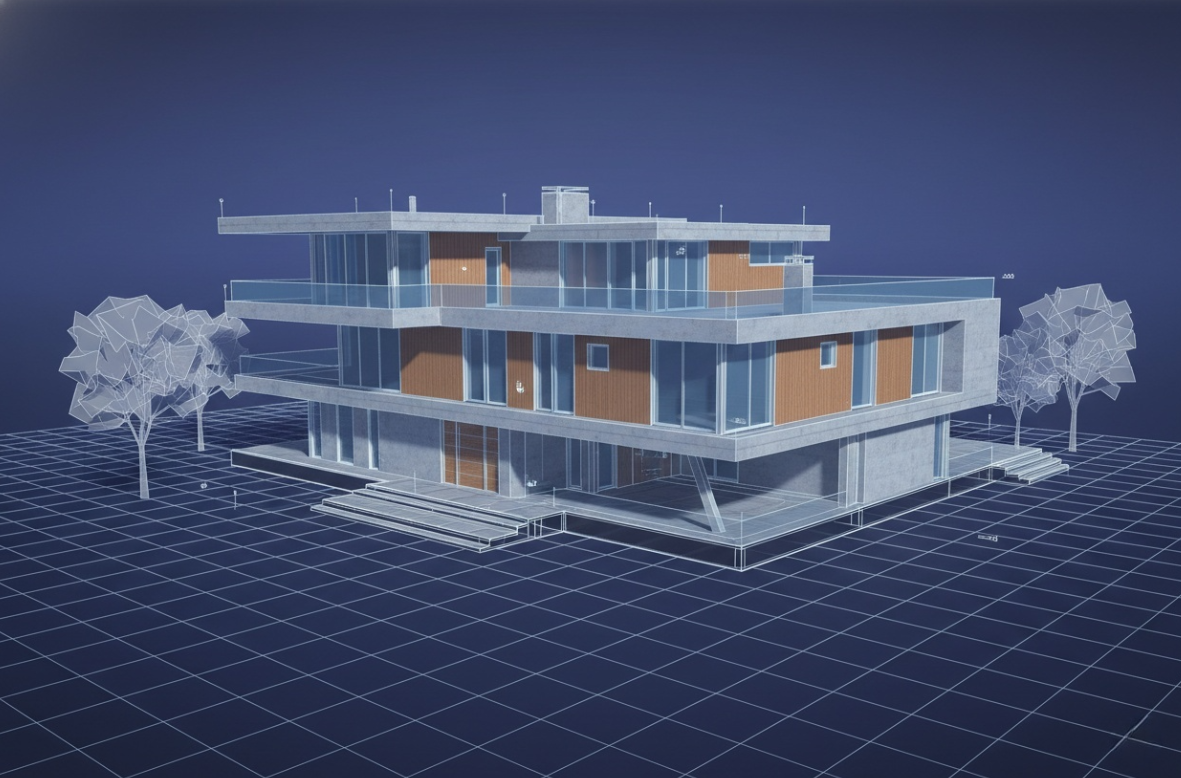
Sometimes, you are thinking of a desigh with an aero-optimized, generative structure that involves exploring complex, organic geometry.
If you want to manually sketch or model complex, wind-tunnel-style shapes from scratch, getting those sweeping curves to look perfectly natural takes serious time. But with an AI image generator, you simply add terms like “generative design,””topology optimization,” or “lightweight webbing” to your prompt. The AI instantly understands that mechanical aesthetic. It will generate blueprints featuring those aggressive, weight-saving forms, giving you a reference image to base your actual engineering on later.
Want to see how it works in action? Copy and paste this prompt into your AI generator:
“Isometric CAD rendering of a generative design motorcycle suspension bracket, displaying wireframe overlay on a solid model, emphasizing lightweight titanium webbing, with construction lines and annotations in the background, clean studio lighting, and highly detailed surfaces.”
Who Can Benefit from AI in CAD Design?
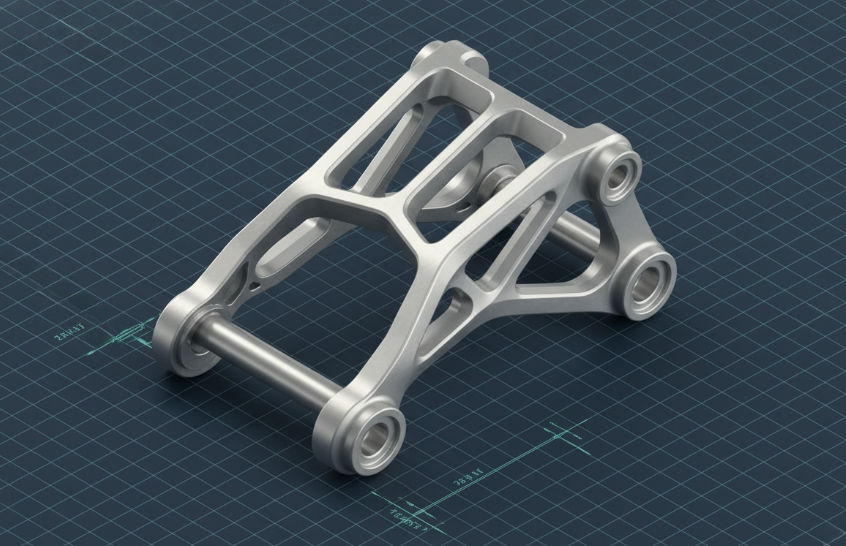
Industrial Designers & Engineers: Designers can use AI to rapidly generate 20 different silhouettes for a part, pick the best two, and then take those into CAD software to model for real.
Inventors & Founders: If you have an idea for a physical product but lack the 3D modeling skills to visualize it, AI allows you to generate professional, technical-looking concept art. It is perfect for showing a manufacturer or investor exactly what you are trying to build.1
Concept Artists & Illustrators: For video game development or sci-fi illustration, artists constantly need to create complex mechanical props or weapon schematics. Generating CAD-style renders saves them hours of drawing tiny surface details by hand.
Stop Letting the Software Slow Down Your Ideas
Learning actual 3D modeling is an incredibly valuable skill, and AI isn’t replacing the need for real engineers with a deep understanding of physics and materials. But your software shouldn’t be a bottleneck for your creativity during the brainstorming phase.
With AIAI.com’s CAD design generator You can test a different concept, alter them in minutes. If you have a mechanical idea stuck in your head and you are tired of trying to sketch it out on a messy notepad, it is time to upgrade your workflow.
👉 [Start generating your concept images for free]
Looking for the best AI Feet Generator? I tested popular AI image tools and compared their features, image quality, and Read more

Looking for a reliable AI Cad Drawing Generator? I use AIAI.com to turn text prompts and hand-drawn sketches into professional Read more
Need a last-minute Valentine’s gift that isn't generic? Learn how to use AI to create custom love coupons and cards Read more

Struggling with a long-distance relationship this Valentine's Day? Discover how to use an AI couple photo maker to create realistic Read more