Want to keep up with the clown makeup trend and create a spooky Halloween avatar, or just want to prank your friends? Or just want to prank your friends? Don’t use those ordinary mobile phone filters that ruin the photo quality anymore. It’s time to upgrade your equipment and try out the super useful AI tool, Nano Banana Pro – it can give you professional-level photo editing skills. This guide will walk you through how to turn Nano Banana Pro into your personal AI clown filter magic wand.
Why Choose Nano Banana Pro for Clown Effects?
Nano Banana Pro is an extremely powerful generative AI platform with numerous advantages:
- Precise Text Command Control: Just input simple text commands, and the AI will operate exactly as you require.
- High-Definition Output: Supports 1K, 2K, and even 4K resolutions, ensuring your edited photos are always clear and bright.
- Flexible Aspect Ratio Adaptation: Perfectly fits various social media formats, such as Instagram stories, Twitter banners, and square posts.
- Intelligent Specific Area Recognition: Can precisely apply effects only to designated areas, like the face, without affecting your clothes or background.
Steps to Use the Clown Filter with Nano Banana Pro
Transform yourself into a clown with Nano Banana Pro in just four simple steps.Before that, you can log in to our website aiai.com. This site comes with the Nano Banana Pro system, and it offers you several free trial opportunities:
1. Upload a Photo
Select a photo you want to edit and upload it. (Tip: For better results, choose a photo with good lighting and a clear face.)
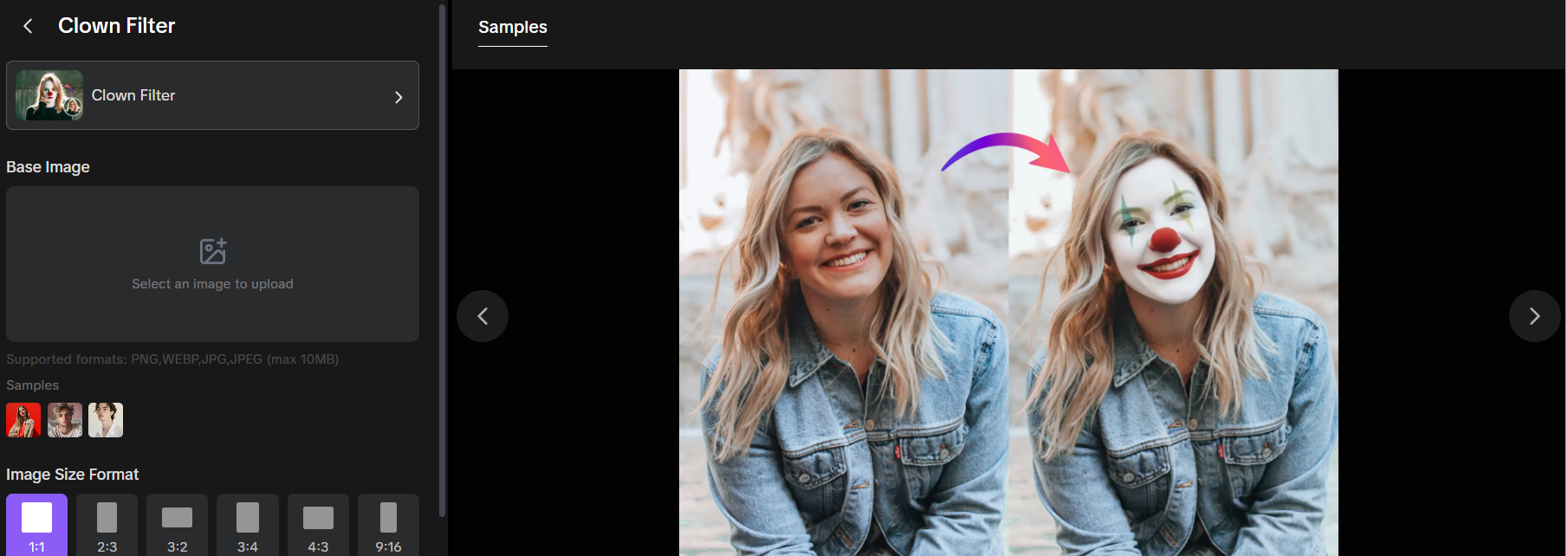
2. Choose the Aspect Ratio
- Select “Original Ratio” to maintain the original photo size.
- Choose 9:16 ratio for platforms like TikTok.
- Select 1:1 ratio for regular social media posts.
3. Input the “Clown Filter” Command
This is where the magic happens! Click on the “Prompt” function. If you want to keep the background and body exactly the same, write a clear and specific prompt. Here’s a ready-made template you can copy and paste:
“Add realistic clown makeup only to the face: white face paint, red nose, and colorful eye makeup. Do not modify the hair, clothing, or background. Keep the overall appearance of the original photo unchanged.”
4. Generate and Preview the Effect
Click the “Generate” button, and then just wait for the AI to work its magic. It will automatically analyze your uploaded photo and operate exactly as per your instructions.
Practical Tips for Creating the Perfect AI Clown Makeup
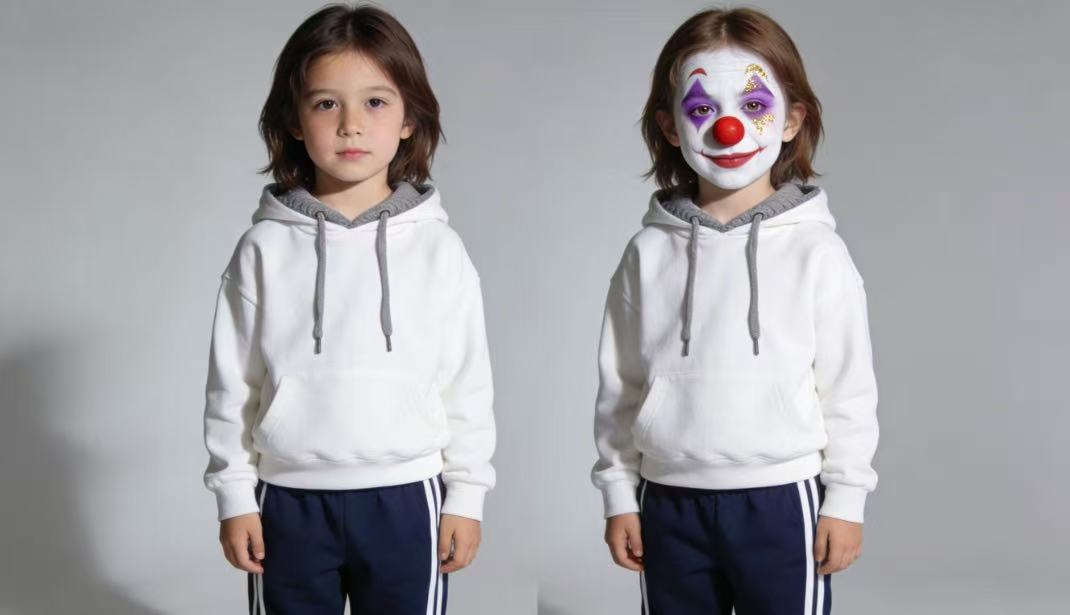
1. Switch Up the Makeup Styles
The best part of Nano Banana Pro is its flexibility. By slightly adjusting the prompt, you can create completely different styles : of clown makeup:
- Scary Clown: Add keywords like “Pennywise style”, “sinister smile”, “dark and ghostly makeup”.
- Cute Clown: Try words like “macaron colors”, “funny circus makeup”, “small and cute red nose”.
- Mime Actor Clown: Use phrases like “black and white facial paint”, “classic sad mime expression”.
2. Make “Only Affect the Face” More Precise
If you find that the AI has slightly modified the background, don’t worry – just adjust the prompt! If the software has a negative prompt function, turn it on. Or you can make the instructions more forceful, such as: “Every detail of the background must be kept exactly as it is” or “Only edit the face, don’t touch any other part!”
In conclusion, to create amazing clown effects, there’s no need to struggle to learn professional PS skills. With Nano Banana Pro’s image-to-image technology and 4K ultra-clear resolution, you can create viral hit photos in just a few seconds. Whether you want to transform into a creepy and funny clown or a cute and amusing circus performer, Nano Banana Pro is an indispensable AI tool for you. Try it now and unleash your inner “clown” nature!
Read our Vidu Q3 review (2026) to see why it’s the best AI video generator for speed. Compare Vidu Q3 Read more
Finding the perfect AI video tool in 2026 can feel like an expensive guessing game of trial and error. We Read more
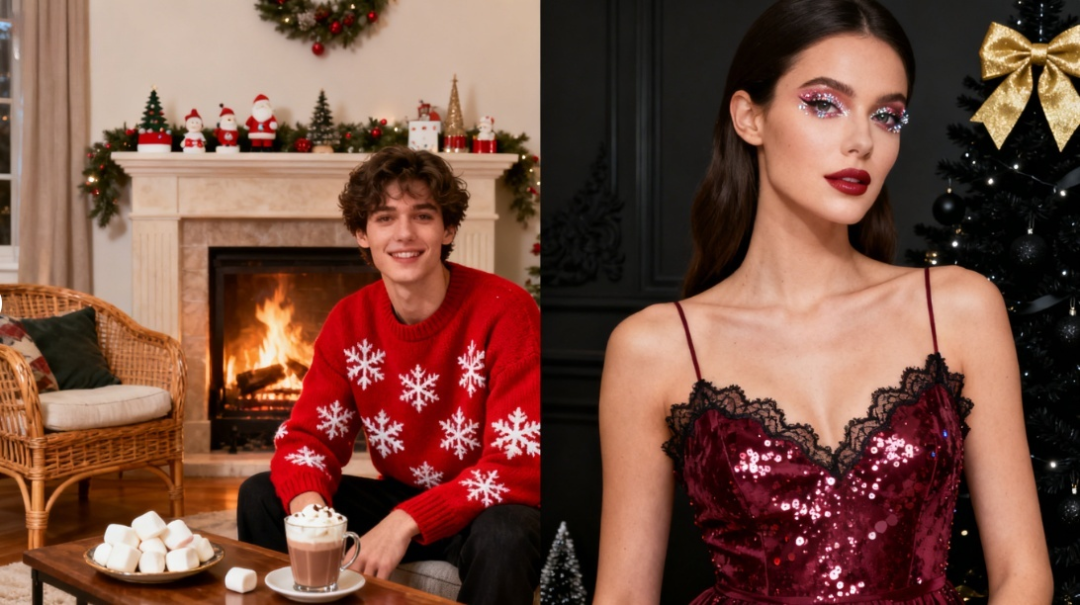
Master holiday photography with Nano Banana Pro. This guide offers a complete prompt dictionary, structural formulas, and ready-to-use templates to Read more

Black Friday Visual Guide: From Black Friday Banners to Multi-Scene Product Images, AI Helps Merchants Succeed in Black Friday Marketing Read more


