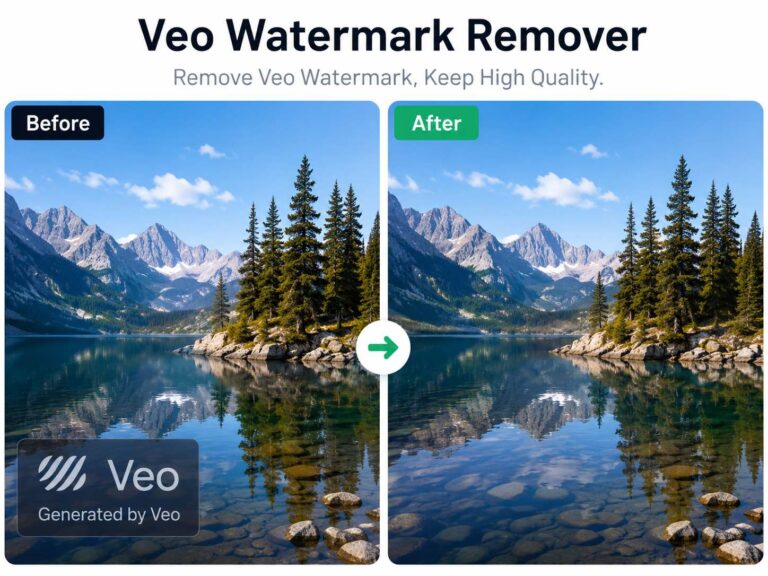
What is the best way to remove the Sora 2 watermark?
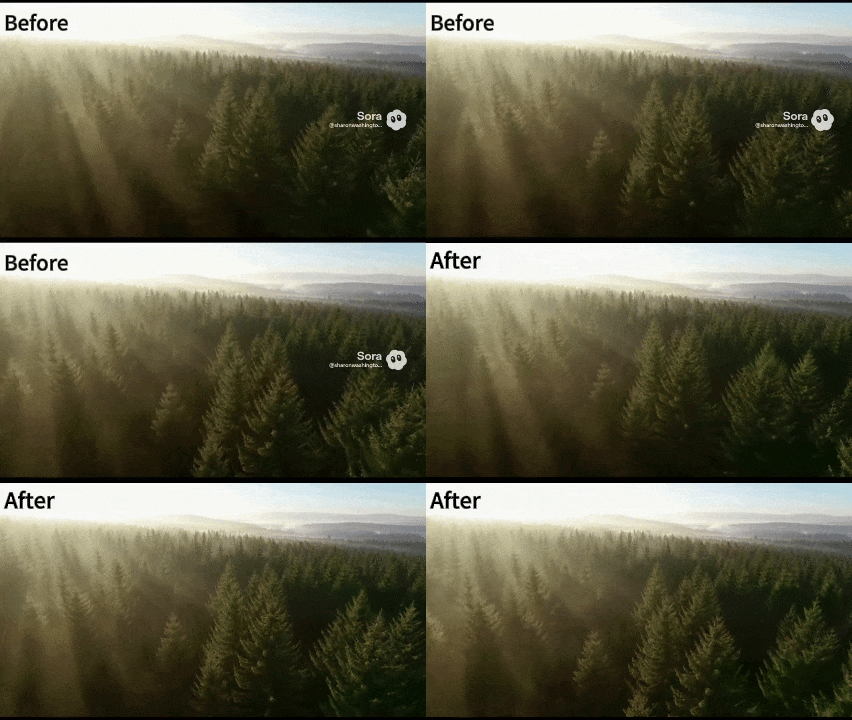
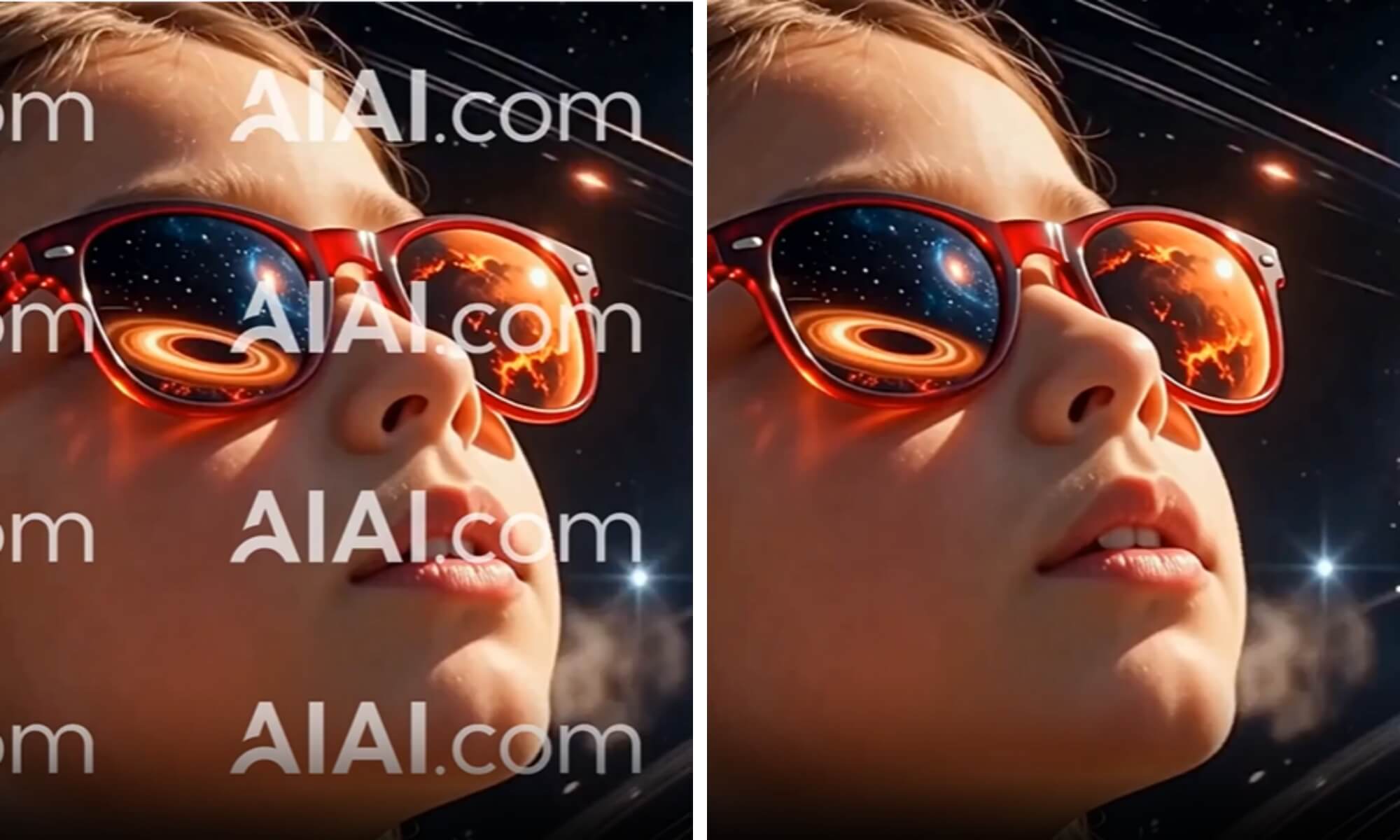
The most effective Sora 2 watermark remover I have tested is from AIAI.com. It is a specialized online tool that uses Temporal AI In-painting to erase the persistent “CR” credentials and OpenAI logos. Unlike basic “blur” tools that smudge the video, its main advantage is the ability to reconstruct dynamic backgrounds (like moving water or crowds) while preserving the original 4K resolution without ghosting artifacts.
Why Standard Watermark Removers Fail on Sora 2
You might be asking, “Can’t I just use a simple blur tool or a standard photo eraser?”
The short answer is: No.
Sora 2 videos are dynamic. Unlike a static photo where the watermark sits on a still background, video backgrounds are constantly moving, shifting lighting, and changing perspective.
- Temporal Inconsistency: Standard tools erase the watermark frame-by-frame. This causes “flickering” or “jitter” where the background looks like it is vibrating.
- The “CR” Symbol: OpenAI’s new Content Credentials (CR) logo is often semi-transparent and blended into the video pixels, making it harder for older algorithms to detect edges.
- Complex Backgrounds: Sora 2 generates complex textures (flowing water, smoke, crowds). A blur tool ruins these details, leaving a noticeable smudge.
To clean this effectively, you need Temporal In-painting technology—which is exactly what the Sora 2 Watermark Remover uses.
The Solution: AIAI Watermark Remover
Our tool doesn’t just “erase”; it “rebuilds.”
When you upload a video to AIAI.com, our AI analyzes the pixels surrounding the watermark across multiple frames (both before and after the current frame).
- Scene Understanding: It understands that if a car is driving behind the watermark, the car needs to continue moving smoothly once the watermark is gone.
- Texture Reconstruction: It regenerates missing details like film grain or bokeh blur to match the rest of the 4K footage.
- Metadata Stripping: Beyond the visual logo, many creators need to strip the metadata for compatibility with certain editing software. Our tool offers options to clean the file structure.
Step-by-Step: How to Remove Sora 2 Watermarks
Ready to polish your video? Follow this simple workflow.
Step 1: Upload Your Sora Video
Navigate to the Sora Watermark Remover page. Upload the files you need. All formats are supported: MP4, MOV, M4V, and MKV.
Step 2: Process and Download
Click “Start Removing.” The AI will process the video frame by frame. In seconds, you can download a clean, watermark-free video ready for your editing timeline.
Ethical Considerations
While removing watermarks allows for cleaner aesthetic integration, it is important to use this technology responsibly.
- Transparency: If you share the video, consider labeling it as “AI Generated” in the description, even if the on-screen watermark is gone.
- Copyright: Only remove watermarks from content you have generated yourself or have permission to edit. The goal is creative freedom, not deception.

Looking for a reliable text remover from video free tool? I tested AIAI.com to erase TikTok watermarks and hardcoded subtitles. Read more

Easily remove TikTok watermarks from your videos using Nano Banana Pro's AI video-to-video technology. Keep original quality, clarity, and resolution Read more
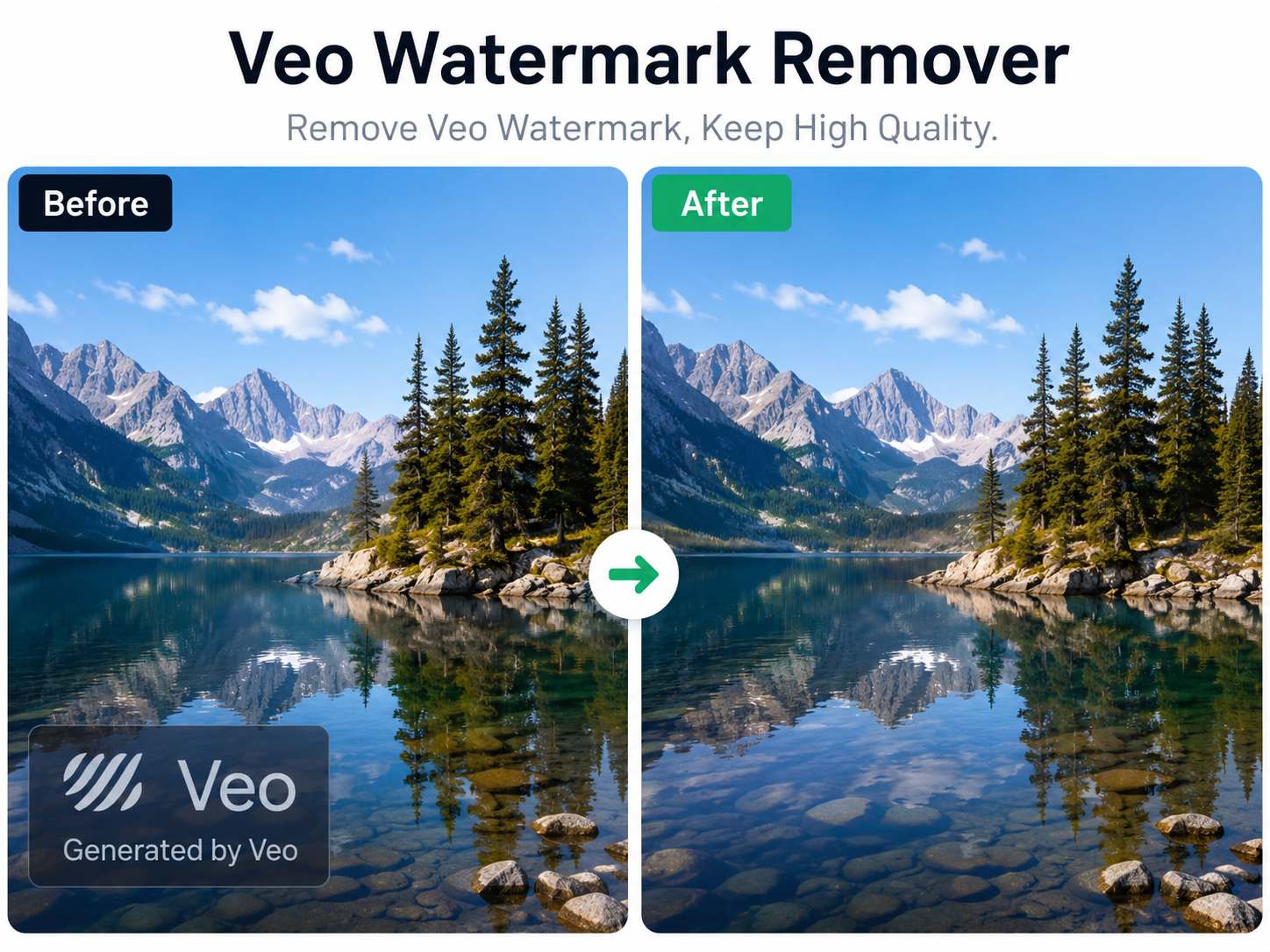
Artificial intelligence has made video creation faster than ever. With Google's Veo model, creators can generate cinematic videos from simple Read more
Stop cropping your videos to hide logos. I tested a new AI tool that auto-detects and removes watermarks without ruining Read more