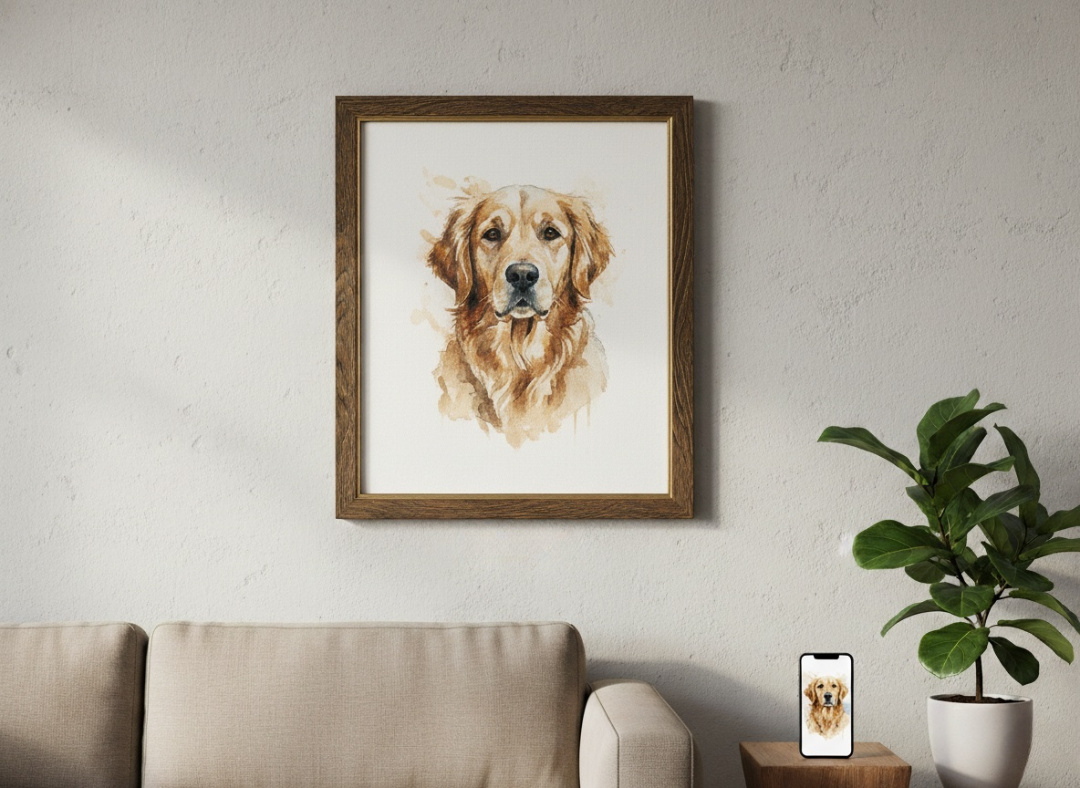
A Photo to Watercolor tool is a generative AI application that converts standard digital photographs (JPEG, PNG) into images that mimic traditional watercolor art. Unlike standard filters that just blur the image, the Photo to Watercolor uses Generative AI to simulate the behavior of water and pigment. It replicates the “bleed” of wet paint, the rough texture of cold-press paper, and the soft color gradients, allowing you to create a masterpiece in seconds.
Why We Love the Watercolor Look
Photography captures reality, but watercolor captures feeling.
There is something timeless and emotional about watercolor art. The soft edges, the unpredictable way colors blend, and the dreamy atmosphere evoke a sense of nostalgia that a crisp digital photo often lacks.
In the past, turning a photo to watercolor meant buying expensive supplies or hiring a professional artist for hundreds of dollars.
In 2026, AI makes this art form accessible to all. Whether you want to turn a snapshot of your first home into a housewarming gift, or visualize a travel memory as a sketchbook page, AI tools bridge the gap between “taking a picture” and “creating art.”
Not Just a “Filter” – How AI Works
You might be thinking, “Can’t I just use a phone app filter?“
There is a massive difference between a basic “filter” and AI generation.
Standard Filters:
- Apply a uniform blur across the image.
- Often look “muddy” or pixelated.
- Don’t understand the subject matter.
AI Photo to Watercolor:
- Subject Awareness: The AI identifies the main subject (e.g., a dog) and applies more detailed strokes there, while using looser, “wash” techniques for the background, just like a real painter.
- Texture Simulation: It generates the look of “Cold Press” paper (rough texture),allowing virtual paint settles into the grooves.
- Edge Bleeding: It simulates the “capillary action” of water, creating those beautiful, organic edges where colors seep into each other.
Step-by-Step: How to Create Watercolor Art with AI
Ready to pick up the digital brush? Follow this simple workflow on AIAI.com.
Step 1: Choose the Right Photo
Go to the Photo to Watercolor site. Upload your image.
- Tip: Watercolors thrive on contrast and light. Photos with a clear subject and a relatively simple background (like a flower against the sky or a portrait) usually yield the best results.
Step 2: Generate & Download
Click Generate. Download the high-resolution file.
- Tip: For the ultimate effect, print this on matte paper or watercolor stock to enhance the realism.
Comparison Table
| Feature | AI Photo to Watercolor | Human Artist Commission | Basic App Filter |
| Cost | Free / <$10 | $100 – $500+ | Free |
| Time | 10 Seconds | 2 – 4 Weeks | Instant |
| Authenticity | High (Simulated) | Real Paint | Low (Digital look) |
| Control | High (Regenerate instantly) | Low (Revisions take time) | None |
| Resolution | 4K Ready | Physical or Scanned | Screen res only |

Discover how a video text remover can quickly and easily remove subtitles, watermarks, and unwanted text from your videos. Learn Read more
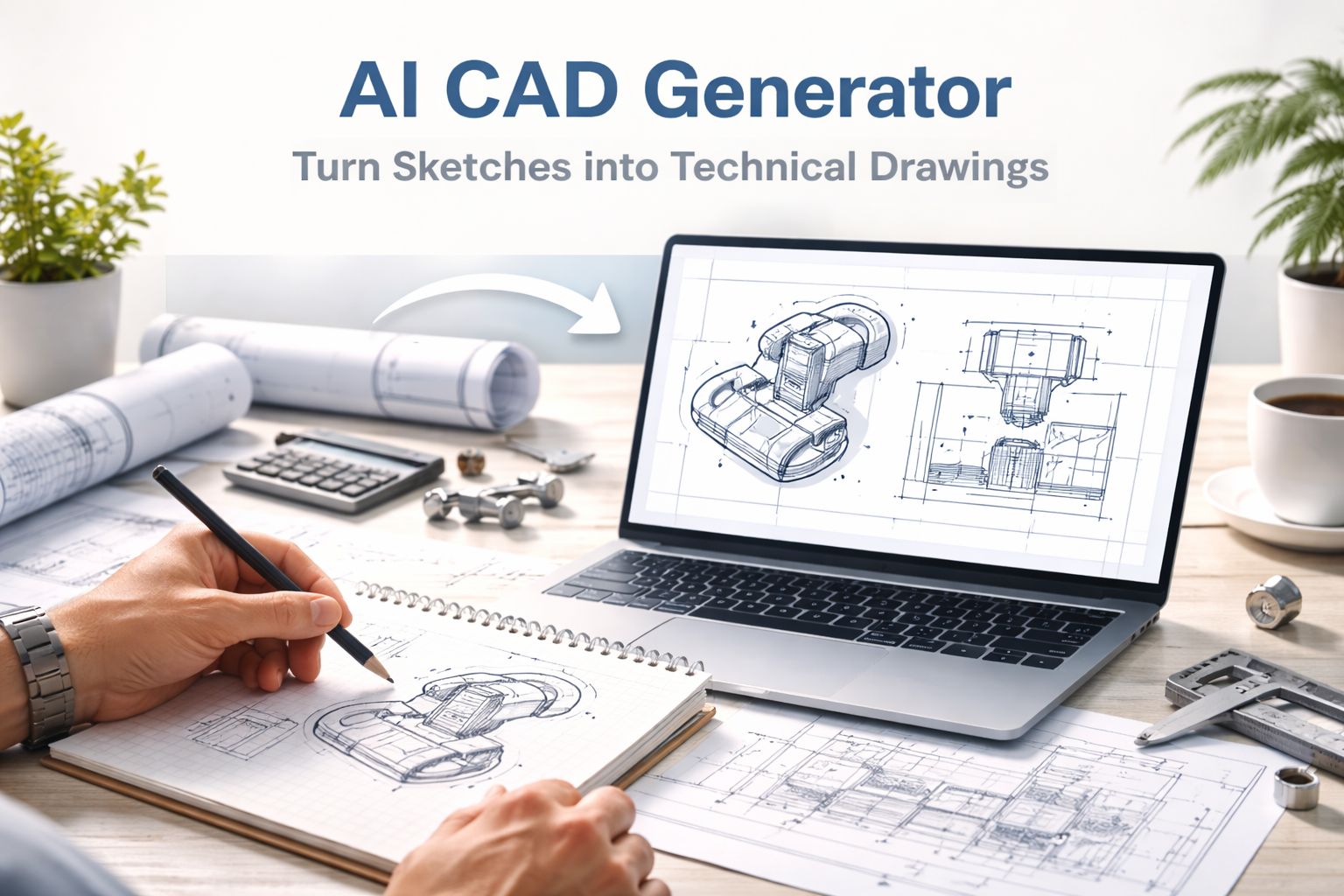
Stop redrawing sketches manually. Use an AI CAD generator to turn concepts or images into clean technical drawings instantly and Read more

Struggling with garbled text in AI images? We tested Nano Banana Pro (Google Gemini 3 Pro) against Midjourney v7. Discover pros, cons, Read more
In the digital-first marketing era, the quality of visual assets directly correlates with conversion rates. OpenAI’s newly released GPT Image Read more


