Let’s be honest—
you finally find a great clip, everything looks right… and then there’s a watermark sitting in the corner or subtitles stuck at the bottom.
I used to fix this the “old way”:
crop → ruins composition
blur → looks obvious
re-edit → wastes hours
Then I started using a video text remover, and yeah—it’s one of those tools you don’t realize you need until you try it.
What Is a Video Text Remover (and Why It’s Actually Useful)
A video text remover is a tool that removes things like:
- Subtitles
- Watermarks
- Logos
- Timestamps
But here’s the key difference:
it doesn’t just hide text—it actually rebuilds the background behind it.
Most modern tools use AI to analyze nearby pixels and recreate what should be there, so the result looks natural instead of patched.
Why Removing Text From Video Is Harder Than It Looks
This part is underrated.
Removing text from an image is easy.
From a video? Not so much.
- A video has hundreds (or thousands) of frames
- The background might be moving
- Lighting and perspective keep changing
So if you try to fix it manually, you’re basically editing frame by frame (which is… not it).
That’s exactly why AI-based tools are becoming the default now.
A Tool Worth Trying: AIAI.com (Simple but Actually Works)
If you don’t want to overcomplicate things, AIAI.com is honestly one of the easiest places to start.
What I like about it:
- You upload your video → it auto-detects text
- You can manually brush/select areas if needed
- It processes everything across frames automatically
- Export looks clean (no weird blur patches)
The whole workflow is basically:
- Upload video
- Highlight text (or let AI detect it)
- Click remove
- Download clean version
No timeline editing, no masking headaches.

It also supports common formats like MP4 and MOV, and even handles 1080p/4K output, which is nice if you care about quality.
Another thing I noticed—
it works pretty well even with moving scenes because it tracks the text across frames instead of treating it like a static image.
When You’ll Actually Use a Video Text Remover
This isn’t just for editors.
Here are the real-life scenarios where it comes in handy:
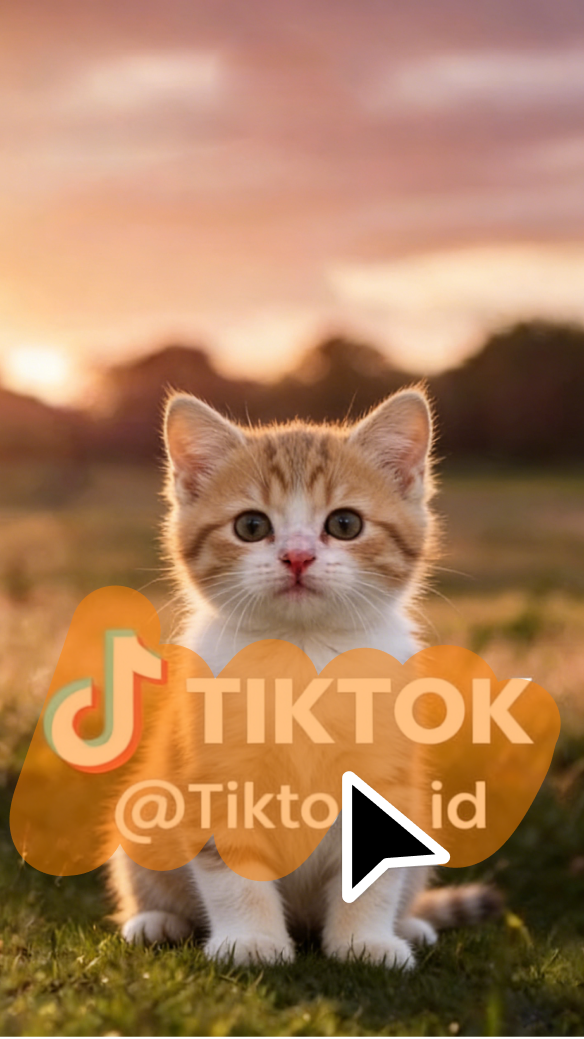
1. Reposting Content (TikTok / Reels)
Downloaded a clip but it has a TikTok username or baked-in captions?
Remove it → add your own style.
2. Fixing Client Videos
Clients send footage with logos or random text?
This is faster than asking for a re-export.
3. Cleaning Old Videos
Old camcorder timestamps, subtitles, overlays—you can remove all of that and reuse the footage.
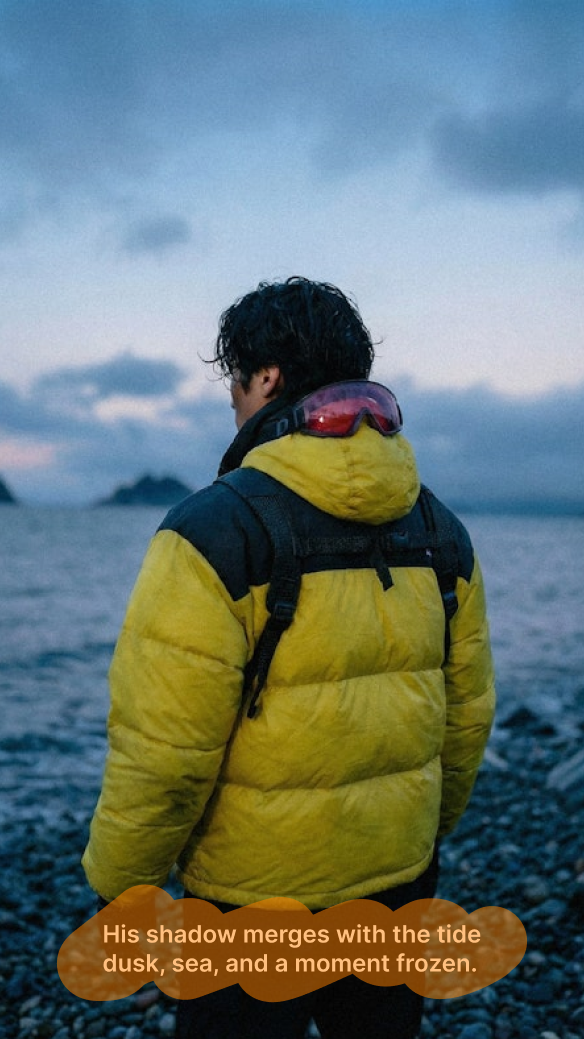
4. Making Clean Aesthetic Edits
Especially if you’re into minimal or fashion-style edits, removing clutter makes a huge difference.

What Makes a Good Video Text Remover
Not all tools are equal (learned this the hard way).
Here’s what actually matters:
- Accurate tracking → follows text across frames
- Clean blending → no smudges or ghosting
- Handles motion → works even if camera moves
- Simple workflow → you’ll actually use it
If a tool can’t handle movement, it’s basically useless for real-world clips.
Quick Reality Check (So You Don’t Expect Magic)
Even the best video text remover has limits.
If the text covers:
- Faces
- Hands
- Complex patterns
You might still see artifacts.
In those cases, sometimes it’s better to:
- Reframe the shot
- Overlay your own design
- Or just switch clips
Final Thoughts
A video text remover is one of those tools that quietly saves you hours.
Once you start using it, you’ll notice how often it solves annoying little problems:
cleaning clips, fixing details, making content actually usable again.
And if you want something simple that just works without a learning curve,
AIAI.com is a solid starting point.

Create videos from text using AIAI’s text to video generator. Choose from multiple AI models, control video quality and length, Read more

Tired of scrolling through terrible stock images with fake checkered backgrounds? Here is how to make your own custom graphics Read more

Create custom illustrations instantly with an AI clip art generator. Use text or images to generate unique clip art for Read more
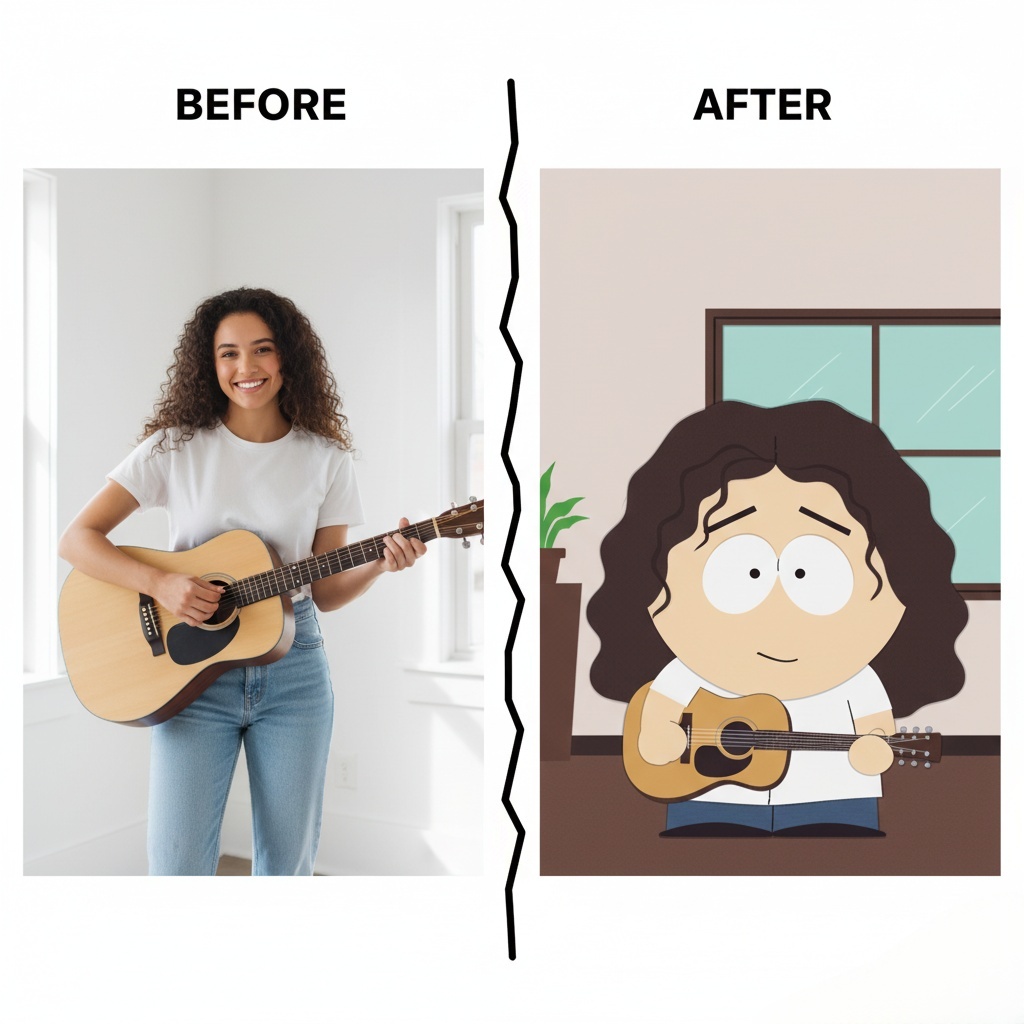
how to create your own South Park Make Characters! Upload a photo, customize hairstyles, outfits, and expressions, and bring your Read more


