Finding the right AI video generator is really about fit.
Some tools are better for social media, some are better for business videos, and some work best for content repurposing. In this guide, we’ll look at what to consider, which tool types stand out, and how to choose the best option for your workflow.
What Is an AI Video Generator?
An AI video generator is a tool that helps create videos from text, prompts, images, scripts, or existing content with much less manual editing.
Depending on the platform, it may help you:
- turn text into video scenes
- generate subtitles automatically
- create avatar-style presentation videos
- add AI voiceovers
- build marketing clips
- repurpose blog posts into videos
- create product videos for ecommerce
Some tools generate a rough first draft from scratch, while others act more like AI-powered assistants that speed up editing and production.
What to Look for in the Best AI Video Generator
Not every tool that says “AI” is equally useful. Some are quick but too limited. Some look polished at first, but do not give you enough control once you start editing.
A strong AI video generator should usually offer a few basics.
Text-to-video quality
The output should feel usable, not random. If the first draft is messy, you end up spending more time fixing than saving.
Editing flexibility
You should be able to swap scenes, adjust pacing, change captions, replace media, and fine-tune the final result.
Output style
Different tools suit different formats. Some are made for TikTok and Reels. Others feel more suited to business explainers or training videos.
Speed
If you create content often, fast generation matters. It makes iteration much easier.
Templates and workflows
A helpful tool should support multiple needs, such as promo videos, product clips, social posts, tutorials, or article-based videos.
Export options
Resolution, aspect ratio, subtitle support, and platform-ready formats all make day-to-day work smoother.
Best AI Video Generator Tools by Use Case
There is no single best option for everyone, so it helps to think in categories.
1. Text-to-Video Tools for Fast Video Drafts
These are useful for creators and marketers who want to turn an idea into a usable draft quickly.
They work well for:
- short explainer videos
- social media clips
- campaign concepts
- promo videos
- content repurposing
A good text-to-video AI video generator should help you move from prompt to draft without making the result feel completely generic.
2. Avatar Video Tools for Business Content
Avatar-based platforms are a common choice for:
- onboarding videos
- internal training
- educational content
- customer support explainers
- business presentations
If your content is more instructional than cinematic, this type of AI video generator can be a practical fit.
3. AI Video Tools for Social Media Creators
Creators usually need speed, vertical formatting, captions, and hooks that work quickly.
The best fit here is often a tool that combines generation with lightweight editing so you can make Shorts, Reels, and TikTok videos without slowing down your posting schedule.
4. Product-Focused Video Generators for Ecommerce
For ecommerce brands, video often needs to show value fast.
That may include:
- product highlight videos
- feature breakdowns
- ad creatives
- before-and-after clips
- seasonal campaign assets
A useful AI video generator in this space should make it easy to combine product visuals, short copy, motion, and branding into something ready to publish.
5. Blog-to-Video Tools for Content Repurposing
This is one of the most practical use cases.
If you already publish articles or landing page content, an AI video generator can help you turn that into:
- blog summary videos
- social clips
- embedded page videos
- visual explainers
- short YouTube content
For content teams, this makes it easier to get more value out of one topic.
A Simple Option to Try: AIAI.com
If you want a lighter, more approachable place to explore AI creation workflows, AIAI.com is worth checking out as a reference point.
Instead of making the process feel too technical, it presents AI-powered creative tools in a more direct and easy-to-browse way. That can be especially helpful if you are still figuring out which kind of AI video generator workflow fits your needs, or if you want to explore related tools for visual content creation in one place.
How to Choose the Right AI Video Generator
The best way to choose a tool is not by picking the one with the longest feature list. It is by looking at the type of videos you need most often.
If you mainly create short social content, focus on:
- vertical video support
- caption generation
- fast editing
- quick export options
If you make tutorials or business explainers, prioritize:
- script-based workflows
- voiceover support
- presentation templates
- clean scene structure
If you work in ecommerce, look for:
- product video templates
- easy image replacement
- branding controls
- simple ad-ready formats
If you publish blog content, blog-to-video support matters more than flashy effects.
The best AI video generator is the one that removes friction from your normal workflow.
Benefits of Using an AI Video Generator
A good AI video generator can make video creation much easier to manage.
Faster turnaround
You can move from concept to draft much faster than with traditional editing.
Less manual work
You do not need advanced editing skills for every piece of content.
Easier repurposing
One blog post, product page, or script can become multiple video assets.
More testing opportunities
When content is faster to produce, it becomes easier to test more ideas.
Better consistency
Templates and AI-assisted workflows can help teams keep videos more aligned in style and structure.
Limitations to Keep in Mind
AI video tools are helpful, but they are not perfect.
Some outputs still feel repetitive. Some tools offer speed but not much originality. Others are good for simple content, but weaker for stronger storytelling or brand-led creative work.
That is why the best results usually come from using AI to build the first version, then improving it with human edits.
Final Thoughts
The best AI video generator is not always the most hyped one. It is the one that fits how you actually work.
Some people need quick social clips. Some need training videos. Some need product content at scale. Once you know your real use case, choosing the right tool gets much easier.
And if you are still exploring the space, looking at platforms like AIAI.com can be a helpful way to get a feel for what modern AI content workflows are starting to look like.
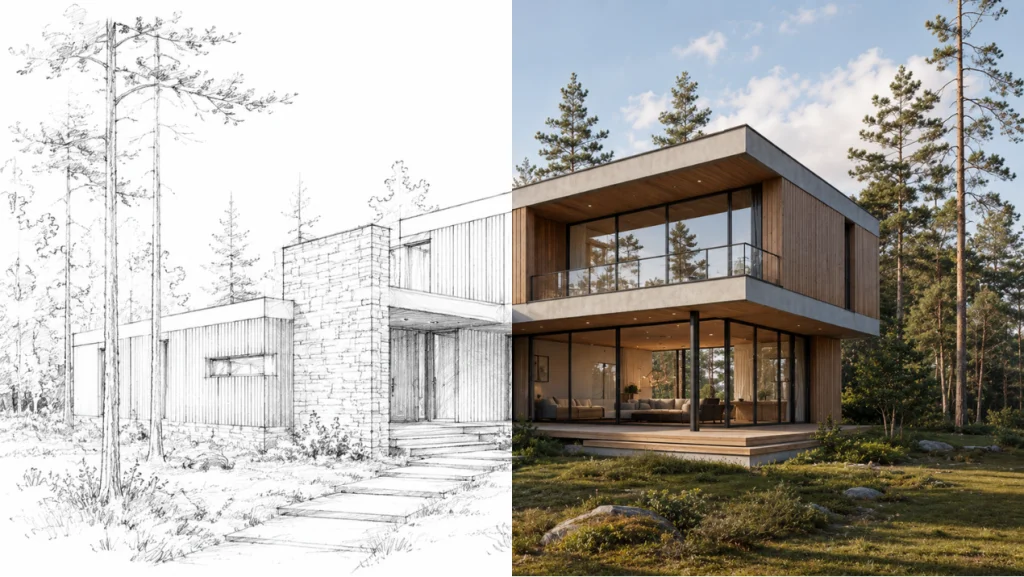
Can an AI Architecture Generator actually deliver buildable structural details, or is it just pretty, impossible-to-construct pictures? Here is my Read more

Create a custom 3D Floor Plan online without complex CAD software. Select your size, layout priorities, and style to visualize Read more

Struggling with garbled text in AI images? We tested Nano Banana Pro (Google Gemini 3 Pro) against Midjourney v7. Discover pros, cons, Read more
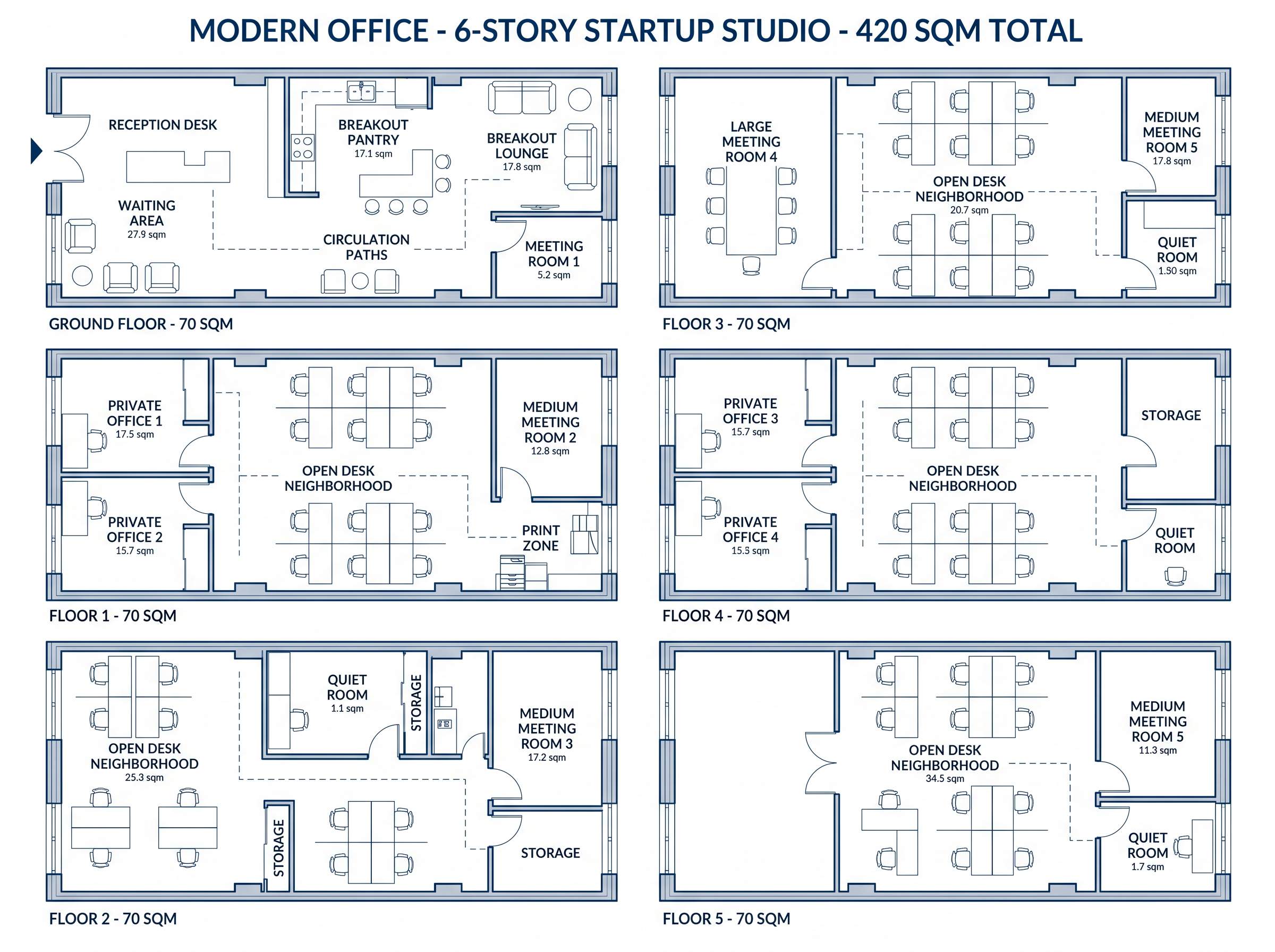
Stop sketching by hand. Learn how to generate a professional office floor plan in minutes using AI. Input your team Read more


